FaST is discontinued. FaST cartridges and FaST parts are no longer available from Tennant.
8300 (Battery) Sweeper Scrubber Operator Manual
North America / International
The Safe Scrubbing Alternative®
ES® Extended Scrub System
TennantTrue® Parts
IRIS® a Tennant Technology
For latest parts manual or other language operator manual, visit: www.tennantco.com/manuals
330630
Rev. 20 (8-2015)
This manual is furnished with each new model. It provides necessary operation and maintenance instructions.
This machine will provide excellent service. However, the best results will be obtained at minimum costs if:
- The machine is operated with reasonable care.
- The machine is maintained regularly - per the machine maintenance instructions provided.
- The machine is maintained with manufacturer supplied or equivalent parts.
PROTECT THE ENVIRONMENT
Please dispose of packaging materials, old machine components such as batteries, hazardous fluids such as antifreeze and oil, in an environmentally safe way according to local waste disposal regulations.
Always remember to recycle.
MACHINE DATA
Please fill out at time of installation for future reference.
Model No. −
Serial No. −
Machine Options −
Sales Rep. −
Sales Rep. phone no. −
Customer Number −
Installation Date −
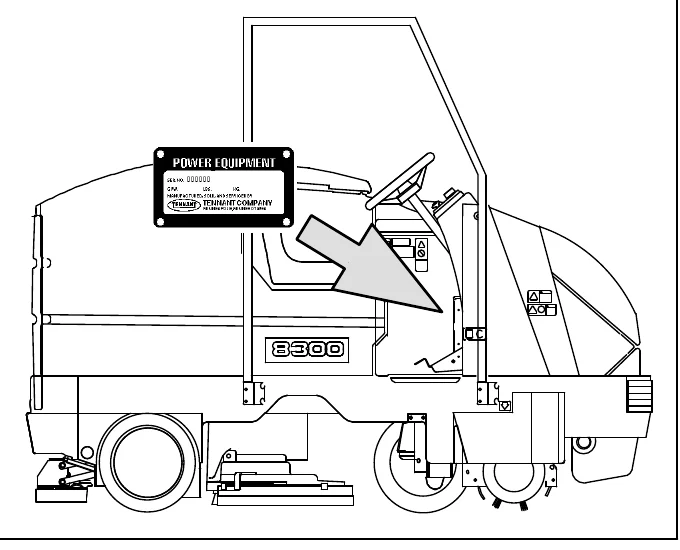
Tennant Company
PO Box 1452
Minneapolis, MN 55440
Phone: (800) 553−8033 or (763) 513−2850
www.tennantco.com
Thermo−Sentry, SmartRelease, SuperScrub, and MaxPro are US registered and unregistered trademarks of Tennant Company.
Specifications and parts are subject to change without notice.
Copyright © 2000 − 2002, 2004 − 2015 TENNANT Company, Printed in U.S.A.
CONTENTS
| Topic | Page |
|---|---|
| SAFETY PRECAUTIONS | 3 |
| Operation | 7 |
| Operator Responsibility | 7 |
| Machine Components | 8 |
| Symbol Definitions | 9 |
| Symbol Definitions | 10 |
| Controls And Instruments | 11 |
| Operation Of Controls | 12 |
| Brake Pedal | 12 |
| Parking Brake Pedal | 12 |
| Directional Pedal | 12 |
| Steering Wheel | 13 |
| On-Off Key Switch | 14 |
| Horn Button | 14 |
| Power Kill Switch | 15 |
| Operating Lights Switch | 15 |
| Power Wand Switch (Option) | 15 |
| Solution Flow Lever | 16 |
| Steering Column Tilt Lever | 16 |
| Fast Switch | 16 |
| Ec−H2o Switch (Option) | 17 |
| Control Panel | 17 |
| Changing Display Language | 18 |
| Battery Discharge Indicator | 19 |
| Hourmeter | 19 |
| Display Clock | 20 |
| Setting The Display Clock | 20 |
| Scrub Switch | 21 |
| Recovery Tank Full Indicator | 22 |
| Es Switch (Option) | 22 |
| Edge Scrub Switch | 23 |
| Rear Squeegee Switch | 23 |
| Sweep Switch | 24 |
| Side Brush Switch | 24 |
| Filter Shaker Switch | 25 |
| Vacuum Fan Switch | 25 |
| Hopper Temperature Indicator − Thermo Sentry | 26 |
| Hopper Raise Switch | 26 |
| Hopper Lower Switch | 26 |
| Hopper Dump Switch | 27 |
| Hopper Retract Switch | 27 |
| Detergent Pump Switch (Option) | 28 |
| Maintenance Mode | 29 |
| Resetting The Maintenance Timers | 29 |
| Disabling The Maintenance Mode | 31 |
| Circuit Breakers | 32 |
| Fuses | 34 |
| Solution Tank Drain Hose | 35 |
| Recovery Tank Drain Hose | 35 |
| Positive Solution Control Drain (Option) | 35 |
| Side Brush Adjustment Knob | 36 |
| Front Flap Lever | 36 |
| Hopper Support Bar | 36 |
| Operator Seat | 37 |
| Deluxe Suspension Seat (Option) | 37 |
| How The Machine Works | 39 |
| FaST Scrubbing System | 40 |
| ec−H20 System (Option) | 41 |
| Pre-Operation Checklist | 42 |
| Installing FaST Pak Agent | 43 |
| Starting The Machine | 45 |
| Filling The Tanks | 46 |
| Sweeping, Scrubbing And Brush Information | 49 |
| Sweeping | 51 |
| Stop Sweeping | 51 |
| Emptying The Hopper | 52 |
| Engaging Hopper Support Bar | 54 |
| Disengaging Hopper Support Bar | 55 |
| Scrubbing | 57 |
| Double Scrubbing | 61 |
| Stop Scrubbing | 61 |
| Draining And Cleaning The Tanks | 62 |
| Stop The Machine | 67 |
| Post-Operation Checklist | 68 |
| Operation On Inclines | 69 |
| Options | 69 |
| Vacuum Wand | 69 |
| Power Wand | 73 |
| Machine Troubleshooting | 79 |
| Topic | Page |
|---|---|
| Maintenance | 82 |
| Maintenance Chart | 82 |
| Lubrication | 85 |
| Propelling Gearbox | 85 |
| Front Wheel Support Bearing | 85 |
| Scrub Head Drag Link Arms (Sn 000000−004780) | 86 |
| Hopper Lift Arms | 87 |
| Steering Gear Chain | 88 |
| Hopper Lift Drive Chain | 88 |
| Hopper Tilt Drive Chain | 88 |
| Hydraulics | 89 |
| Hydraulic Fluid Reservoir | 89 |
| Hydraulic Fluid | 90 |
| Hydraulic Hoses | 90 |
| Batteries | 91 |
| Checking The Electrolyte Level | 91 |
| Maintenance−Free Batteries | 92 |
| Checking Connections / Cleaning | 92 |
| Charging The Batteries | 92 |
| Control Panel | 94 |
| Electric Motors | 96 |
| Propelling Circuit | 96 |
| Sweeping Assembly | 97 |
| Dust Filter | 97 |
| Removing The Dust Filter | 98 |
| Thermo Sentry | 101 |
| Main Sweeping Brush | 102 |
CONTENTS
| Entry | Page |
|---|---|
| Replacing The Main Sweeping Brush | 102 |
| Checking And Adjusting The Main Sweeping Brush Pattern | 103 |
| Cylindrical Conveyor | 105 |
| Replacing The Cylindrical Conveyor | 105 |
| Side Sweeping Brush | 107 |
| Replacing And Adjusting The Side Sweeping Brush(Es) | 107 |
| Scrub Head | 108 |
| Scrub Head Gas Spring | 108 |
| Scrub Head Adjustments | 108 |
| Scrub Brushes | 109 |
| Disk Brushes | 109 |
| Replacing The Disk Brushes | 109 |
| Cylindrical Brushes | 111 |
| Checking And Adjusting Cylindrical Brush Pattern | 111 |
| Replacing The Cylindrical Brushes | 114 |
| Solution System | 116 |
| Solution Valve | 116 |
| Recovery Tank | 116 |
| Solution Tank | 117 |
| Fast System | 118 |
| Fast Supply Hose Connector | 118 |
| Fast System Filter Screen | 118 |
| Fast System Air Pump Filter (Sn 000000−004791) | 118 |
| Fast System Air Pump Filter (S/N 004792− ) | 119 |
| Ec−H2o Module Flush Procedure | 120 |
| Squeegees | 122 |
| Rear Squeegee | 122 |
| Leveling The Rear Squeegee | 122 |
| Adjusting Rear Squeegee Blade Deflection | 123 |
| Removing The Rear Squeegee Assembly | 124 |
| Side Squeegee | 125 |
| Adjusting The Side Squeegee | 125 |
| Squeegee Blades | 125 |
| Rear Squeegee Blades | 125 |
| Replacing Or Rotating The Rear Squeegee Blades | 125 |
| Side Squeegees Blades | 127 |
| Replacing The Side Squeegee Blades | 127 |
| Belts And Chains | 128 |
| Scrub Brush Drive Belts | 128 |
| Sweeping Brush Drive Belt | 128 |
| Main Sweeping Brush Belt | 128 |
| Sweeping Vacuum Fan Belt | 129 |
| Steering Gear Chain | 129 |
| Static Drag Chain | 129 |
| Hopper Lift Drive Chain | 130 |
| Hopper Tilt Drive Chain | 130 |
| Skirts And Seals | 131 |
| Front Flap Skirt | 131 |
| Recirculation Skirts | 131 |
| Side Skirts | 131 |
| Scrub Head Floor Skirts | 132 |
| Top Cover Seals | 132 |
| Side Cover Seal | 132 |
| Hopper Filter Seals | 133 |
| Hopper Vacuum Fan Seal | 133 |
| Hopper Seals | 133 |
| Solution Tank Cover Seal | 134 |
| Recovery Tank Cover Seal | 134 |
| Brakes And Tires | 135 |
| Brakes | 135 |
| Tires | 135 |
| Front Wheel | 135 |
| Pushing, Towing, And Transporting The Machine | 136 |
| Pushing Or Towing The Machine | 136 |
| Transporting The Machine | 136 |
| Machine Jacking | 138 |
| Storage Information | 139 |
| Freeze Protection (Machines Without Optional Ec−H2o System) | 139 |
| Freeze Protecting The Ec−H2o System | 140 |
| Flushing Antifreeze From The Ec−H2o Module | 142 |
| Specifications | 143 |
| Fast System | 143 |
| General Machine Performance | 144 |
| Power Type | 144 |
| Steering | 145 |
| Hydraulic Systems | 145 |
| Braking System | 145 |
| Tires | 145 |
| Ec−H20 System | 145 |
| Machine Dimensions | 146 |
SAFETY PRECAUTIONS
The following symbols are used throughout this manual as indicated in their description:
FOR SAFETY: To identify actions that must be followed for safe operation of equipment.
The following information signals potentially dangerous conditions to the operator or equipment. Read this manual carefully. Know when these conditions can exist. Locate all safety devices on the machine. Then, take necessary steps to train machine operating personnel. Report machine damage or faulty operation immediately. Do not use the machine if it is not in proper operating condition.
This machine may be equiped with technology that automatically communicates over the cellular network. If this machine will be operated where cell phone use is restricted because of concerns related to equipment interference, please contact a Tennant representative for information on how to disable the cellular communication functionality.
FOR SAFETY:
- Do not operate machine:
- Unless trained and authorized.
- Unless operation manual is read and understood.
- Unless mentally and physically capable of following machine instructions.
- In flammable or explosive areas unless designed for use in those areas.
- In areas with possible falling objects unless equipped with overhead guard.
- Before starting machine:
- Make sure all safety devices are in place and operate properly.
- Check brakes and steering for proper operation.
- When starting machine:
- Keep foot on brake and directional pedal in neutral.
- When using machine:
- Use brakes to stop machine.
- Go slow on inclines and slippery surfaces.
- Use care when backing machine.
- Do not carry riders on machine.
- Follow mixing and handling instructions on chemical containers.
- Always follow safety and traffic rules.
- Report machine damage or faulty operation immediately.
- Follow safety guidelines concerning wet floors.
- Before leaving or servicing machine:
- Stop on level surface.
- Set parking brake.
- Turn off machine and remove key.
- When servicing machine:
- Avoid moving parts. Do not wear loose jackets, shirts, or sleeves when working on machine.
- Block machine tires before jacking machine up.
- Jack machine up at designated locations only. Block machine up with jack stands.
- Use hoist or jack that will support the weight of the machine.
- Wear eye and ear protection when using pressurized air or water.
- Disconnect battery connections before working on machine.
- Wear protective gloves and eye protection when handling vinegar.
- Avoid contact with battery acid.
- Use Tennant supplied or equivalent replacement parts.
- When loading/unloading machine onto/off truck or trailer:
- Turn off machine.
- Use truck or trailer that will support the weight of the machine.
- Use winch. Do not drive the machine onto/off the truck or trailer unless the load height is 380 mm (15 in) or less from the ground.
- Set parking brake after machine is loaded.
- Block machine tires.
- Tie machine down to truck or trailer.
SAFETY PRECAUTIONS
The safety labels appear on the machine in the locations indicated. If these or any label becomes damaged or illegible, install a new label in its place.
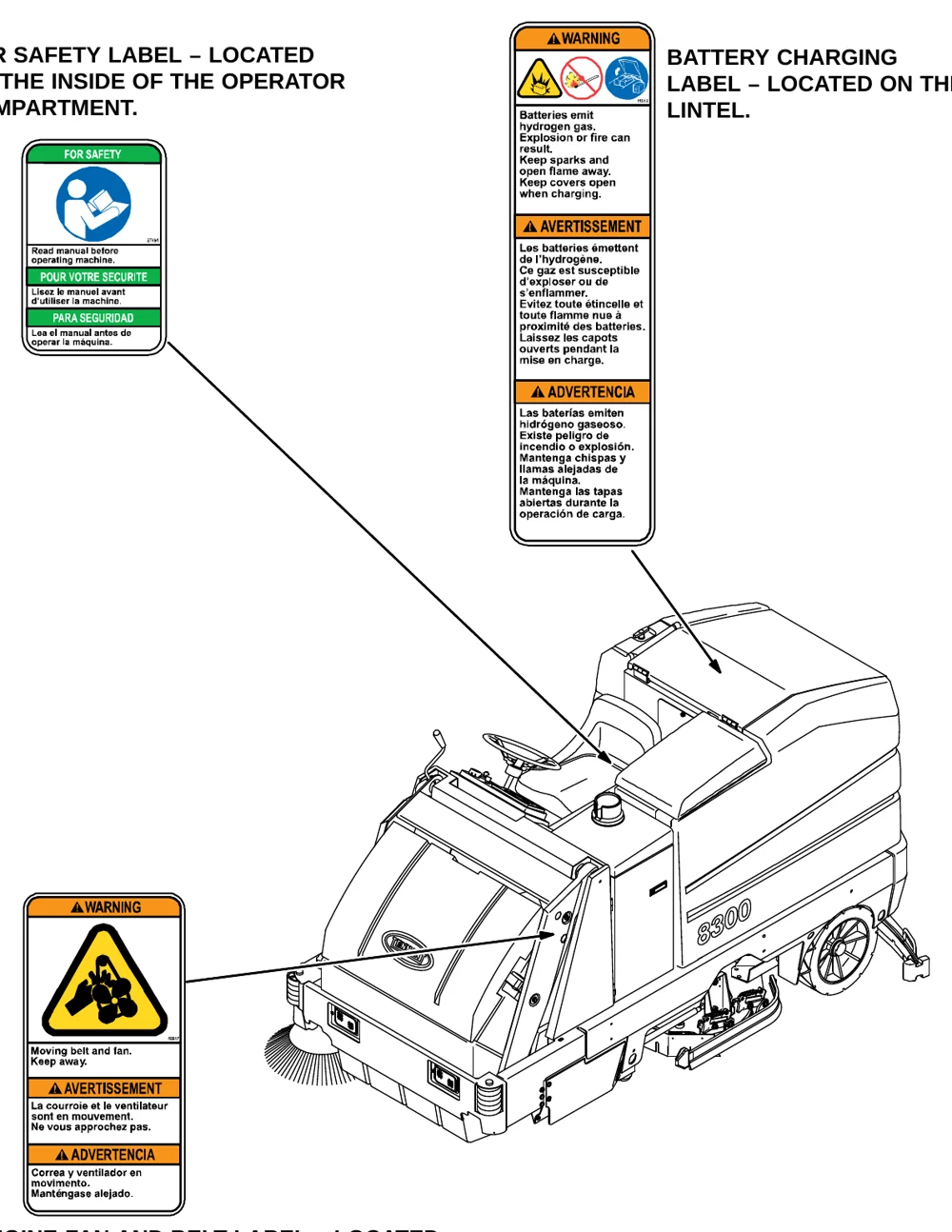
FOR SAFETY LABEL – LOCATED ON THE INSIDE OF THE OPERATOR COMPARTMENT.
BATTERY CHARGING LABEL – LOCATED ON THE LINTEL.
ENGINE FAN AND BELT LABEL – LOCATED ON THE VACUUM FAN SHROUD.
SAFETY PRECAUTIONS
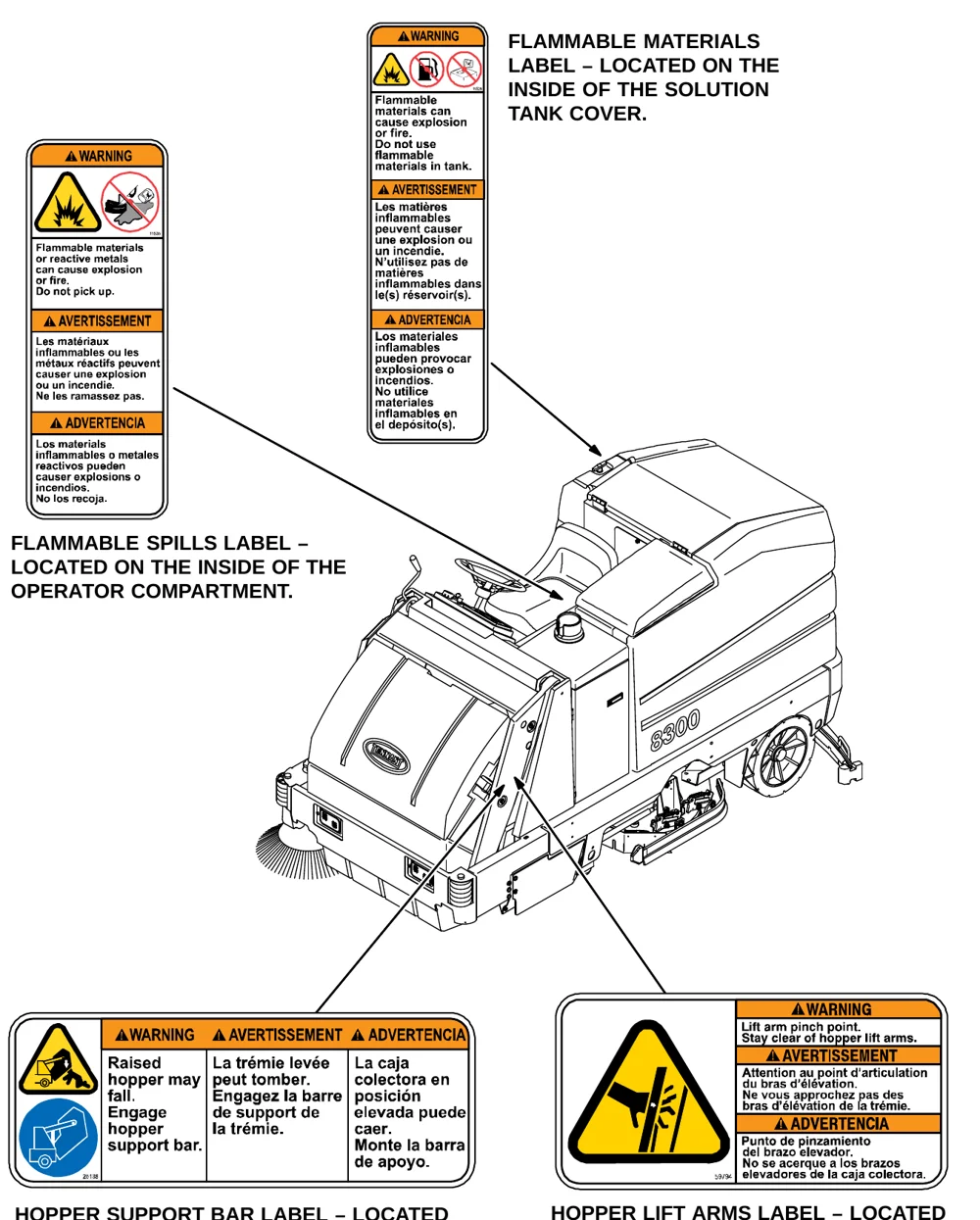
FLAMMABLE MATERIALS LABEL − LOCATED ON THE INSIDE OF THE SOLUTION TANK COVER.
FLAMMABLE SPILLS LABEL − LOCATED ON THE INSIDE OF THE OPERATOR COMPARTMENT.
HOPPER SUPPORT BAR LABEL − LOCATED ON THE HOPPER SUPPORT BAR AND ON BOTH HOPPER LIFT ARMS.
HOPPER LIFT ARMS LABEL − LOCATED ON BOTH HOPPER LIFT ARMS.
OPERATION
OPERATOR RESPONSIBILITY
- The operator’s responsibility is to take care of the daily maintenance and checkups of the machine to keep it in good working condition. The operator must inform the service mechanic or supervisor when the maintenance intervals are required as stated in the MAINTENANCE section of this manual.
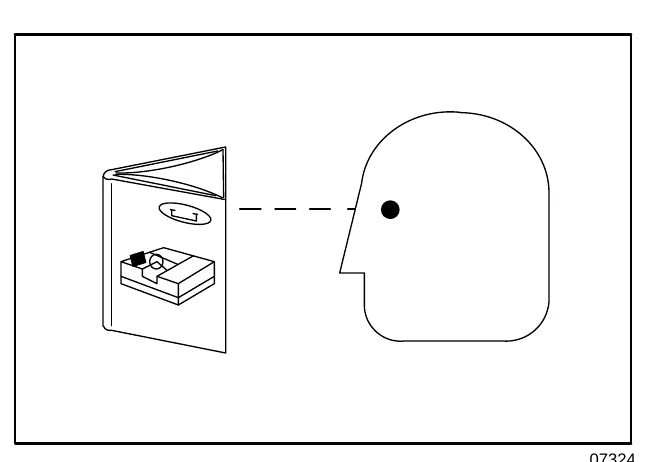
- Read this manual carefully before operating this machine.
- Check the machine for shipping damage. Check to make sure the machine is complete per shipping instructions.
- Keep your machine regularly maintained by following the maintenance information in this manual. We recommend taking advantage of a regularly scheduled service contract from your Tennant representative.
- Order parts and supplies directly from your authorized Tennant representative. Use the parts manual provided when ordering parts.
- After the first 50 hours of operation, follow the recommended procedures stated in the MAINTENANCE CHART.
OPERATION
MACHINE COMPONENTS
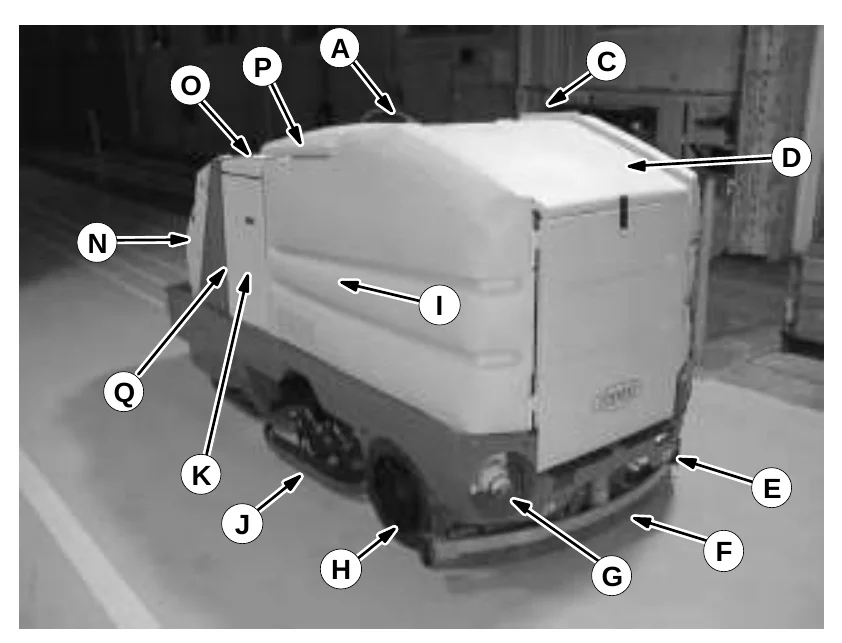
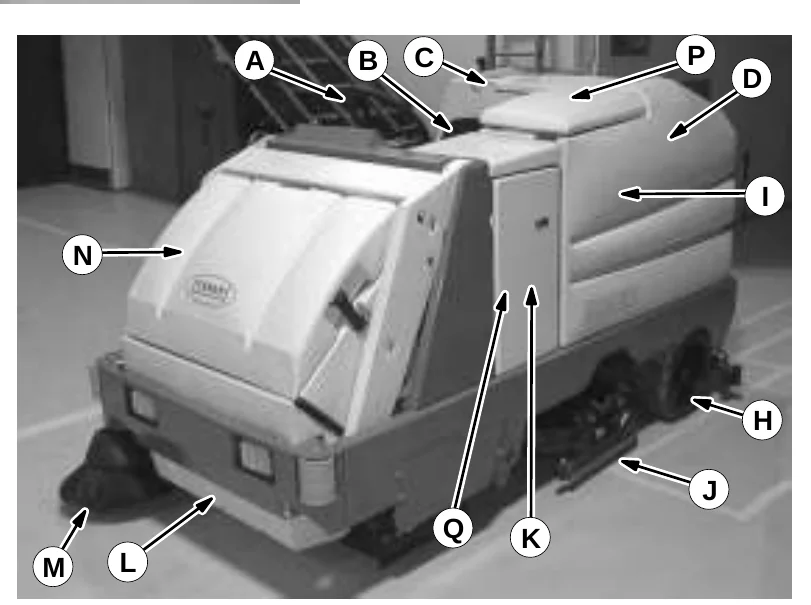
- Steering wheel
- Operator seat
- Solution tank cover
- Battery compartment
- Solution tank drain
- Rear squeegee
- Recovery tank drain
- Rear wheel
- Recovery tank
- Side squeegee
- Side access door
- Hopper
- Side brush
- Hopper cover
- Top access door
- Recovery tank cover
- FaST solution system
ec−H2O System Module (Option)
SYMBOL DEFINITIONS
These symbols identify controls, displays, and features on the machine:
| Symbol | Meaning | Symbol | Meaning |
|---|---|---|---|
 | Battery charging system |  | Solution tank full |
 | Hourmeter |  | Solution tank low |
 | Steering tilt |  | Sweep switch |
 | Key switch |  | Sweep brush up and off |
 | ES (option) |  | Sweep brush down and on |
 | Filter shaker |  | Side brush up and off |
 | Vacuum fan |  | Side brush down and on |
 | Scrub switch |  | Raise hopper |
 | Scrub brush up and off |  | Lower hopper |
 | Scrub brush down pressure |  | Dump hopper |
 | Super Scrub |  | Retract hopper |
 | Scrub brush edge clean |  | Variable pressure |
 | Squeegee up |  | Recovery tank full |
 | Squeegee down |  | Jackpoint |
 | Operating lights |  | Hazard light (option) |
OPERATION
SYMBOL DEFINITIONS
| Symbol | Meaning |
|---|---|
 | Circuit breaker #1 |
 | Circuit breaker #2 |
 | Circuit breaker #3 |
 | Circuit breaker #4 |
 | Circuit breaker #5 |
 | Circuit breaker #6 |
 | Circuit breaker #7 |
 | Circuit breaker #8 |
 | Circuit breaker #9 |
 | Circuit breaker #10 |
 | Circuit breaker #11 |
 | Circuit breaker #12 |
 | Circuit breaker #13 |
 | Circuit breaker #14 |
 | Circuit breaker #15 |
| Symbol | Meaning |
|---|---|
 | Circuit breaker #16 |
 | Circuit breaker #17 |
 | Circuit breaker #18 |
 | Horn |
 | 50 hour required maintenance interval |
 | 100 hour required maintenance interval |
 | 500 hour required maintenance interval |
 | 1000 hour required maintenance interval |
 | Diagnostics |
 | Power Wand (option) |
 | Detergent flow on (option) |
 | Detergent flow heavy (option) |
 | Detergent flow off (option) |
 | Hopper Temperature Indicator − Thermo Sentry |
 | ec−H20 (option) |
CONTROLS AND INSTRUMENTS
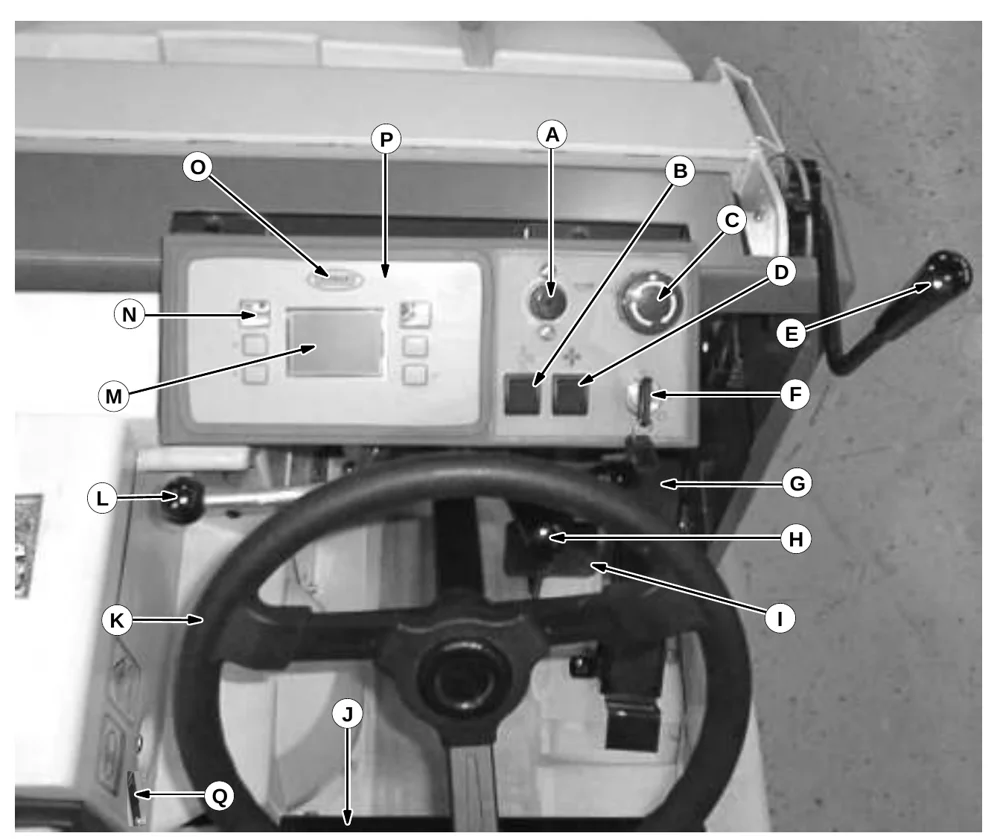
| Key | Control or instrument |
|---|---|
| A | Horn button |
| B | Operating lights switch |
| C | Power kill switch |
| D | Power wand switch (option) |
| E | Flap lever |
| F | On/Off key switch |
| G | Directional pedal |
| H | Steering column tilt lever |
| I | Brake pedal |
| J | Operator seat |
| K | Steering wheel |
| L | Solution flow lever |
| M | Display screen |
| N | Multi−function switches (6) |
| O | TENNANT logo switch |
| P | Control panel |
| Q | FaST switch ec−H2O system on/off switch (option) |
| R | ec−H2O system indicator light (option) |
OPERATION
OPERATION OF CONTROLS
BRAKE PEDAL
The brake pedal stops the machine.
Stop: Take your foot off the directional pedal and let it return to the neutral position. Step on the brake pedal.
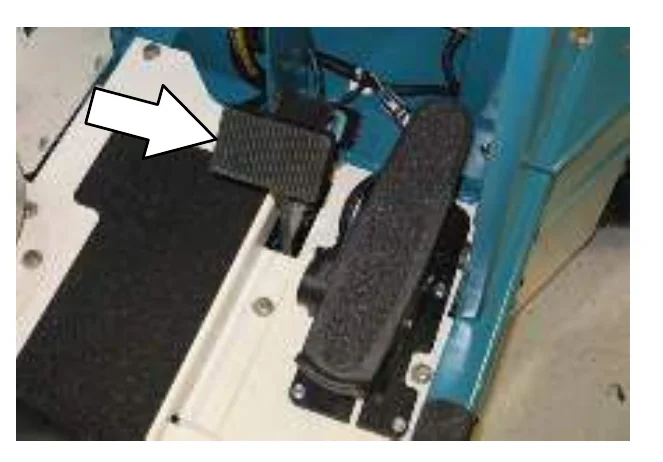
PARKING BRAKE PEDAL
The parking brake pedal sets and releases the rear wheel brakes.
Set: Press the brake pedal down as far as possible, then press on the parking brake pedal with the toe of your foot to lock the parking brake pedal in place.
Release: Press down on the brake pedal until the parking brake releases.
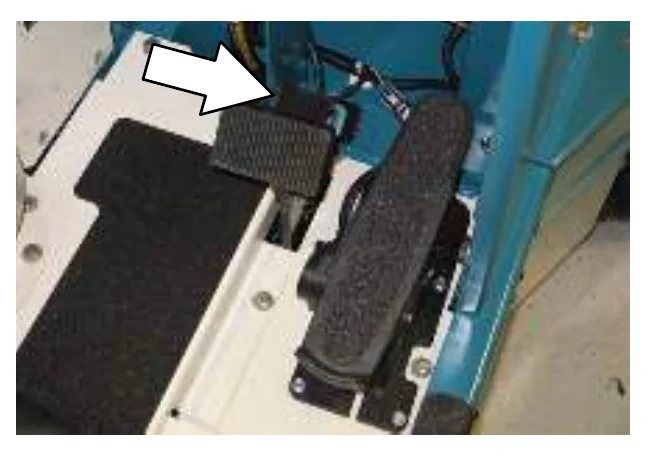
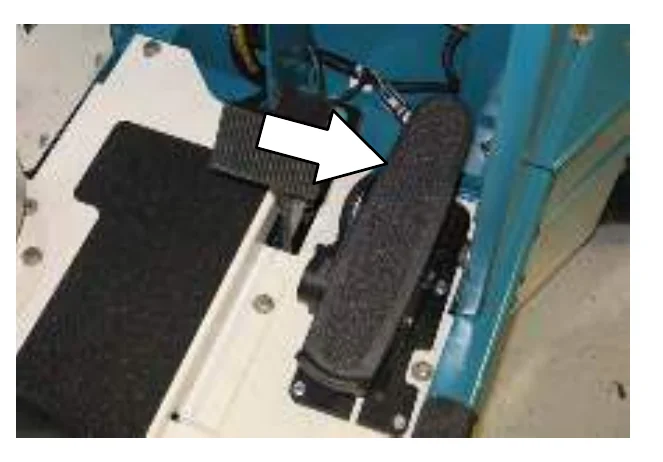
DIRECTIONAL PEDAL
The directional pedal controls direction of travel and the propelling speed of the machine. You change the speed of the machine with the pressure of your foot; the harder you press the faster the machine travels.
When the machine is moving forward and the directional pedal is reversed, the machine will coast for a short distance before changing direction. Use the brake pedal to stop the machine.
Forward: Press the top of the directional pedal with the toe of your foot.
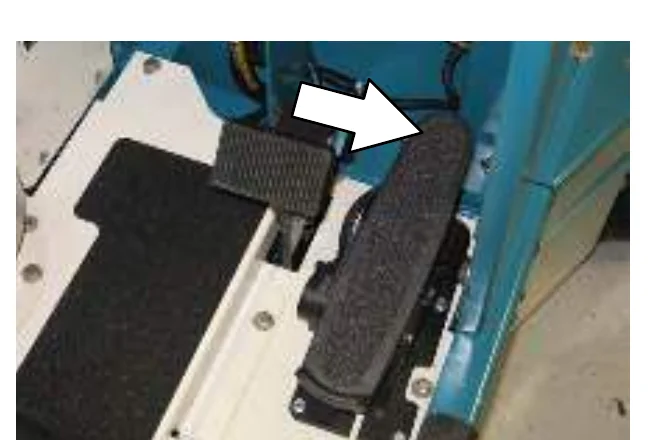
Reverse: Press the bottom of the directional pedal with the heel of your foot.
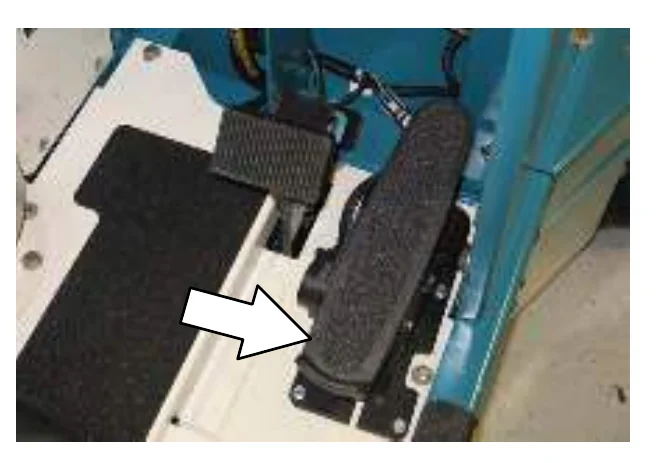
Neutral: Take your foot off the directional pedal and it will return to the neutral position.
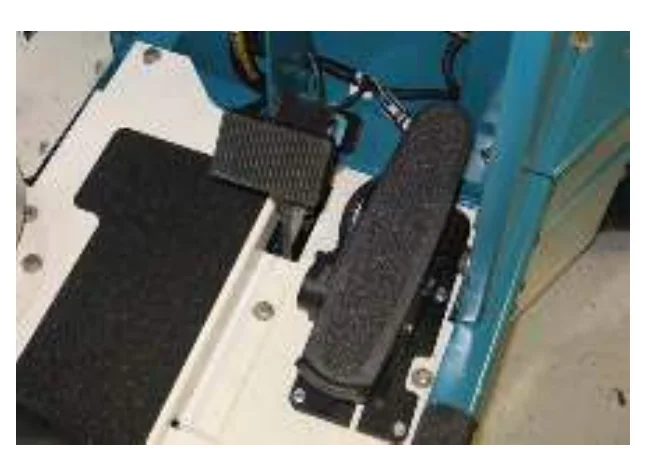
STEERING WHEEL
The steering wheel controls the machine’s direction. The machine is very responsive to the steering wheel movements.
Left: Turn the steering wheel to the left.
Right: Turn the steering wheel to the right.
ON-OFF KEY SWITCH
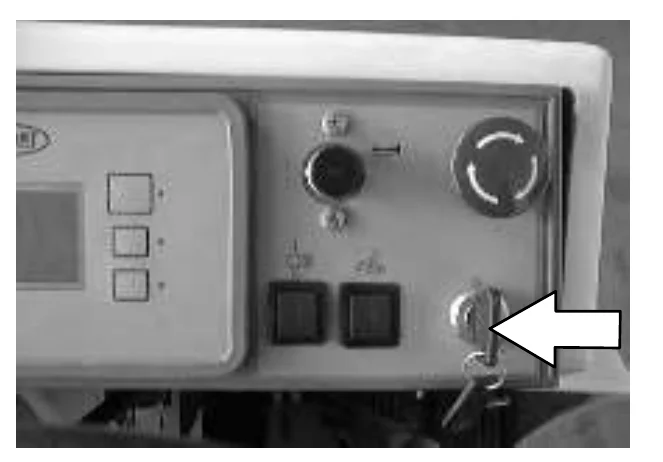
The on-off key switch controls machine power with a key.
On: Turn the key clockwise all the way.
Off: Turn the key counter-clockwise.
HORN BUTTON
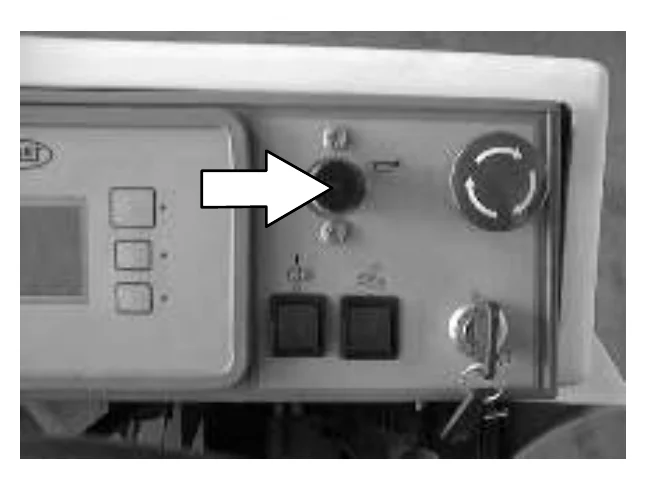
The horn button operates the horn.
Sound: Press the button.
OPERATION
POWER KILL SWITCH
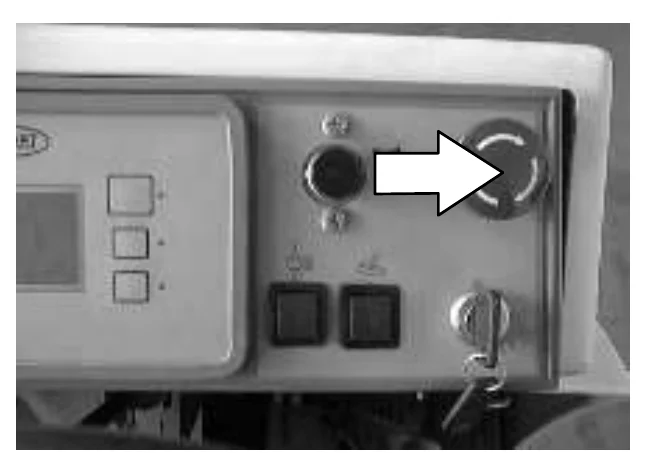
The power kill switch halts all power to the machine.
Halt: Push the power kill switch in.
Restart: Turn off the machine with the on/off switch. Turn the power kill switch to the right to release the switch. Turn on the machine with the on/off key switch.
OPERATING LIGHTS SWITCH
The operating lights switch powers on and off the headlights and taillights.
On: Press the top of the operating lights switch.
Off: Press the bottom of the operating lights switch.
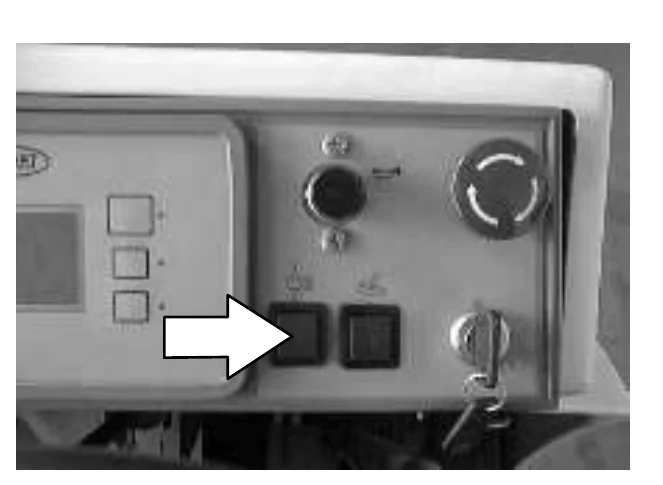
POWER WAND SWITCH (OPTION)
The power wand switch turns on and off the power wand solution system option.
On: Press the top of the switch.
Off: Press the bottom of the switch.
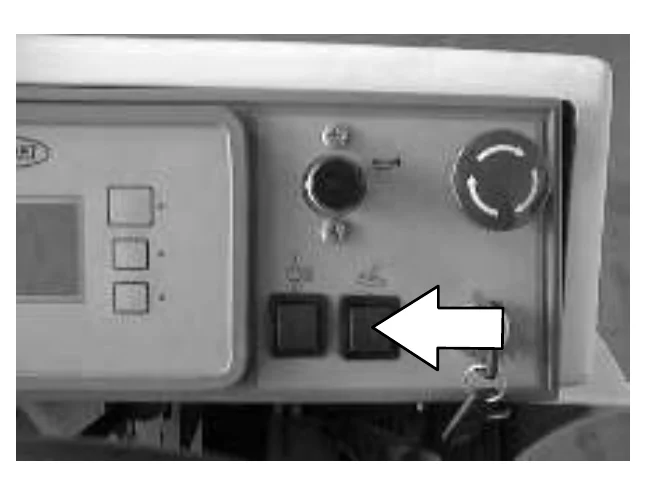
SOLUTION FLOW LEVER
The solution flow lever controls the amount of solution flow to the floor.
Increase flow: Raise the lever.
Decrease flow: Lower the lever.
Stop flow: Lower the lever all the way down.
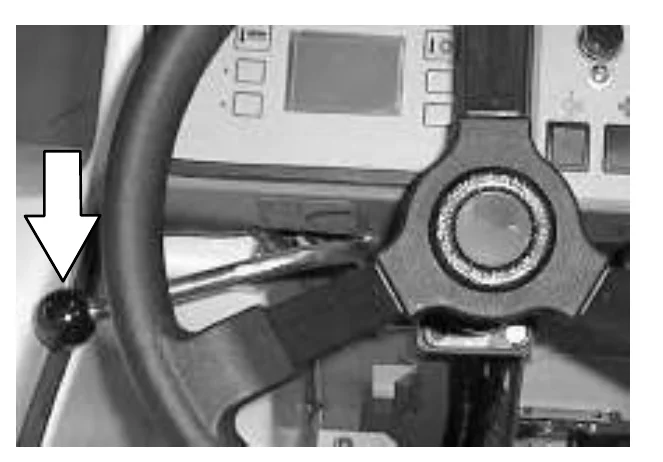
STEERING COLUMN TILT LEVER
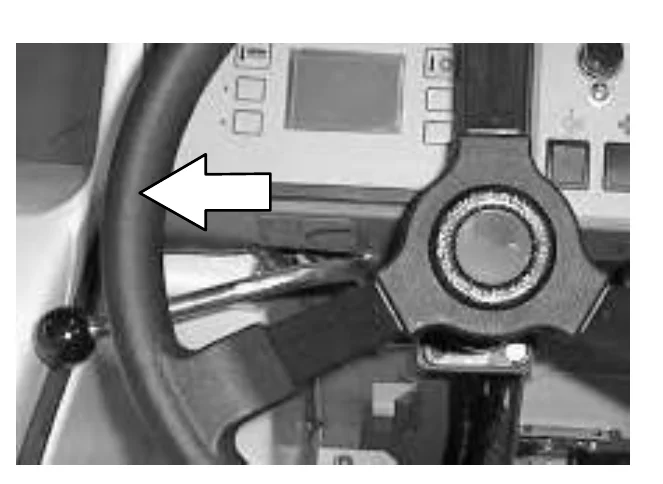
The steering column tilt lever is used to adjust the angle of the steering column. To tilt the steering column, pull the lever slightly down toward the operator seat. Position the steering wheel at the desired position, then release the lever.
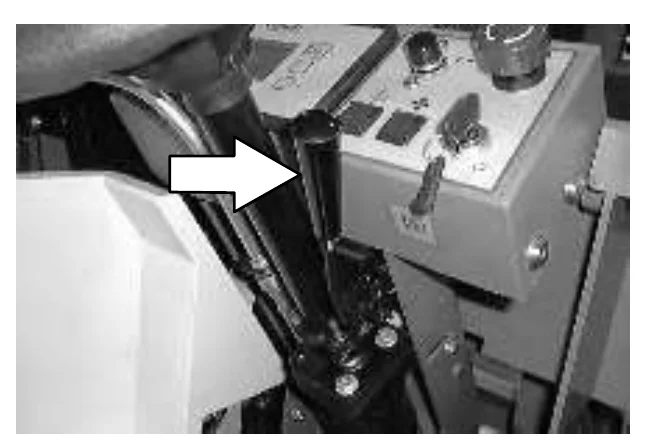
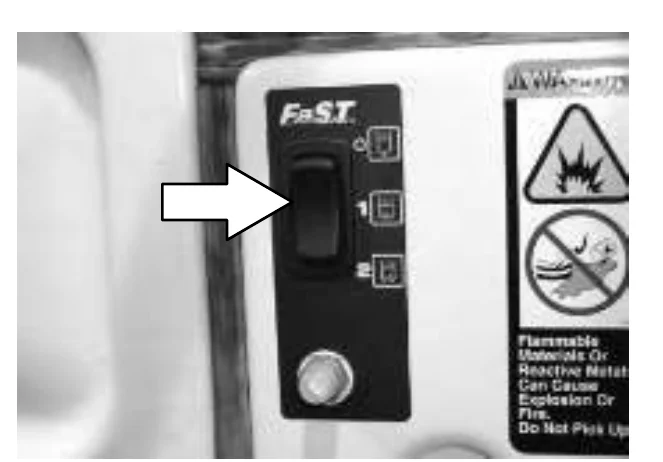
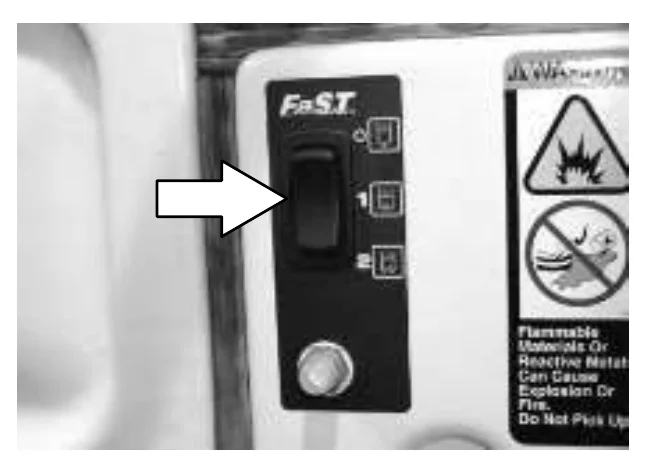
FaST SWITCH
The FaST switch enables the FaST (Foam Scrubbing Technology) system. When the FaST system is enabled, it is turned on and off with the scrub switch. Disable the FaST system before using the machine for conventional scrubbing.
Disable FaST for conventional scrubbing: Press the top of switch to the FaST system off position.
Enable the FaST system 1: Press the middle of switch to the low FaST system solution flow position.
Enable the FaST system 2: Press the bottom of the switch to the high FaST system solution flow position.
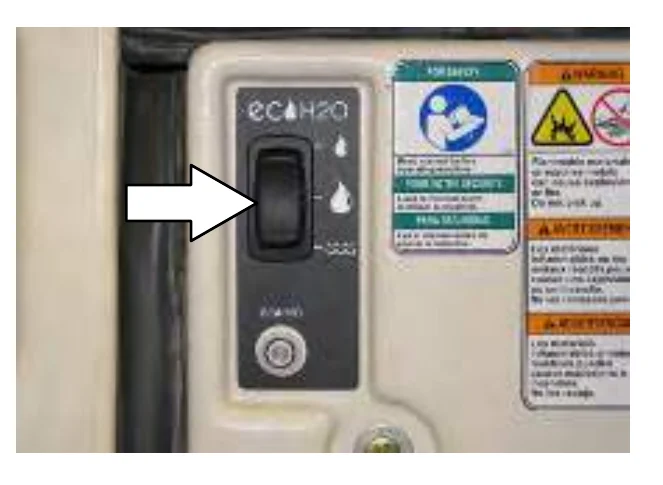
ec−H2O SWITCH (OPTION)
The ec−H2O switch (option) enables the ec−H2O (Electrically activated water) system. When the ec−H2O system is enabled, it is turned on and off with the scrub switch.
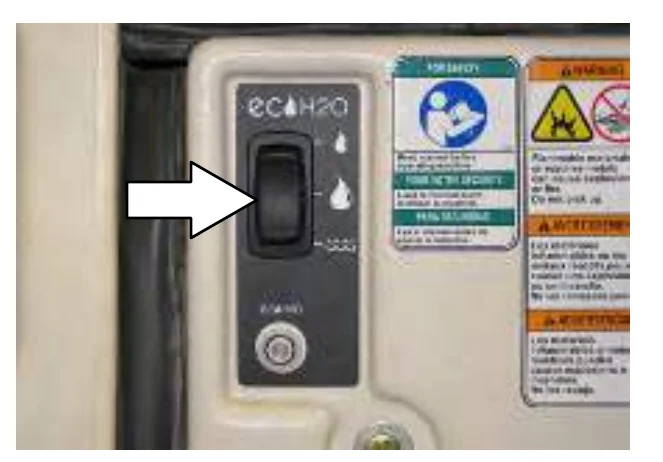
ec−H2O low setting: Press the top of the ec−H2O switch.
ec−H2O high setting: Place the ec−H2O switch into the middle position.
Conventional scrubbing: Press the bottom of the ec−H2O switch.
CONTROL PANEL
The sweeping and scrubbing functions are activated by the control panel. Features of the control panel include six multi−function buttons and graphics icons which display the current state of the sweeping and scrubbing functions. The control panel also features a display clock for operator convenience, and a maintenance mode that prompts the operator when to perform routine machine maintenance.
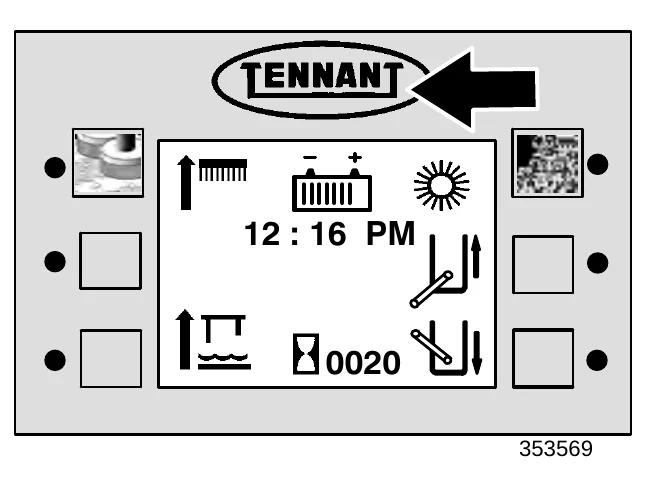
By pressing the TENNANT logo switch, the operator can cycle the control panel display through the different function screens. Each function screen allows the operator to enable or disable different sweeping and scrubbing functions.
OPERATION
CHANGING DISPLAY LANGUAGE
- Turn the machine power off.
- Press and hold the logo switch.
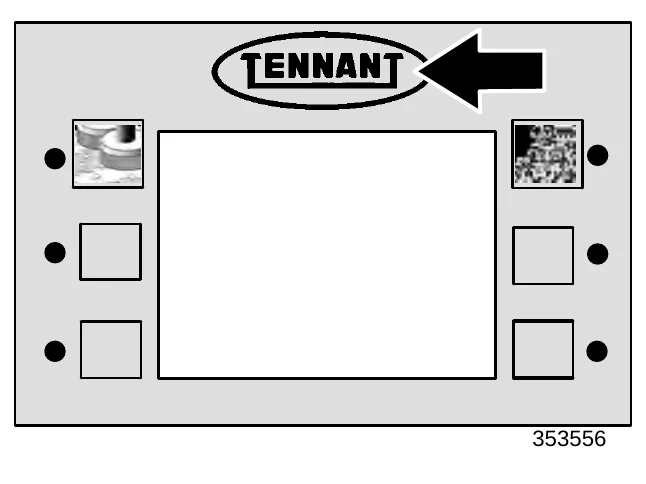
- Turn the machine power on.
- Continue pressing the logo switch for 15 seconds or until the down pressure display screen appears.
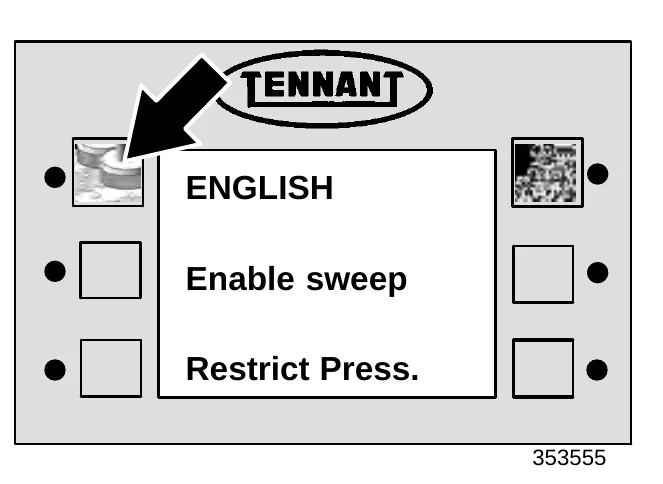
- Press and release the logo switch 3 times to scroll to the language select mode.
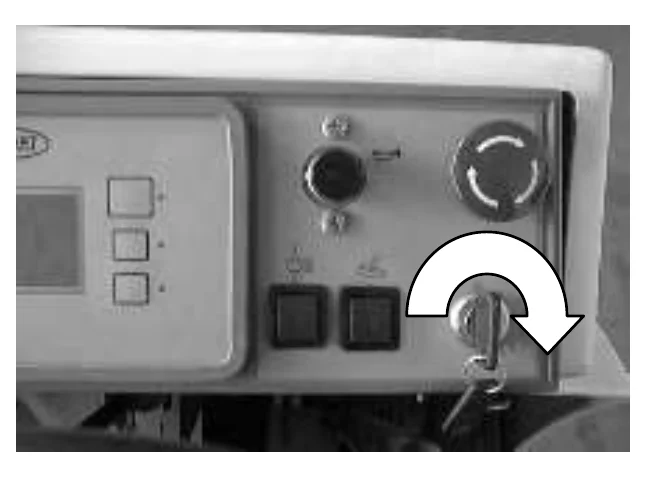
- Press the first switch on the control panel to scroll through the list of languages until the desired language is displayed.
- Turn the machine power off, and the new language will be stored in the control panel.
BATTERY DISCHARGE INDICATOR
Batteries and chargers: make sure your charger is compatible with your batteries, and set its charging algorithm to your battery pack before you use it.
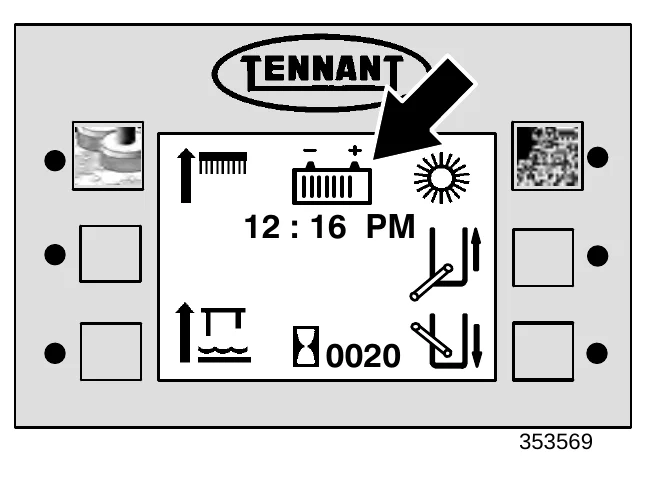
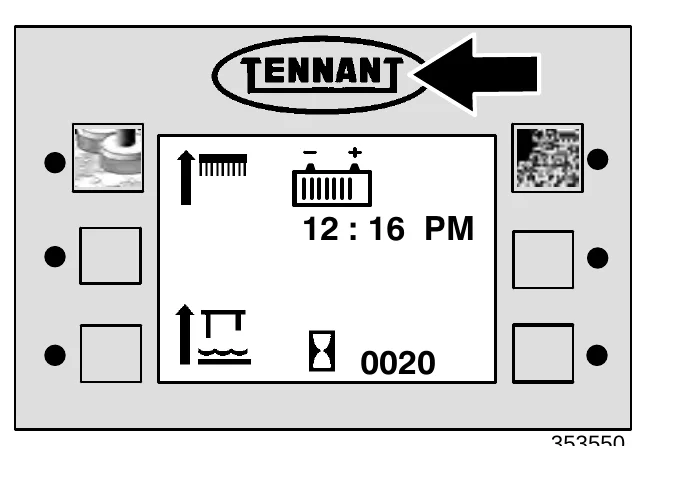
The battery discharge indicator shows the charge level of the batteries with a segmented display.
When the batteries are fully charged, all the segments are lit. As the batteries discharge, the segments shut off.
The batteries should be recharged when all the segments have shut off. At this point, the battery icon will begin flashing, and all sweeping and scrubbing functions will automatically shut off to alert the operator of the battery condition. The squeegee and vacuum can be operated, with the rear squeegee switch, for an additional 30 seconds to pick up any excess water.
HOURMETER
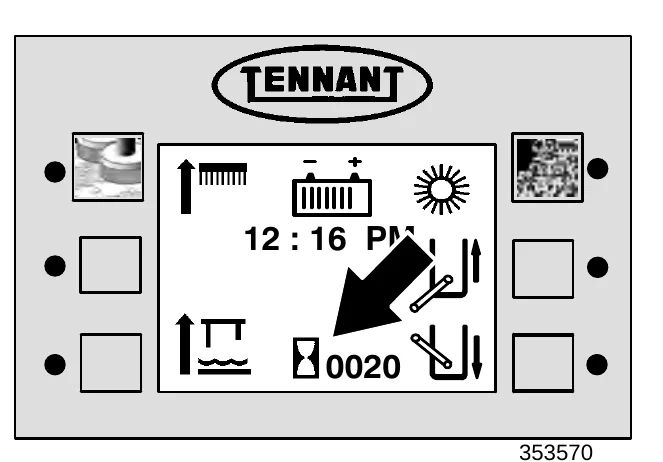
The hourmeter records the number of hours the machine has been operating.
The hourmeter will record time when the machine is propelling or when the vacuum fan is operating. This information is useful when maintaining the machine.
OPERATION
DISPLAY CLOCK
The display clock shows the time of day below the battery discharge indicator.
SETTING THE DISPLAY CLOCK
- Turn the machine off.
- Press and hold the logo switch.
- Turn the machine power on.
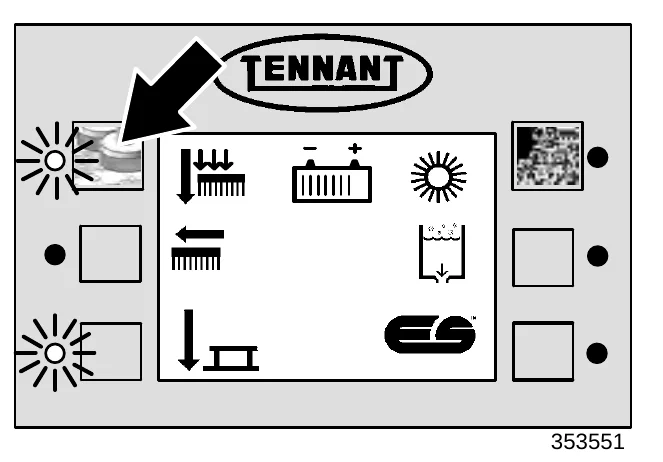
- Continue pressing the logo switch for 15 seconds or until the down pressure display screen appears.
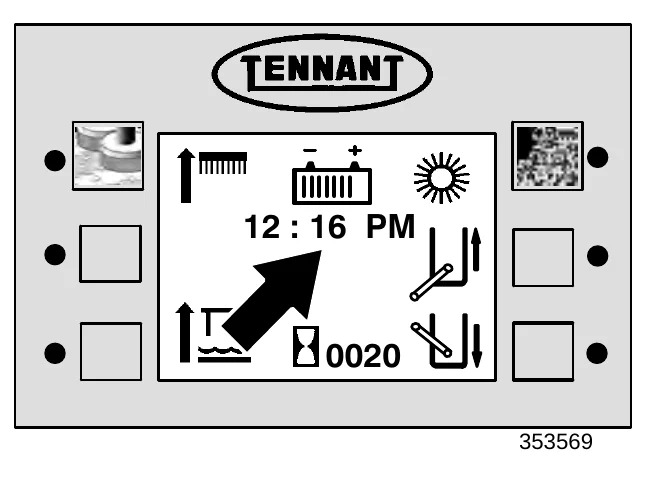
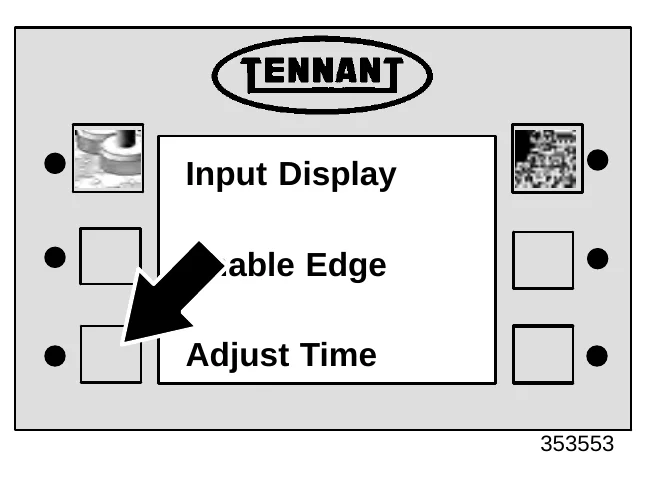
- Press and release the logo switch one time to scroll to the adjust time mode.
- Press the switch next to ADJUST TIME.
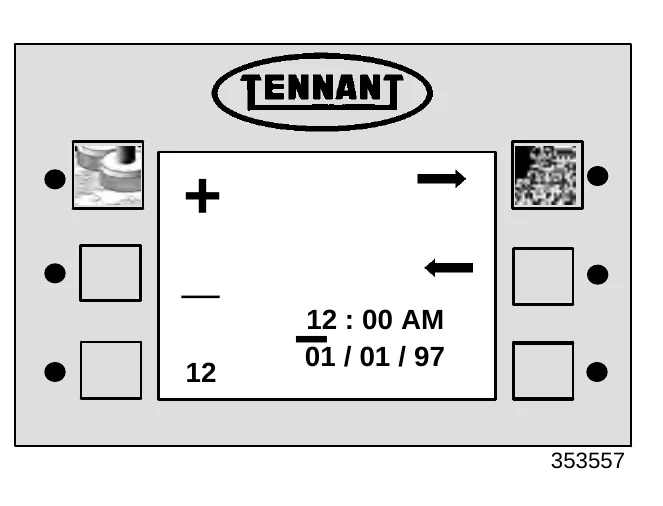
- Set the time, date, and choose between the 12 or 24 hour clock modes by moving the underline through the display by pressing the switches next to the direction arrows. Increase the value of the underlined segment by pressing the switch next to the positive (+) icon. Decrease the value of the underlined segment by pressing the switch next to the negative (−) icon.
- Exit the ADJUST TIME function by pressing the TENNANT logo switch.
- Turn the key to the off position.
SCRUB SWITCH
The scrub switch controls the scrubbing operations. The scrub switch also sets the scrub brush pressure.
The scrubbing operations include the following: The scrub head lowers and the scrub brushes turn on. The rear squeegee will lower and the vacuum fan will start. The optional sweeping side brush(es) lowers and the sweeping brushes turn on. The solution system will start, if the solution flow lever is on. The optional FaST, ec−H20, or ES system and detergent pump will start, if the switches are on.
Start scrubbing: Press the scrub switch. The indicator light next to the switch will illuminate. The scrubbing system will start when the machine moves forward.
Stop scrubbing: Press the scrub switch. The indicator light next to the switch will go off. First the scrub brushes will stop and raise, then the rear squeegee will raise and the vacuum will shut off.
Scrub brush pressure: Press and hold the scrub switch. The brush pressure will scroll through three settings indicated by the small arrows above the brush icon. Each arrow indicates a heavier brush pressure setting.
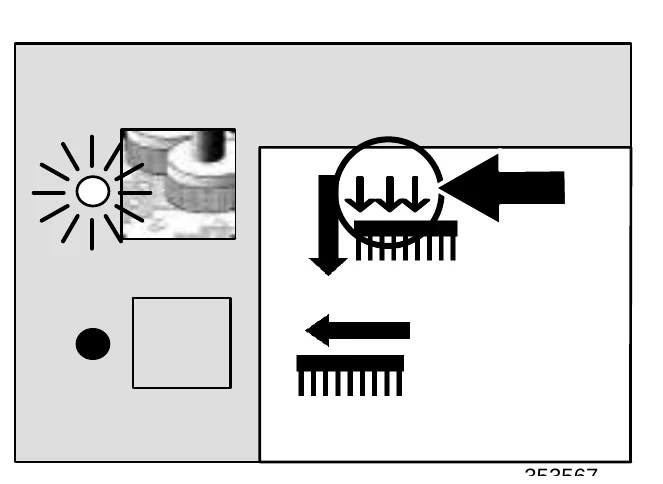
There is also a fourth brush pressure setting indicated by one large arrow above the brush icon. It is the heaviest brush pressure setting, and it is called Super Scrub. It is activated for 30 seconds by pressing the scrub switch twice quickly.
The pressure setting selected when the scrub switch is released will be the new default brush pressure setting.
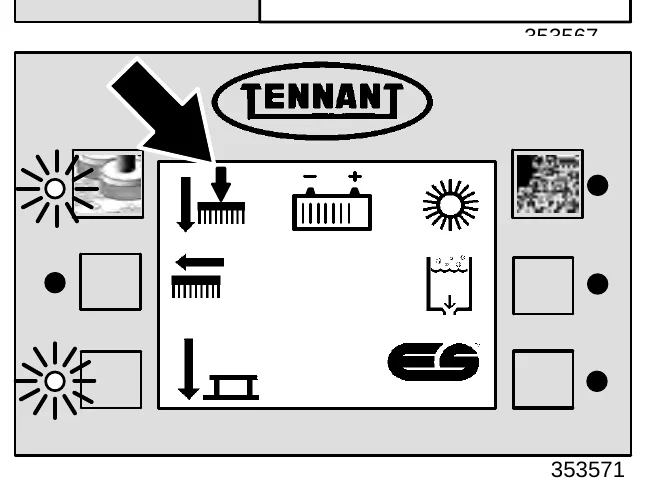
Under normal conditions, the brush pressure should be set in the minimum settings (one or two downward arrows). Under heavy grime conditions, the brush pressure should be set in the maximum settings (three downward arrows or one large arrow). Travel speed and floor conditions will affect the scrubbing performance.
RECOVERY TANK FULL INDICATOR
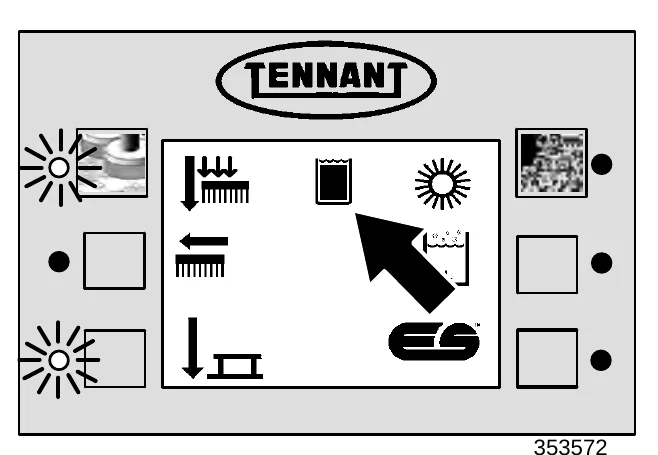
The recovery tank full indicator comes on when the recovery tank is full.
If the recovery tank full indicator stays on for more than 7 seconds, the “Rec. Tank Full” message will appear in the hourmeter display. The scrub brushes and vacuum will shut off, and the rear squeegee will raise.
To pick up excess water after the vacuum has shut off and the rear squeegee has raised, press and hold the rear squeegee switch.
ES SWITCH (OPTION)
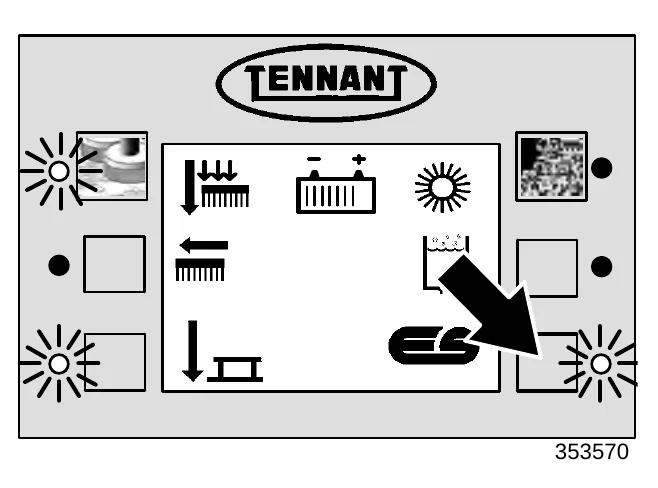
The ES (Extended Scrub) switch turns on and off the solution recycling system. When the scrubbing functions have started, the ES will default to the last setting used.
On: Press the switch. The indicator light next to the switch will illuminate.
Off: Press the switch. The indicator light next to the switch will go off.
EDGE SCRUB SWITCH
The edge scrub switch extends the scrub head, on machines equipped with the MaxPro 1000 scrub heads, to the right to allow close edge scrubbing. When the scrubbing functions have started, the edge scrub will default to the last setting used.
On: Press the switch during normal scrubbing. The indicator light next to the switch will illuminate.
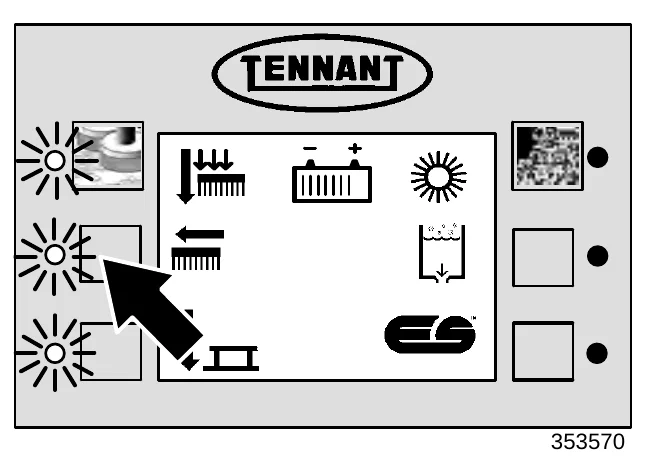
Off: Press the switch again. The indicator light next to the switch will go off.
REAR SQUEEGEE SWITCH
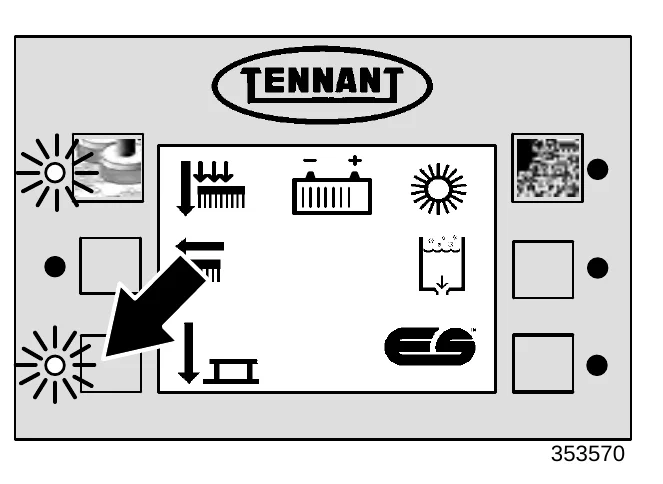
The rear squeegee switch controls the vacuum fan and the position of the rear squeegee. The rear squeegee can be operated separately from the scrub brushes for the purpose of picking-up excess water without scrubbing, or double scrubbing without water pick up
Lower squeegee and start the vacuum fan: Press the squeegee switch. The indicator light next to the switch will illuminate.
Raise squeegee and stop the vacuum fan: Press the squeegee switch. The indicator light next to the switch will go off. There will be a slight delay before the vacuum shuts off.
SWEEP SWITCH
The sweep switch controls the sweeping operations.
If the sweep switch is pressed while the machine is idle or in the scrub mode, the main sweeping brush will lower and activate, the sweep vacuum fan will activate, and the side brush will lower and activate.
Start sweeping: Press the sweep switch. The indicator light next to the switch will illuminate. The sweeping system will start when the machine moves forward.
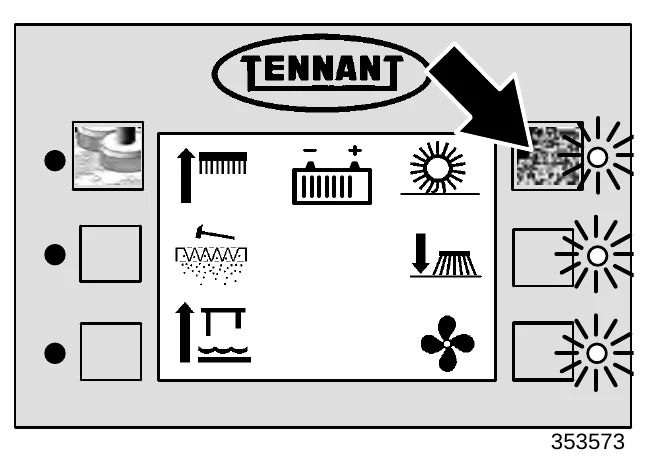
Stop sweeping: Press the sweep switch. The indicator light next to the switch will go off. First, the side and main sweeping brushes will stop and raise, then the vacuum will shut off.
SIDE BRUSH SWITCH
The side brush switch controls the side brush position and rotation. The main sweeping brush must be operating for the side brush to work.
Down and On: Press the side brush switch. The indicator light next to the switch will illuminate, then the side brush will lower and activate.
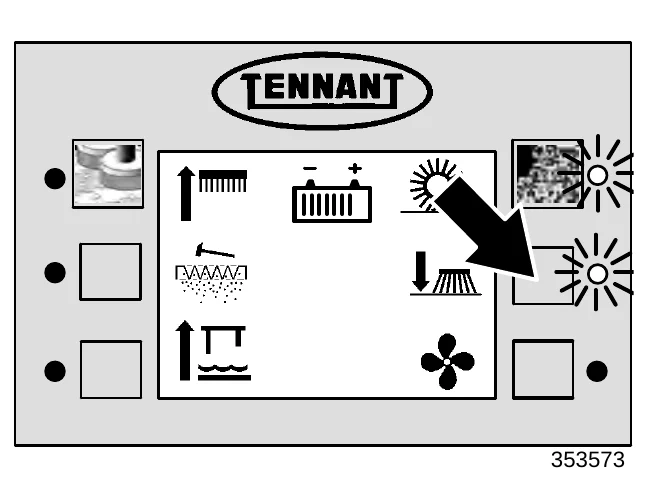
Up and Off: Press the side brush switch. The indicator light next to the switch will go out, then the side brush will stop and raise.
FILTER SHAKER SWITCH
The filter shaker switch starts the hopper filter shaker. The shaker automatically operates for 10 seconds.
Start : Press the filter shaker switch. The filter shaker indicator light will turn on, and the sweeping vacuum fan will turn off while the filter shaker is operating.
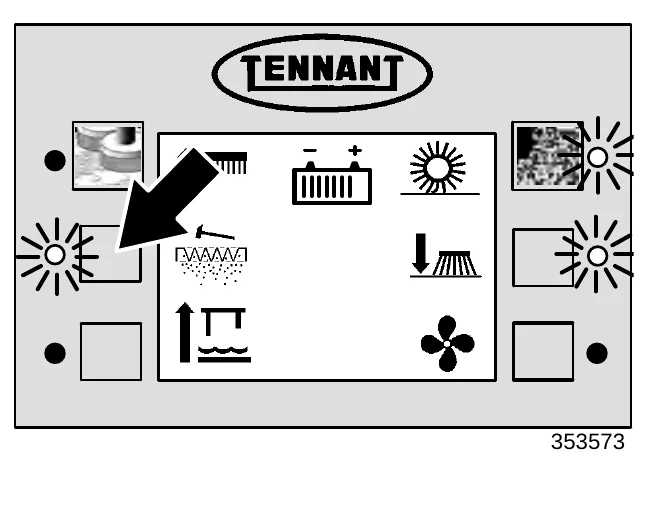
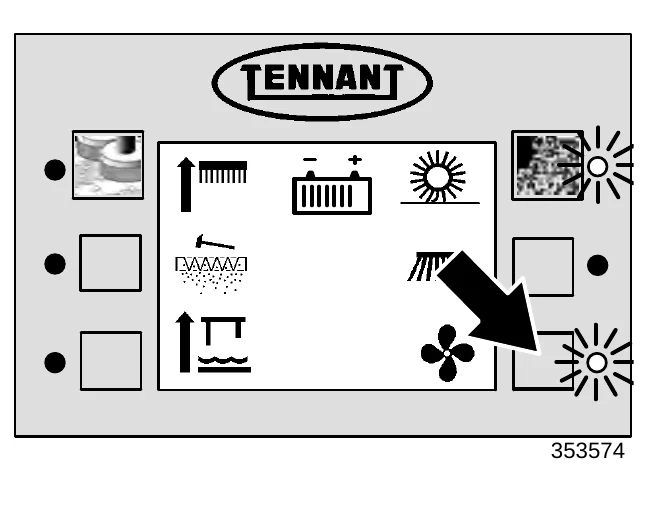
VACUUM FAN SWITCH
The vacuum fan switch starts and stops the sweep vacuum fan. Do not operate the vacuum fan when sweeping in wet conditions.
Start: Press the vacuum fan switch. The indicator light next to the switch will illuminate.
Stop: Press the switch. The indicator light next to the switch will go out.
OPERATION
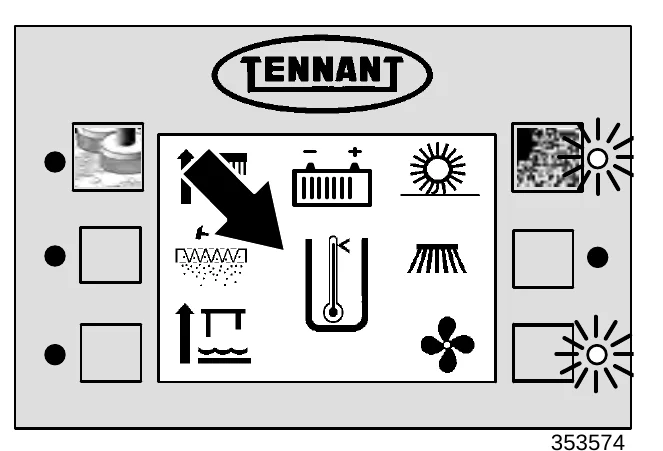
HOPPER TEMPERATURE INDICATOR – THERMO SENTRY
The hopper temperature indicator comes on when the Thermo Sentry indicates too much heat, possibly a fire, in the hopper.
An audible alarm will sound for five seconds and the hopper temperature indicator will appear on the display screen. The Thermo Sentry will stop all sweeping functions.
If this occurs, drive the machine to a safe location, open the hopper and eliminate the source of heat. Turn the machine off and back on to reset the Thermo Sentry.
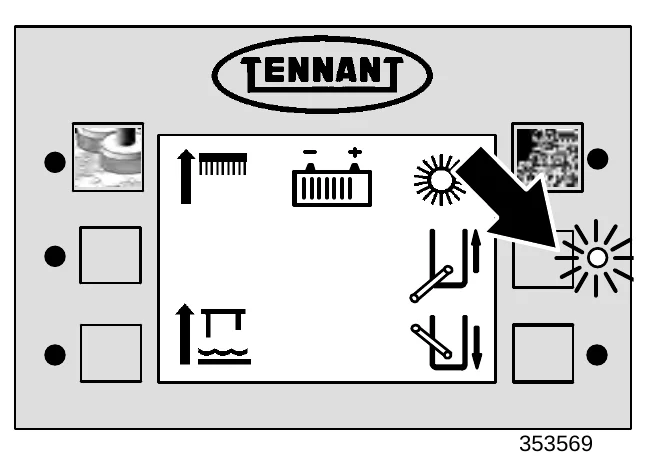
HOPPER RAISE SWITCH
The hopper raise switch raises the hopper.
Raise hopper: Press and hold the hopper raise switch until the hopper is in the desired raised position.
Hold: Release the hopper raise switch.
HOPPER LOWER SWITCH
The hopper lower switch lowers the hopper.
Lower hopper: Press and hold the hopper lower switch until the hopper is in the fully closed position.
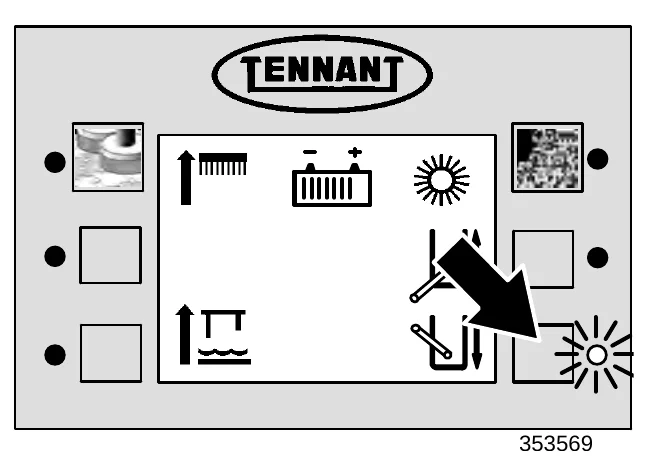
HOPPER DUMP SWITCH
The hopper dump switch tilts the hopper forward to dump the debris.
Dump hopper: Press and hold the hopper dump switch until the hopper is tilted all the way forward.
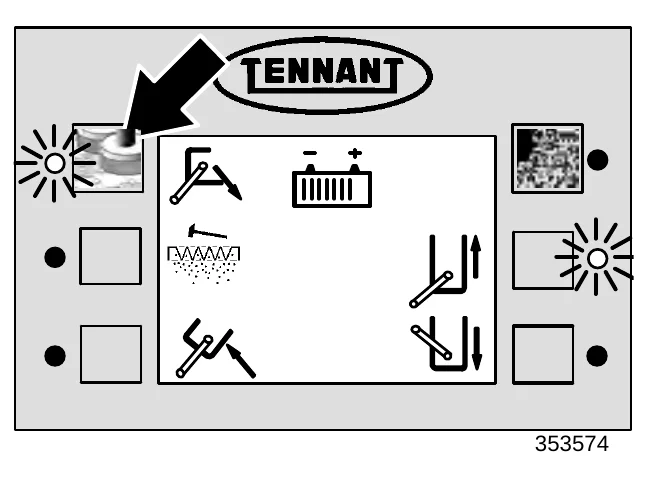
HOPPER RETRACT SWITCH
The hopper retract switch tilts the hopper back to the upright position.
Retract hopper: Press and hold the hopper retract switch until the hopper is tilted all the way back.
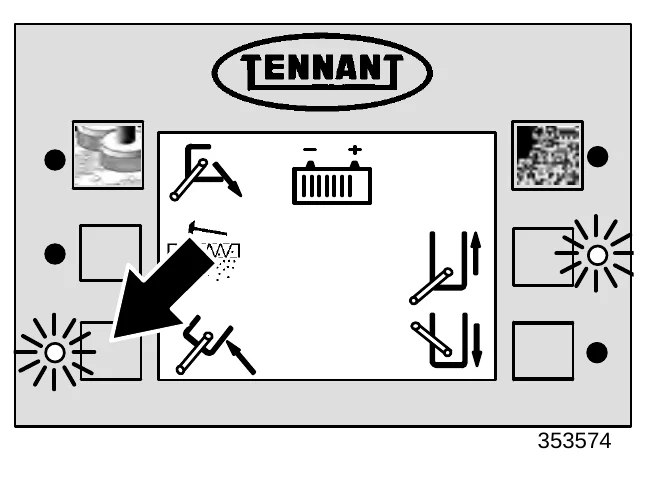
DETERGENT PUMP SWITCH (OPTION)
The detergent pump switch controls the amount of detergent that flows to the floor while scrubbing. When the scrubbing functions have started, the detergent pump switch will default to the last setting used.
High: Press and hold the detergent pump switch until two downward pointing arrows appear on the icon next to the switch. Release the switch. The indicator light next to the switch will illuminate.
Low: Press and hold the detergent pump switch until one downward pointing arrow appears on the icon next to the switch. Release the switch. The indicator light next to the switch will illuminate.
Off: Press and release the detergent pump switch. An 'X' will appear under the detergent pump icon. The indicator light next to the switch will go off.
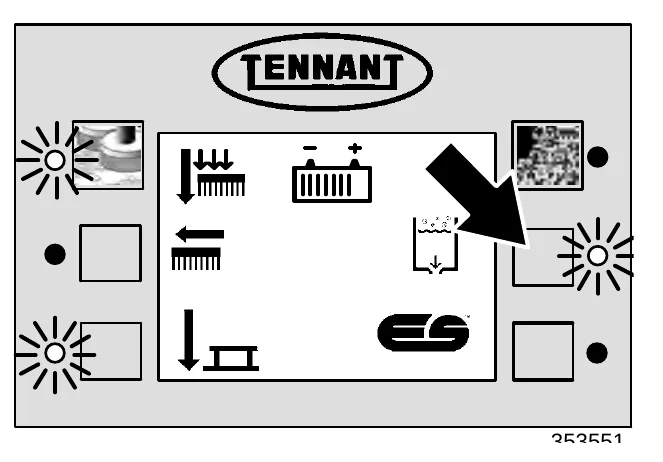
MAINTENANCE MODE
The maintenance mode allows the operator to monitor and reset the elapsed time between the four different regular maintenance requirements.
When the maintenance mode is enabled, an alarm will sound, and one of several service maintenance icons will appear on the display each time the machine is started. This will happen if one or more of the maintenance timers goes past its recommended interval. Each time the required maintenance function is performed, the timer for that function should be reset.
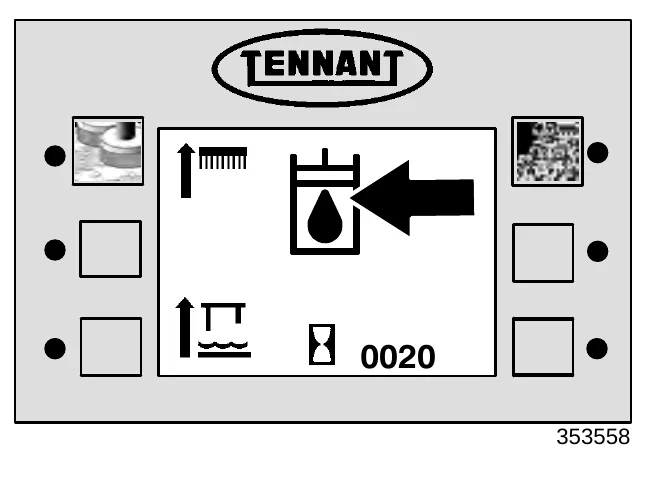
RESETTING THE MAINTENANCE TIMERS
- Turn the machine off.
- Press and hold the logo switch.
- Turn the machine power on.
- Continue pressing the logo switch for 15 seconds or until the down pressure display screen appears.
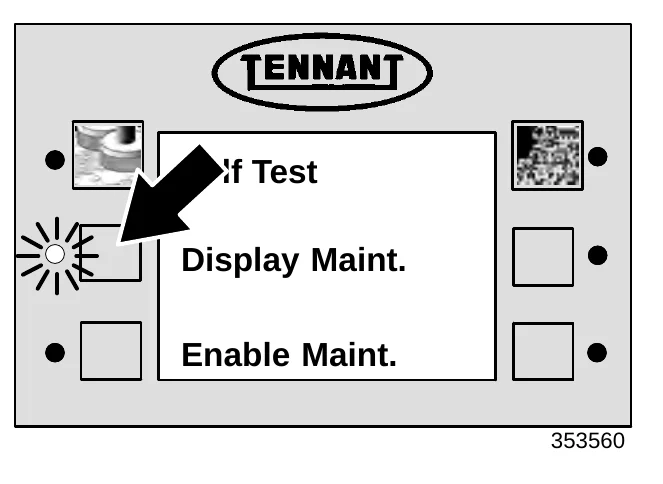
- Press and release the logo switch two more times. The SELF TEST screen will appear on the display.
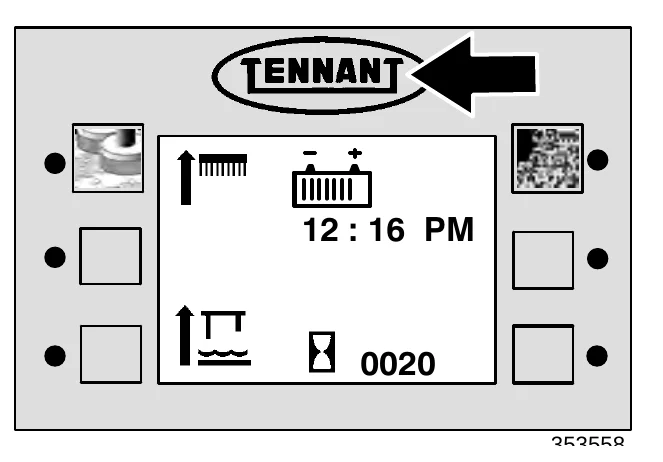
- Press the switch next to DISPLAY MAINT.
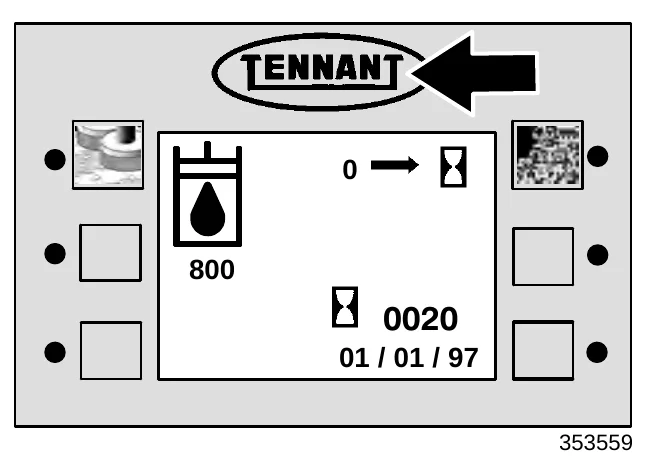
Each maintenance item is represented by an icon with the recommended maintenance interval printed in hours below it. The lower right\u2212hand corner of the screen displays the number of hours that have elapsed since the maintenance timer was last reset and the date it was last reset. The switch at the upper right\u2212hand corner of the screen will reset the hour counter for each maintenance item. Reset the maintenance timer each time the maintenance function represented by the icon is performed. The operator can scroll through the four maintenance function screens by pressing the logo switch.
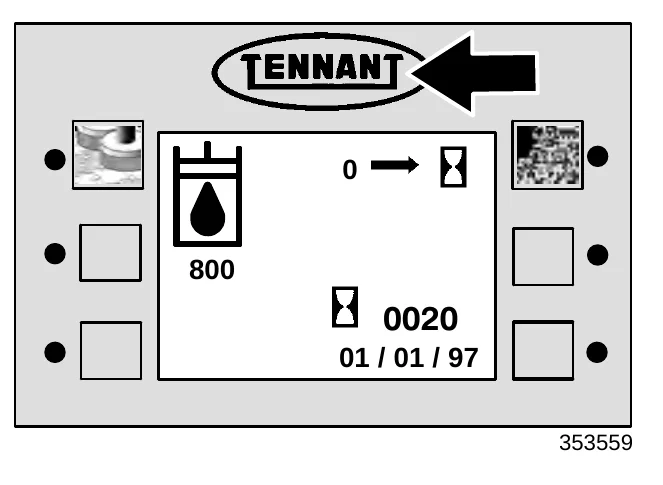
To determine which routine maintenance function each icon represents, see the SYMBOL DEFINITIONS section of this manual.
- Exit the DISPLAY MAINT. function by pressing the logo switch until all four maintenance mode screens have been displayed.
- Turn the key to the off position.
DISABLING THE MAINTENANCE MODE
When the maintenance mode is disabled, the flashing icon and alarm will not appear and sound when the machine is started if one or more of the maintenance timers goes past its recommended interval.
- Turn the machine off.
- Press and hold the logo switch.
- Turn the machine power on.
- Continue pressing the logo switch for 15 seconds or until the down pressure display screen appears.
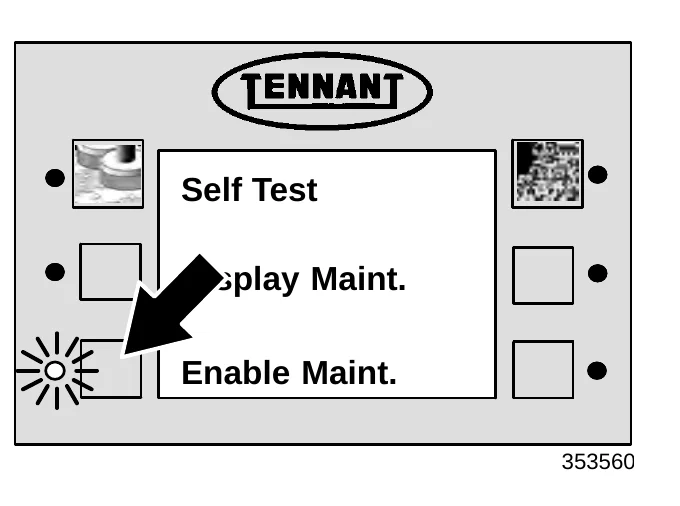
- Press and release the logo switch two more times. The SELF TEST screen will appear on the display.
- Press the switch next to ENABLE MAINT..
CIRCUIT BREAKERS
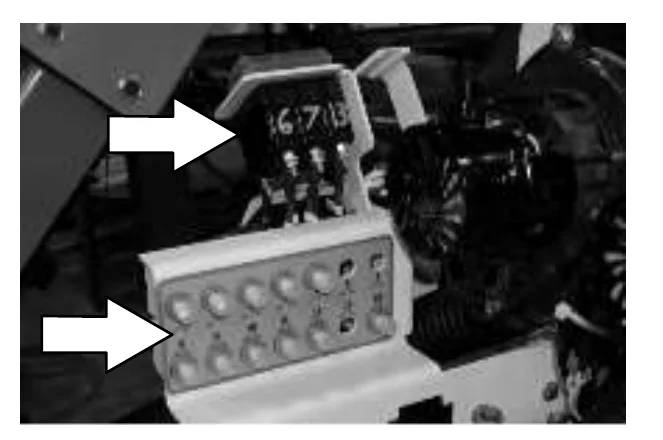
The circuit breakers are resettable electrical circuit protection devices. They stop the flow of current in the event of a circuit overload. Once a circuit breaker is tripped, reset it manually by pressing / flipping the reset button after the breaker has cooled down.
If the overload that caused the circuit breaker to trip is still there, the circuit breaker will continue to stop current flow until the problem is corrected.
The circuit breakers are located to the left of the operator’s compartment next to the vacuum fans.
The charts shows the circuit breakers and fuses, and the electrical components they protect.
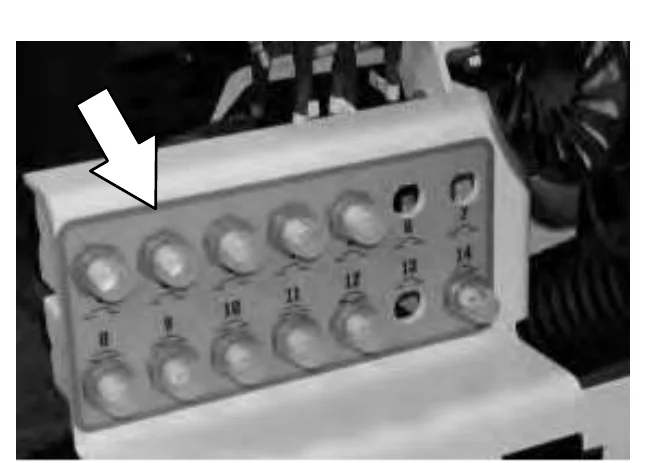
| Circuit Breaker | Rating | Circuit Protected |
|---|---|---|
| CB1 | 15 A | Sweeper/Hopper Controls |
| CB2 | 20 A | Sweeper Vacuum Fan Motor |
| CB3 | 30 A | Sweeper Brush Motor |
| CB4 | 15 A | Power Wand/Sweeping Side Brush |
| CB5 | 2.5 A | Key Switch |
| CB6 | 50 A | Right Scrub Motor (000000−003545) |
| CB6 | Open (003546− ) | |
| CB7 | 50 A | Left Scrub Motor (000000−003545) |
| CB7 | Open (003546− ) | |
| CB8 | 15 A | Lights |
| CB9 | 2.5 A | Horn |
| CB10 | 20 A | Vac Fan #1 (000000−003545) |
| CB10 | 30 A | Vac Fan #1 (003546− ) |
| CB11 | 20 A | Vac Fan #2 (000000−003545) |
| CB11 | 30 A | Vac Fan #2 (003546− ) |
| CB12 | 25 A | Control Board |
| CB13 | 50 A | Center Scrub Motor (000000−003545) |
| CB13 | Open (003546− ) | |
| CB14 | 40 A | Power Steering Pump |
| CB15 | 10 A | FaST System |
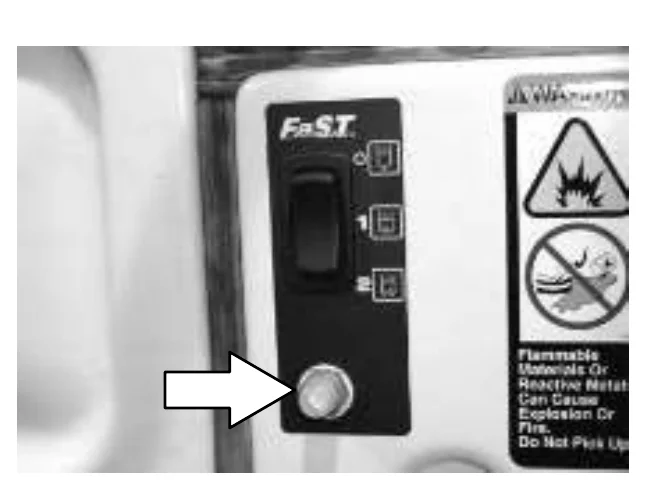
OPERATION
This chart shows the magnetic circuit breakers used on machines serial number 003546 and up for all cylindrical scrub heads.
| Circuit Breaker | Rating | Circuit Protected |
|---|---|---|
| CB6 | 45 | Right Scrub Motor |
| CB7 | 45 | Left Scrub Motor |
| CB13 | Open |
This chart shows the magnetic circuit breakers used on machines serial number 003546 and up with Max Pro 1000 standard motor disk scrub heads.
| Circuit Breaker | Rating | Circuit Protected |
|---|---|---|
| CB6 | 40 | Right Scrub Motor |
| CB7 | 40 | Left Scrub Motor |
| CB13 | Open |
This chart shows the magnetic circuit breakers used on machines serial number 003546 and up with Max Pro 1000 heavy duty motor disk scrub heads.
| Circuit Breaker | Rating | Circuit Protected |
|---|---|---|
| CB6 | 45 | Right Scrub Motor |
| CB7 | 45 | Left Scrub Motor |
| CB13 | Open |
This chart shows the magnetic circuit breakers used on machines serial number 003546 and up with Max Pro 1200 disk scrub heads.
| Circuit Breaker | Rating | Circuit Protected |
|---|---|---|
| CB6 | 40 | Right Scrub Motor |
| CB7 | 40 | Left Scrub Motor |
| CB13 | 40 | Center Scrub Motor |
This chart shows the magnetic circuit breakers used on machines with an ec−H20 system.
| Circuit Breaker | Rating | Circuit Protected |
|---|---|---|
| CB16 | 2.0 | Water Valve |
| CB17 | 2.0 | ec−H20 Module |
| CB18 | 2.0 | Solution Pump |
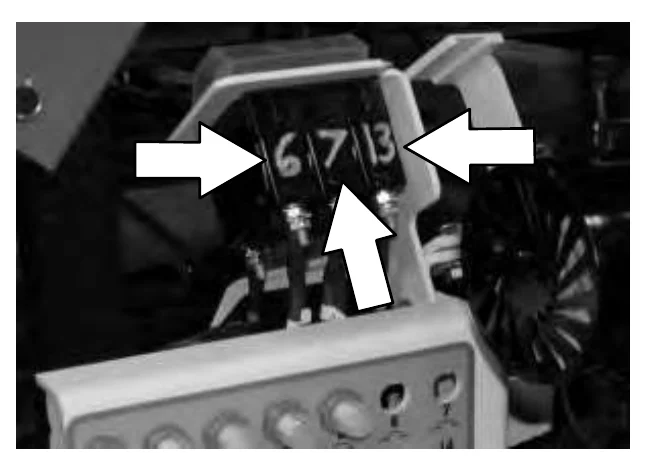
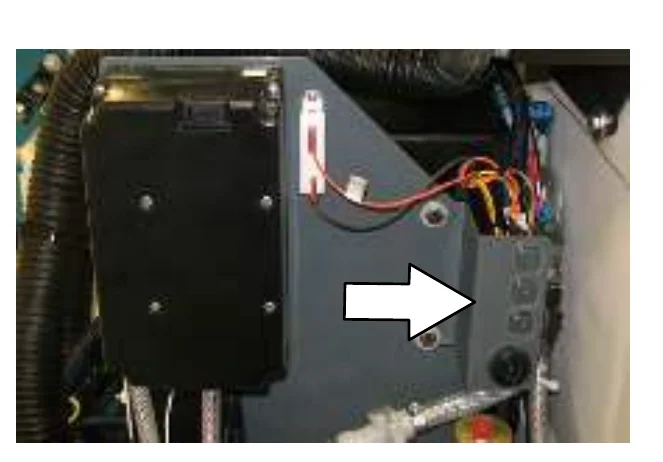
OPERATION
FUSES
The fuses are one-time circuit protection devices designed to stop the flow of current in the event of a circuit overload. Never substitute higher value fuses than those specified in this manual.
The main propelling fuse is located under the circuit breakers in the electrical panel.
The two actuator fuses are located in the control panel.
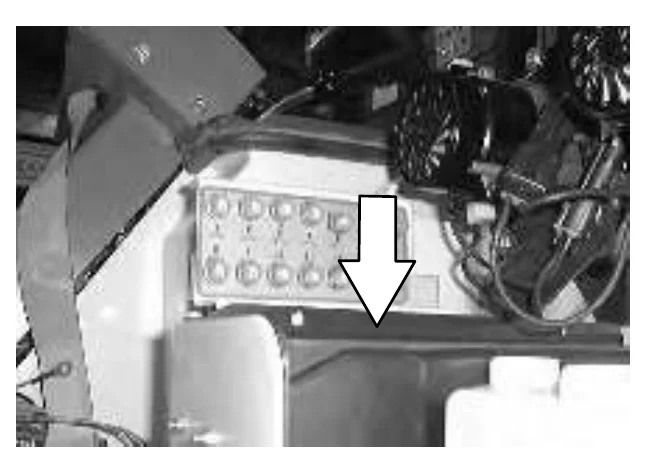
| Fuse | Rating | Circuit Protected |
|---|---|---|
| FU 1 | 200 A | Propelling |
| FU 2 | 10 A | Electronic Actuator |
| FU 3 | 10 A | Electronic Actuator |
OPERATION
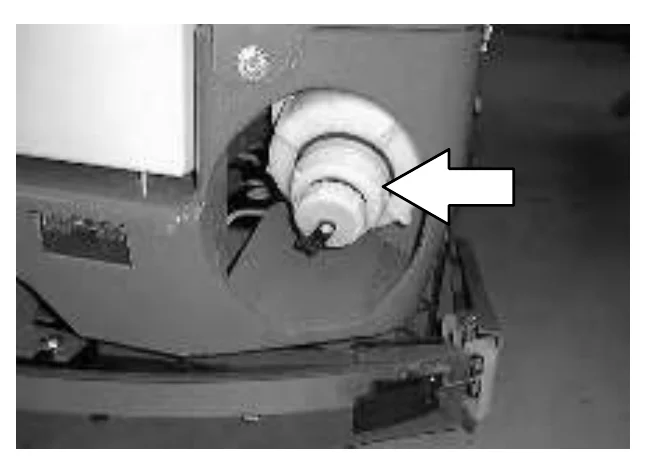
SOLUTION TANK DRAIN HOSE
The solution tank drain hose is used to drain the solution tank. Drain the solution tank by removing the drain hose cap from the tank access cap. Pull out the solution tank hose and remove the drain hose end cap.
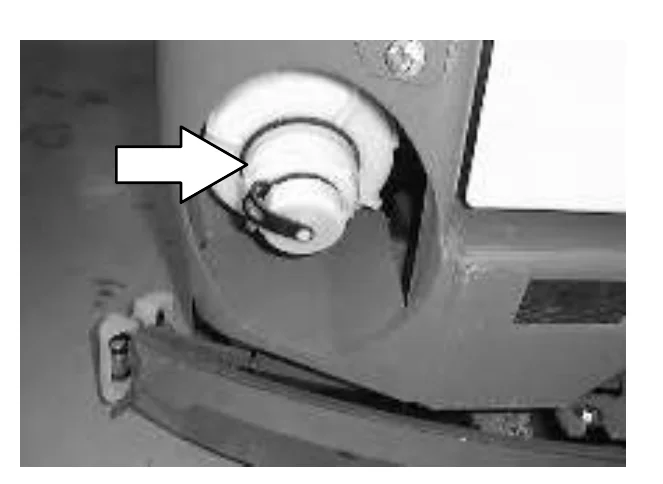
RECOVERY TANK DRAIN HOSE
The recovery tank drain hose is used to drain the recovery tank. Drain the recovery tank by removing the drain hose cap from the tank access cap. Pull out the recovery tank hose and remove the drain hose end cap.
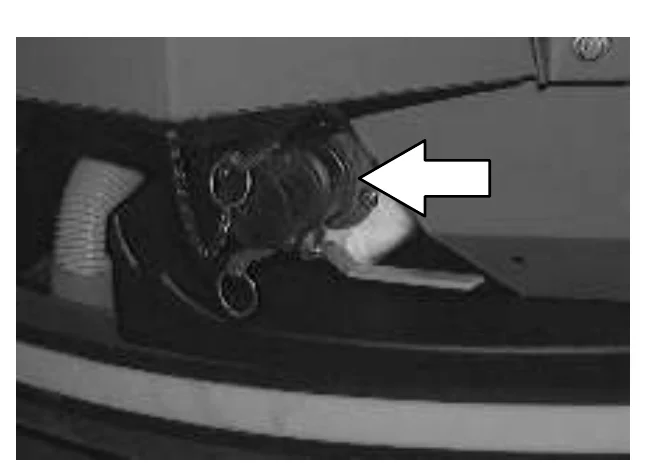
POSITIVE SOLUTION CONTROL DRAIN (OPTION)
For machines with the positive solution control drain option, remove the dust cap. Connect the drain hose to the solution control drain and open the drain valve by pulling the lever.
OPERATION
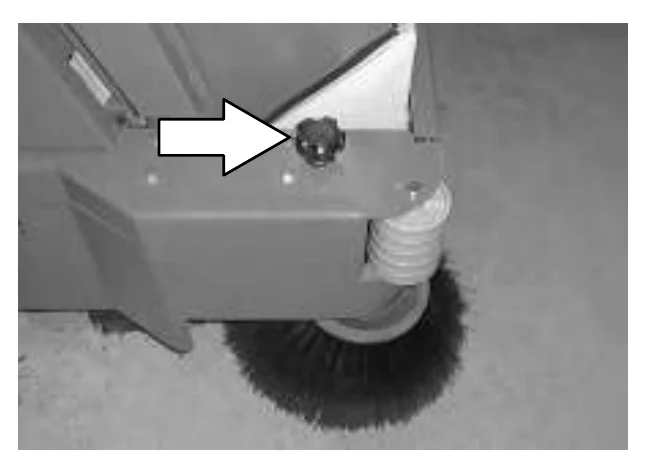
SIDE BRUSH ADJUSTMENT KNOB
The side brush adjustment knob controls the amount of contact the side brush has with the surface being swept.
Increase: Turn the side brush adjustment knob counter−clockwise.
Decrease: Turn the side brush adjustment knob clockwise.
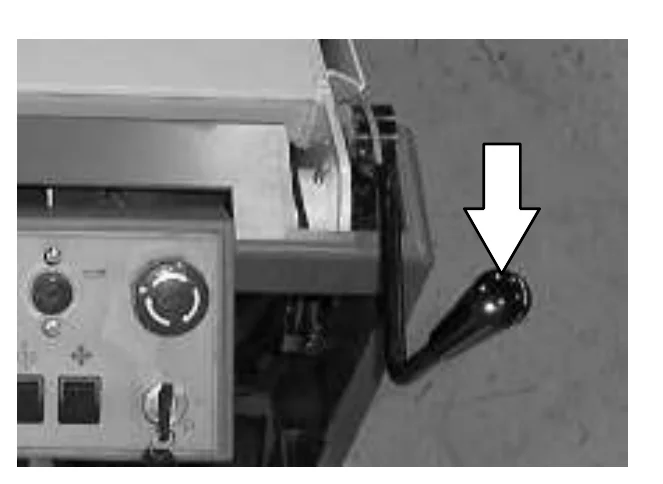
FRONT FLAP LEVER
The front flap lever opens the front flap in front of the main sweeping brush, allowing larger debris to be trapped and swept up into the hopper.
Raise front flap: Pull the front flap lever back.
Lower front flap: Push the front flap lever forward.
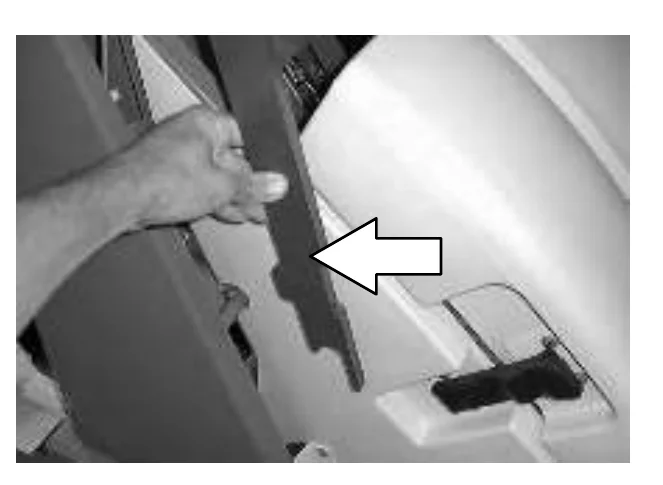
HOPPER SUPPORT BAR
The hopper support bar is located on the right hand side of the machine. When working under the hopper, engage the hopper support bar to hold the hopper in the raised position. Do not rely on the machine to hold the hopper in the raised position.
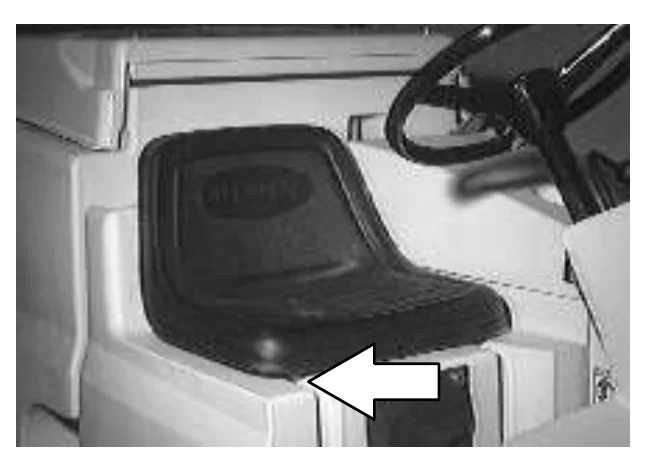
OPERATOR SEAT
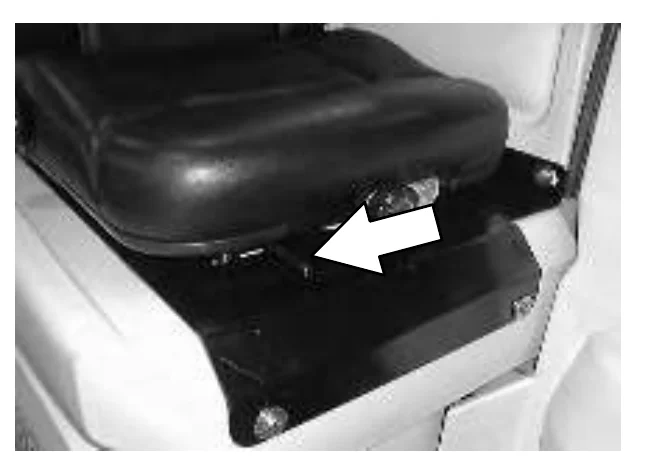
The operator seat is a fixed back style with a forward-backward adjustment.
Adjust: Pull the lever outward and slide the seat to the desired position, then release the lever.
DELUXE SUSPENSION SEAT (OPTION)
The deluxe suspension seat has four adjustments. The adjustments are for the lumbar support, backrest angle, operator weight adjustment and front−to−back adjustment.
The lumbar adjustment knob controls the firmness of the lumbar support.
Increase firmness: Turn knob clockwise.
Decrease firmness: Turn knob counterclockwise.
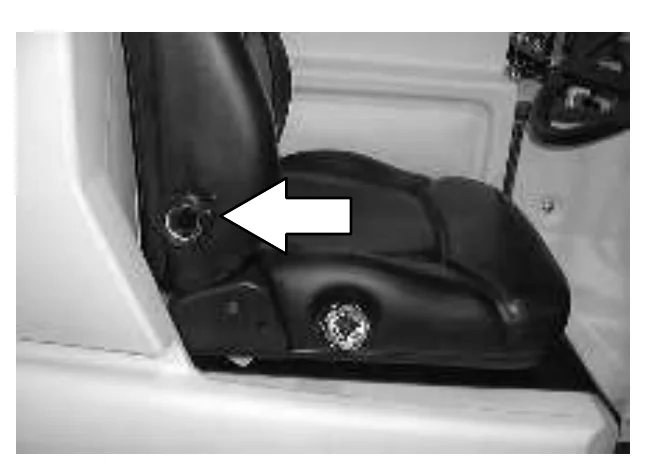
The backrest angle knob adjusts the angle of the backrest.
Increase angle: Turn the angle adjustment knob counterclockwise.
Decrease angle: Turn the angle adjustment knob clockwise.
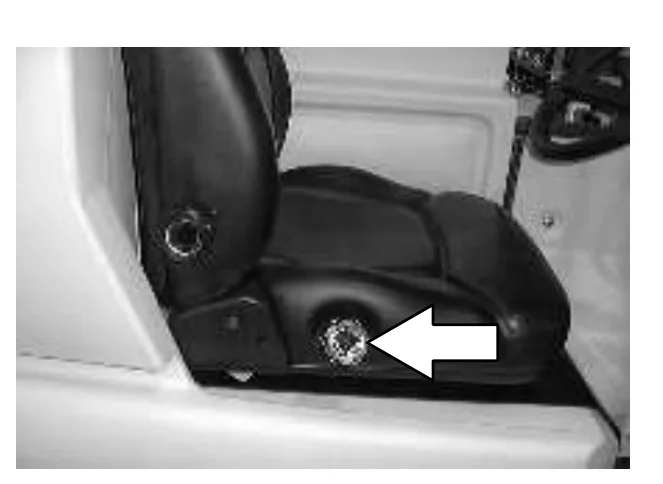
OPERATION
The weight adjustment knob controls the firmness of the operator’s seat.
Increase firmness: Turn the weight adjustment knob clockwise.
Decrease firmness: Turn the weight adjustment knob counterclockwise.
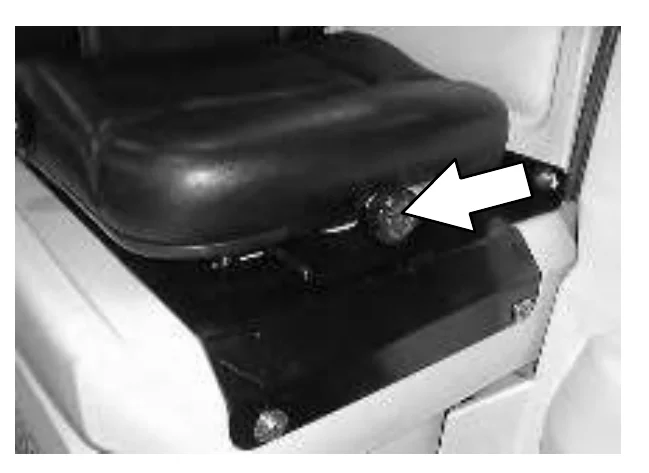
Use the gauge next to the weight adjustment knob to help determine proper seat firmness for the operator.
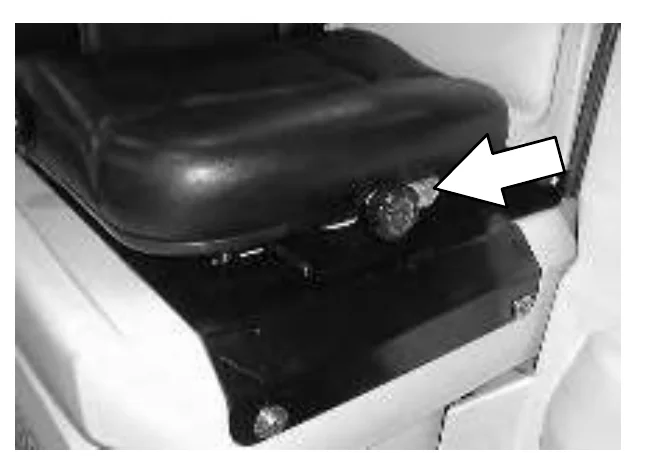
The front−to−back adjustment lever adjusts the seat position.
Adjust: Pull the lever out and slide the seat forward or backward to the desired position. Release the lever.
OPERATION
HOW THE MACHINE WORKS
The steering wheel controls the direction of machine travel. The directional pedal controls the speed and forward/reverse directions. The brake pedal slows and stops the machine.
The machine consists of separate sweeping and scrubbing components.
The sweeping components of the machine are a debris hopper, hopper dust filter, sweeping brushes and a cylindrical conveyor.
The side brush sweeps debris into the path of the main sweeping brush. The main brush sweeps debris from the floor and up the the cylindrical conveyor. The cylindrical conveyor lifts the debris up into the hopper. The vacuum system pulls dust and air through the hopper and hopper dust filter.
The scrub components of the machine are a solution tank, scrub brushes, rear and side squeegees, a vacuum system, and a recovery tank.
Water and detergent, from the solution tank, flow to the floor through a solution valve to the scrub brushes. The brushes scrub the floor. As the machine is moved forward the squeegees wipe the dirty solution off the floor, which is then picked up and drawn into the recovery tank.
When using the ES mode, the solution in the recovery tank is filtered and returned to the solution tank to be reused.
The five available scrub head types use disk or cylindrical brushes.
Two different widths of scrub heads are available for each type.
The MaxPro 1000 disk scrub head contains two disk scrub brushes, and is available with standard or heavy duty scrubbing motors. The MaxPro 1000 disk scrub head is 1016 mm (40 in).
The MaxPro 1200 disk scrub head contains three disk scrub brushes, and is 1220 mm (48 in).
The MaxPro 1000 cylindrical scrub head is 1016 mm (40 in).
The MaxPro 1200 cylindrical scrub head is 1220 mm (48 in).
OPERATION
When finished sweeping and scrubbing, clean the hopper dust filter, empty the hopper, and drain and clean the recovery tank. If using the ES system, drain and clean the solution tank, and clean the ES filter.
FaST SCRUBBING SYSTEM
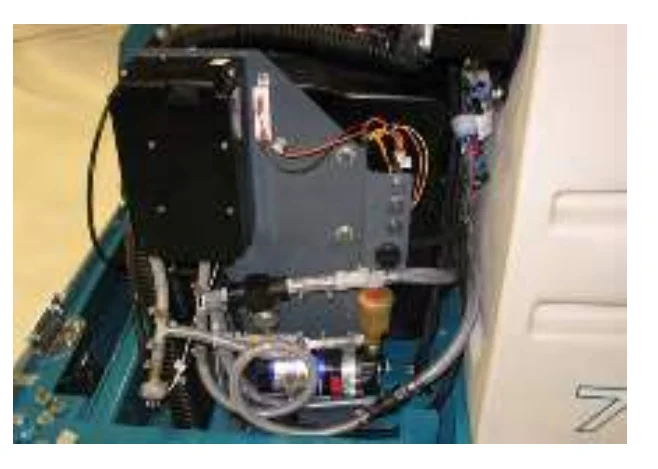
Unlike conventional scrubbing, the FaST (Foam Scrubbing Technology) system operates by injecting the FaST PAK concentrate agent into the system with a small amount of water and compressed air. This mixture creates a large volume of expanded wet foam.
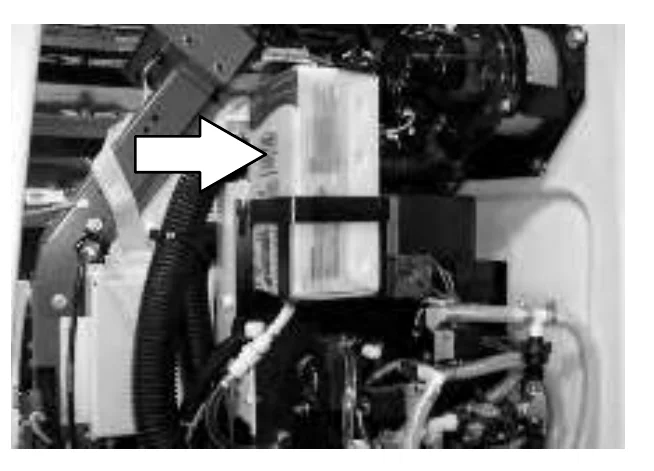
The expanded foam mixture is then dispersed onto the floor while the machine is scrubbing. When the squeegee picks up the mixture, the patented foaming agent has collapsed and is recovered into the recovery tank.
The FaST system can be used with all double scrubbing and heavy duty scrubbing applications.
Using the FaST system can increase productivity by 30% by reducing your dump/fill cycle. It will also reduce chemical usage and storage space. One FaST PAK of concentrated agent can scrub up to 1 million sq. ft.
ec−H2O SYSTEM (OPTION)
The ec−H2O (electrically converted water) system operates by producing electrically converted water for cleaning.
Normal water passes through a module where it is oxygenated and charged with an electric current. The electrically converted water changes into a blended acidic and alkaline solution forming a neutral pH cleaner. The converted water attacks the dirt, breaks it into smaller particles, and pulls it off the floor surface allowing the machine to easily scrub away the suspended soil. The converted water then returns to normal water in the recovery tank
The ec−H2O system can be used with all double scrubbing applications.
PRE-OPERATION CHECKLIST
Check over this list of items before operating the machine:
- Check the hydraulic fluid level. (if applicable)
- Check the battery fluid and charge level.
- Check the tank cover seals for damage and wear.
- Clean the vacuum fan inlet filter.
- Check the condition of the scrubbing brushes. Remove any string, banding, plastic wrap, or other debris wrapped around them.
- Check the squeegees for damage, wear and for deflection adjustment.
- Check the vacuum hose for debris or blockage.
- ES machines; check the detergent tank level.
- Drain and clean the recovery tank.
- ES machines; drain and clean the solution tank and ES filter. Rinse level sensors.
- Check the brakes and steering for proper operation.
- Empty and clean the debris tray. (if applicable).
- Check the service records to determine maintenance requirements.
- FAST Scrubbing: Check the FaST PAK concentrate agent level, replace carton as needed. See the INSTALLING THE FaST PAK AGENT section of the manual.
- For FaST or ec−H2O Scrubbing: Check that all conventional cleaning agents/restorers are drained and rinsed from the solution tank.
- For FaST or ec−H2O Scrubbing: Check that the solution tank is filled with clear cool water only.
INSTALLING FaST PAK AGENT
- Turn the machine power off.FOR SAFETY: Before leaving or servicing machine, stop on level surface, set parking brake, turn off machine, and remove key.
- Remove the perforated knock−outs from the FaST PAK Floor Cleaning Concentrate carton. Do not remove the bag from the carton. Pull out the bag’s hose connector on the bottom of the bag and remove the hose cap from the connector.
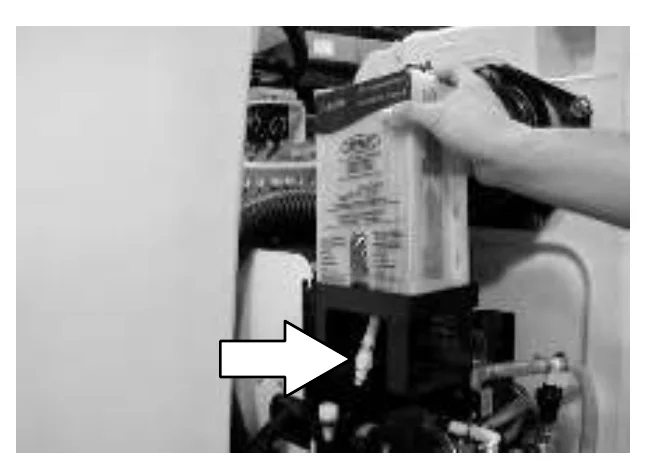 NOTE: The FaST PAK Floor Cleaning Concentrate is specifically designed for use with the FaST system scrubbing application. NEVER use a substitute, machine damage will result.FOR SAFETY: When using machine, always follow the handling instructions on chemical container.
 - Empty the solution tank. See the DRAINING AND CLEANING THE TANKS section of the manual.
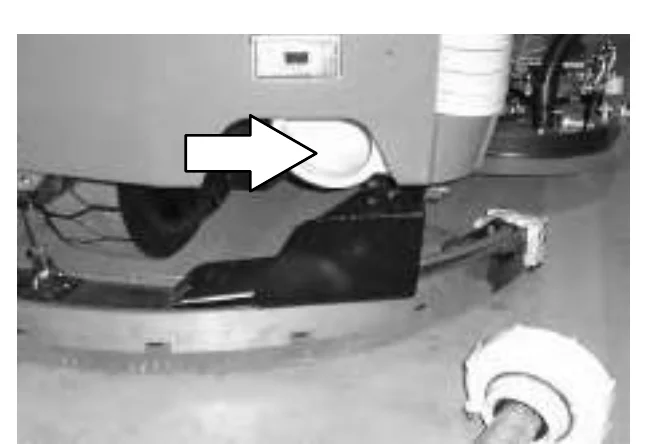 NOTE: When scrubbing with the FaST system option, use clean water only. Do not add cleaning agents in the solution tank. Conventional cleaning agents/restorers may cause failure to the FaST solution system..
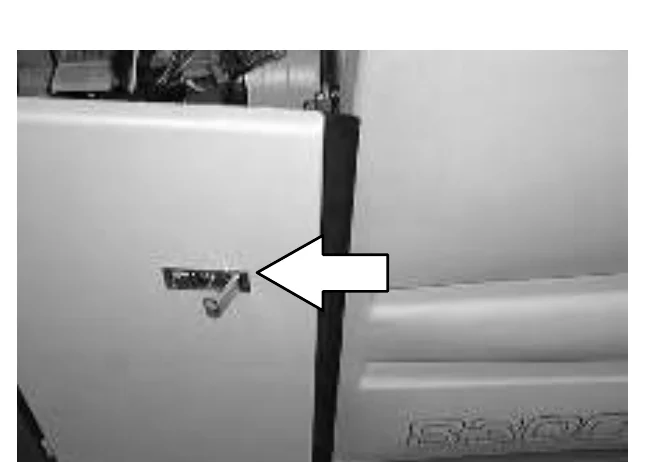
 - Open the side cover door to access the FaST PAK carton.
OPERATION
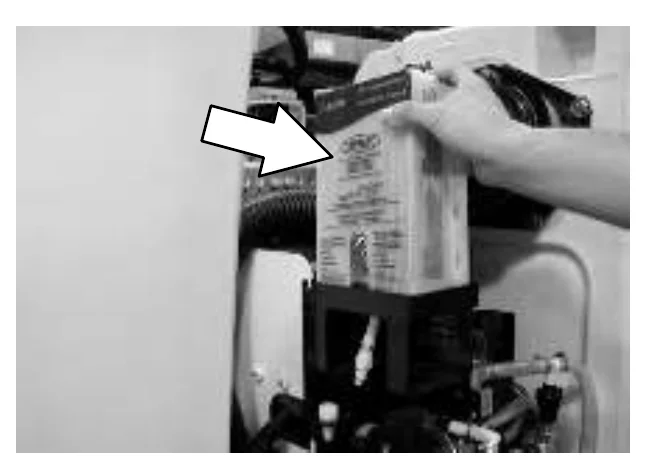
- Place the FaST PAK carton in the carton holder under the front cover of the machine. Connect the supply hose to the FaST PAK bag.
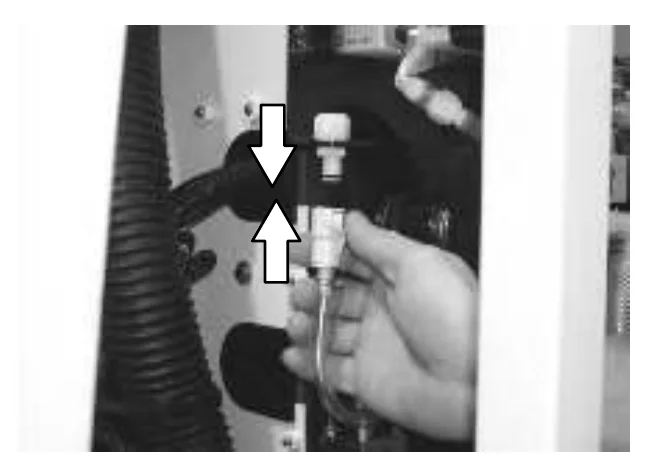
- Make sure to connect the supply hose onto the hose storing plug when the supply hose is not connected to the FaST PAK. This will prevent the FaST solution system from drying out and clogging up the hose.
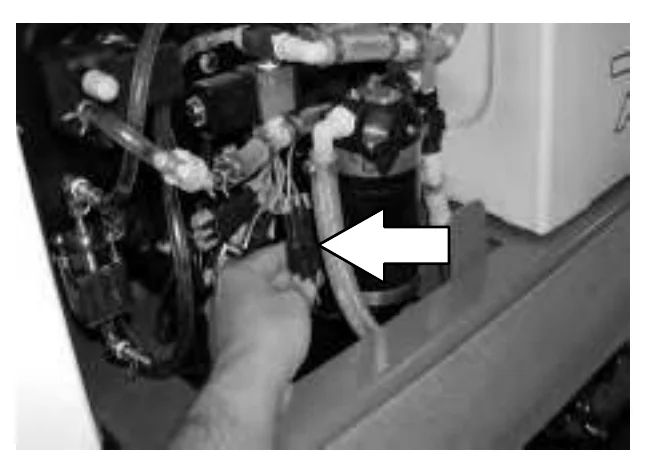
- The FaST solution system must be primed for first time use only. To prime system, unplug the electrical connector from the solution pump, and operate the machine in the FaST Scrub Mode for seven to ten minutes. Reconnect the solution pump connector.
- When replacing an empty FaST PAK carton, allow the new FaST PAK detergent to gravity feed into the system for several minutes prior to operating the FaST system. If the detergent does not flow out of the FaST PAK, simply squeeze and release the hose several times. If the previous FaST PAK was run dry, it may take up to 7−10 minutes of operation to remove any air pockets in the system before you achieve maximum foaming.
STARTING THE MACHINE
- You must be in the operator’s seat with the directional pedal in neutral, and your foot on the brake pedal or with the parking brake set.FOR SAFETY: When starting machine, keep foot on brake and directional pedal in neutral.
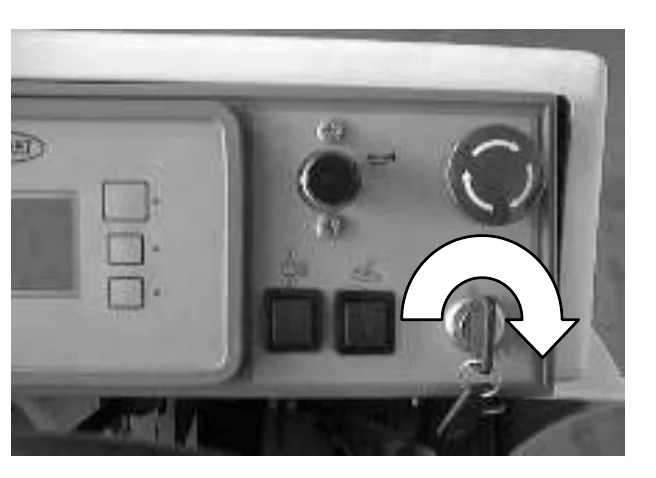
- Turn the machine power on.
- Release the machine parking brake.
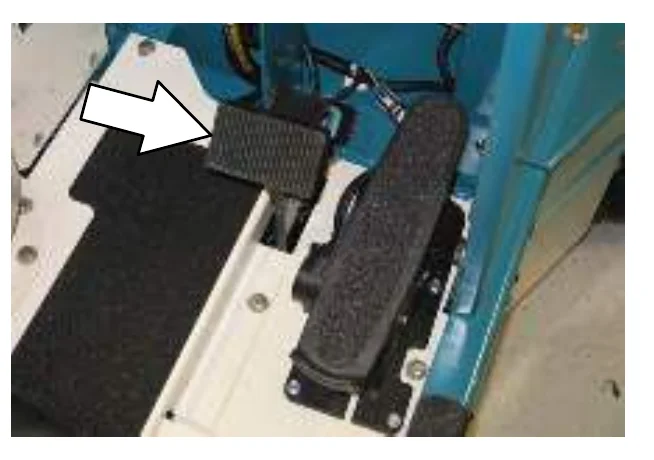
- Drive the machine to the area to be cleaned.
FILLING THE TANKS
- Turn the machine power on. See the STARTING THE MACHINE section of the manual.FOR SAFETY: When starting machine, keep foot on brake and directional pedal in neutral.
- Drive the machine to the filling site.
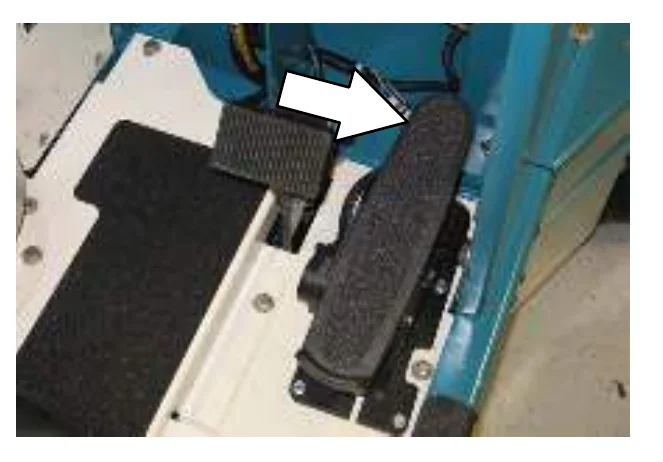
- Turn the machine power off.
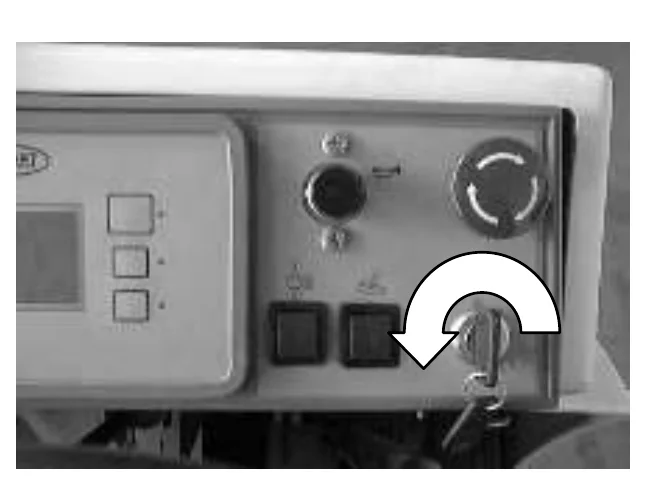
- Set the machine parking brake.FOR SAFETY: Before leaving or servicing machine; stop on level surface, set parking brake, turn off machine and remove key.
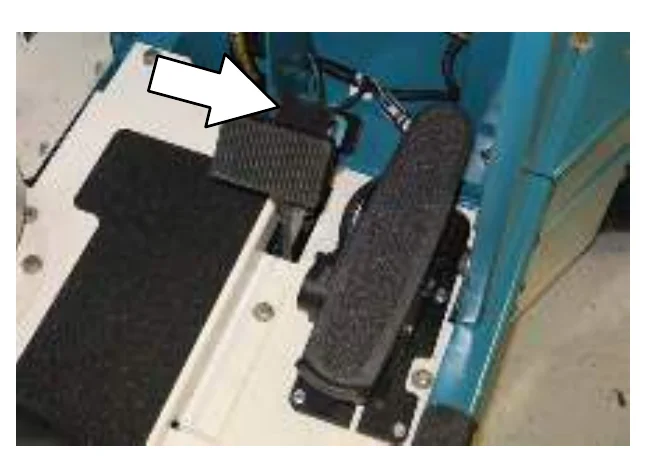
OPERATION
- CONVENTIONAL SCRUBBING: Open the solution tank cover. Measure and pour in the correct amount of detergent. Fill the rest of the solution tank with water up to the FULL line near the top of the tank.
NOTE: Floor conditions, water condition, amount of soilage, types of soilage, and brush action all play an important role in determining the type and concentration of detergent used. For specific recommendations, contact your Tennant representative.
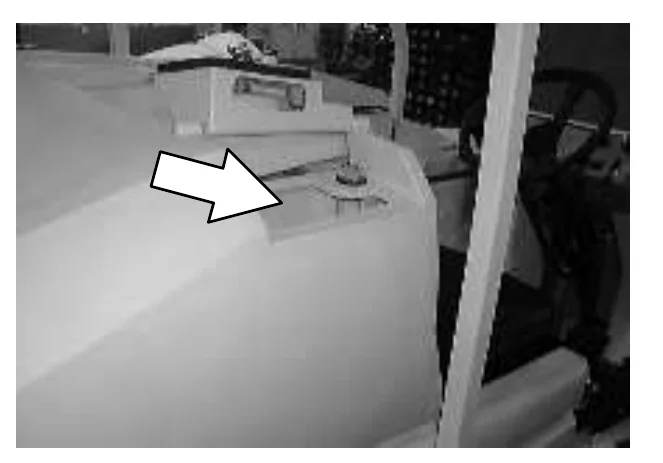
FOR SAFETY: When using machine, follow mixing and handling instructions on chemical containers.
- FaST or ec−H2O SCRUBBING: Open the solution tank cover and fill the solution tank with clear cool water only.
- ES Mode: Remove the detergent tank (option) lid. Fill the tank almost to the top. Be sure to use only the proper detergent for your scrubbing application. Put the lid back on the detergent tank.
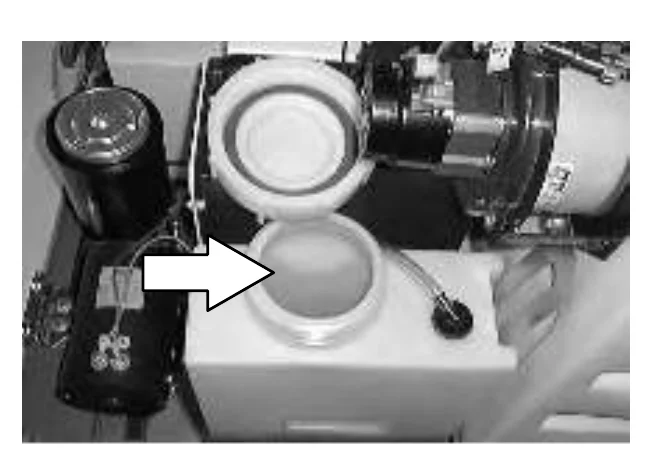
NOTE: Floor conditions, water condition, amount of soilage, type of soilage, and brush action all play an important role in determining the type and concentration of detergent used. For specific recommendations, contact your TENNANT representative.
OPERATION
- ES mode with auto fill : Connect the hose from the water source to the auto-fill connection on the machine. Turn the machine power on, and turn on the water source. The auto-fill will automatically fill the tanks to the proper level for ES operation and automatically shut-off.
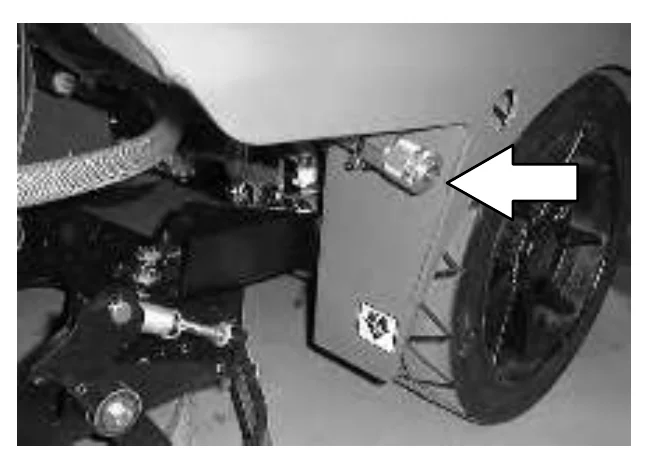
ES mode without auto-fill: Fill the solution tank to the FULL line.
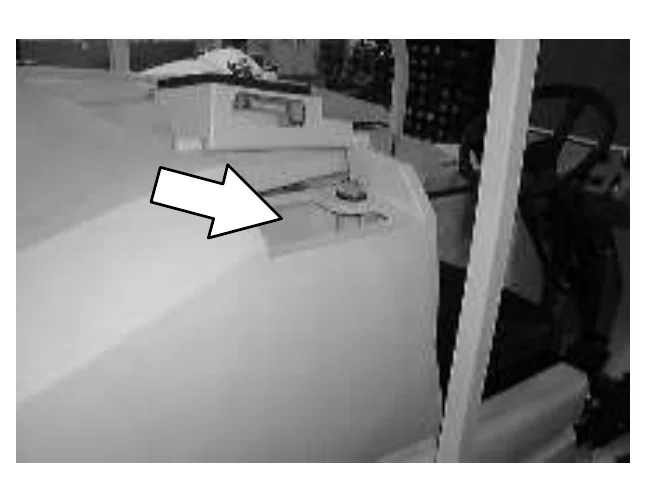
FOR SAFETY: When using machine, follow mixing and handling instructions on chemical containers.
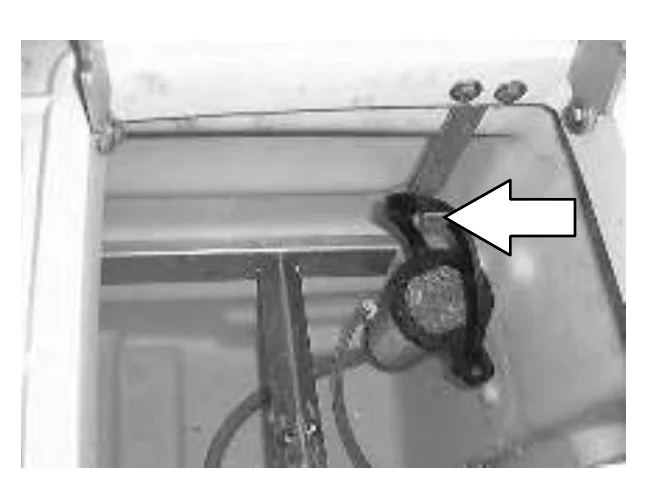
ES mode without auto-fill: Fill the recovery tank half full of water (to the bottom of the ES filter support bracket).
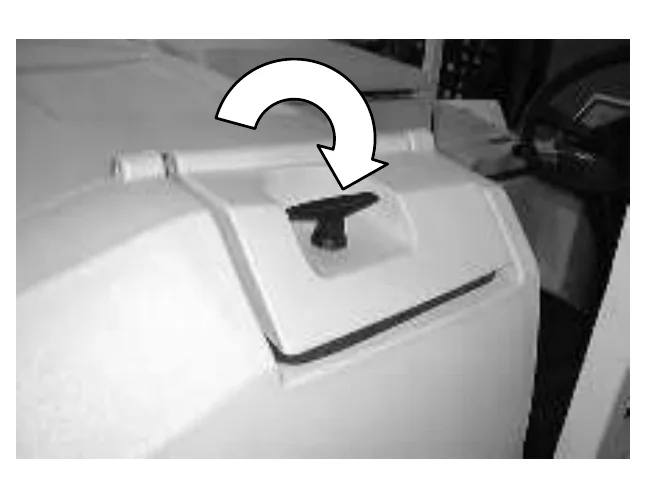
- Close the solution tank cover.
OPERATION
SWEEPING, SCRUBBING AND BRUSH INFORMATION
Pick up oversized debris before cleaning. Pick up pieces of wire, string, twine, etc., which could become wrapped around the sweeping or scrubbing brushes.
Plan the sweeping and scrubbing in advance. Try to arrange long runs with minimum stopping and starting. Sweep debris from very narrow aisles into main aisles ahead of time. Do an entire floor or section at one time.
Drive as straight a path as possible. Avoid bumping into posts or scraping the sides of the machine. Overlap the scrub paths by several centimeters (a few inches).
Avoid turning the steering wheel too sharply when the machine is in motion. The machine is very responsive to the movement of the steering wheel. Avoid sudden turns, except in emergencies.
When scrubbing dead end aisles, start at the closed end of the aisle and scrub your way out.
Adjust the machine speed, scrub brush pressure, and solution flow as required when scrubbing. Use minimum scrub brush pressure and solution flow required for the best results. The machine has an edge clean feature for all MaxPro 1000 scrub heads, for scrubbing against an edge.
If you see poor scrubbing performance, stop scrubbing and refer to MACHINE TROUBLESHOOTING.
For best results, use the correct brush type for your cleaning application. The following are recommended brush applications.
Polypropylene side sweeping brush − A general purpose brush for sweeping of light to medium debris in both indoor and outdoor applications. This brush is recommended in places where bristles may get wet.
Polypropylene sweeping brush − Superior pick up of sand, gravel and paper litter. Polypropylene retains its stiffness when wet, and can be used indoors or out with equal performance. Not recommended for high−temperature debris.
Non-scuff polypropylene scrub brush − This brush uses a softer, general purpose polypropylene bristle to lift lightly compacted soilage without scuffing high-gloss coated floors.
Nylon scrub brush − Recommended for scrubbing coated floors. Cleans without scuffing.
Super abrasive bristle scrub brush − Nylon fiber impregnated with abrasive grit to remove stains and soilage. Strong action on any surface, performing well on buildup, grease, or tire marks.
Stripping pad − This brown pad is for stripping floors. Quickly and easily cuts through old finish to prepare the floor for re-coating.
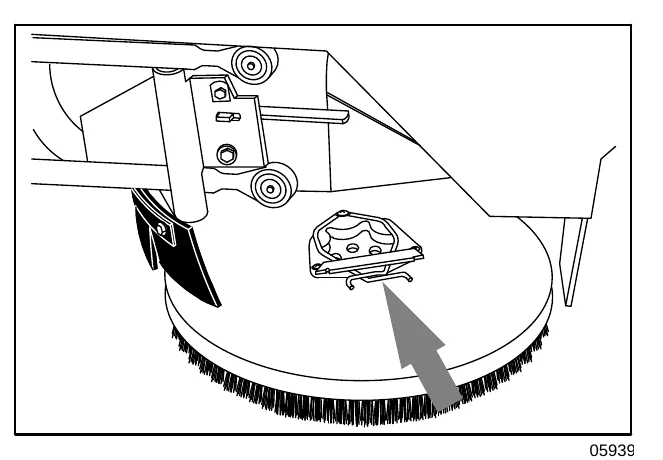
Surface preparation pad − This maroon pad is for very aggressive stripping without chemicals.
Scrubbing pad − This blue pad is for scrubbing floors. Removes dirt, spills and scuffs, leaving a clean surface ready for re-coating.
Buffing pad − This red pad is for buffing floors. Quickly cleans and removes scuff marks while polishing the floor to a high gloss.
Polishing pad − This white pad is for polishing floors. Maintains a high gloss. Use for buffing very soft finishes and lower traffic areas, or use for polishing soft waxes on wood floors.
Cylindrical polypropylene scrub brush − This cylindrical brush uses a softer, general purpose polypropylene bristle to lift lightly compacted soilage without scuffing high-gloss coated floors.
Cylindrical nylon scrub brush − This cylindrical brush is recommended for scrubbing coated floors. Cleans without scuffing.
Cylindrical super abrasive bristle scrub brush − Nylon fiber impregnated with abrasive grit to remove stains and soilage. Strong action on any surface, performing well on buildup, grease, or tire marks.
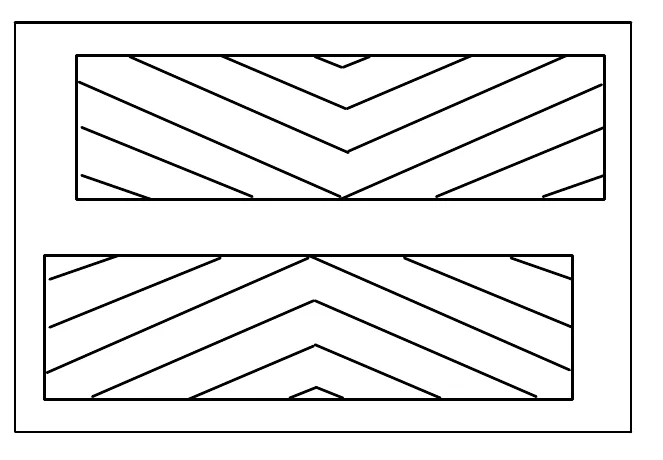
SWEEPING
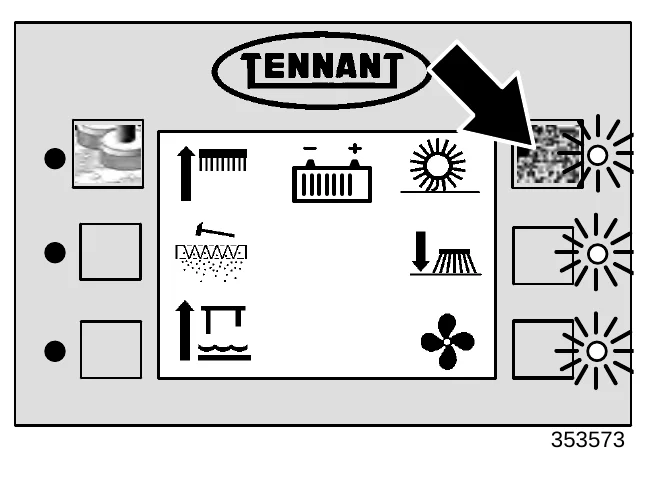
- Press the sweeping switch to lower and start the main and side sweeping brushes and the sweeping vacuum fan.
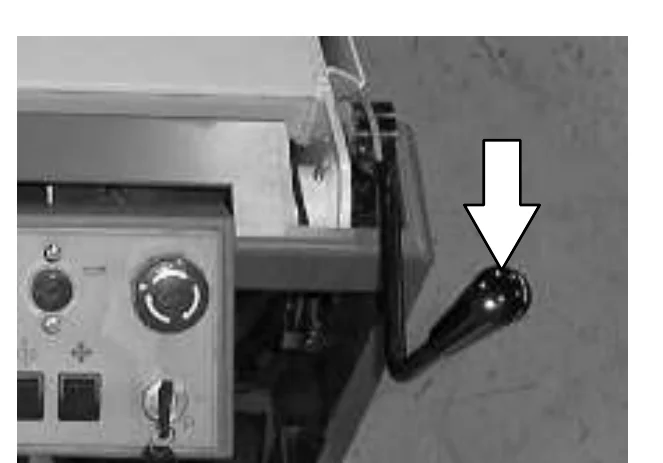
- Pull back on the front flap lever when sweeping large debris.
- Release the lever, and the flap will lower over the debris.
- The flap will trap large debris back into the hopper.
STOP SWEEPING
- Press the sweeping switch again to raise and stop the sweeping brushes and the vacuum fan. The filter will shake for ten seconds, then stop automatically.
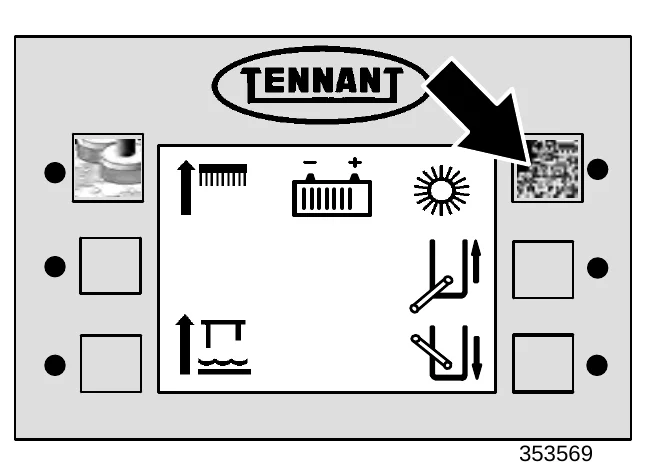
OPERATION
EMPTYING THE HOPPER
- Slowly drive the machine near the debris dump site.
- Press and hold the hopper raise switch, until the hopper is at the desired height.
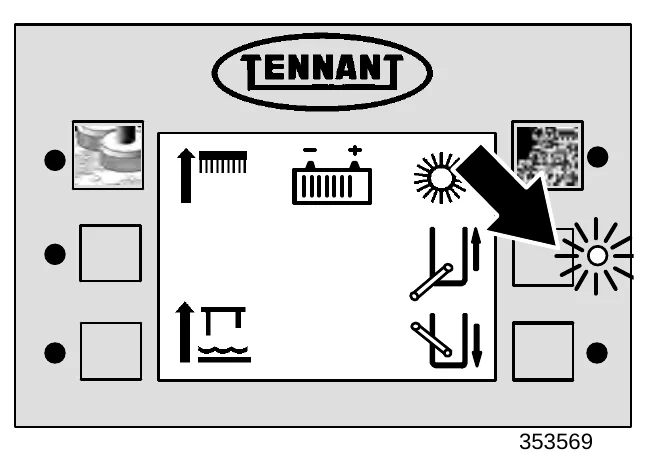
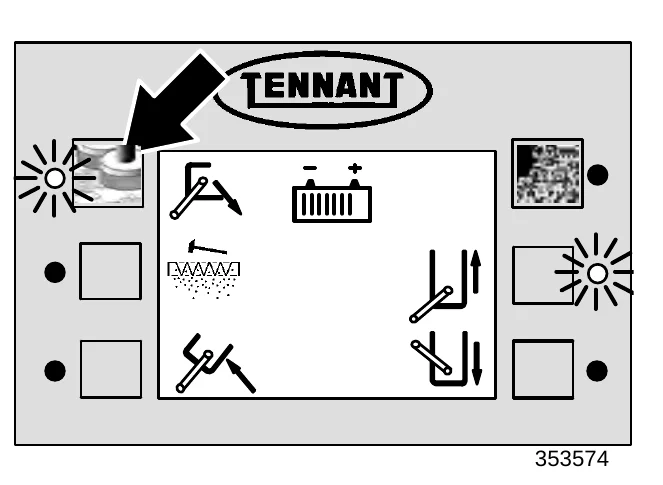
- Slowly drive the machine forward until the hopper is directly over the dumpster.
- Press and hold the hopper dump switch, to tilt the hopper forward. Allow all of the debris from the hopper to fall into the dumpster.
OPERATION
- Press and hold the hopper retract switch to tilt the hopper back in the upright position.
- Slowly drive the machine backward until the machine is far enough away from the dumpster to lower the hopper without interference.
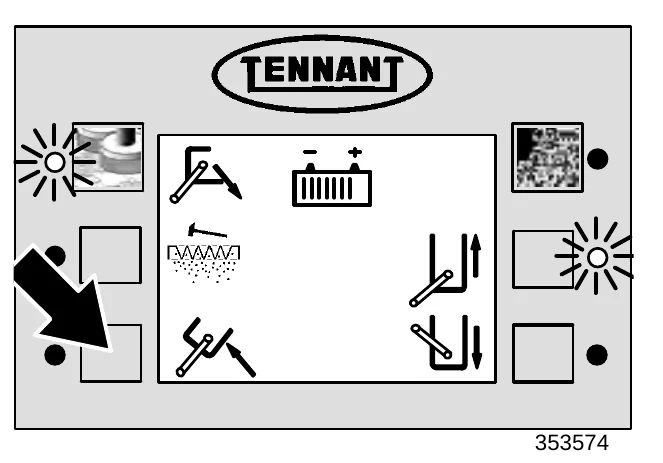
- Press and hold the hopper lower switch, until the hopper has lowered, rotated back to the retract position and sealed tightly against the machine.
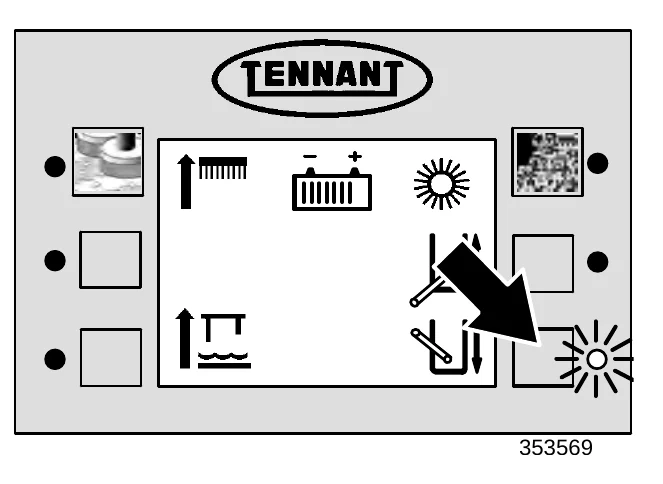
ENGAGING HOPPER SUPPORT BAR
- Set the machine parking brake.FOR SAFETY: Before leaving or servicing machine, stop on level surface, set parking brake.
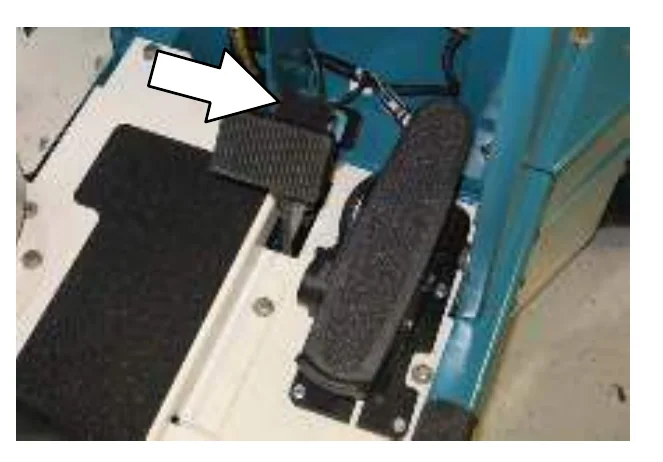
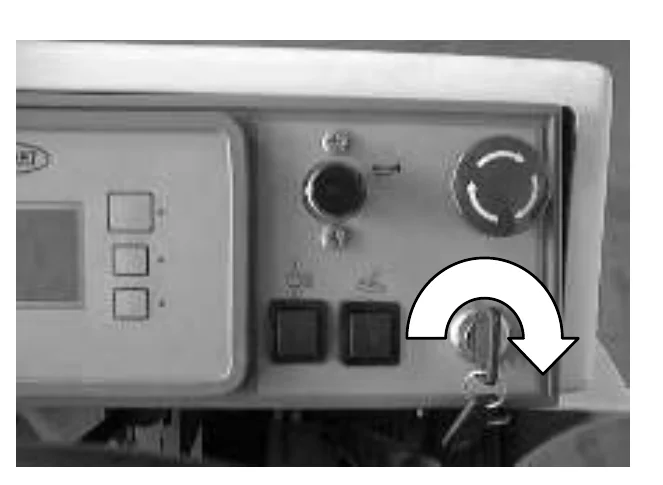
- Turn the machine power on. See the STARTING THE MACHINE section of the manual.FOR SAFETY: When starting machine, keep foot on brake and directional pedal in neutral.
- Press and hold the hopper raise switch, until the hopper is in the fully raised position.
NOTE: Be aware that the minimum ceiling height needed to high dump the hopper is 1525 mm (60 in).
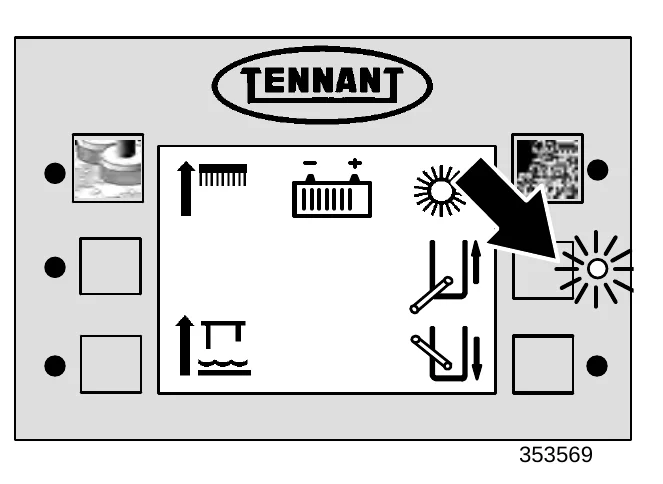
- Lower and position the hopper support bar onto the bar stop.
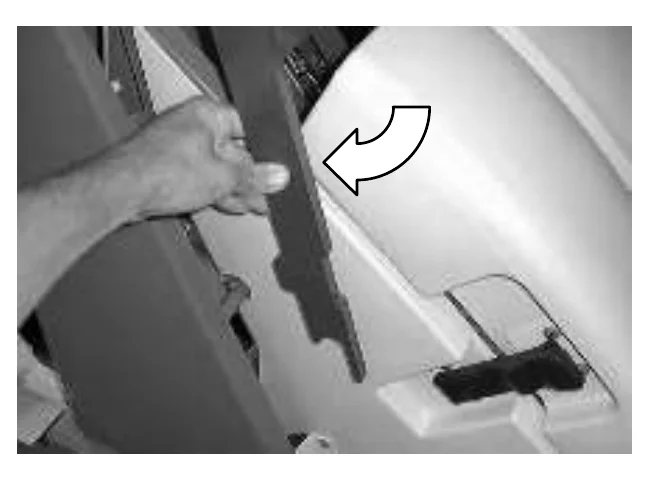
- Press and hold the hopper lower switch until the hopper rests on the hopper support bar.
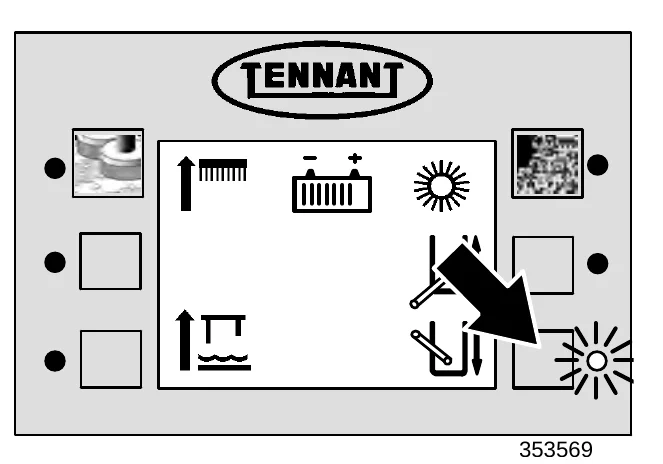
- Turn the machine power off. See the STOP THE MACHINE section of the manual.
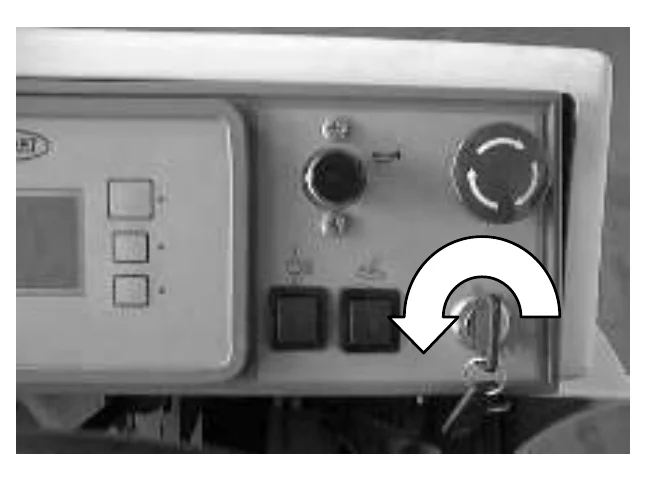
DISENGAGING HOPPER SUPPORT BAR
- Set the machine parking brake.
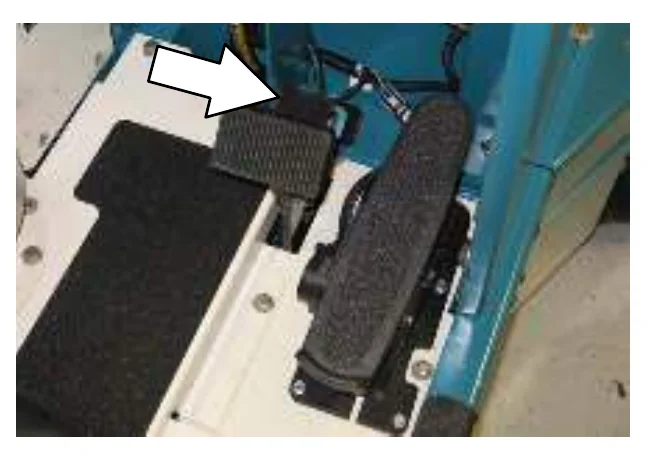
OPERATION
- Turn the machine power on. See the STARTING THE MACHINE section of the manual.FOR SAFETY: When starting machine, keep foot on brake and directional pedal in neutral.
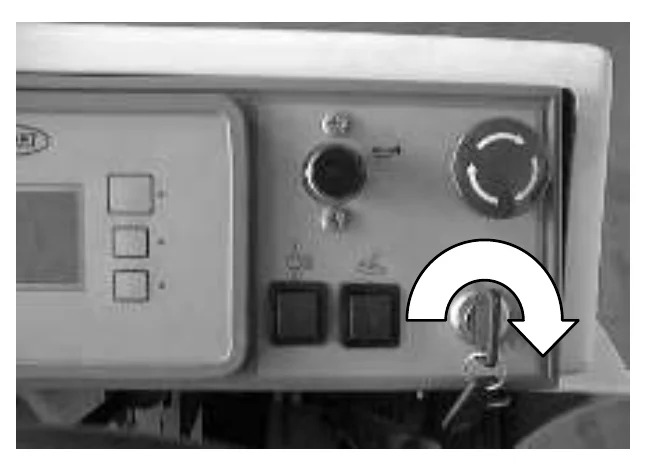
- Press and hold the hopper raise switch, to slightly raise the hopper.FOR SAFETY: When using machine, make sure adequate clearance is available before raising hopper.WARNING: Lift arm pinch point. Stay clear of hopper lift arms.
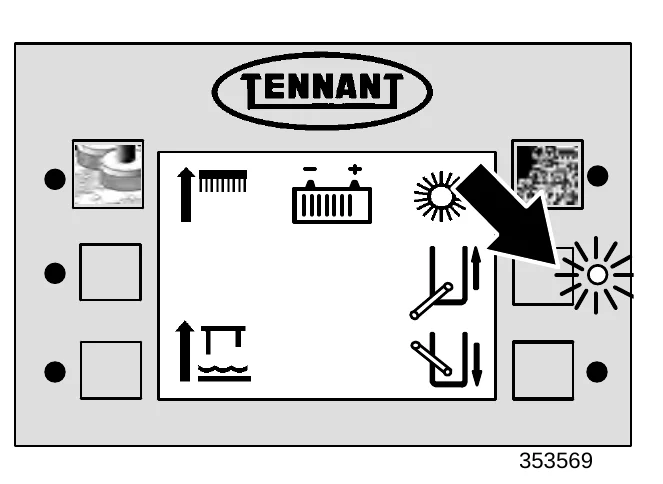
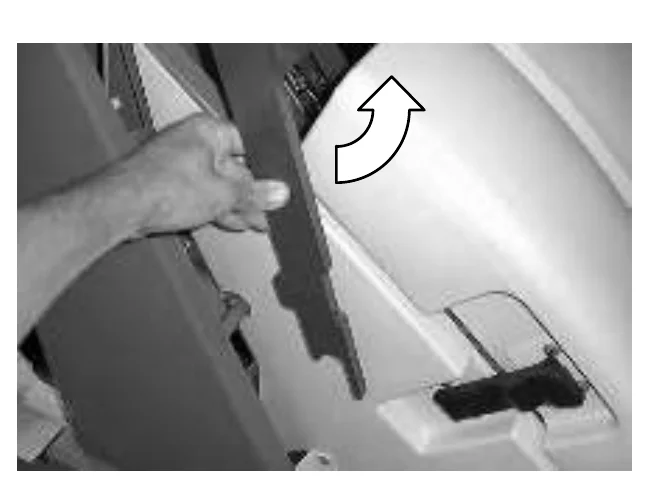
353569 - Put the hopper support bar in its storage position.WARNING: Lift arm pinch point. Stay clear of hopper lift arms.
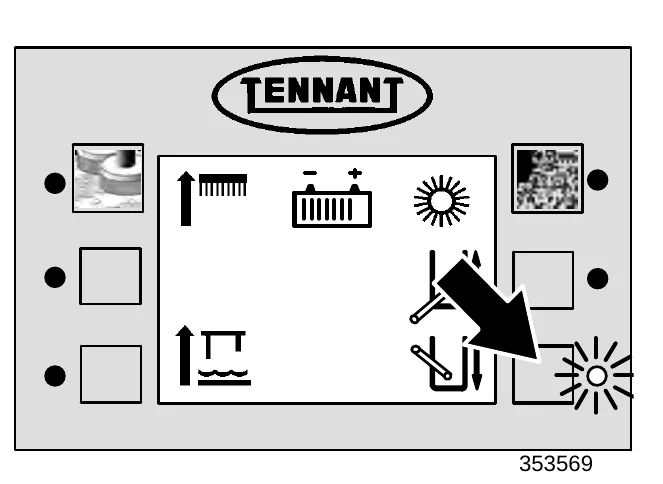
- Press and hold the hopper lower switch, until the hopper has lowered and sealed tightly against the machine.WARNING: Lift arm pinch point. Stay clear of hopper lift arms.
353569
SCRUBBING
- Start the machine. See the STARTING THE MACHINE section of the manual.FOR SAFETY: When starting machine, keep foot on brake and directional pedal in neutral.
- Drive the machine to the area to be cleaned.
- FaST SCRUBBING: Press the FaST switch to the desired solution flow. See the FaST SWITCH section of the manual.
ec−H2O Scrubbing: Press the ec−H2O switch to the desired solution flow. See the ec−H2O SWITCH section of the manual.
ec−H2O Model: If an alarm sounds and the ec−H2O system indicator light begins to blink red, the ec−H2O module must be flushed to resume ec−H2O operation (See ec−H2O MODULE FLUSH PROCEDURE).
OPERATION
| ec−H2O SYSTEM INDICATOR LIGHT CODE | CONDITION |
|---|---|
| Solid green | Normal operation |
| Blinking red | Flush ec−H2O module |
| Solid red | Contact Service Center |
- CONVENTIONAL SCRUBBING: Adjust the solution flow to the floor as needed.
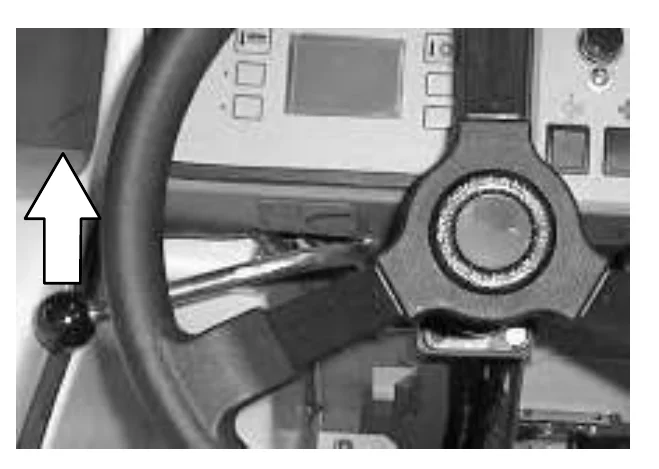
Increase flow: Raise the lever up. Use this flow rate for rough floors and heavy or compacted dirt.
Decrease flow: Lower the lever down. Use this flow rate for smooth floors and light dirt.
Stop flow: Lower the lever all the way down.
- Press the scrub switch to start the scrubbing operations. See the SCRUB SWITCH section of the manual.
As long as the machine is moving forward the scrub head will lower and the scrub brushes will start. The optional sweeping side brush(es) will lower and start. The rear squeegee will lower and the vacuum fan will start. The solution system will start when the machine first begins to move forward, but only if the solution flow lever is on. The detergent pump will start and the optional FaST, ec−H20, or ES systems if the switches are on.
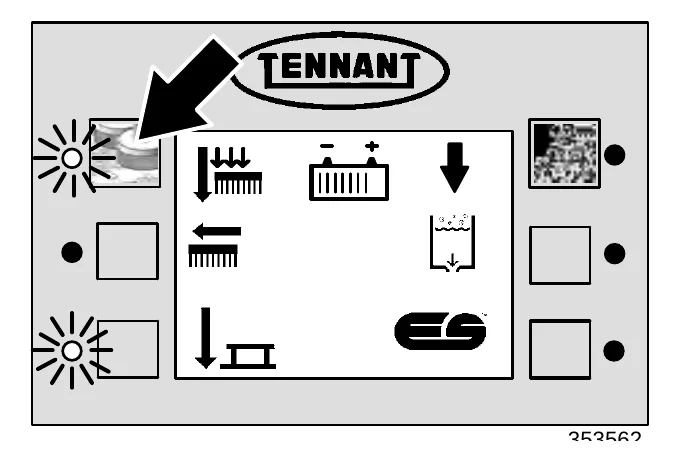
- Adjust brush pressure for cleaning application. See the SCRUB SWITCH section of the manual.
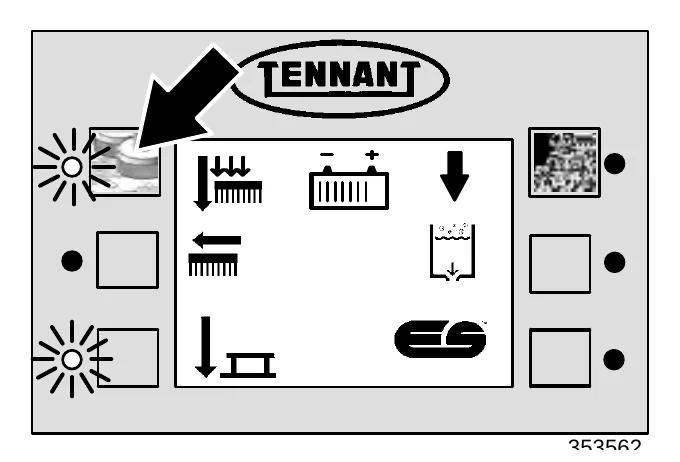
- Press the edge scrub switch if edge scrubbing is necessary.
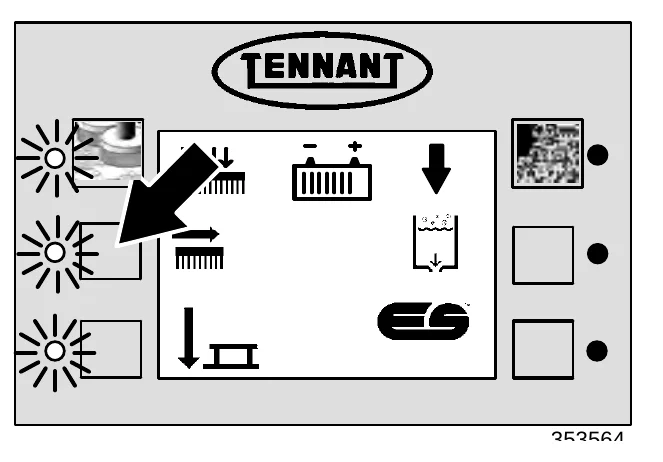
- Adjust the detergent flow with the detergent flow switch (option).
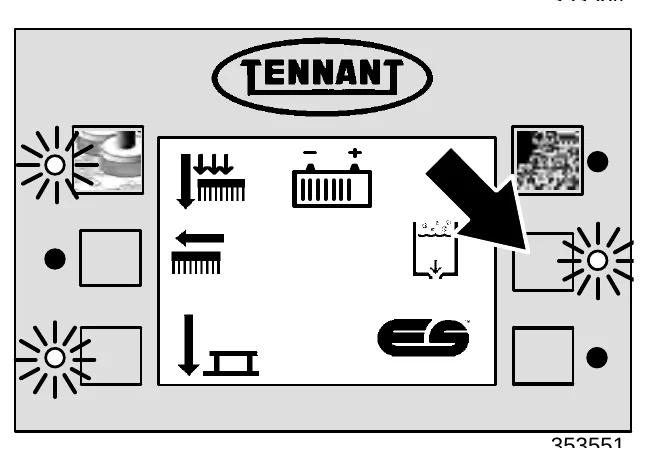
- Press the ES switch (option) if extended scrubbing is necessary.
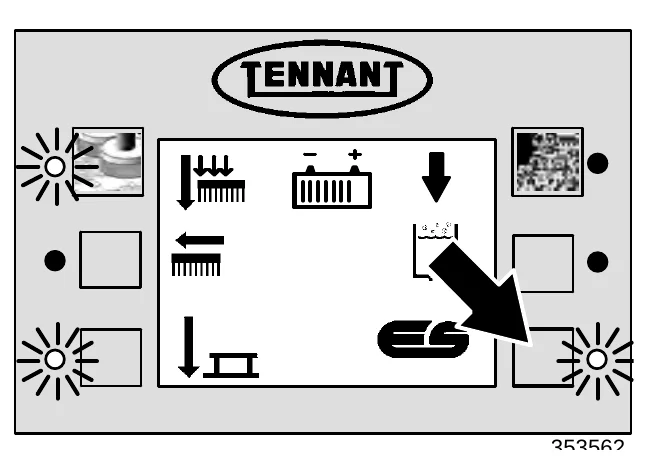
- Drive the machine forward and scrub as required.
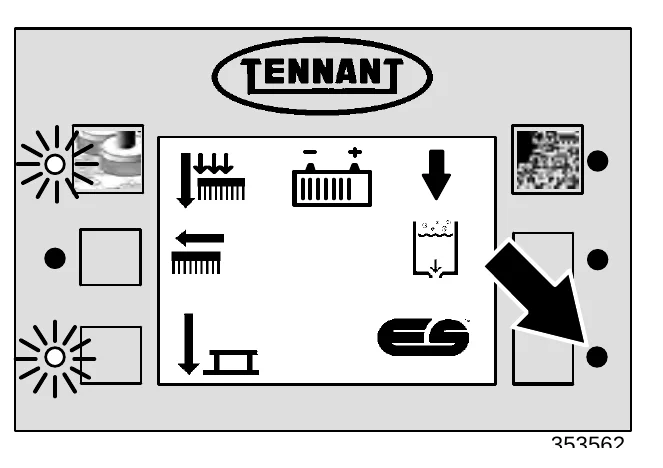
DOUBLE SCRUBBING
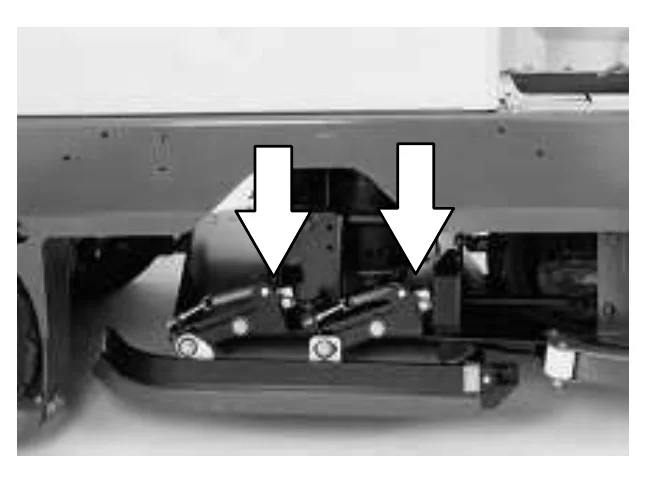
Double scrubbing is the process of making two or more passes over a heavily soiled area. The first pass is made with the rear and side squeegees raised to allow the solution to soak into the floor. Raise the side squeegees and secure in place with the side squeegee double scrub latches.
Double scrubbing can be performed using the FaST SCRUBBING SYSTEM (option), ec−H2O SCRUBBING SYSTEM (option) or CONVENTIONAL SCRUBBING methods.
Use the maximum solution and detergent flow settings. Use a higher brush pressure setting. Let the solution remain on the floor for 5 to 15 minutes, then make a second scrubbing pass with the rear and side squeegees down.
FOR SAFETY: When using machine, go slow on inclines and slippery surfaces.
STOP SCRUBBING
- Press the scrub switch to stop the scrubbing operations.
The scrub brushes will stop and the scrub head will raise. The ES detergent pump (option) will stop, and the solution flow will stop, the FaST system will stop. After a short delay, the rear squeegee will automatically raise and the scrubbing vacuum fan will stop.
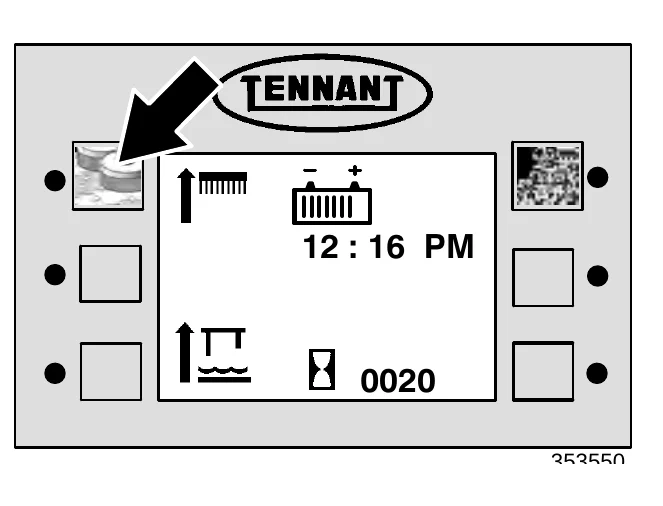
- Continue driving the machine forward until the vacuum fan shuts off.
DRAINING AND CLEANING THE TANKS
When you are finished scrubbing, or when the recovery tank full indicator comes on, the recovery tank should be drained and cleaned. The solution tank can then be filled again for additional scrubbing.
If you used the machine in ES mode, the solution tank should also be drained and cleaned when you are finished scrubbing.
- Stop scrubbing. See the STOP SCRUBBING section of the manual.
- Drive the machine next to an appropriate disposal site.
- Turn the machine power off.
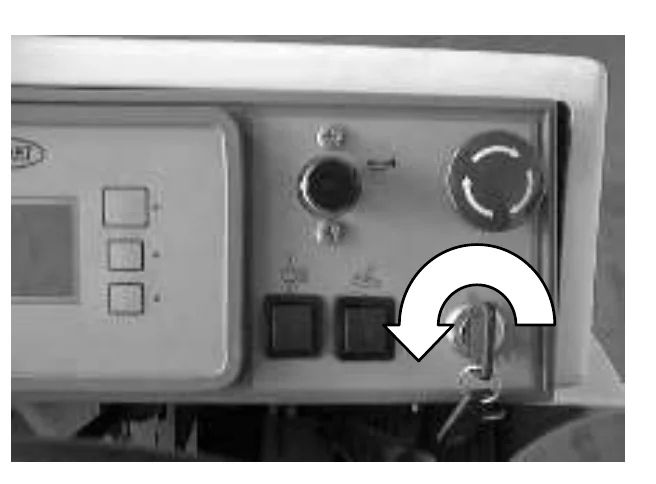
- Set the machine parking brake.
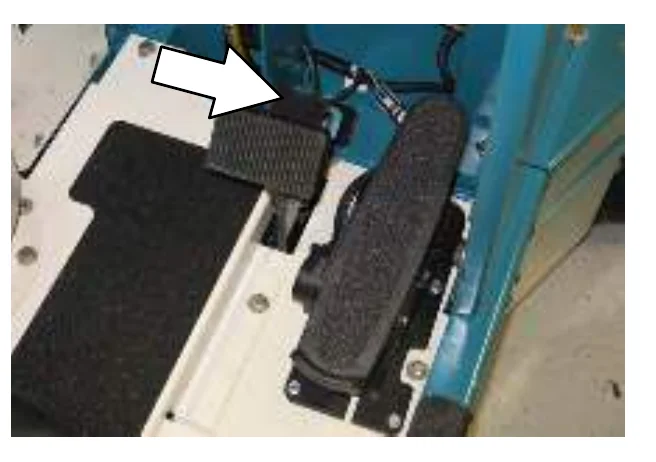
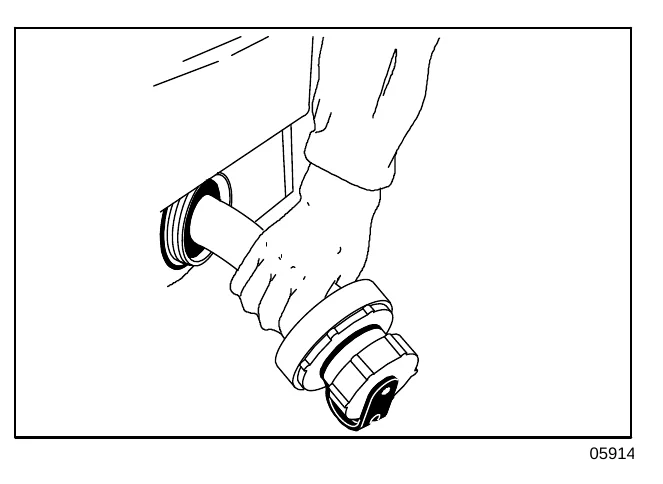
- Unscrew the drain hose cap from the recovery tank drain access cap.
- Pull out and place the drain hose next to the floor drain. Remove the drain end cap from the hose. Stand back because the solution rushes out of the drain hose.
ES mode: Unscrew the drain hose cap from the solution tank drain access cap and drain the solution tank.
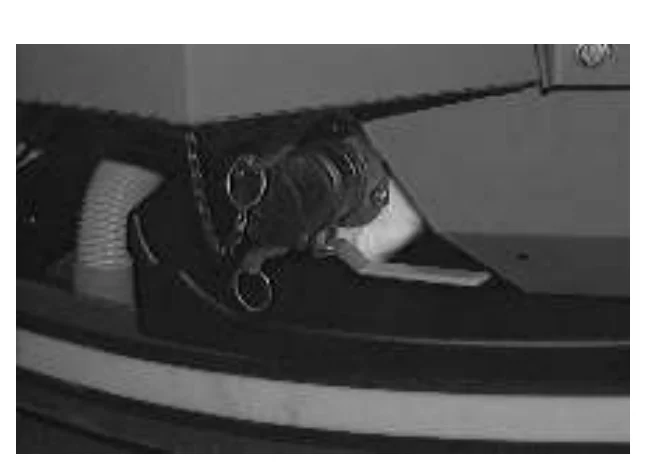
For machines with the positive solution control drain option, remove the drain cap and connect the hose. Place the hose end next to the floor drain and open the drain valve by pulling the lever.
- Open the recovery tank cover.
- Spray the inside of the recovery tank with clean water. DO NOT allow any water to enter the vacuum fan air intake opening towards the front of the tank.
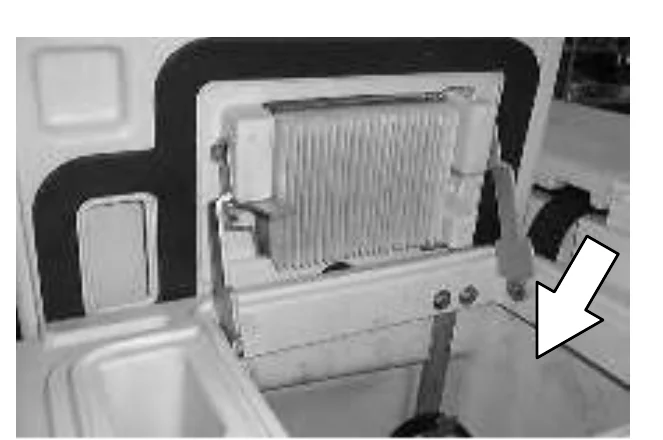
- Remove the large drain cap and flush out the bottom on the recovery tank.
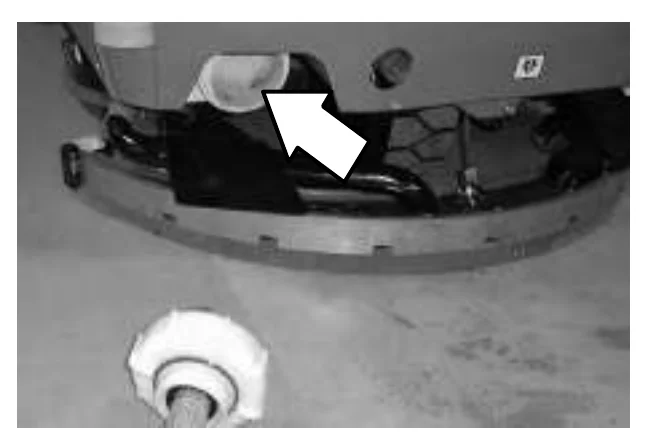
- ES mode: Locate the ES cleanout wand under the battery cover. Remove it and attach it to a water supply hose to use for cleaning.
- ES mode: Lift up the ES filter by the handle until the mesh is exposed and rinse it thoroughly.
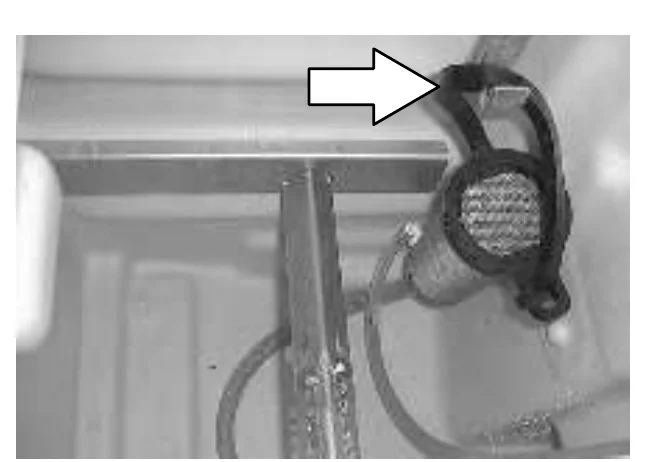
- Rinse off the float sensor(s) on the inside of the recovery tank.
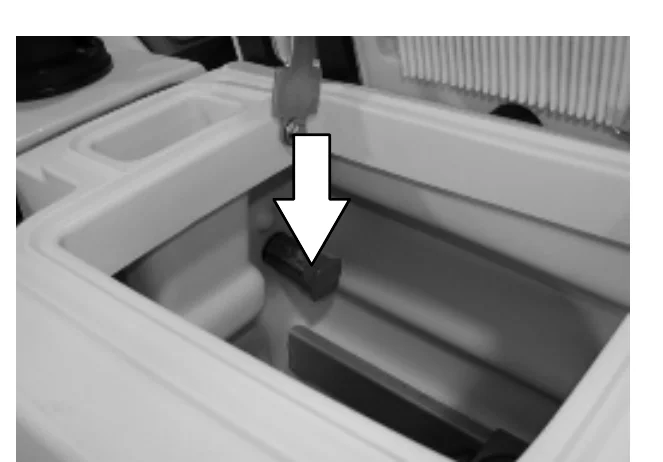
- ES mode: Drain the solution tank. Flush out the solution tank with clean water. Rinse the solution outlet filters at the bottom of the tank through the drain access.
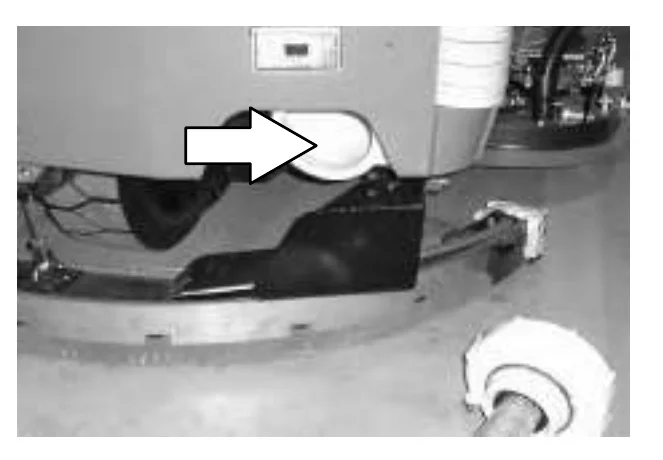
- ES mode: Rinse the sensor floats near the top of the solution tank.
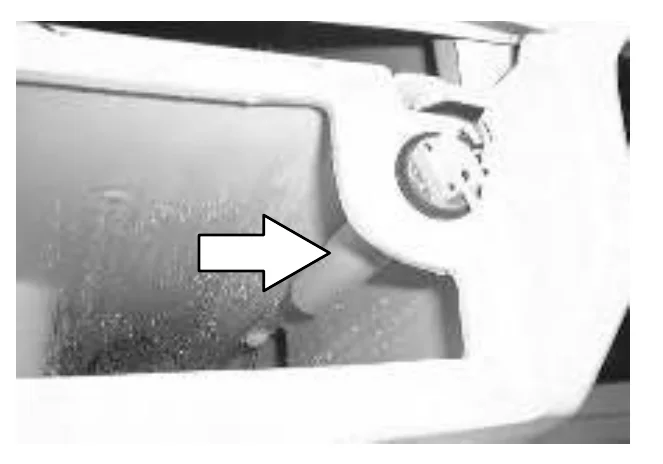
- Cylindrical scrub head: Press down on the right side squeegee support guard latch until the right side squeegee support guard opens. Swing the squeegee support guard away from the scrub head.
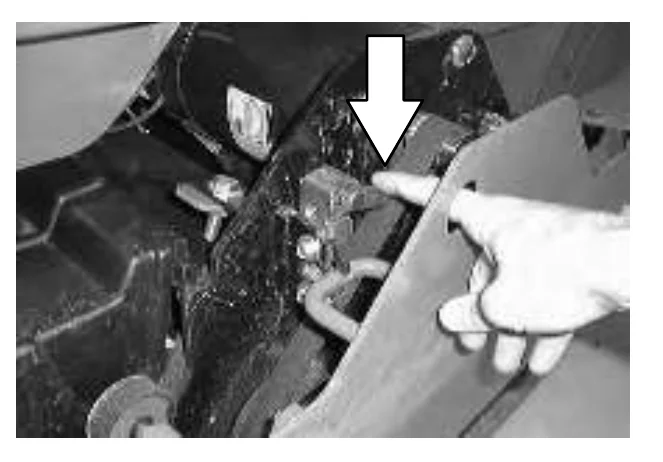
OPERATION
- Cylindrical scrub head: Remove and clean the debris trough from the right hand side of the machine. Place the trough back in the scrub head when clean.
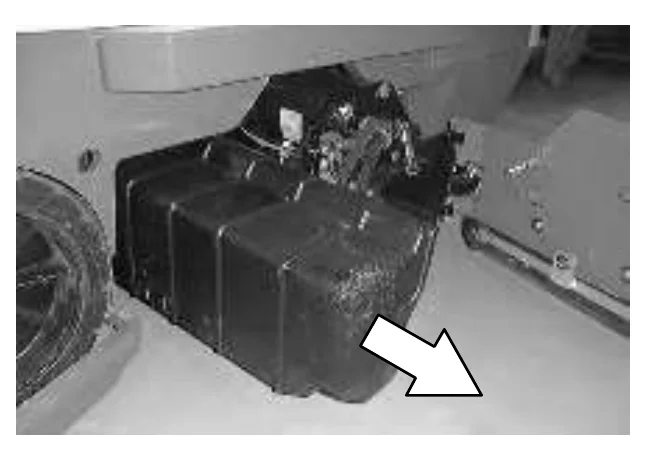
- Remove the vacuum fan filter from the recovery tank cover.
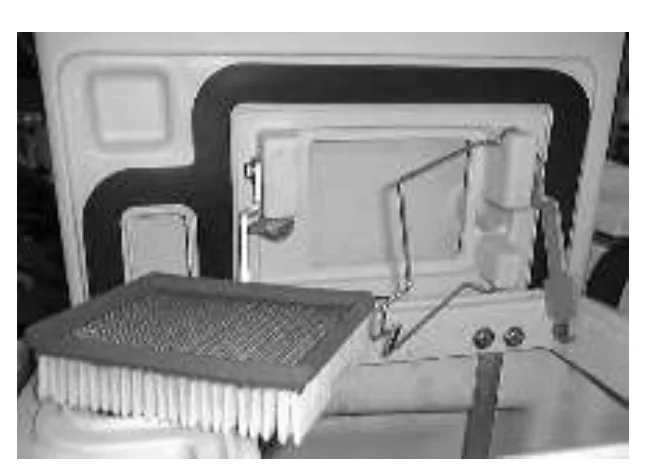
- Clean the vacuum fan filter by using low pressure air, or rinsing pleats with low pressure water.
- Insert the filter back into the recovery tank cover. Close the tank covers.
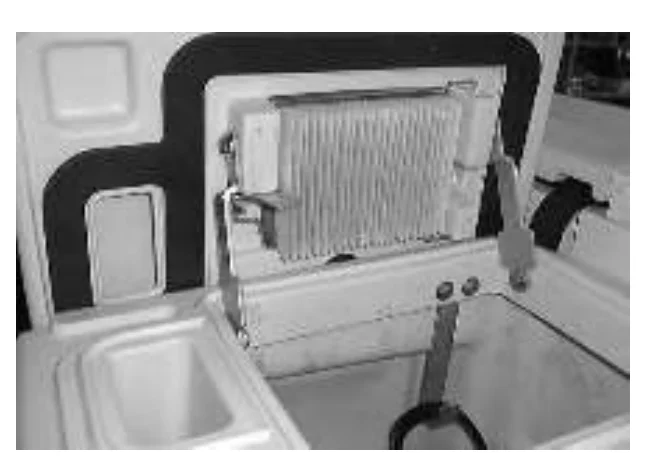
- Place the drain end caps on the tank drain hoses. Push the drain hoses back into the tanks.
- For machines with the positive solution control drain option, close the drain valve, remove the hose, and connect the drain cap.
STOP THE MACHINE
- Stop scrubbing. See the STOP SCRUBBING section of the manual.
- Take your foot off the directional pedal. Step on the brake pedal.
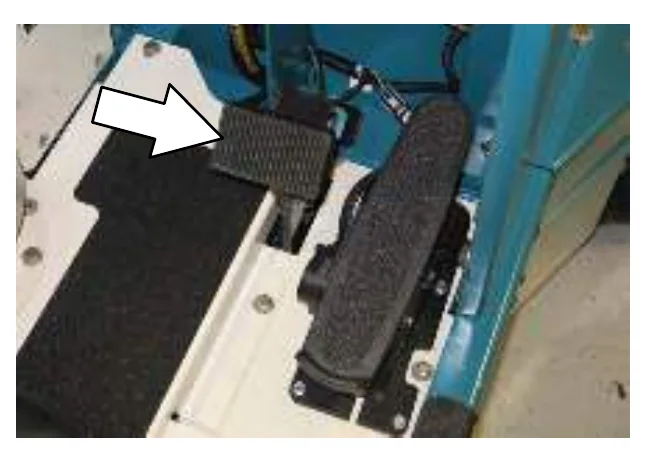
- Turn the machine power off.
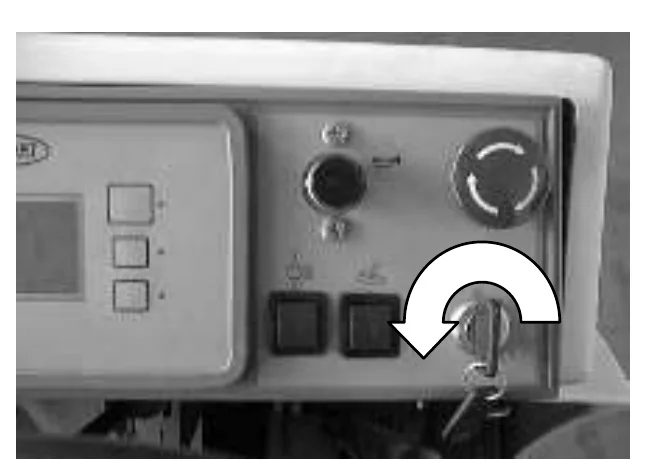
- Set the machine parking brake.
POST-OPERATION CHECKLIST
Check over this list of items after you have finished scrubbing with the machine powered on:
- Check the hydraulic fluid level. (if applicable)
- Check for wire, string, or twine wrapped around the brushes.
- Check the battery fluid and charge level.
- Check the tank cover seals for damage and wear.
- Clean the vacuum fan inlet filter.
- Check the condition of the scrubbing brushes. Remove any string, banding, plastic wrap, or other debris wrapped around them.
- Check the squeegees for damage, wear and for deflection adjustment.
- Check the vacuum hose for debris or blockage.
- ES machines; check the detergent tank level.
- Drain and clean the recovery tank.
- ES machines; drain and clean the solution tank and ES filter. Rinse level sensors.
- Check the brakes and steering for proper operation.
- Empty and clean the debris tray. (if applicable).
- Check the service records to determine maintenance requirements.
- FaST Scrubbing: If FaST PAK is empty after scrubbing, install a new FaST PAK or connect supply hose to the storage plug.
OPERATION ON INCLINES
Drive the machine slowly on inclines.
The maximum rated climb and descent angle with full tanks is 6° and with empty tanks is 8°.
OPTIONS
VACUUM WAND
The vacuum wand uses the machine’s vacuum system. The vacuum wand and hose allows pick-up of spills that are out of reach of the machine.
- Turn the machine power off. See the STOP THE MACHINE section of the manual.FOR SAFETY: Before leaving or servicing machine; stop on level surface, turn off machine.
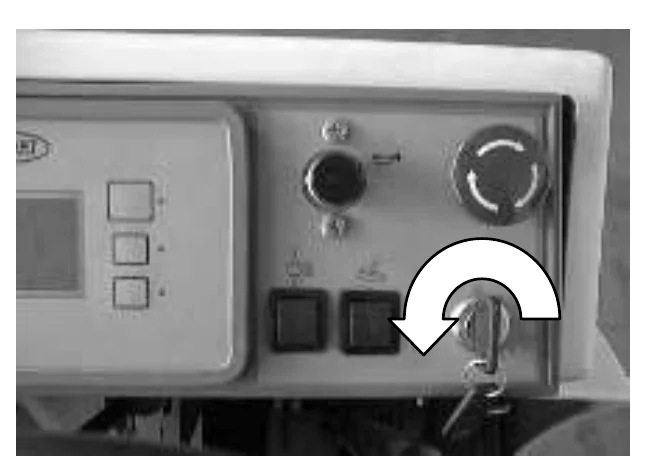
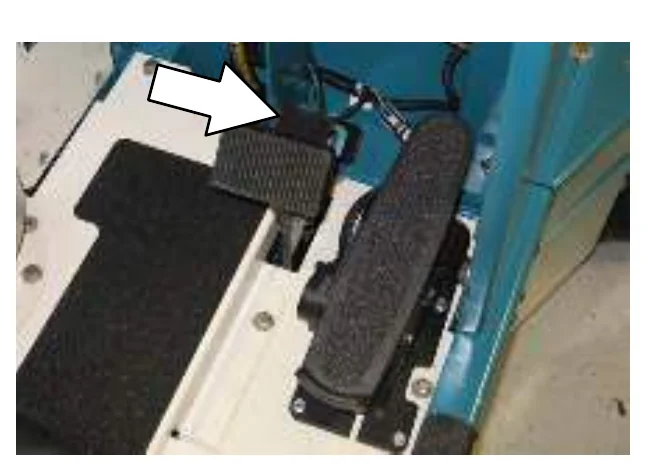
- Set the parking brake.
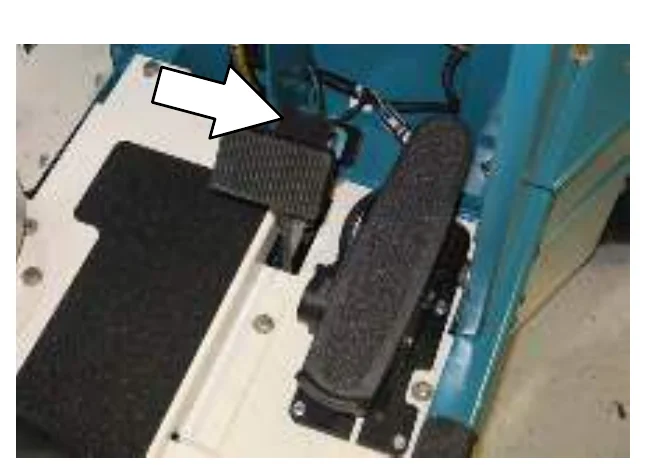
- Remove the vacuum wand equipment from the tank cover, and the back of the machine.
- Remove the squeegee suction hose from the top of the rear squeegee.
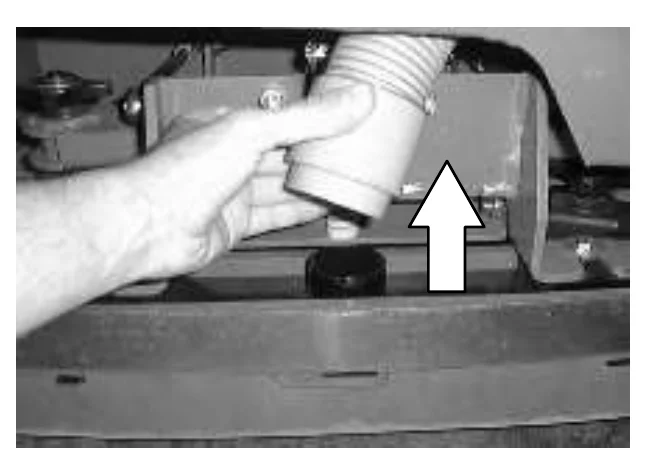
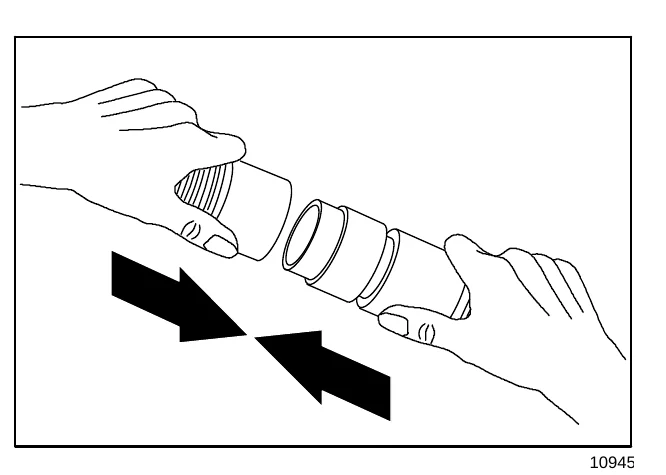
- Connect the vacuum wand hose and the squeegee suction hose with the adapter.
- Put together the wand and the wand hose.
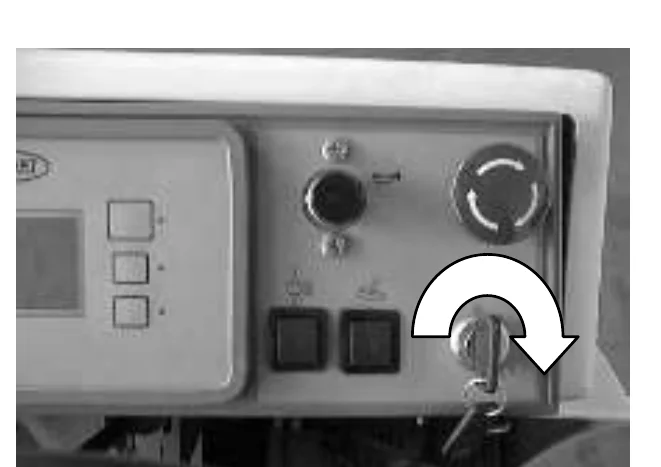
- Turn the machine power on. See the STARTING THE MACHINE section of the manual.
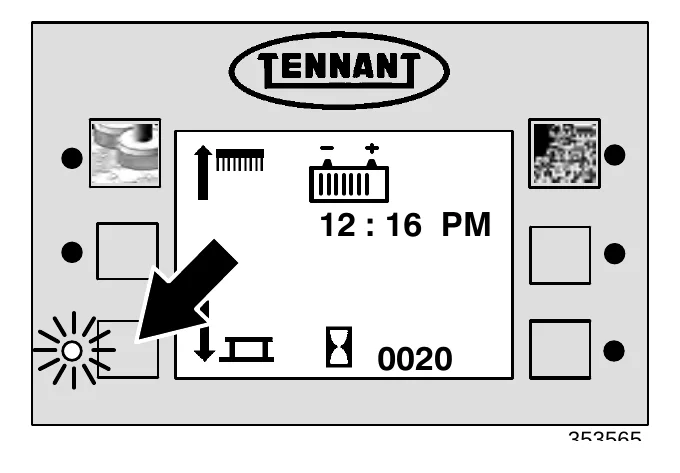
- Press the rear squeegee switch to turn on the vacuum.
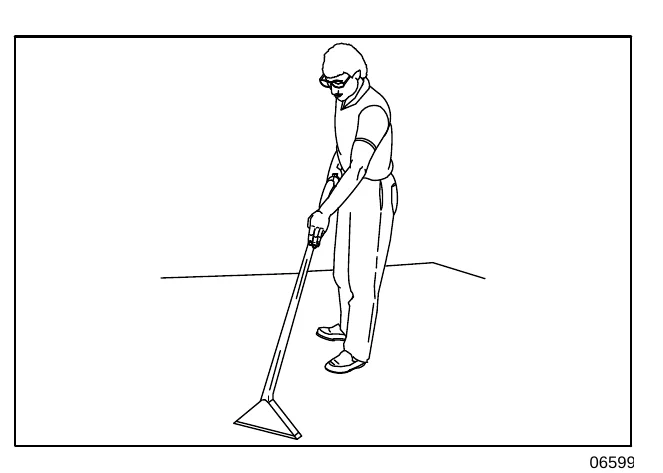
- Vacuum the floor.
- When finished, shut off the vacuum with the rear squeegee switch.
OPERATION
- When finished, shut off the vacuum, and raise the rear squeege with the rear squeegee switch.
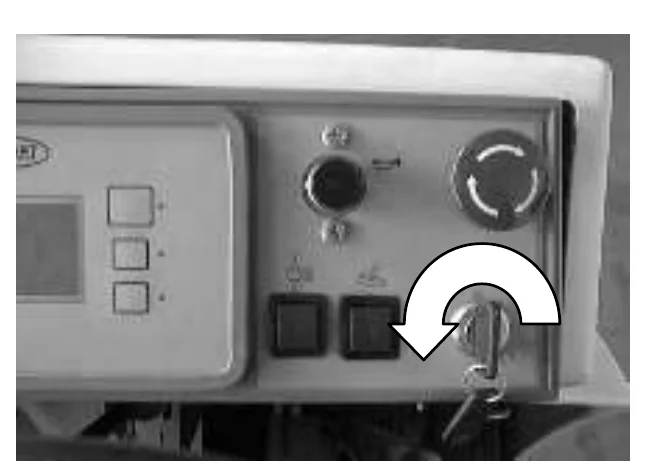
- Turn the machine power off. See the STOP THE MACHINE section of the manual.
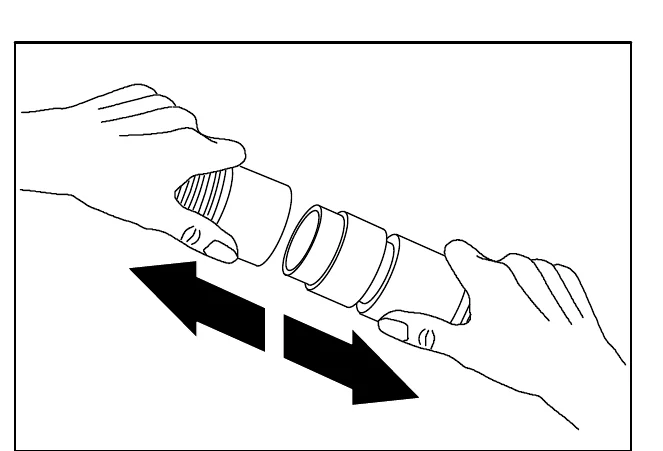
- Disconnect the vacuum hose from the squeegee suction hose.
- Reconnect the squeegee suction hose to the top of the squeegee.
- Clean and rinse the vacuum wand equipment.
- Secure the vacuum wand equipment on top of the tank cover.
POWER WAND
The power wand uses the machine’s vacuum and solution systems. The power wand allows scrubbing of floors that are out of reach of the machine.
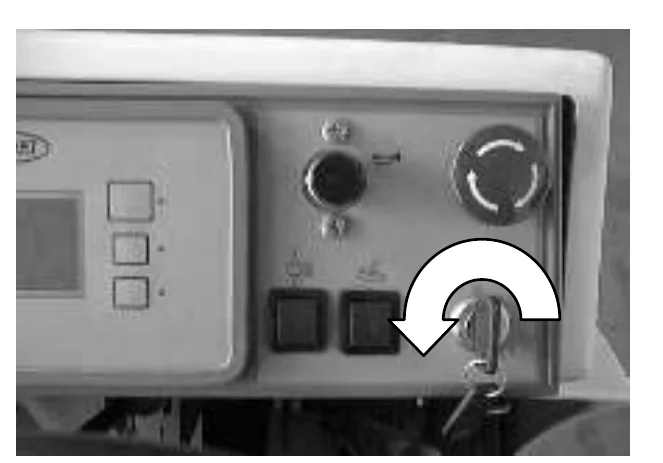
- Turn the machine power off. See the STOP THE MACHINE section of the manual.FOR SAFETY: Before leaving or servicing machine; stop on level surface, turn off machine.
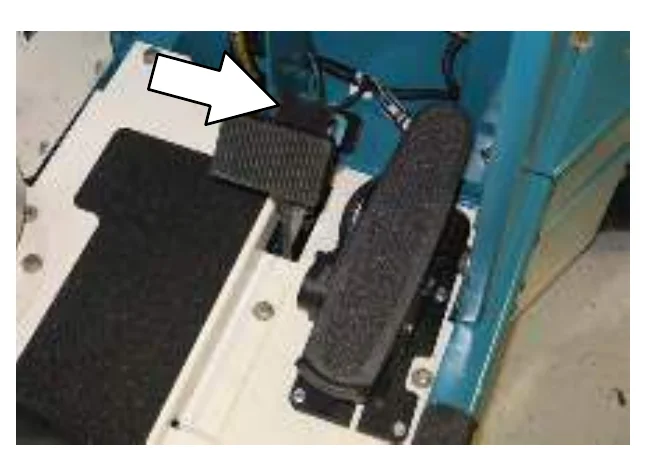
- Set the machine parking brake.
- Remove the power wand equipment from the tank cover.
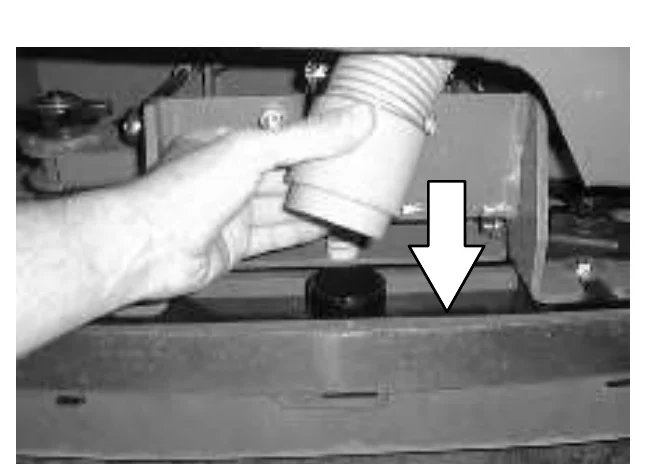
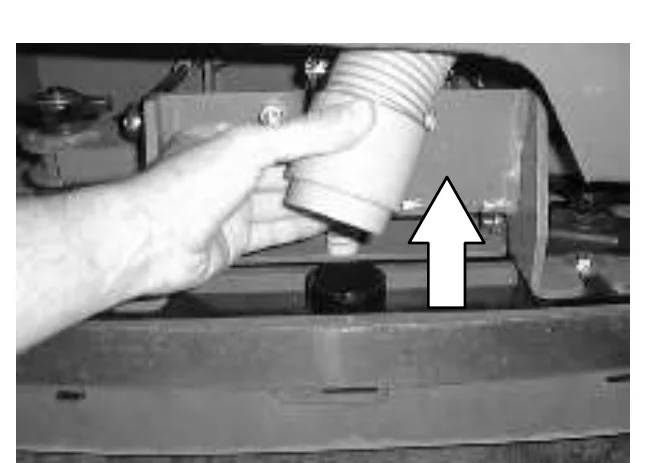
- Remove the squeegee suction hose from the top of the rear squeegee.
OPERATION
- Connect the vacuum wand hose and the squeegee suction hose with the adapter.
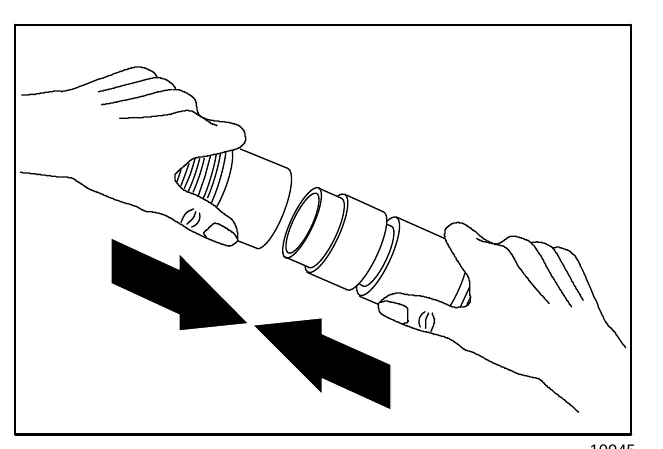
- Attach the end of solution hose to the quick-disconnect. Push the connector in until it stops. Pull on the hose to make sure it is connected.
- Attach the other ends of the solution and vacuum hoses to the power wand.
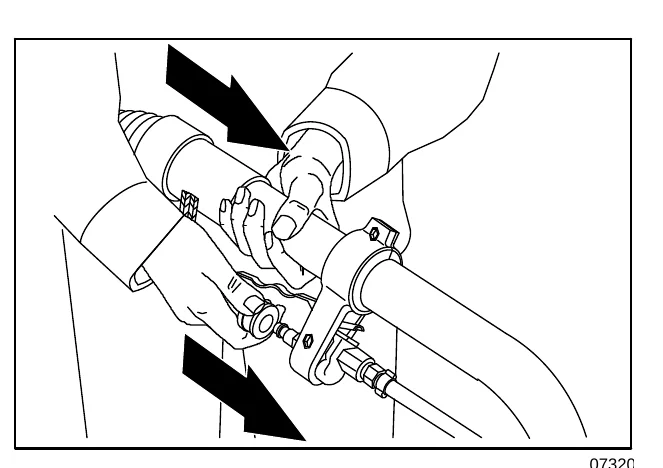
- Turn the machine power on. See the STARTING THE MACHINE section of the manual.
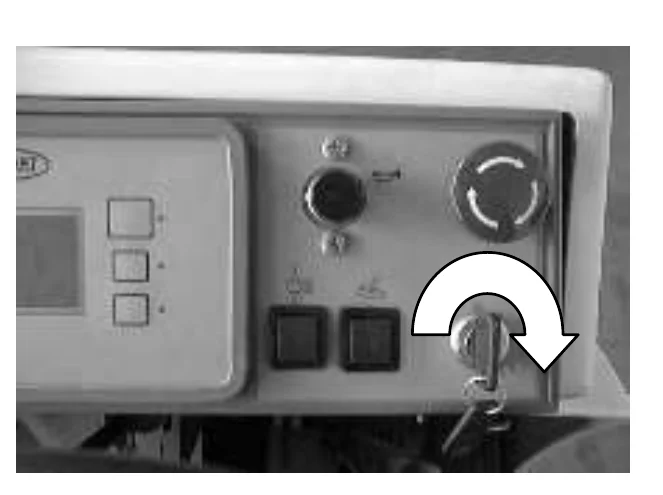
- Press the rear squeegee switch to turn on the vacuum.
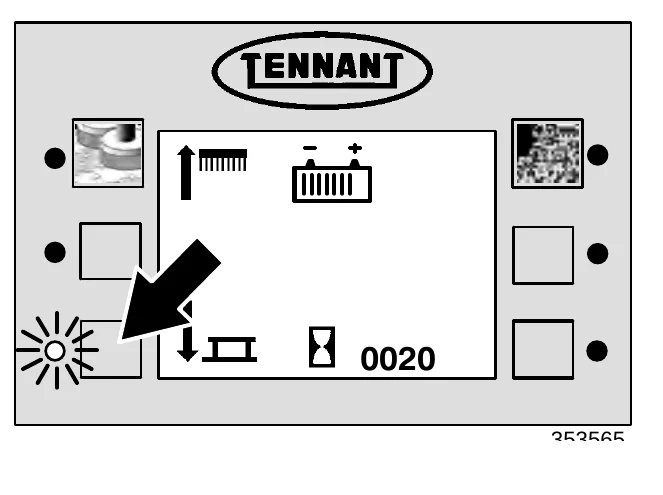
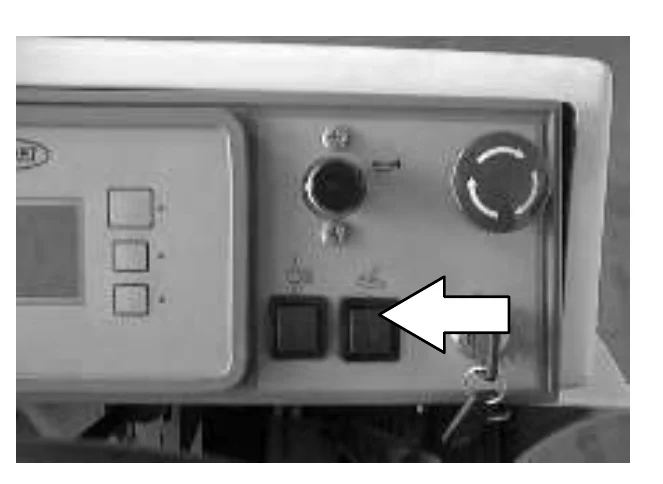
- Press the top of the power wand switch to turn the power wand on.
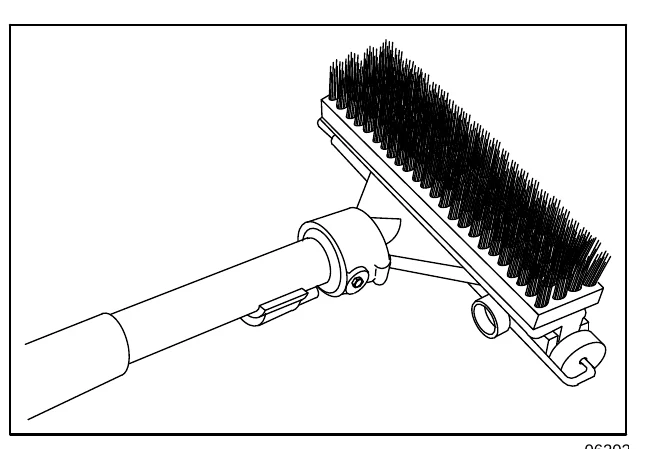
- Squeeze the solution lever on the power wand to spray solution on the floor. Scrub the floor with the brush side of the cleaning tool.
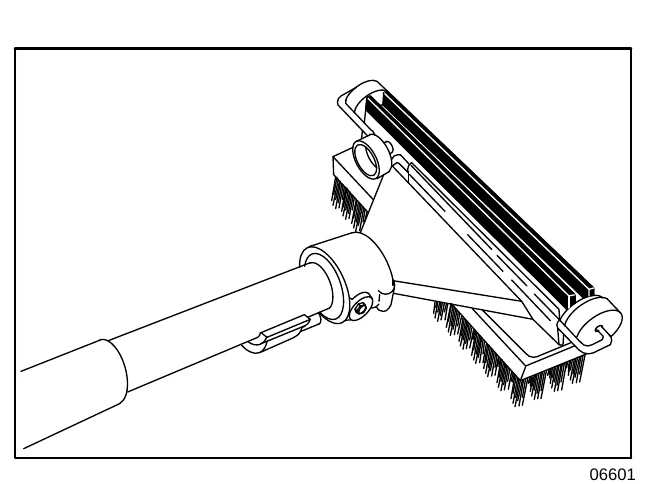
- Vacuum up the solution by turning over the cleaning tool so the squeegee side is down.
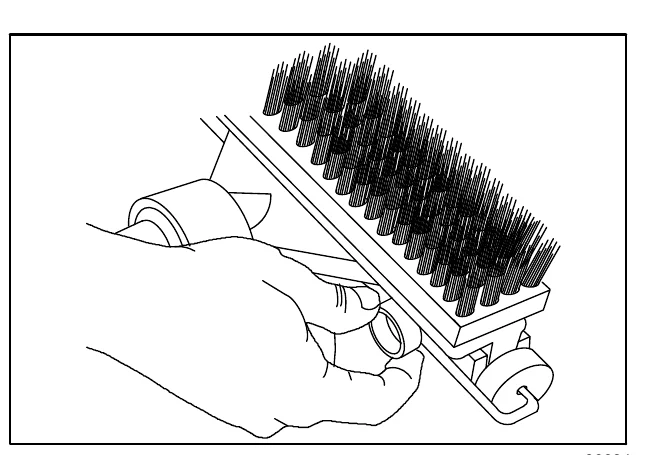
If the cleaning tool is hard to push or is not picking up the solution very well, adjust the roller wheels on the tool by turning the black adjustment knob.
- When finished, press the bottom of the power wand switch to turn off the power wand.
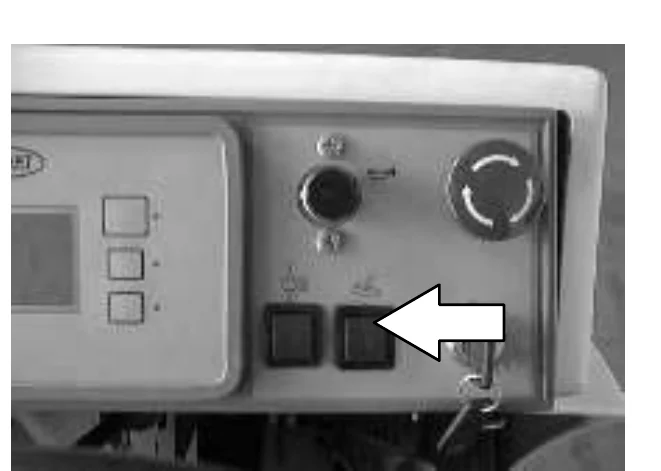
- Press the rear squeegee switch to shut off the vacuum.
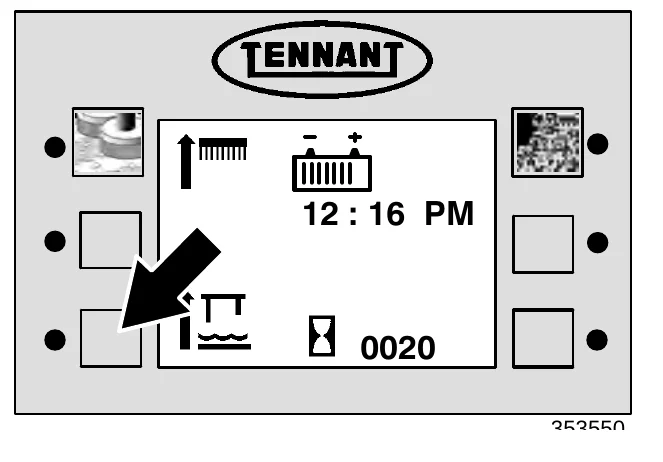
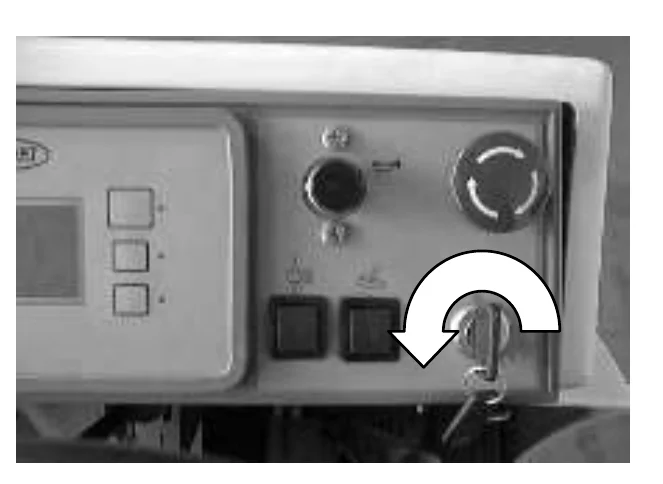
- Turn the machine power off. See the STOP THE MACHINE section of the manual.
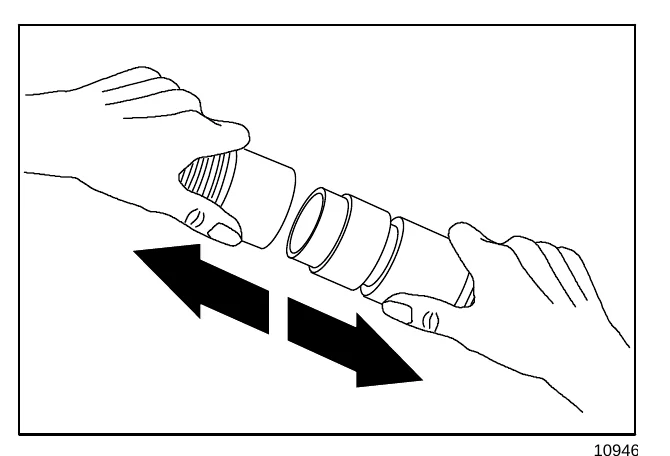
- Disconnect the solution hose from the machine.
OPERATION
- Remove the vacuum hose from the squeegee suction hose.
- Reconnect the squeegee suction hose to the squeegee.
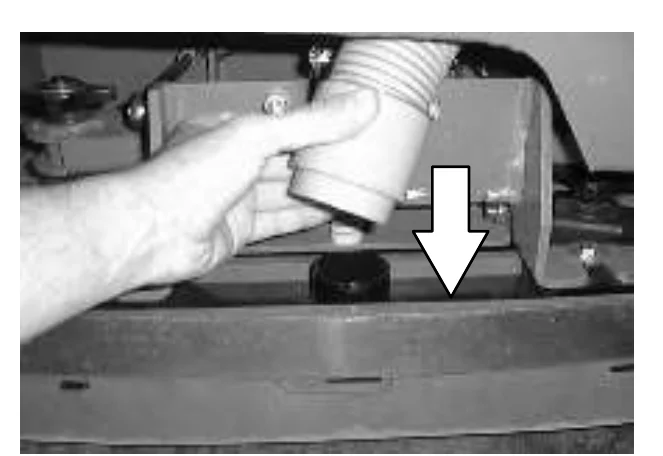
- Disconnect the other ends of the solution and vacuum hoses from the power wand.
- Secure the power wand equipment on top of the tank cover.
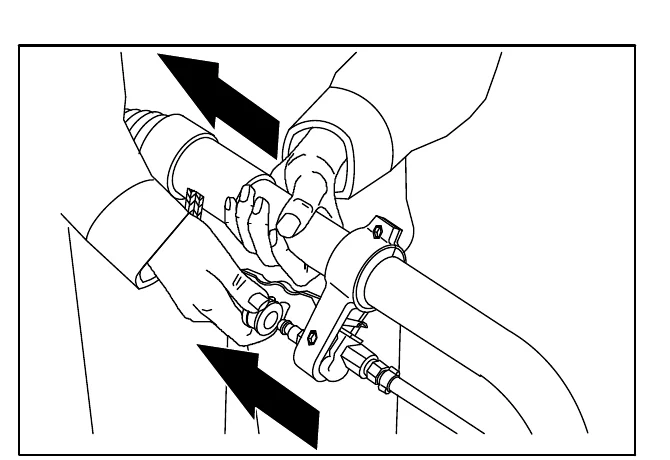
MACHINE TROUBLESHOOTING
| Problem | Cause | Remedy |
|---|---|---|
| Trailing water − poor or no water pickup. | Rear squeegee blades worn | Rotate or replace blades |
| Rear squeegee out of adjustment | Adjust rear squeegee | |
| Rear squeegee raised | Lower rear squeegee | |
| Side squeegees raised | Lower side squeegees | |
| Side squeegee blades worn | Replace side squeegee blades | |
| Side squeegees out of adjustment | Adjust side squeegees | |
| Too much solution flow to floor | Reduce solution flow to floor | |
| Vacuum hose clogged | Flush vacuum hoses | |
| Recovery tank cover not seated | Reseat tank cover | |
| Recovery tank cover seal worn | Replace seal | |
| Recovery tank full. | Drain recovery tank | |
| Float stuck shutting off vacuum | Clean float | |
| Debris caught on rear squeegee | Remove debris | |
| Foam filling recovery tank | Empty recovery tank; use less or change detergent | |
| Vacuum hose to rear squeegee disconnected or damaged | Reconnect or replace vacuum hose | |
| Vacuum fan will not turn on | Recovery tank full | Drain recovery tank |
| Vacuum fan circuit breaker tripped | Reset circuit breaker | |
| Machine in reverse or neutral | Propel forward | |
| Vacuum fan failure | Contact Tennant service representative | |
| Little or no solution flow to the floor. | Solution tank empty | Fill solution tank |
| Solution flow lever off | Open solution flow lever | |
| Solution supply lines plugged | Flush solution supply lines | |
| ES switch off | Turn ES switch on | |
| Manual control valve closed | Open valve more | |
| Poor scrubbing performance. | Debris caught on scrub brushes | Remove debris |
| Improper detergent or brushes used | Check with TENNANT representative for advice | |
| Scrub brush pressure not set properly | Replace scrub brushes | |
| Worn scrub brushes | Replace scrub brushes | |
| Brush pressure light blinks and changes to a lower pressure setting. | Brush pressure set to heavy for the application | Decrease brush pressure setting |
| Problem | Cause | Remedy |
|---|---|---|
| ES system does not fill solution tank. | Clogged solution pump or lines | Flush ES system |
| ES float switch(es) stuck | Clean switch floats of debris | |
| Clogged ES pump filter | Clean ES filter | |
| Water levels too low in tanks | Add water to tanks | |
| Excessive dusting. | Brush skirts and dust seals worn, damaged, out of adjustment. | Replace or adjust brush skirts or dust seals. |
| Hopper dust filter clogged. | Shake and/or clean or replace dust filter. | |
| Sweeping vacuum will not activate. | Make sure hopper is in the lowered position | |
| Reset Thermo Sentry | ||
| Contact Tennant service representative. | ||
| Thermo Sentry tripped. | Reset Thermo Sentry | |
| Poor sweeping performance. | Brush bristles worn. | Replace brushes. |
| Sweeping brushes not properly adjusted. | Adjust brushes. | |
| Debris caught in brush drive mechanism. | Remove debris. | |
| Brush drive failure. | Contact Tennant service representative. | |
| Hopper full. | Empty hopper. | |
| Hopper lip skirts worn or damaged. | Replace lip skirts. | |
| FaST System does not operate | FaST switch is set for Conventional scrubbing | Set the FaST switch for FaST system scrubbing |
| FaST circuit breaker tripped | Determine cause and reset the 10A circuit breaker button | |
| Clogged FaST PAK supply hose and/or connector | Soak connector and hose in warm water and clean | |
| FaST PAK carton is empty or not connected | Replace FaST PAK carton and/or connect supply hose | |
| FaST system is not primed | To prime, operate the FaST solution system for 7 to 10 minutes. | |
| Clogged flow control orifice/screen | Remove and clean orifice/screen | |
| Faulty pump or air compressor | Contact TENNANT representative | |
| Clogged filter screen | Drain solution tank, remove and clean filter screen | |
| Faulty detergent timer module | Contact Tennant representative |
| Problem | Cause | Remedy |
|---|---|---|
| ec−H2O Model: ec−H2O system indicator light blinking red ec−H2O Model: Alarm sounds | Mineral deposit build−up in module | Flush module (See ec−H2O MODULE FLUSH PROCEDURE) |
| ec−H2O Model: ec−H2O system indicator light solid red | Defective module | Contact Service Center |
| ec−H2O Model: ec−H2O system indicator light does not turn on | Defective light or module | Contact Service Center |
| ec−H2O Model: No water flow | Clogged module | Contact Service Center |
| Defective solution pump | Replace solution pump |
MAINTENANCE
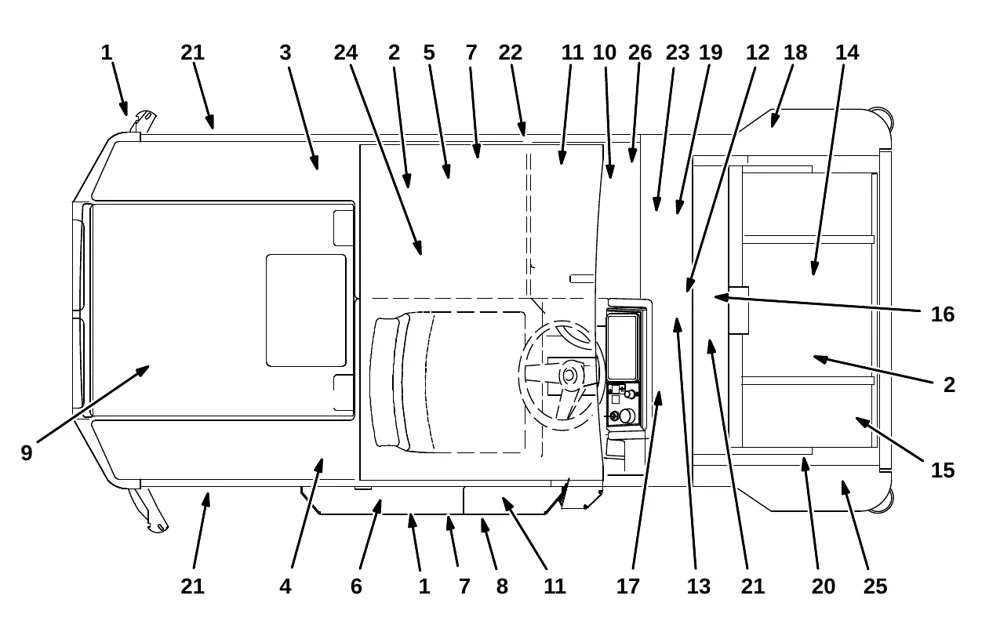
MAINTENANCE CHART
| Interval | Key | Description | Procedure | Lubricant/ Fluid | No. of Service Points |
|---|---|---|---|---|---|
| Daily | 1 | Rear and side squeegees | Check for damage, wear and adjustment | − | 3 |
| − | 1 | ||||
| 2 | Brushes | Check for damage and wear | − | 5, (6) | |
| 3 | Recovery tank | Clean | − | 1 | |
| 3 | Recovery tank, ES mode | Clean ES filter | − | 1 | |
| 4 | Solution tank, ES mode | Clean and flush | − | 1 | |
| 5 | Vacuum fan filter | Clean and flush | − | 1 | |
| 6 | Debris trough (Cylindrical brushes only) | Check and clean | − | 1 | |
| 14 | Debris hopper | Clean | − | 1 | |
| 15 | Dust filter | Check and clean | − | 1 | |
| − | Machine | Check for leaks | − | 1 | |
| 26 | FaST PAK supply hose and connector | Clean and connect hose to storing plug when not in use | − | 1 |
MAINTENANCE
| Interval | Key | Description | Procedure | Lubricant/ Fluid | No. of Service Points |
|---|---|---|---|---|---|
| 50 Hours | 7 | Cylindrical scrub brushes | Check Taper | − | 2 |
| Rotate front to rear | − | 2 | |||
| 8 | Scrub head floor skirts (Disk brush heads only) | Check for damage and wear | − | 1 | |
| 14 | Sweeping assembly side and recirculation skirts | Check for damage and wear | − | 4 | |
| 9 | Front flap skirt | Check for damage and wear | − | 1 | |
| 9 | Battery cells | Check electrolyte level | DW | 1 | |
| 26 | FaST Filter screen | Clean | − | 1 | |
| 100 Hours | 16 | Cylindrical conveyor | Check for damage and wear | − | 1 |
| 17 | Brakes | Check adjustment | − | 1 | |
| 18 | Sweeping brush drive belts | Check for damage, adjustment or wear | − | 2 | |
| 19 | Sweeping vacuum fan belt | Check for damage, adjustment or wear | − | 1 | |
| 7 | Cylindrical scrub brush drive belts | Check for damage, adjustment or and wear | − | 1 | |
| 14 | Hopper seals | Check for damage and wear | − | 5 | |
| 15 | Hopper filter and seals | Check for damage, clean or replace | − | 2 | |
| 20 | Hopper lift arms | Lubricate | SPL | 4 | |
| 11 | Machine and tank cover seals | Check for damage and wear | − | 5 | |
| 10 | Hydraulic fluid | Check fluid level | HYDO | 1 | |
| 12 | Front wheel support bearing | Lubricate | SPL | 1 | |
| 13 | Propelling gearbox | Check lubricant level | GL | 1 | |
| 22 | Scrub head drag link arm pivot points (SN 000000−004780) | Lubricate | SPL | 8(4) | |
| 21 | Tires | Check for damage and wear | − | 3 | |
| 200 Hours | 26 | FaST Air filter (SN 000000−004791) | Clean | − | 1 |
| 500 Hours | 12 | Front wheel | ■ Torque wheel nuts | − | 1 |
| 12 | Rear wheel bearings | Check, lubricate, and adjust | SPL | 1 | |
| 24 | Scrub head gas spring | Check for wear and operation | − | 1 | |
| 17 | Steering gear chain | ■ Check tension and lubricate | GL | 1 | |
| 20 | Hopper drive chains | ■ Check tension and lubricate | GL | 2 | |
| 24 | Sweeping vacuum fan motors | Check motor brushes | − | 2 | |
| 23 | Scrubbing vacuum fan motors | Check motor brushes | − | 2 | |
| 10 | Hydraulic hoses | Check for damage and wear | − | 1 |
| Interval | Key | Description | Procedure | Lubricant/Fluid | No. of Service Points |
|---|---|---|---|---|---|
| 1000 Hours | 13 | Propelling gearbox | Change fill-level plug seals | − | 1 |
| 13 | Change gear lubricant | GL | 1 | ||
| 24 | Scrubbing brush drive motors | Check motor brushes | − | 2 | |
| 25 | Side brush drive motor(s) | Check motor brushes | − | 2 | |
| 24 | Sweeping brush drive motors | Check motor brushes | − | 2 | |
| 13 | Propelling motor | Check motor brushes | − | 1 | |
| 26 | FaST injector filters (SN 004792− ) | Replace | − | 2 | |
| 1200 Hours | 10 | Hydraulic fluid filter (opt.) | * Change filter element | − | All |
| 2400 Hours | 10 | Hydraulic fluid reservoir (opt.) | * Change hydraulic fluid | HYDO | 1 |
SPL − Special lubricant, Lubriplate EMB grease (Tennant part no. 01433−1)
GL − SAE 90 weight gear lubricant
HYDO − TennantTrue premium hydraulic fluid or equivalent
DW − Distilled water
LUBRICATION
PROPELLING GEARBOX
Check the lubricant level in the propelling gearbox every 100 hours of operation. Change the gear lubricant, and the drain and fill-level plug seals after the first 50 hours of operation, and then every 1000 hours of operation. Use SAE 90 weight gear lubricant.
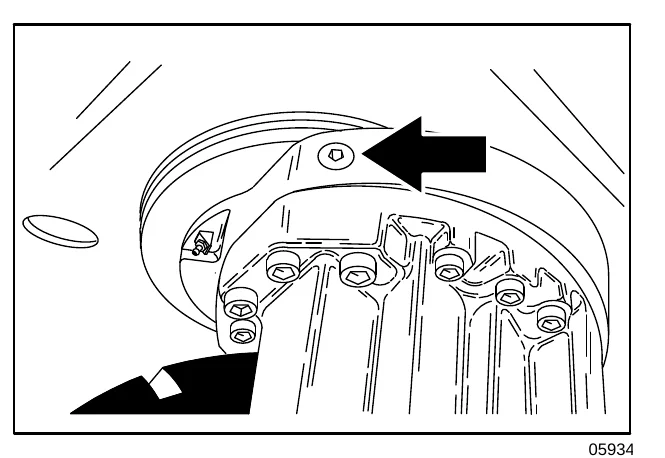
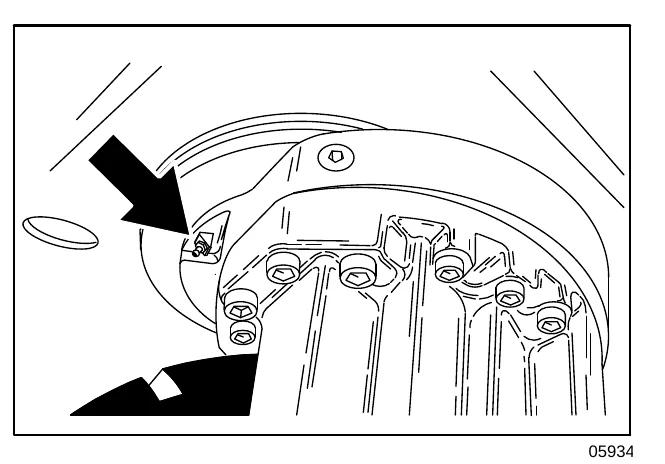
FRONT WHEEL SUPPORT BEARING
The front wheel support has two grease fittings for the bearing. Raise the machine so the front wheel is off the floor. Fill one of the grease fittings while rotating the gearbox from stop to stop. Fill the second grease fitting while rotating the gearbox back to the original position. The bearing cavity is full when grease comes out of the fittings, or out of the top seal.
Lubricate with Lubriplate EMB grease (Tennant part no. 01433−1) every 100 hours of machine operation, or after steam cleaning the gearbox area.
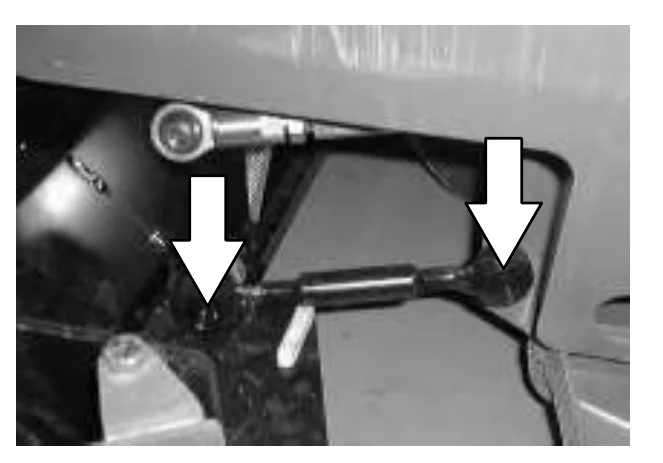
SCRUB HEAD DRAG LINK ARMS (SN 000000−004780)
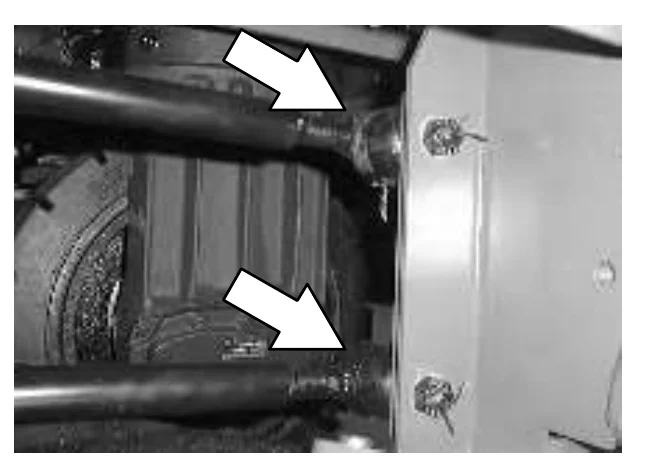
The scrub head drag link arms have a grease fitting at each of the pivot points. Lubricate with Lubriplate EMB grease (Tennant Part No. 01433−1) every 100 hours of operation.
The MaxPro 1000 disk scrub head has four link arms that need lubrication.
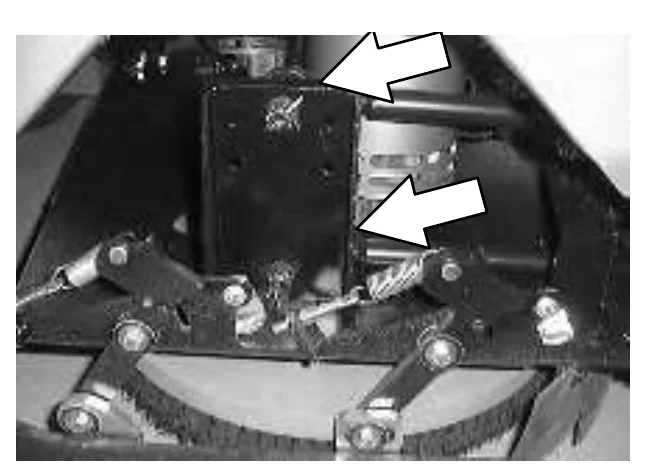
The MaxPro 1200 disk scrub head has two link arms that need lubrication.
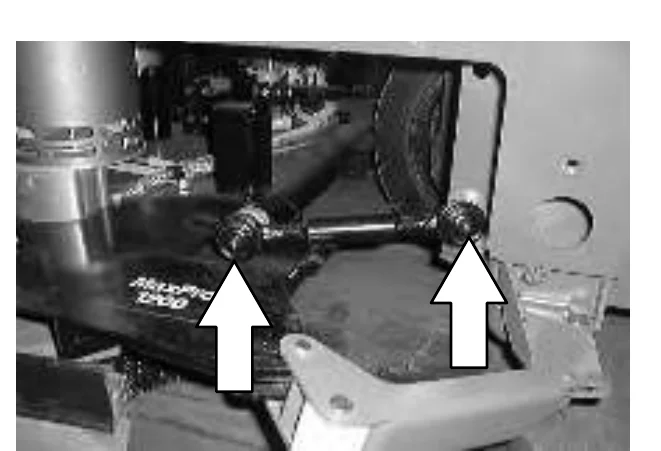
The Maxpro 1000 and the Maxpro 1200 cylindrical scrub heads each have two arms that need lubrication.
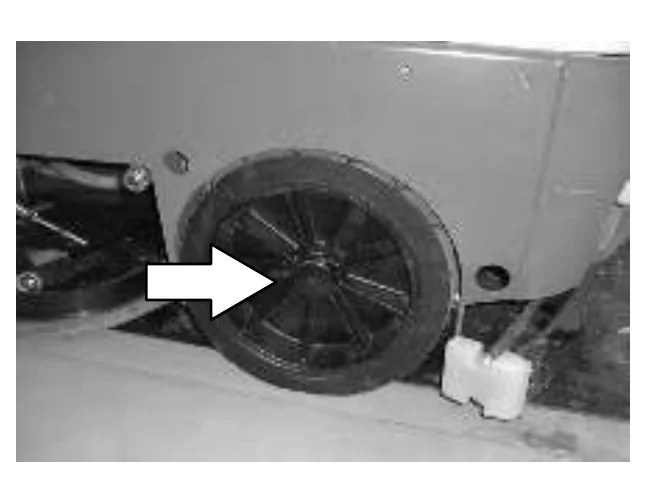
REAR WHEEL BEARINGS
Inspect the rear wheel bearings for seal damage, and repack and adjust every 500 hours of operation. Use Lubriplate EMB grease (Tennant part number 01433−1).
HOPPER LIFT ARMS
The hopper lift arms each have two grease fittings. The first pivot point is located down on the base of the arms, close to the machine. Lubricate with Lubriplate EMB grease (Tennant Part No. 01433−1) every 100 hours of operation.
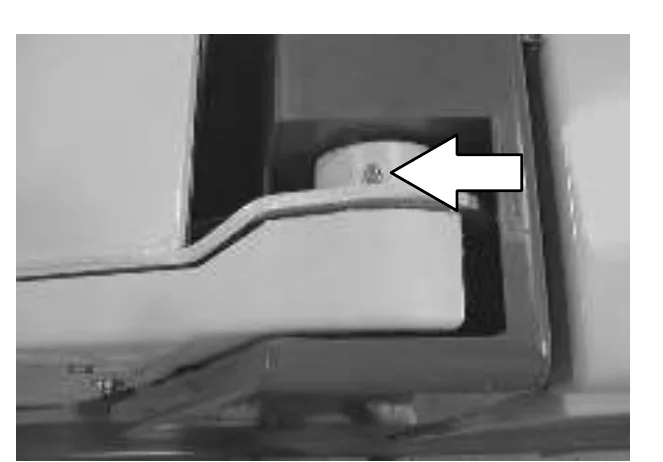
The second pivot points are located close to the sides of the hopper where the hopper lift arms connect. Lubricate with Lubriplate EMB grease (Tennant Part No. 01433−1) every 100 hours of operation.
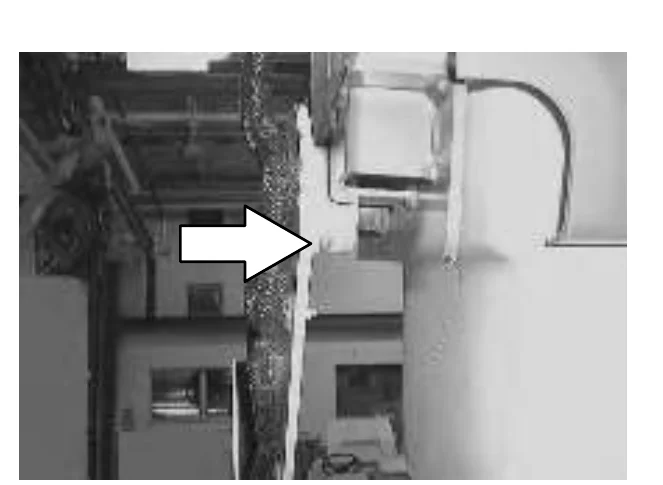
MAINTENANCE
STEERING GEAR CHAIN
The steering gear chain is located by the foot pedals. Lubricate the chain with SAE 90 weight gear lubricant after the first 50, and then after every 500 hours of operation.
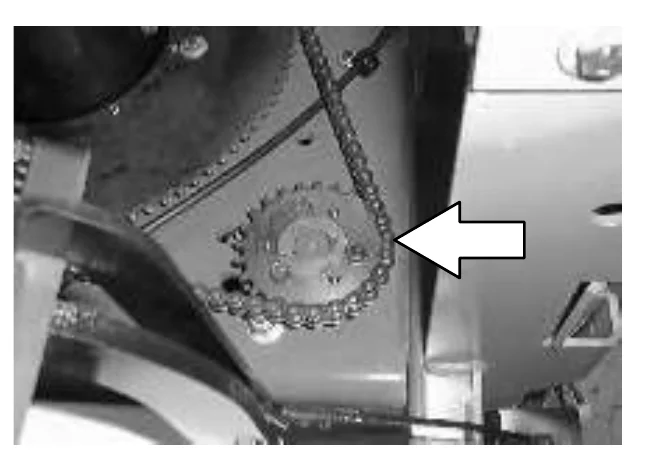
HOPPER LIFT DRIVE CHAIN
The hopper lift drive chain is located on the left hand side of the machine, close to the hopper. Lubricate the chain with SAE 90 weight gear lubricant after the first 50, and then after every 500 hours of operation.
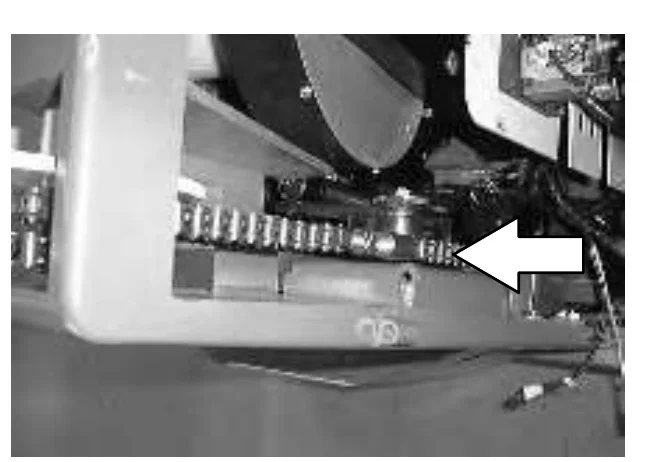
HOPPER TILT DRIVE CHAIN
The hopper tilt drive chain is located on the left hand side of the machine, along side the hopper lift arm. Lubricate the chain with SAE 90 weight gear lubricant after the first 50, and then after every 500 hours of operation.
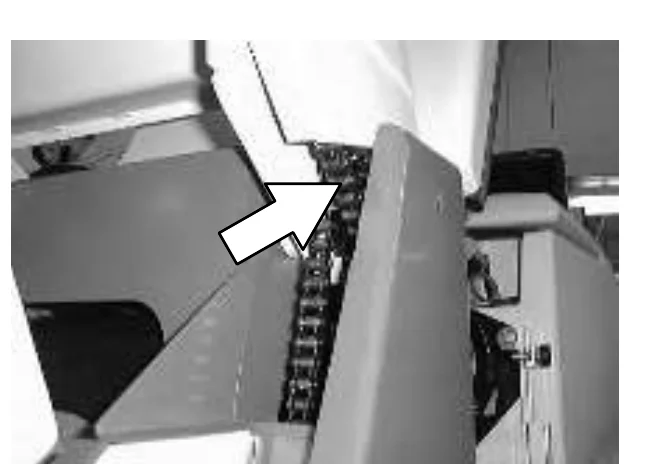
HYDRAULICS
HYDRAULIC FLUID RESERVOIR
The hydraulic reservoir holds the hydraulic fluid for the hydrualic lift cylinder and the power steering unit. It is located underneath the front cover of the machine. A filler cap is mounted on top of the reservoir.
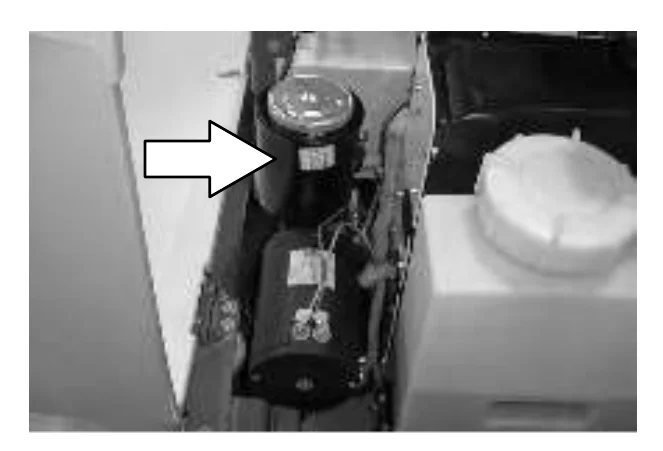
Check the hydraulic fluid level at operating temperature after every 100 hours of operation. For machines serial number 07329 and below, fill the resrvoir to about50mm (2in) below the top of the reservoir. For machines serial number 07330 and above, fill the resrvoir to about 23mm (1 in) below the top of the reservoir.
Lubricate the filler cap gasket with a film of hydraulic fluid before putting the cap back on the reservoir.
Drain and refill the hydraulic fluid reservoir with new TennantTrue premium hydraulic fluid after every 2400 hours of operation. Machines have a blue colored drop (left photo) on the hydraulic fluid label if originally equipped with TennantTrue premium hydraulic fluid.
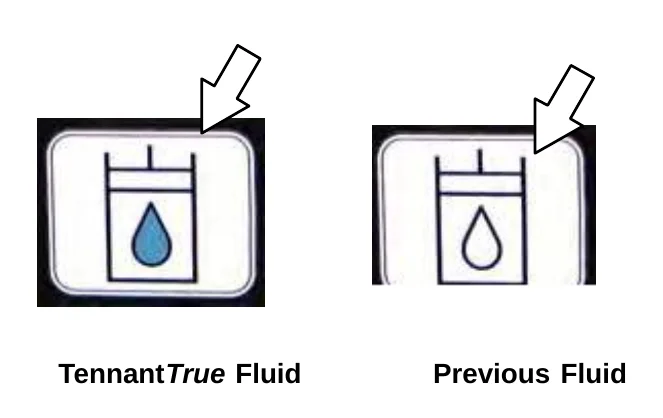
The reservoir has a built−in filter outlet that filters hydraulic fluid before it enters the system. Replace the filter every 1200 hours of operation.
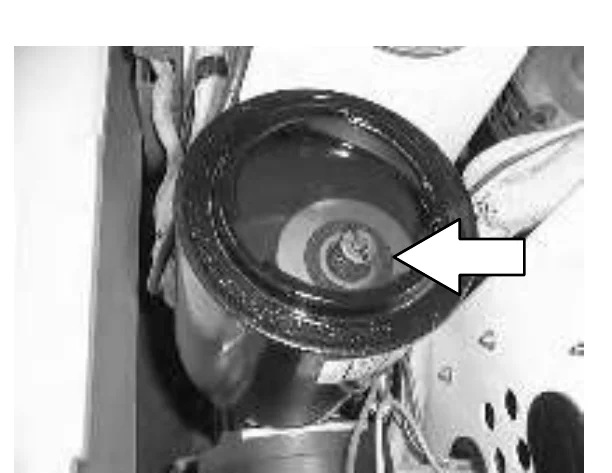
HYDRAULIC FLUID
| TennantTrue premium hydraulic fluid (Extended Life) | ||
|---|---|---|
| Part number | ISO Grade | Capacity |
| 1057707 | 32 | 3.8 L (1 gal) |
| 1057708 | 32 | 19 L (5 gal) |
If using a locally-available hydraulic fluid, be sure the specifications match the Tennant hydraulic fluid specifications. Substitute fluids can cause premature failure of hydraulic components.
HYDRAULIC HOSES
Check the hydraulic hoses after every 500 hours of operation for wear or damage.
Fluid escaping at high pressure from a very small hole can be almost invisible, and can cause serious injuries.
See a doctor at once if injury results from escaping hydraulic fluid. Serious infection or reaction can develop if proper medical treatment is not given immediately.
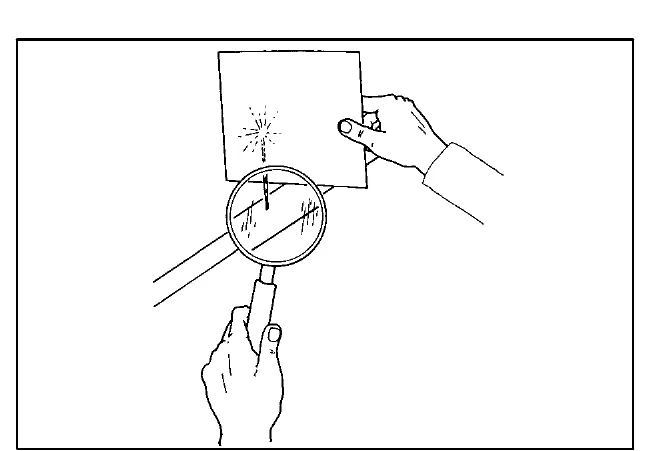
If you discover a fluid leak, contact your mechanic or supervisor.
BATTERIES
The lifetime of the batteries depends on their proper maintenance. To get the most life from the batteries;
- Do not charge the batteries more than once a day and only after running the machine for a minimum of 15 minutes.
- Do not leave the batteries partially discharged for long period of time.
- Only charge the batteries in a well-ventilated area to prevent gas build up. Charge batteries in areas with ambient temperatures 27°C (80°F) or less.
- Allow the charger to complete charging the batteries before re-using the machine.
- Maintain the proper electrolyte levels of flooded (wet) batteries by checking levels weekly.
CHECKING THE ELECTROLYTE LEVEL
The flooded (wet) lead−acid batteries require routine maintenance as described below. Check the battery electrolyte level weekly.
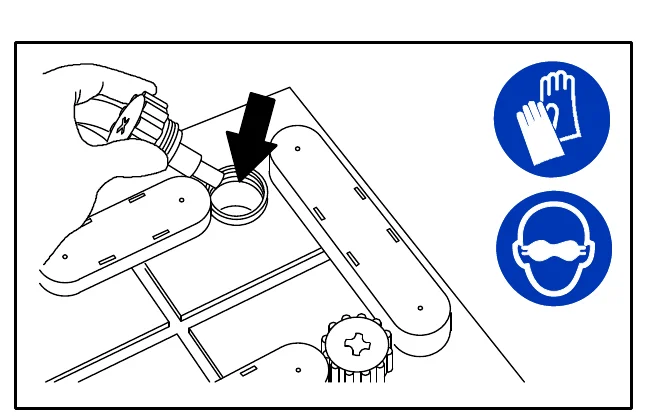
The level should be slightly above the battery plates as shown before charging. Add distilled water if low. DO NOT OVERFILL. The electrolyte will expand and may overflow when charging. After charging, distilled water can be added up to about 3 mm (0.12 in) below the sight tubes.
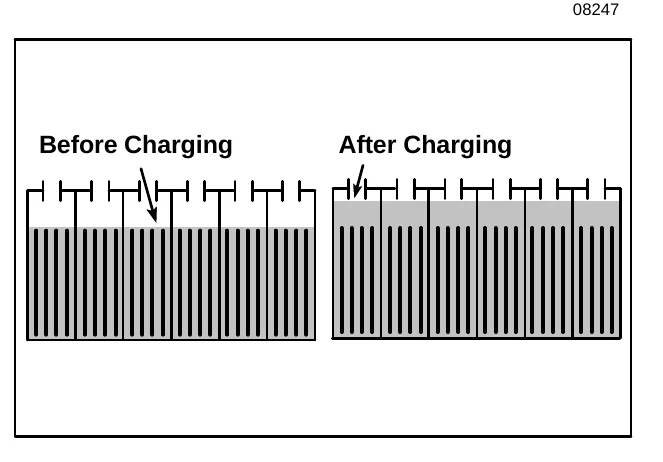
MAINTENANCE−FREE BATTERIES
Batteries and chargers: make sure your charger is compatible with your batteries, and set its charging algorithm to your battery pack before you use it.
Maintenance−free batteries do not require watering. Cleaning and other routine maintenance is still required.
CHECKING CONNECTIONS / CLEANING
After every 200 hours of use check for loose battery connections and clean the surface of the batteries, including terminals and cable clamps, with a strong solution of baking soda and water. Replace any worn or damaged wires. Do not remove battery caps when cleaning batteries.
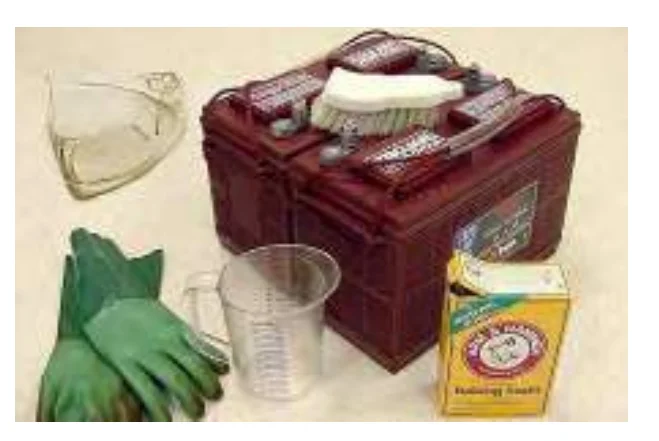
CHARGING THE BATTERIES
- Drive the machine to a flat, dry surface in a well-ventilated area.
- Turn the machine power off and set the parking brake.FOR SAFETY: Before leaving or servicing machine; stop on level surface, turn off machine.
- Open the top battery compartment cover. The support arm will engage when the cover is lifted all the way up.WARNING: Batteries emit hydrogen gas. Explosion or fire can result. Keep sparks and open flame away. Keep covers open when charging.
- Open the rear battery compartment door.
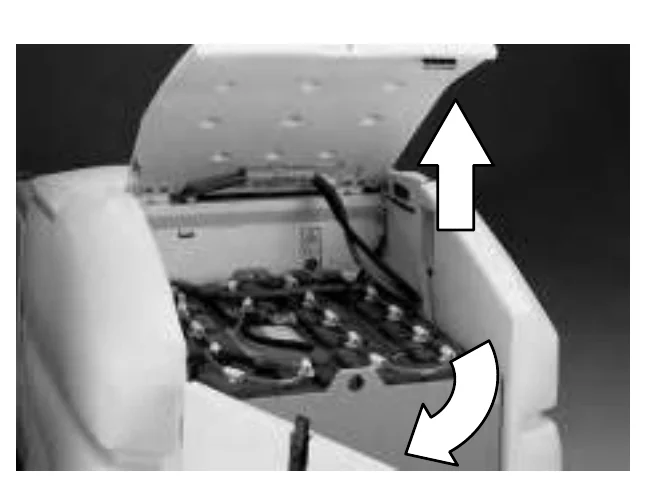
- Unplug the battery connector from the machine connector.
- Plug the charger connector into the battery connector.
- Plug the battery charger into the wall outlet.
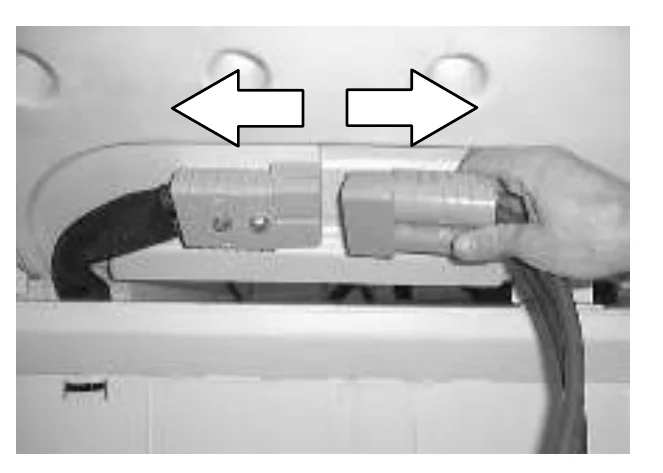
- The Tennant charger will start automatically. When the batteries are fully charged, the Tennant charger will automatically turn off.
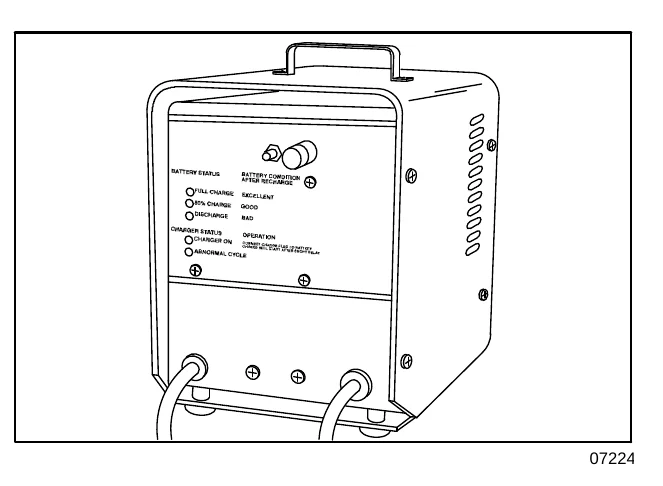
- After the charger has turned off, unplug the charger from the wall outlet.
- Unplug the charger connector from the battery connector on the machine.
- Reconnect the battery connector to the machine connector.
- Check the electrolyte level in each battery cell before and after charging. If needed, add distilled water to raise the electrolyte level to about 12mm (0.4in) below the bottom of the sight tubes.
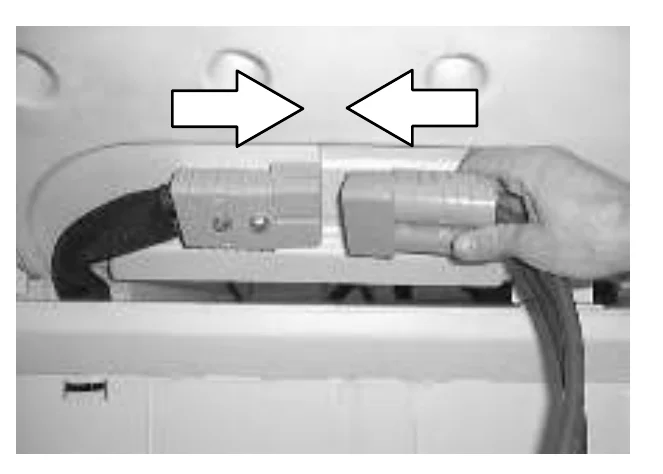
- Close the rear battery compartment door. Disengage the support arm, and close the top battery compartment cover.
CONTROL PANEL
The control panel can be used to run a self-diagnostic test of the machine electrical components and system. When the self-diagnostic test is running, motors and actuators on the machine will activate.
- Turn the machine off.
- Press and hold the logo switch.
- Turn the machine power on.
- Continue pressing the logo switch for 15 seconds or until the down pressure display screen appears.
- Press and release the TENNANT logo button two more times. The SELF TEST screen will appear on the display.
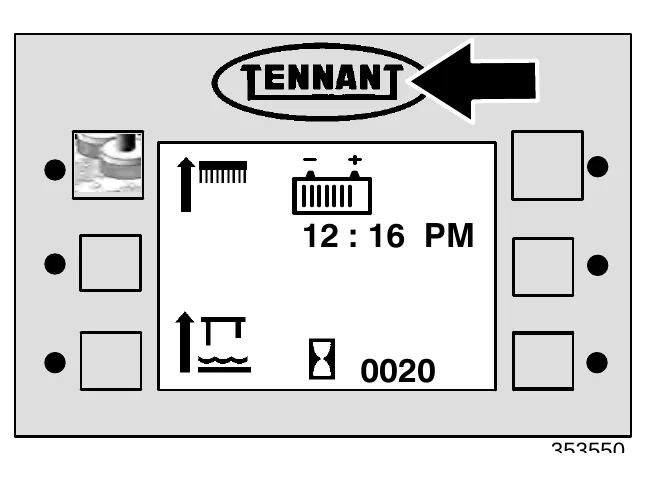
- Press the switch next to SELF TEST.
- While the diagnostic is running, the machine systems will activate as follows:
- The brushes and squeegee raise.
- The rear squeegee lowers and then raises back up.
- The scrub head lowers and moves out to the edge scrub position. The scrub head moves back in again and raises.
- The brushes turn on and off.
- The solution tank auto-fill valve (option) turns on and off.
- The ES pump turns on and off, if the machine has the ES option.
- If the machine has FaST / ec−H20, the FaST / ec−H20 system turns on and off.
- The vacuum fan relay is momentarily energized (the vacuum fan does not turn on).
- The brushes turn on and off.
- The recovery tank auto-fill valve (option) turns on and off.
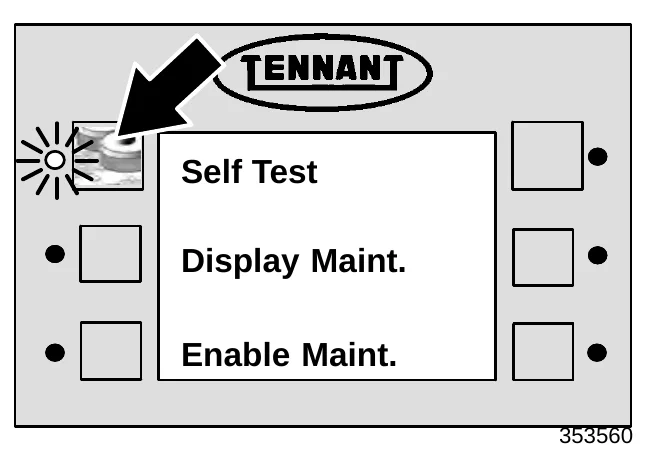
- If the electrical system passes the self-diagnostic test, an OK message will appear on the control panel display.
If the self-diagnostic test finds an error in the system, an error message will appear on the control panel display. Note the error message displayed, and contact the service personnel.
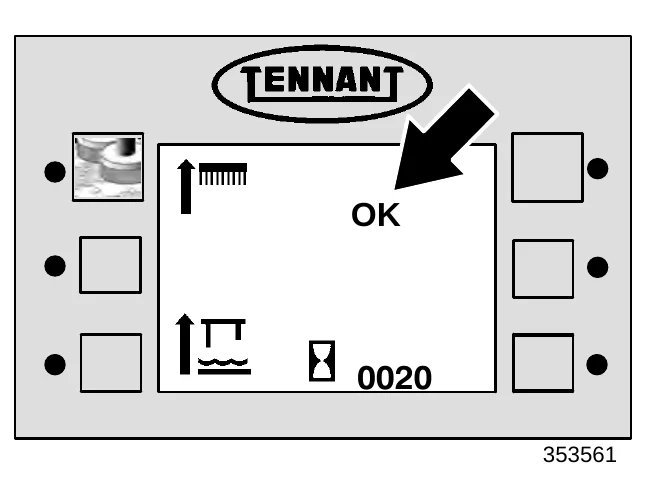
- Turn off the diagnostic by turning off the machine power.
ELECTRIC MOTORS
The carbon brushes on the sweeping and scrubbing vacuum fan motors should be inspected every 500 hours of machine operation. The brush drive motors and propelling motor should be inspected every 1000 hours of operation.
PROPELLING CIRCUIT
The propelling circuit is a transistorized controller. It controls the forward and reverse speed of the machine and is located in the controller panel. The circuit cannot be serviced by the user − only trained personnel should be allowed to work on it. Do not steam clean or spray the panel with water because the electrical system may be damaged.
SWEEPING ASSEMBLY
The sweeping assembly allows the machine to pick up small debris.
DUST FILTER
The dust filter filters the air pulled up from the hopper. The dust filter is equipped with a shaker to remove the accumulated dust particles. The dust filter shaker will activate automatically for ten seconds when sweeping stops. It can also be activated by pressing the filter shaker switch.
Shake the dust filter before emptying and cleaning the hopper at the end of every work shift. Check and clean or replace the dust filter every 50 hours of operation.
To clean the dust filter, use one of the following methods:
- SHAKING − Press the sweep switch to stop sweeping, or press the filter shaker switch.
- TAPPING − Tap the filter gently on a flat surface, with the dirty side down. Do not damage the edges of the filter element or the filter will not seat properly in the filter frame.
- AIR − Blow air through the dust filter, opposite the direction of the arrows. This may be done with the dust filter in the machine. Always wear eye protection when using compressed air.
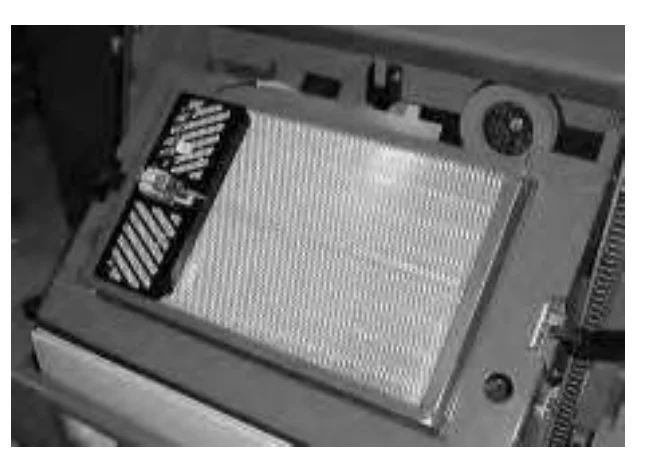
MAINTENANCE
REMOVING THE DUST FILTER
- Stop the machine, set the parking brake and turn the machine power off.FOR SAFETY: Before leaving or servicing machine; stop on level surface, set parking brake, turn off machine and remove key.
- Unlatch both sides of the hopper cover, and remove the hopper cover from the machine.
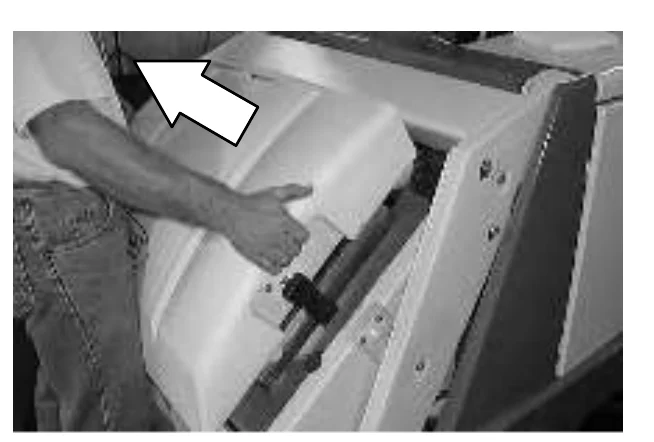
- Unplug the filter shaker from the main harness.Note: Carefully pull the wires apart from the bodies of the plugs. Do not unplug the connections from the shaking mechanism. Do not pull on the wires. Damage could occur to the wires or the shaking mechanism.
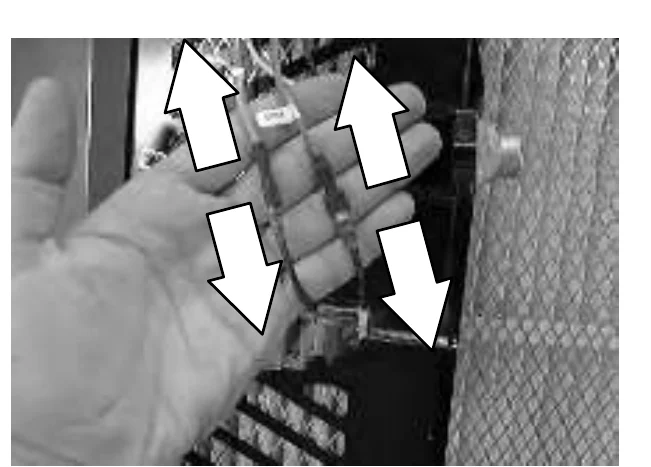
- Lift the dust filter element out of hopper.
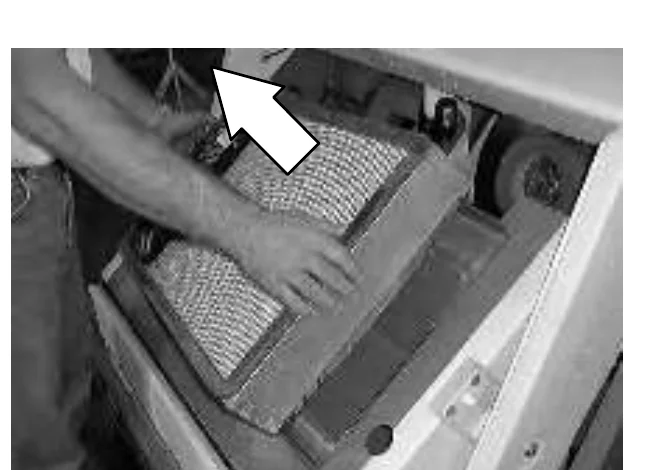
- Cut any cables ties securing the VCS™ system filter shaker to the filter, and lift the VCS™ system filter shaker off of the filter.
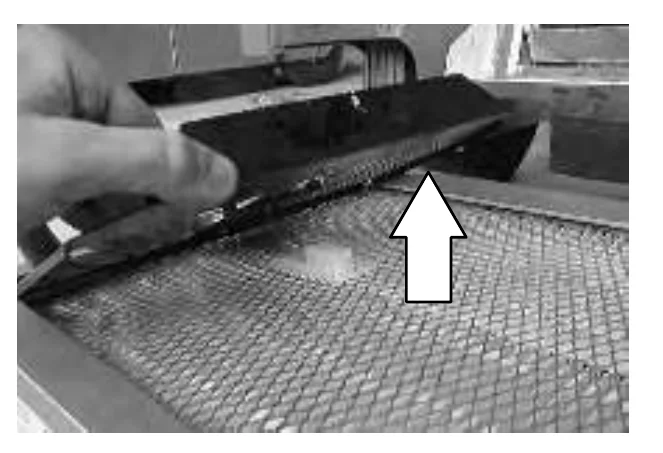
- Clean or discard the Instant Access™ filter as required.
- Place the VCS™ system filter shaker onto the new or cleaned filter. Use care to insert the shaking pin into the filter comb correctly.
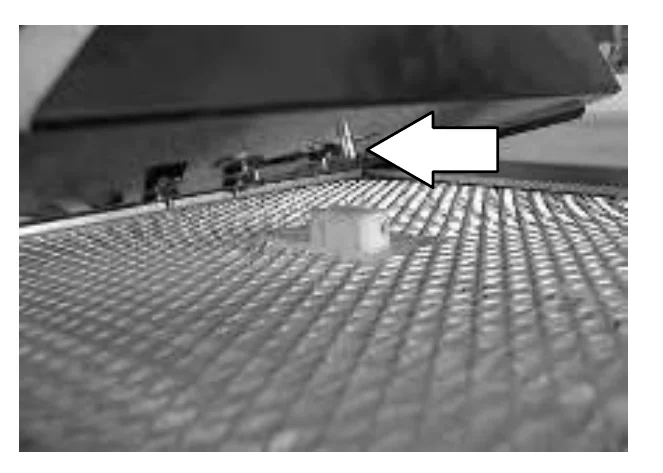
- Place the edges of the shaker firmly between the filter and the filter seal. Secure the VCS™ system filter shaker to the filter with cable ties.
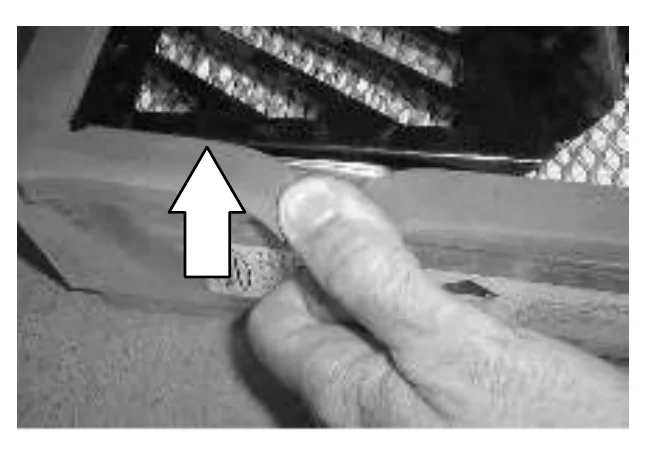
- The filter shaker should lay flat against the filter. Check to make sure the comb tab is not caught below the filter shaker plate.
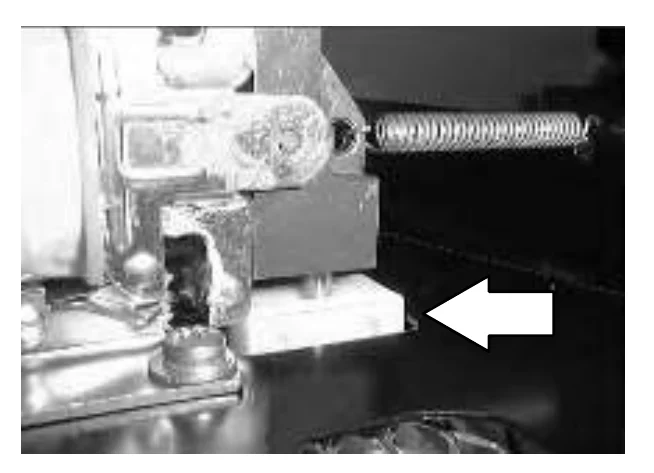
- Check the shaker solenoid gap with the end of the shipping tab. The gap should be the same width as the tab. If it is not, loosen the mounting screws, adjust the gap by repositioning the shaker solenoid, then retighten the screws.
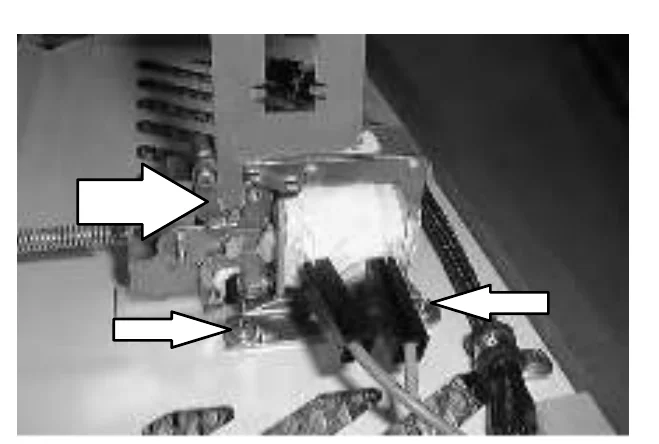
- Return the filter back into the machine. Fasten the VCS™ system filter shaker to the filter with two new cable ties.
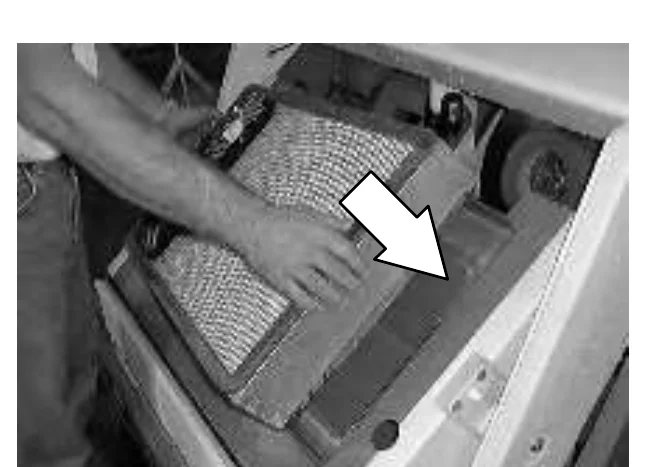
- Reconnect the main harness to the shaker mechanism.
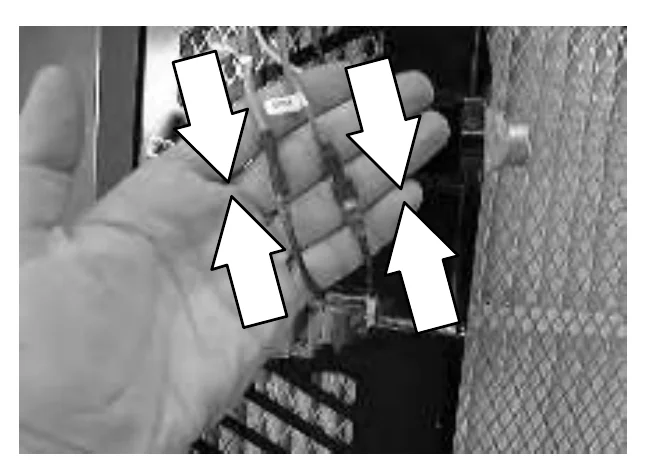
- Check the dust filter seals.
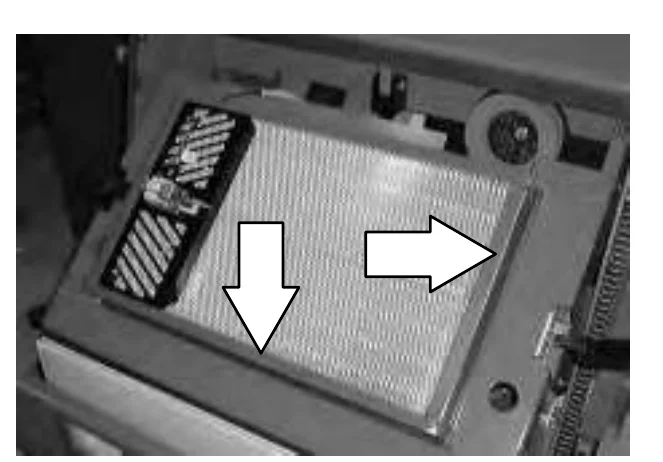
- Replace hopper cover and secure with latches.
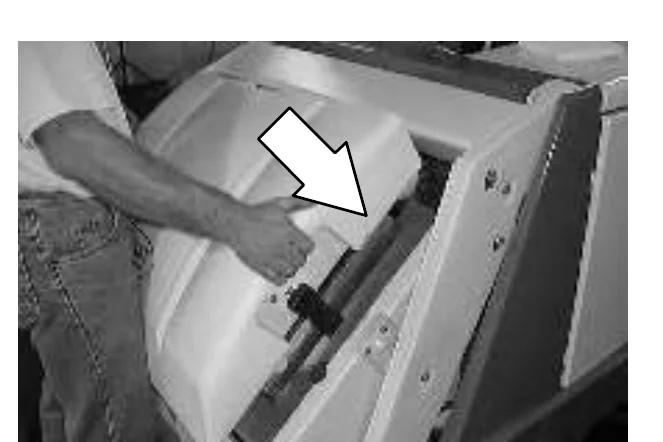
THERMO SENTRY
The Thermo Sentry senses the temperature of the air pulled up from the hopper. If there is a fire in the hopper, the Thermo Sentry stops the vacuum fan air flow.
If this occurs, drive the machine to a safe location, open the hopper and eliminate the source of heat. Turn the machine off and back on to reset the Thermo Sentry.
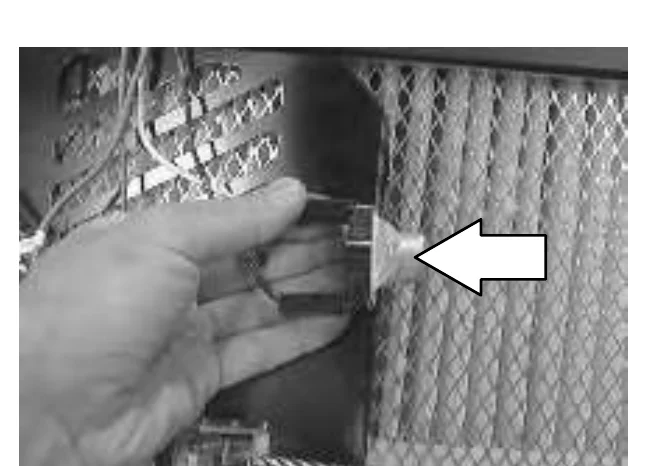
MAINTENANCE
MAIN SWEEPING BRUSH
The main sweeping brush is cylindrical and spans the width of the sweeping assembly. The brush sweeps small debris into the debris hopper.
The brush should be inspected daily for wear and damage. Remove any string or wire found tangled on the brush, brush drive hub, or brush idler.
Check the main brush pattern every time a new brush is installed. Replace the brushes when they no longer clean effectively.
REPLACING THE MAIN SWEEPING BRUSH
- Lower the sweeping assembly.
- Turn the machine power off when the brush just touches the floor, and set the parking brake.
FOR SAFETY: Before leaving or servicing machine; stop on level surface, set parking brake, turn off machine and remove key.
- Unlatch and open the right side main brush door.
- Remove the hardware mounting the brush idler plate to brush arm.
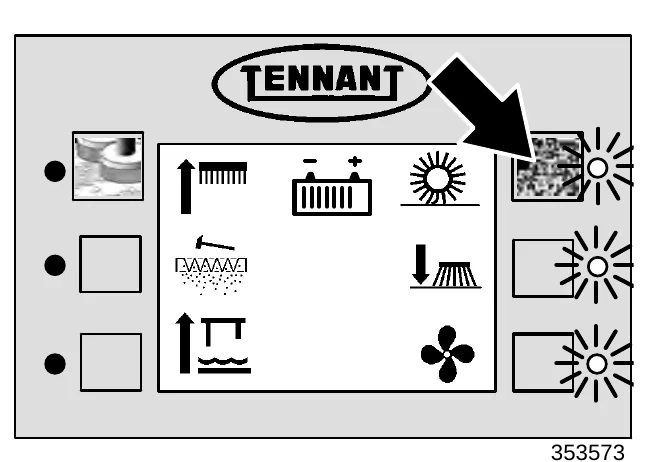
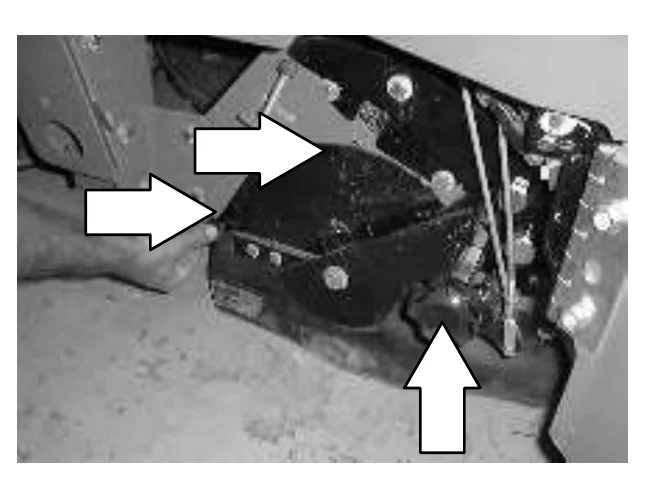
- Remove the idler plate and the old brush.
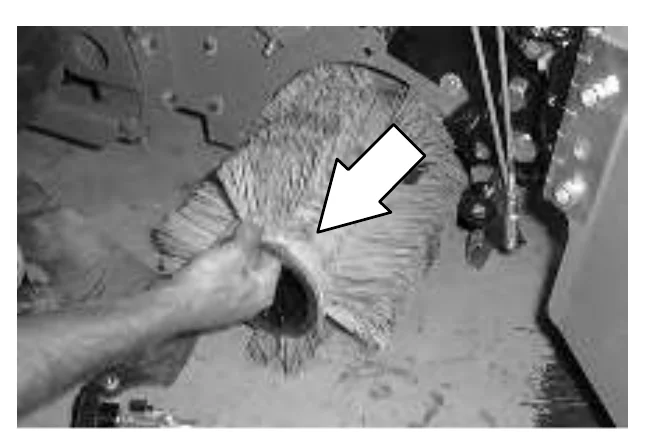
- Install the new brush in the machine. Line up the drive end of the new brush with the drive plug.
- Install the idler plate to the brush arm with the mounting hardware.
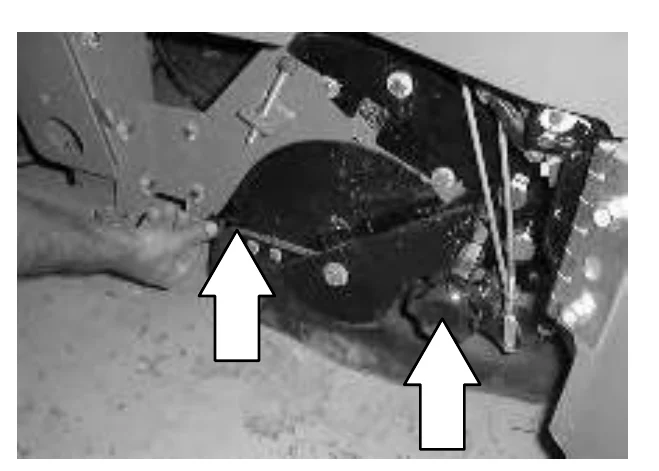
- Check the brush pattern as described in CHECKING AND ADJUSTING THE SWEEPING MAIN BRUSH PATTERN.
- Close and latch the main brush door.
CHECKING AND ADJUSTING THE MAIN SWEEPING BRUSH PATTERN
- Apply chalk, or some other material that will not blow away easily, to a smooth, level floor.
- Turn the machine power on.
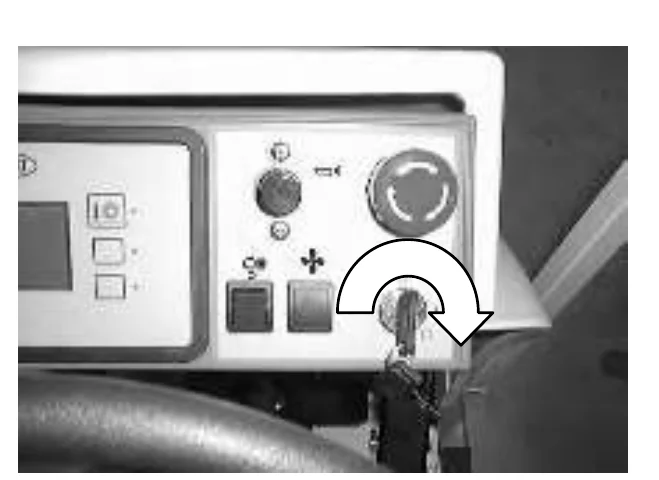
- With the sweeping assembly raised, position the sweeping assembly over the chalked area.
- With a foot on the brake to keep the machine from moving, lower the sweeping assembly to the floor for 15 to 20 seconds.
- Raise the sweeping assembly and back the machine away from the test area.
- Look at the main brush pattern made. The pattern should measure evenly 50 to 75 mm (2 to 3 in) across the length of the brush.
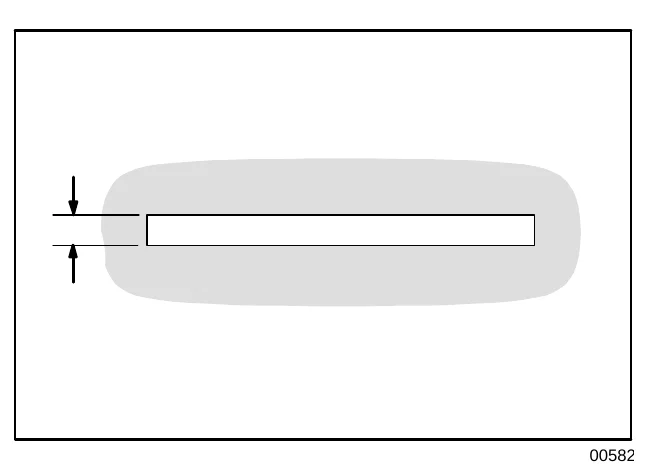
- If the brush pattern is tapered more than 15 mm (0.50 in) from one end of the pattern to the other, the main brush needs to be leveled.
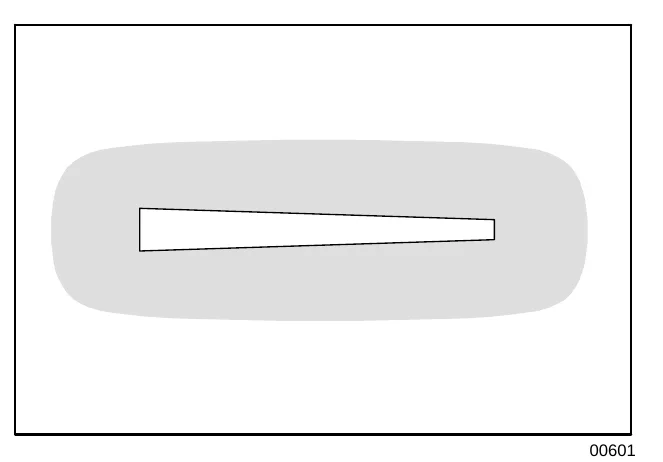
To level the main brush, open the right side brush panel. Loosen the hex nut on the adjustment screw, and raise or lower the adjustment screw to raise or lower the main sweeping brush. Tighten the nut on the adjustment screw.
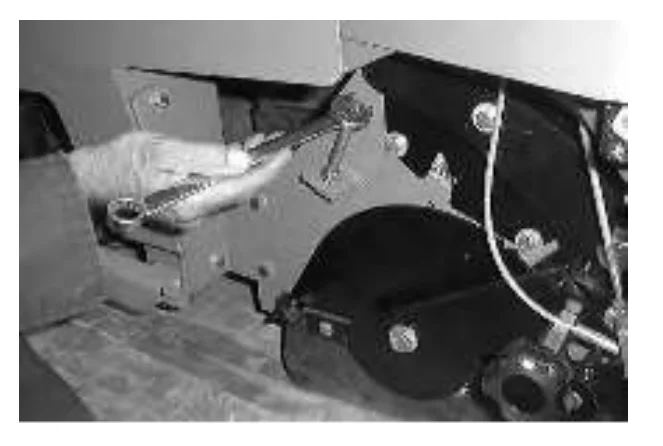
CYLINDRICAL CONVEYOR
The cylindrical conveyor operates above the main sweeping brush, and spans the width of the sweeping assembly. The cylindrical conveyor lifts small debris swept up by the main sweeping brush, into the debris hopper.
The conveyor should be inspected every 100 hours of operation for wear and damage. Remove any string or wire found tangled on the conveyor, drive hub, or idler.
Check the cylindrical conveyor every time the main sweeping brush is replaced. The conveyor should be replaced whenever the bristles measure 30 mm (1.25 in) or less in length.
REPLACING THE CYLINDRICAL CONVEYOR
- Turn the machine power off and set the parking brake.FOR SAFETY: Before leaving or servicing machine; stop on level surface, set parking brake, turn off machine and remove key.
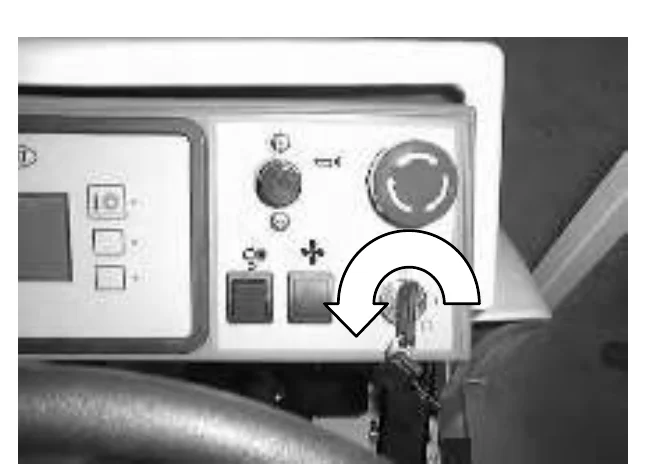
- Unlatch and open the right side main brush door.
- Remove the hardware mounting the idler plate to the conveyor.
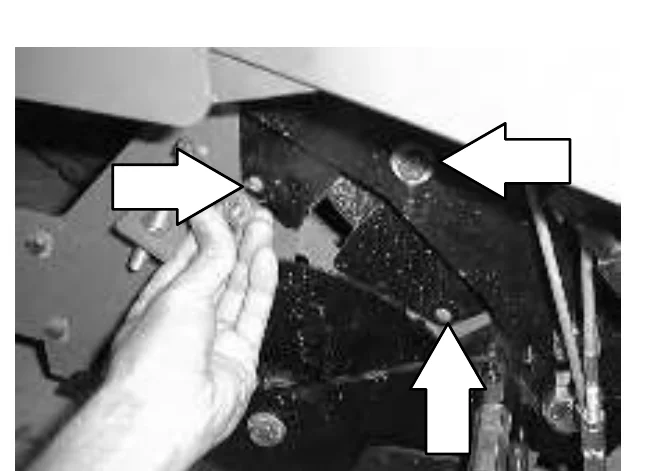
- Remove the idler plate and the old cylindrical conveyor.
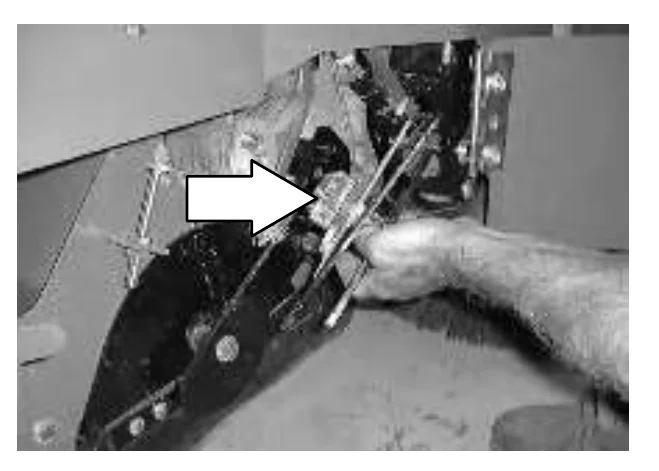
- Engage the hopper support bar. See the ENGAGING THE HOPPER SUPPORT BAR section of the manual.
- Install the new cylindrical conveyor into the machine. Reach under the debris hopper to help guide the conveyor onto the drive plug.
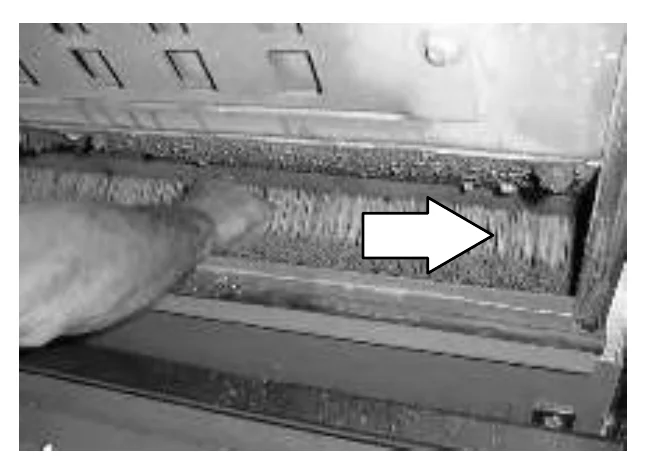
- Install the cylindrical conveyor idler plate with the mounting hardware.
- Close and latch the main brush door.
- Disengage the hopper support bar. See the DISENGAGING THE HOPPER SUPPORT BAR section of the manual.
SIDE SWEEPING BRUSH
The side sweeping brush(es) sweep debris into the path of the main brush. Check the side brush(es) daily for wear or damage. Remove any string or wire found tangled on the side brush(es) or side brush drive shafts.
The side sweeping brush(es) pattern should be checked periodically. The side brush bristles should contact the floor in a 10 o’clock to 3 o’clock pattern when the brush is in motion. The side brush pattern adjustment is made by turning the side brush adjustment knob.
Replace the brushes when they no longer clean effectively.
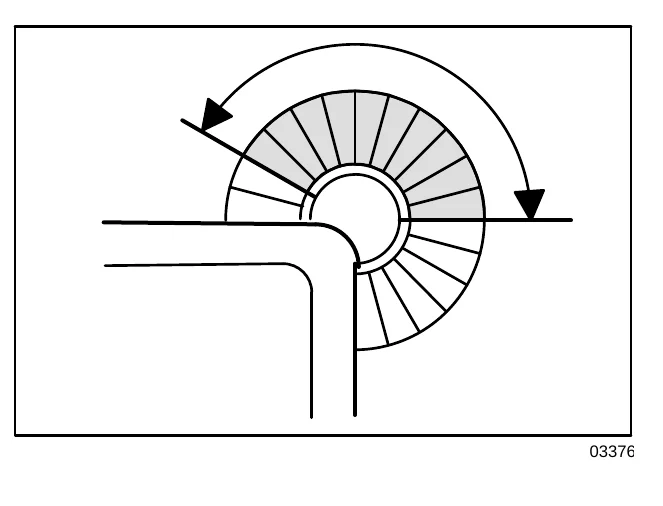
REPLACING AND ADJUSTING THE SIDE SWEEPING BRUSH(ES)
- Turn the machine power off and set the parking brake.FOR SAFETY: Before leaving or servicing machine; stop on level surface, set parking brake, turn off machine and remove key.
- Remove the retaining hardware mounting the side brush to the side brush drive shaft.
- Slide the side brush off the side brush drive shaft.
- Slide the new side brush onto the side brush drive shaft.
- Mount the new side brush to the drive shaft with the mounting hardware.
- Lower the hopper assembly
- Check the side brush pattern. To increase the bristle contact with the floor, turn the side brush adjustment knob counter-clockwise. To decrease, turn the side brush adjustment knob clockwise.
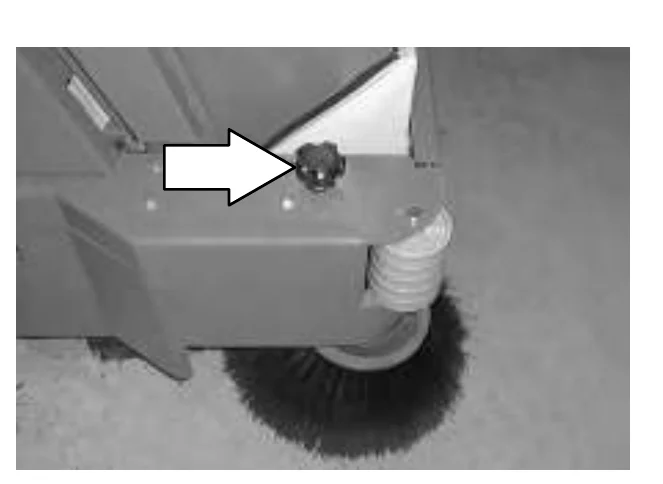
SCRUB HEAD
The machine can be equipped with either disk or cylindrical heads. There are two scrub head widths available for each type of scrub head. The scrub head floor skirts control water spray from the brushes.
The MaxPro 1000 disc head has two disks, and a 1020 mm (40 in) scrubbing path. The MaxPro 1200 disc head has three disks, and a 1220 mm (48 in) path.
The MaxPro 1000 cylindrical head has a 1020 mm (40 in) scrubbing path, and the MaxPro 1200 cylindrical head has a 1220 mm (48 in) path.
SCRUB HEAD GAS SPRING
Check the scrub head gas spring for wear and proper operation every 500 hours of operation.
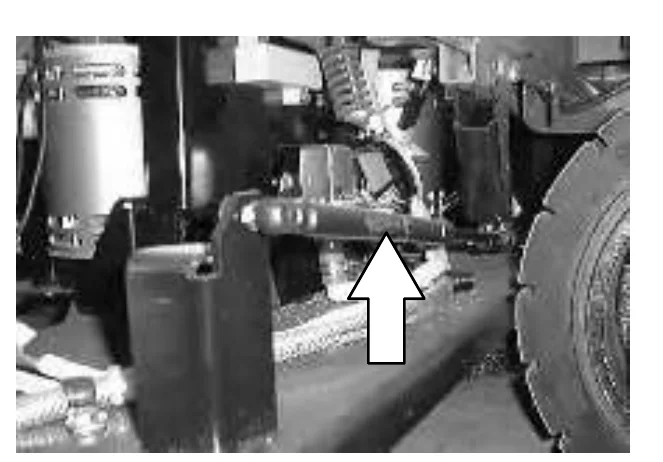
SCRUB HEAD ADJUSTMENTS
The cylindrical scrub head is factory adjusted, and the measurements should not be changed unless scrub head parts are damaged or are replaced.
MAINTENANCE
SCRUB BRUSHES
The machine can be equipped with either disk or cylindrical scrub brushes. Check scrub brushes daily for wire or string tangled around the brush or brush drive hub. Also check for brush damage and wear.
DISK BRUSHES
Replace the brushes when they no longer clean effectively.
REPLACING THE DISK BRUSHES
- Raise the scrub head.
- Turn the machine power off and set the parking brake.FOR SAFETY: Before leaving or servicing machine, stop on level surface, set parking brake, turn off machine, and remove key.
- Raise the side squeegee and lock in the up position using the side squeegee double scrub latches.
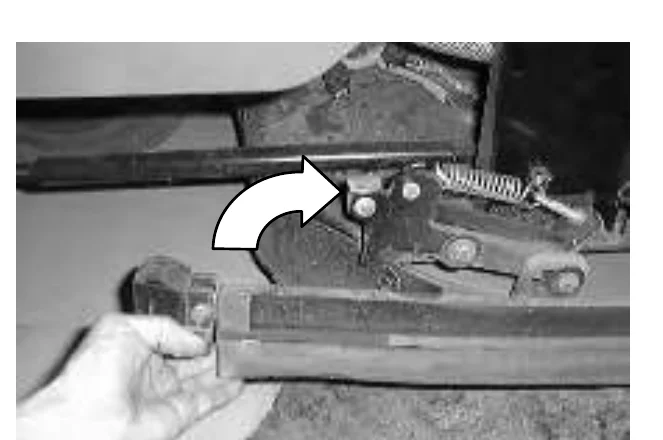
- Turn the brush until you can see the brush spring clip.
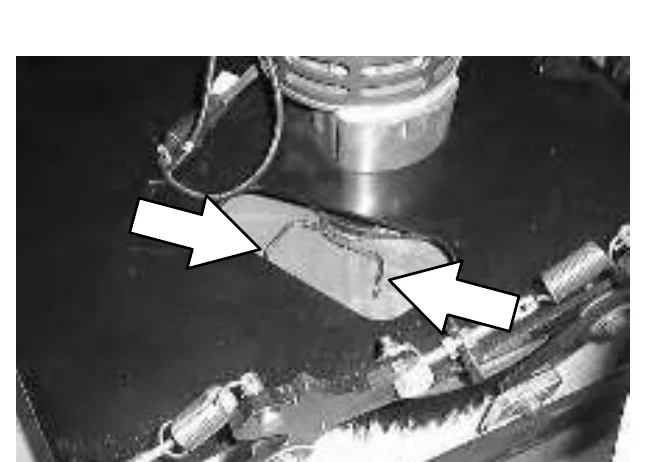
- Squeeze the brush spring clips together with your thumb and index finger. The brush will drop off the brush drive hub. Pull the brush out from under the scrub head.
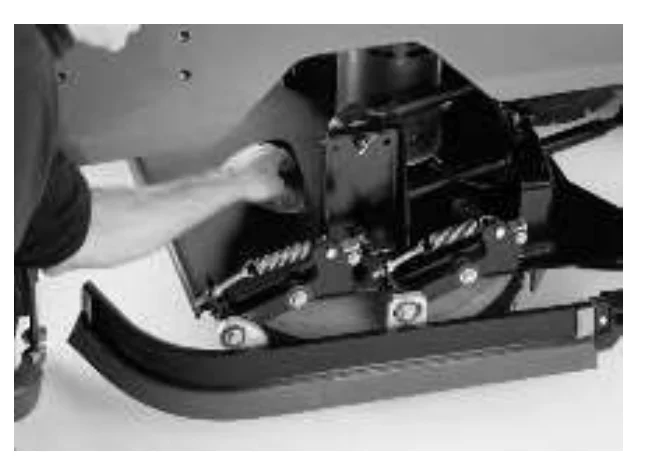
- Place the new scrub brush on the floor in front of the scrub head. Push the brush under the scrub head.
- Line up the brush drive socket with the drive plug.
- While squeezing the brush spring clip together with your thumb and index finger, lift the scrub brush onto the drive plug.
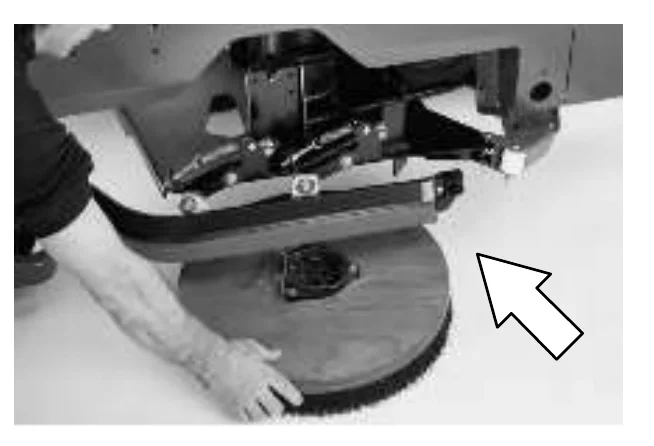
- Check to make sure the brush is securely mounted on the brush drive hub.
- Lift up on the side squeegee while releasing the side squeegee double scrub latches. Lower the side squeegee to the down position.
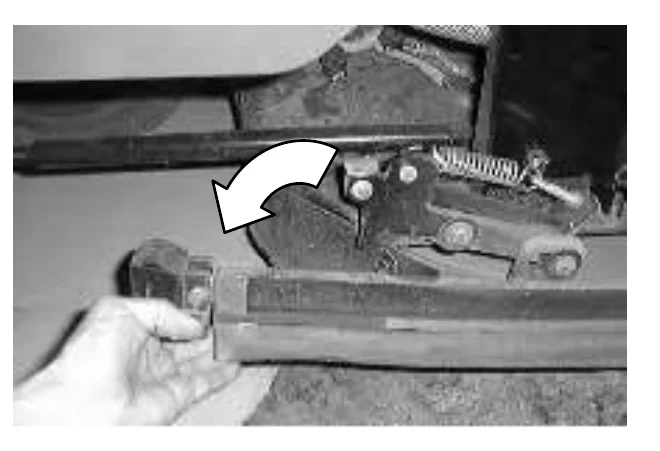
- Repeat for the other brush.
CYLINDRICAL BRUSHES
Check the brush taper and rotate the brushes from front-to-rear every 50 hours of machine operation for maximum brush life and best scrubbing performance. Check and clean the cylindrical head debris trough daily.
Replace the brushes when they no longer clean effectively.
CHECKING AND ADJUSTING CYLINDRICAL BRUSH PATTERN
- Apply chalk (or another material that will not easily blow away), to a smooth, level section of the floor.
- Set the parking brake.
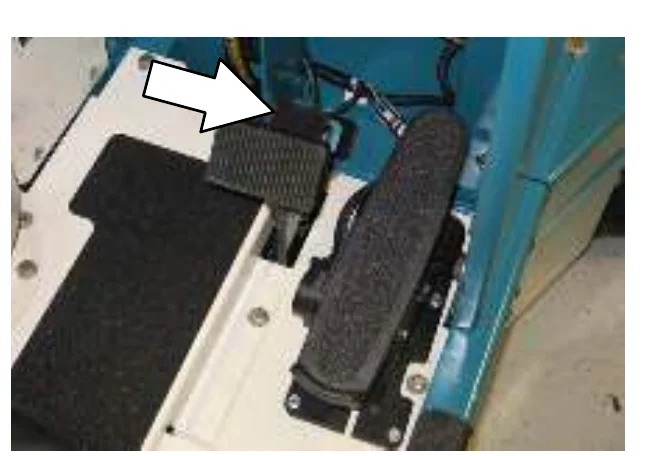
- Lower the scrub head in the chalked area. Allow the machine to scrub in the same place for 15 to 20 seconds.
- Raise the scrub head and move the machine away from the chalked area. Turn the machine power off.
- Observe the shape of the brush patterns. If the brush patterns have parallel sides, the brushes do not need adjustment.
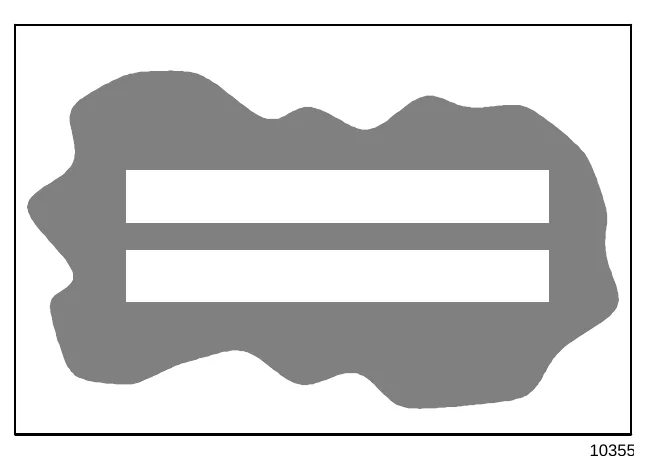
If one, or both of the brush patterns are tapered, the brushes need adjustment to straighten the brush pattern.
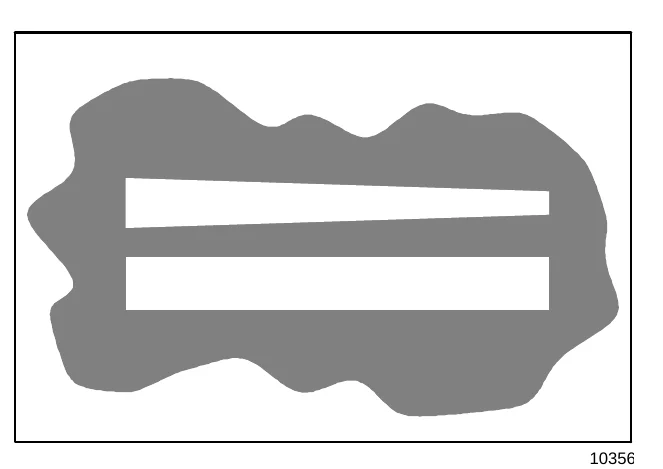
- Open the side squeegee support door with the latch. Swing the support door outward to access the idler support cover.
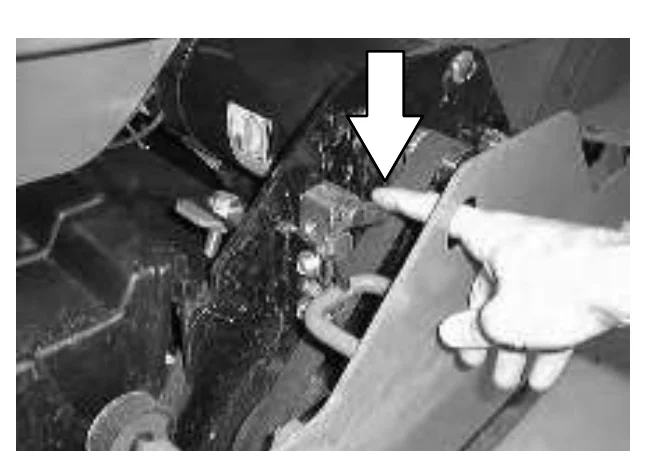
- Loosen the larger mounting screw on the outside of the idler door.
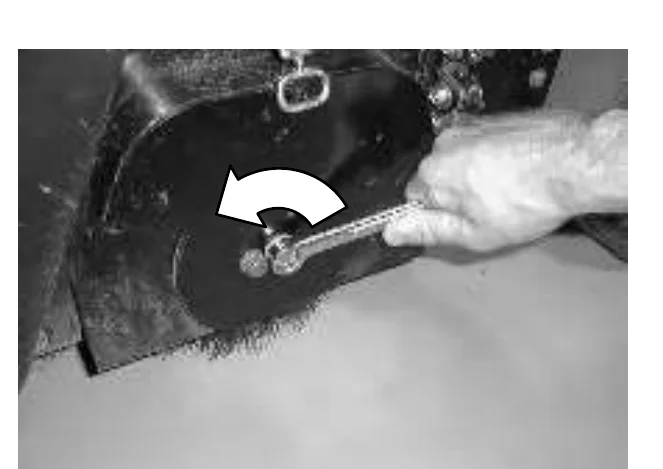
- Raise or lower the end of the brush with the smaller brush adjustment screw as needed to straighten the brush pattern.
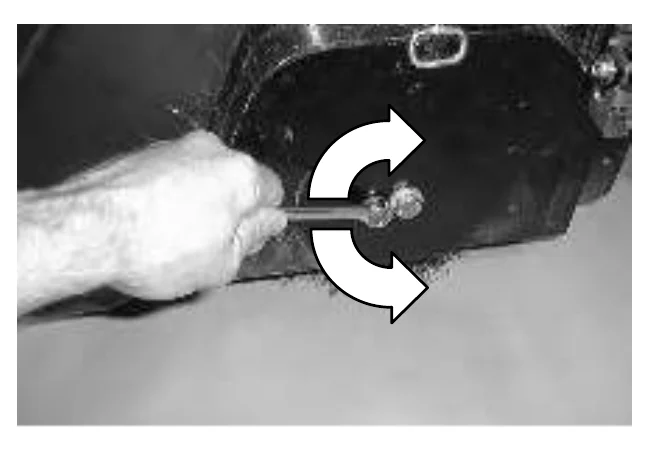
- Tighten the mounting screw to secure the brush.
- Close the side squeegee support door. Check the brush patterns again and readjust as necessary until both patterns are the same.
- If one brush pattern is wider than the other, the scrub head needs to be leveled.
Level the scrub head by turning the top scrub head drag link arm on both sides of the scrub head.
Check the brush patterns again and readjust as necessary until both patterns are the same.
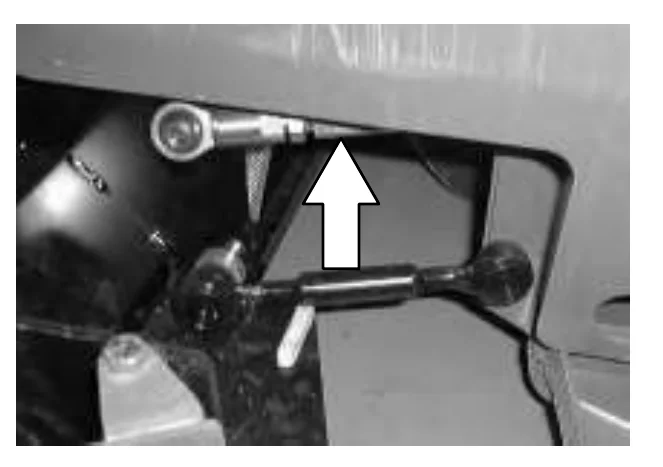
MAINTENANCE
REPLACING THE CYLINDRICAL BRUSHES
- Press the scrubbing switch. When the scrub head is approximately 25 mm (1 in) from the floor, turn the machine power off.
- Set the parking brake.
- Open the side squeegee support door with the latch. Swing the support door outward to access the idler support cover.
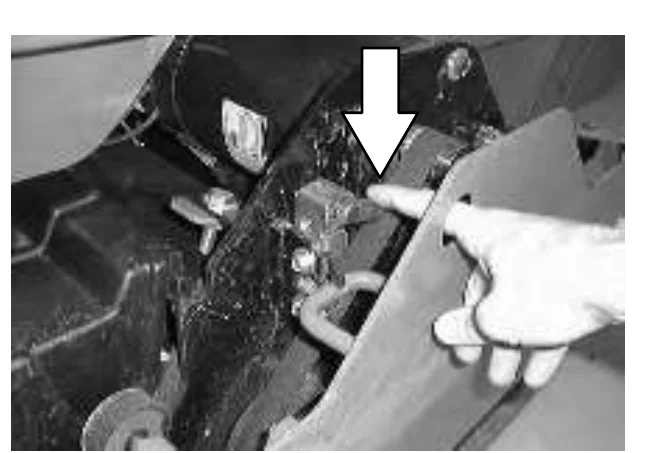
- Lift up on the idler support latch to release the idler support cover.
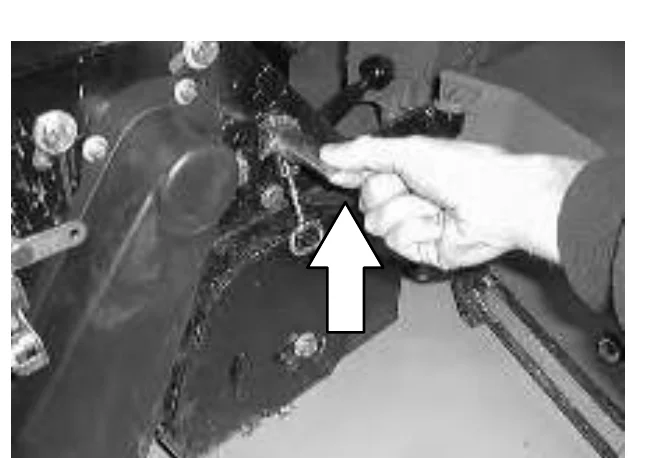
- Pull the idler plug off the brush, and pull the old brush out of the scrub head.
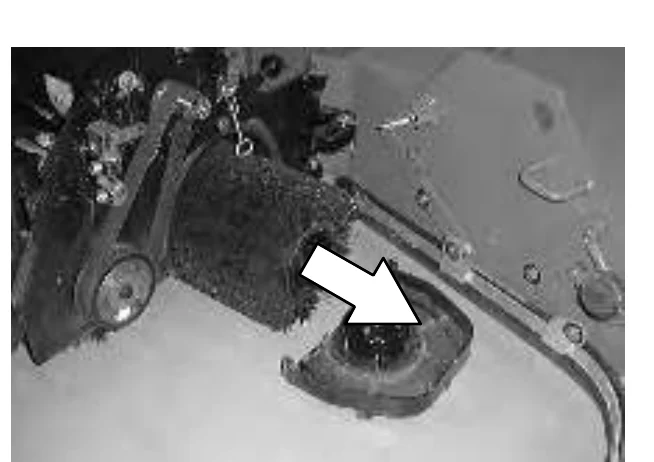
- Position the brush with the double row end towards you. Guide the new brush onto the drive hub.
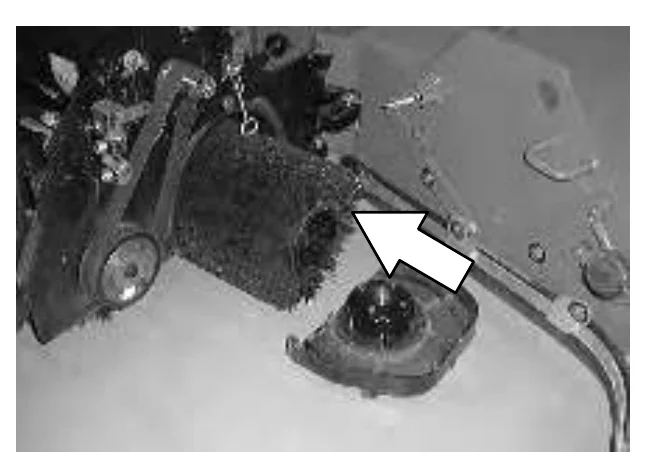
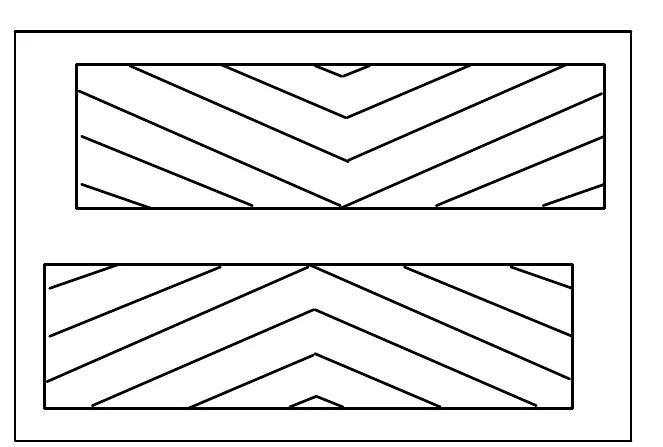
- Insert the Idler plug (on the inside of the idler support cover), into the brush.
- Secure the idler support cover with the idler support latch.
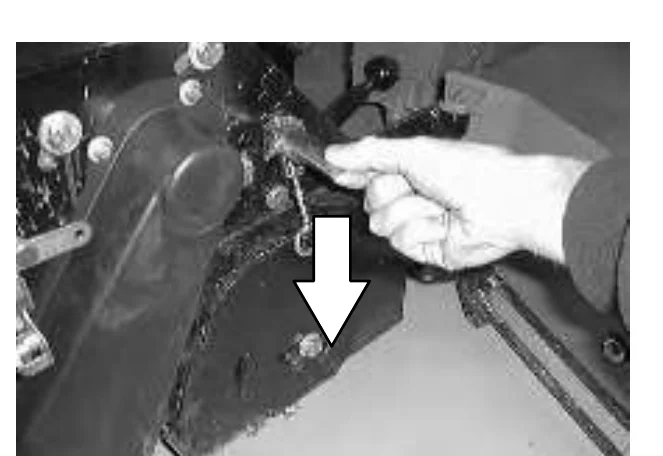
- Firmly close the side squeegee support door. Check that the door bumper is tight against the debris tray.
- Repeat for the other brush on the other side of the scrub head.
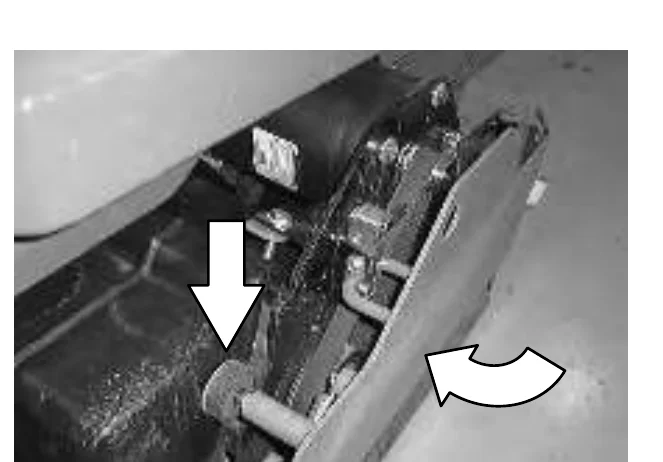
SOLUTION SYSTEM
SOLUTION VALVE
The solution valve controls the flow of solution to the scrub brushes. The valve linkage should provide the valve with fully open to fully closed positions.
The solution control cable can be adjusted at the solution lever or valve ends of the cable. To adjust the cable at the solution lever end, open the machine cover. To adjust the cable at the solution valve end of the cable, locate the valve by the scrub head. Adjust the cable with the valve in the off position.
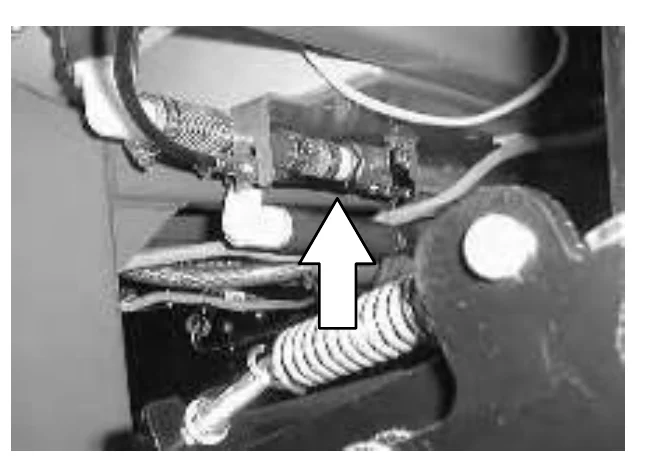
The solution lever has two mounting holes for the solution cable clevis. In the factory, the cable is mounted on the inside hole. The cable clevis can be moved to the outside hole for greater solution flow to the floor. This mounting position would be for rough floor conditions only.
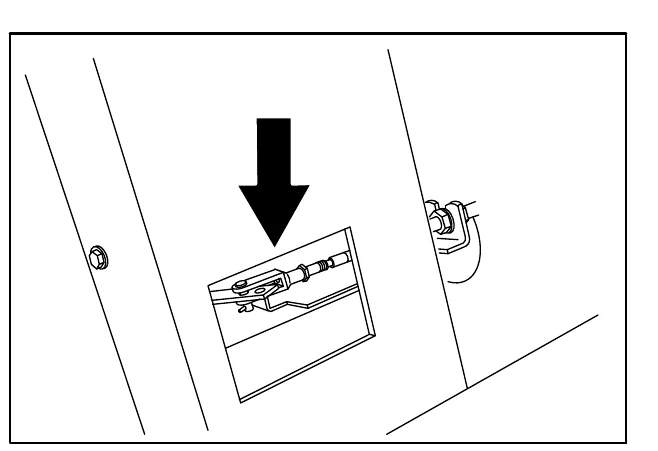
RECOVERY TANK
The recovery tank stores recovered solution.
The recovery tank should be drained and cleaned daily, after the solution tank is empty, whenever the float stops the vacuum fan, or the recovery tank full indicator lights. See DRAINING AND CLEANING THE TANKS section of this manual.
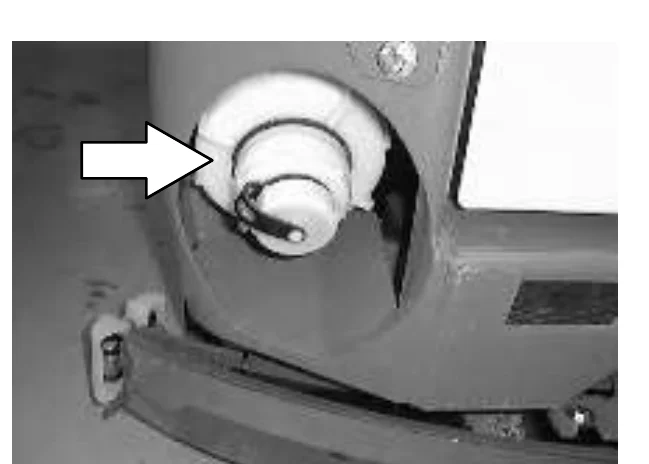
The vacuum fan filter should be cleaned daily. See DRAINING AND CLEANING THE TANKS section of this manual.
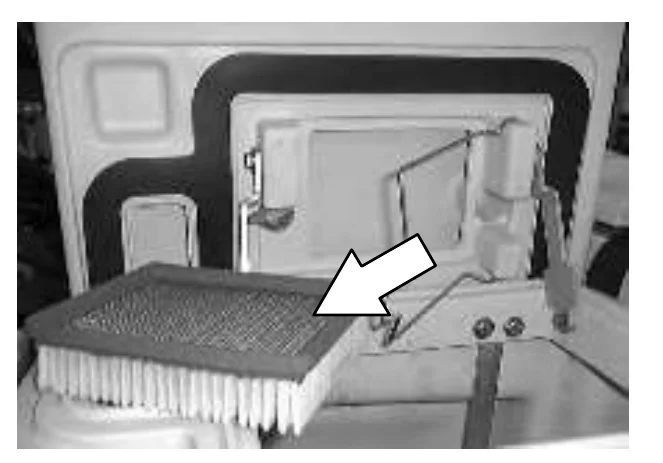
ES option: The ES filter should be cleaned daily.
The outside of the tank can be cleaned with vinyl cleaner.
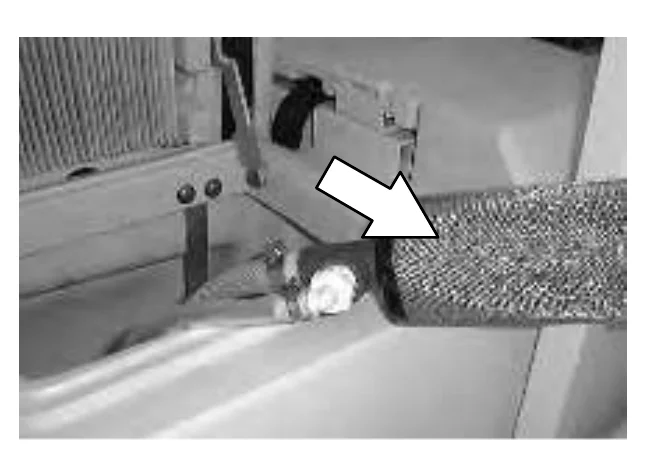
SOLUTION TANK
The solution tank stores the cleaning solution.
The solution tank does not require regular maintenance. If deposits form on the bottom of the tank, rinse the tank with a strong blast of warm water. The tank can be flushed through the fill opening. Drain the tank with the solution tank drain hose.
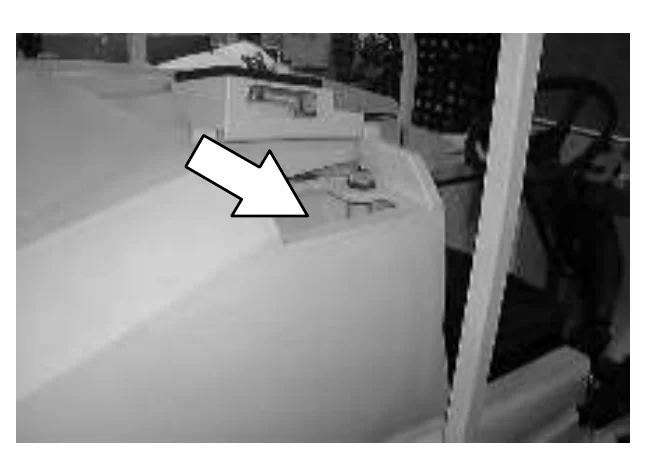
ES option: The solution tank should be drained and cleaned daily. Rinse the solution outlet filters at the bottom of the tank through the drain access.
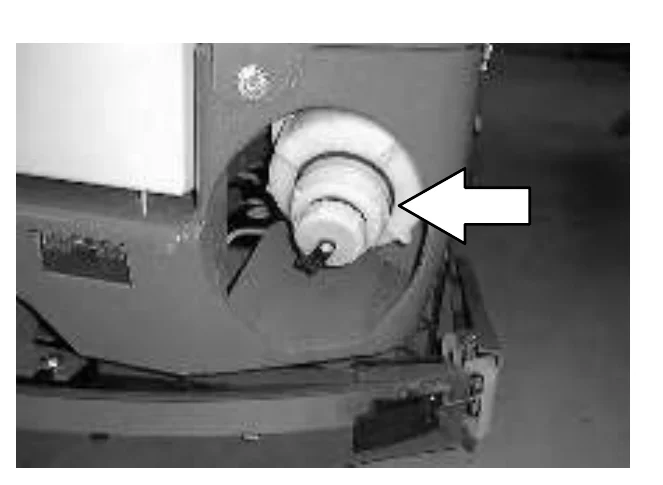
MAINTENANCE
FaST SYSTEM
FaST SUPPLY HOSE CONNECTOR
The FaST supply hose connector is located below the FaST PAK holder. Soak the connector in warm water if detergent buildup is visible. When a FaST PAK carton is not installed, store the supply hose connector on the storing plug to prevent the hose from clogging.
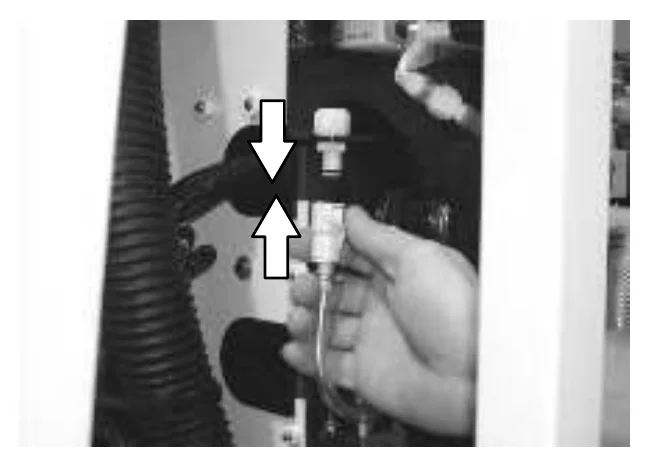
FaST SYSTEM FILTER SCREEN
The FaST system filter screen is located under the solution tank and filters the water from the solution tank as it flows into the FaST system.
Remove the filter screen bowl and clean the filter screen after every 50 hours of machine operation. Empty the solution tank before removing the filter.
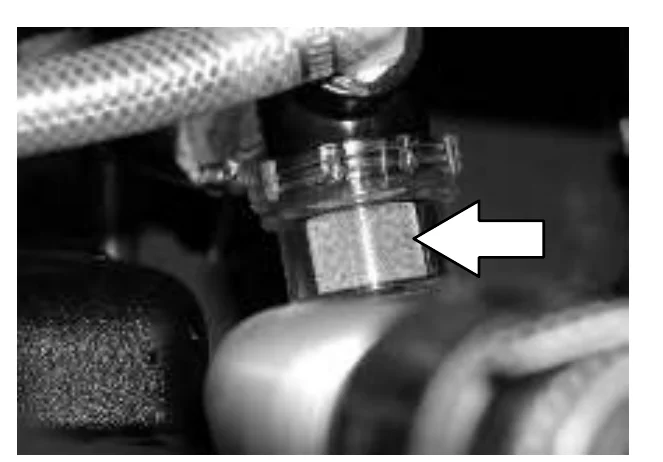
FaST SYSTEM AIR PUMP FILTER (SN 000000−004791)
The FaST system air pump filter is located on the side of the air pump.
Remove and clean out the air filter with compressed air after every 200 hours of FaST scrubbing.
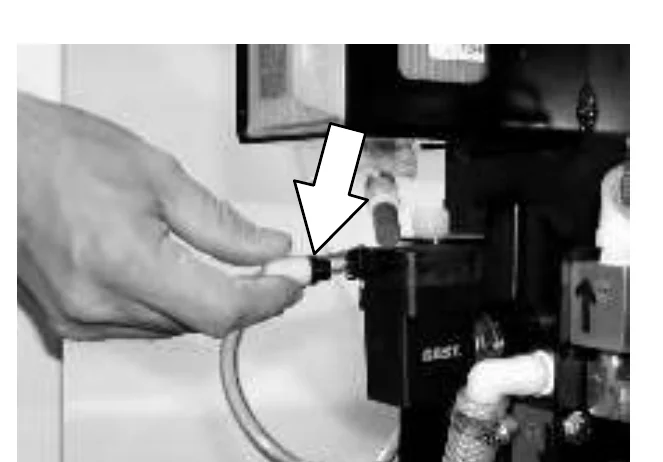
FaST SYSTEM AIR PUMP FILTER (S/N 004792− )
The FaST system injector filters are located under the FaST−PAK holder.
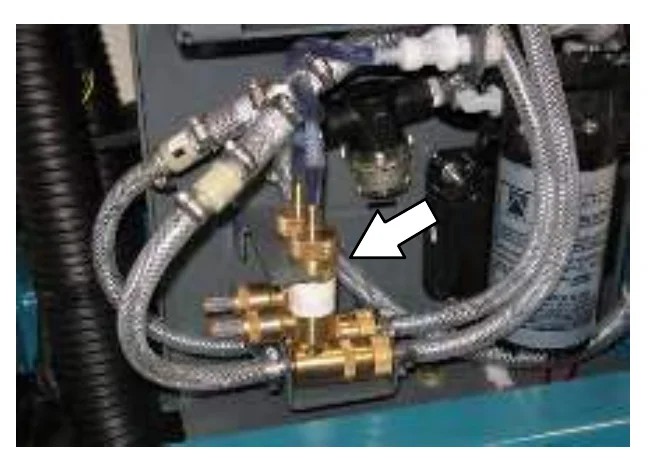
Replace the FaST system injector filters after every 1000 hours of operation. Empty the solution tank before replacing the filters.
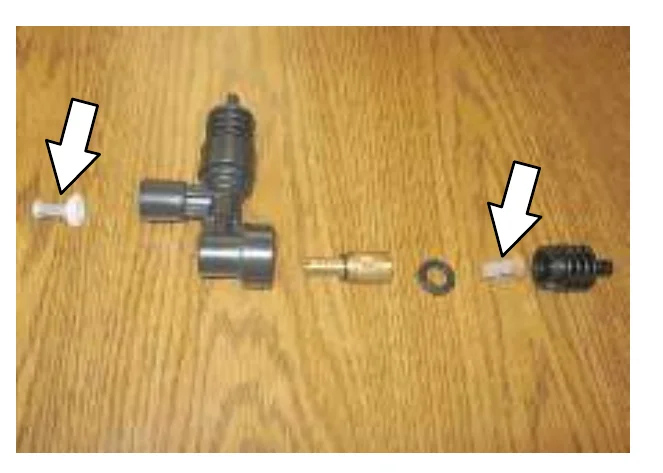
MAINTENANCE
ec−H2O MODULE FLUSH PROCEDURE
This procedure is only required when an alarm sounds and the ec−H2O system indicator light begins to blink red.
- Remove the siphon hose from the retainer.
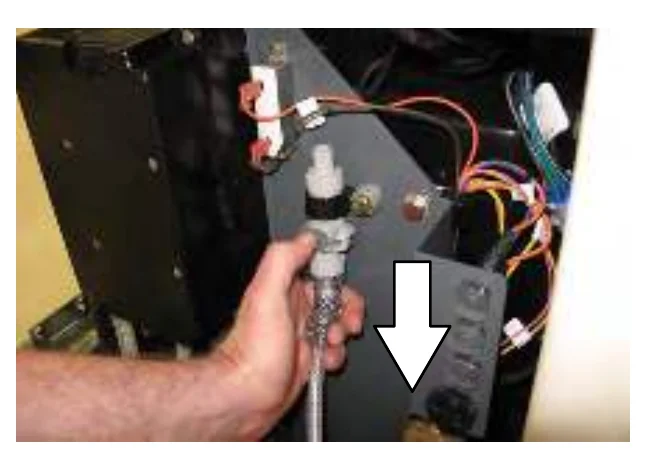
- Disconnect the ec−H2O system intake hose from the solution supply hose and the ec−H2O system outlet hose from the hose to the scrub head.
- Connect the siphon hose to the ec−H2O system intake hose and place the siphon hose into container containing 2 gallons (7.6 liters) of white or rice vinegar.
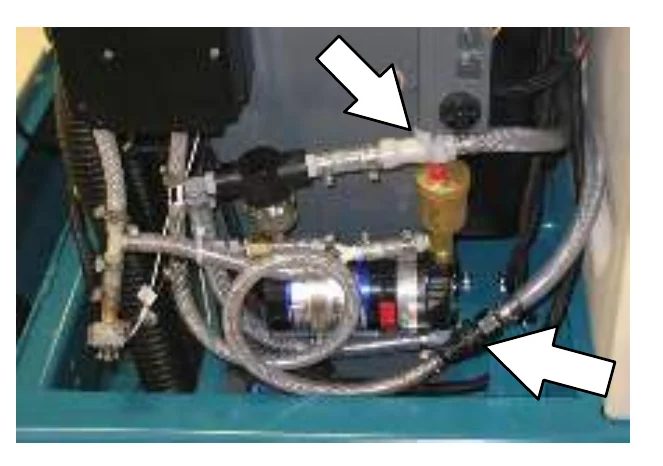
- Place the ec−H2O system intake hose into a empty bucket.
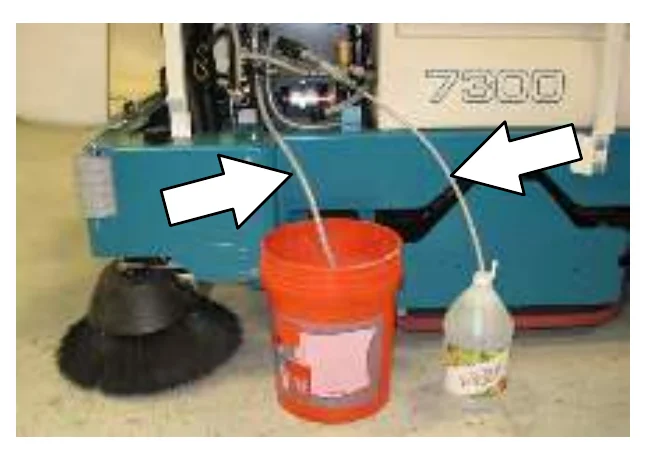
- Turn the key to the on ( I ) position.
- Press the top of the ec−H2O switch to place the ec−H2O system into low.
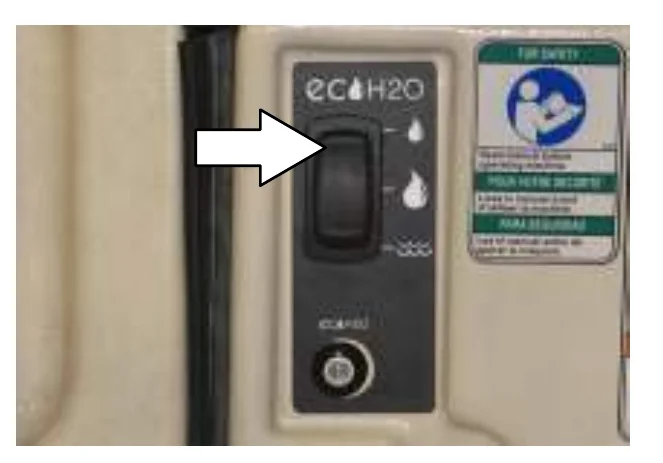
- Press and release the ec−H20 module flush switch to start the flush cycle.
- After the 7 minute flush cycle, remove the siphon hose from the container of vinegar and place the siphon hose into a container of cool clean water. Press the flush switch again to rinse out any remaining vinegar from the module. After 1−2 minutes, press the flush switch to turn off the module.
- Disconnect the siphon hose from the ec−H2O system intake hose.
- Reconnect ec−H20 intake and outlet hoses. If the ec−H2O system indicator light continues to flash, repeat the flush procedure. If the problem persists, contact an Authorized Service Center.
- Reconnect the siphon hose to the retainer and neatly coil the hose for storage.
SQUEEGEES
As the machine travels forward the squeegees wipe the dirty solution off the floor, which is then picked up and drawn into the recovery tank. The front blade channels the water, and the rear blade wipes the floor.
The side squeegees control water spray and channel water into the path of the rear squeegee.
REAR SQUEEGEE
Check the squeegee blades for damage and wear daily. Rotate or replace either of the squeegee blades if the leading edge is torn or worn half-way through the thickness of the blade.
The squeegee can be adjusted for leveling and deflection. The deflection and leveling of the squeegee blades should be checked daily, or when scrubbing a different type of floor.
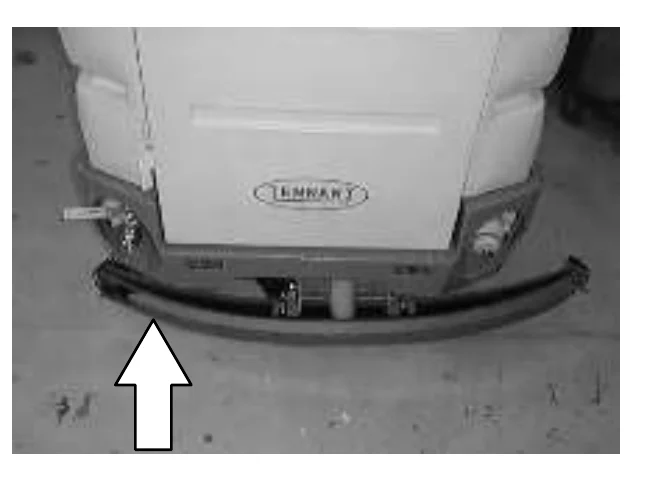
LEVELING THE REAR SQUEEGEE
Leveling of the squeegee assures even contact the length of the squeegee blade with the surface being scrubbed. Make sure this adjustment is done on an even, level floor.
- Turn the machine power on.
- Lower the squeegee.
- Set the machine parking brake while the driving machine slowly forward, and turn the machine power off.FOR SAFETY: Before leaving or servicing machine; stop on level surface, set parking brake, turn off machine and remove key.
- Look at the deflection of the squeegee blade, over the full length of the squeegee blade.
- If the deflection is not the same over the full length of the blade, adjust the deflection by turning the leveling adjustment screw.
Turn the leveling adjustment screw clockwise to increase the deflection at the ends of the squeegee blade.
Turn the leveling adjustment screw counter-clockwise to decrease the deflection at the ends of the squeegee blade.
- Release the parking brake and drive the machine forward again with the squeegee down to check the squeegee blade deflection.
- Readjust the squeegee level if necessary.
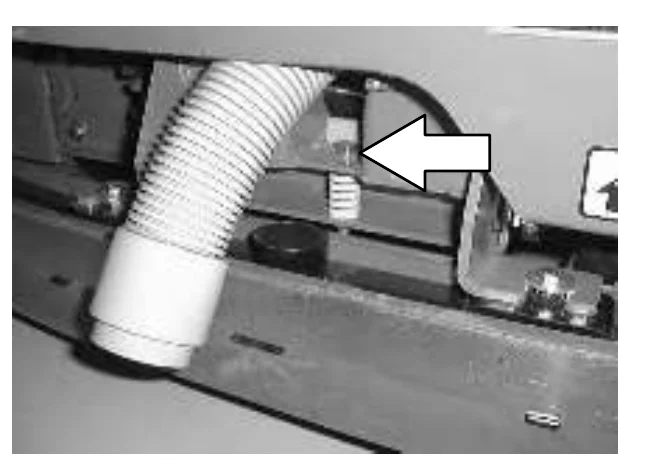
ADJUSTING REAR SQUEEGEE BLADE DEFLECTION
Deflection is the amount of curl the squeegee blade has when the machine moves forward with the squeegee lowered to the floor. The best deflection is when the squeegee wipes the floor just dry with a minimum amount of deflection.
- Turn the machine power on.
- Lower the squeegee.
- Set the machine parking brake while driving the machine slowly forward, and turn the machine power off.FOR SAFETY: Before leaving or servicing machine; stop on level surface, set parking brake, turn off machine and remove key.
- Look at the deflection of the squeegee blade. The correct amount of deflection is 15 to 20 mm (0.50 to 0.75 in).
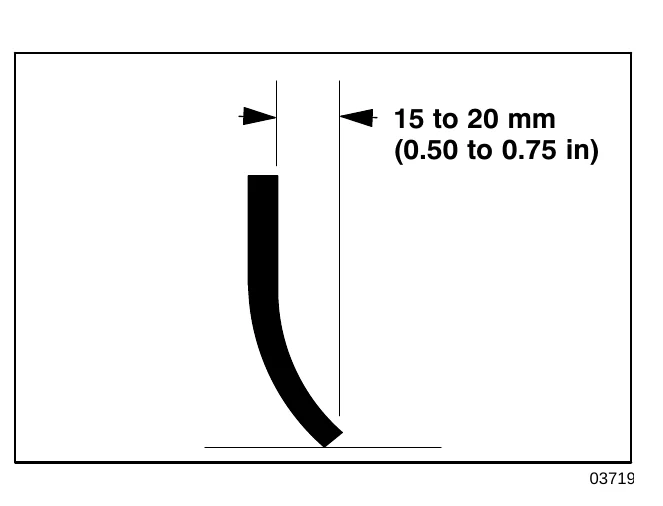
MAINTENANCE
- To adjust the amount of deflection, loosen the caster jam nut. Turn the caster shaft using the flats.
Turn the shaft clockwise to decrease the blade deflection. Turn the shaft counter-clockwise to increase blade deflection. Tighten the jam nut.
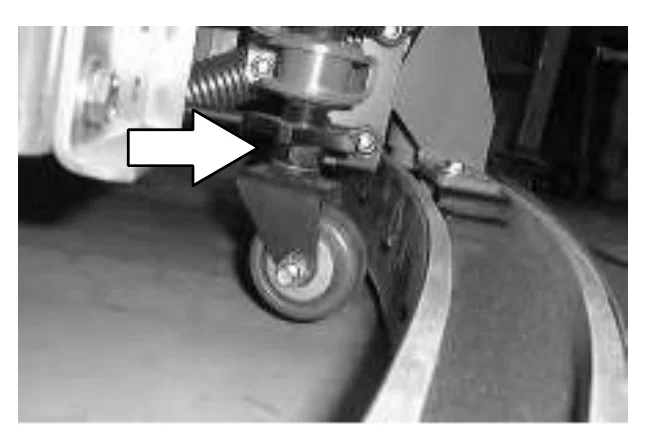
- Release the parking brake and drive the machine forward again to check the squeegee blade deflection.
- Readjust the squeegee blade deflection if necessary.
REMOVING THE REAR SQUEEGEE ASSEMBLY
- Lower the squeegee to approximately 25mm (1 in) from the floor.
- Turn the machine power off and set the parking brake.
- Remove the squeegee suction hose from the top of the rear squeegee.
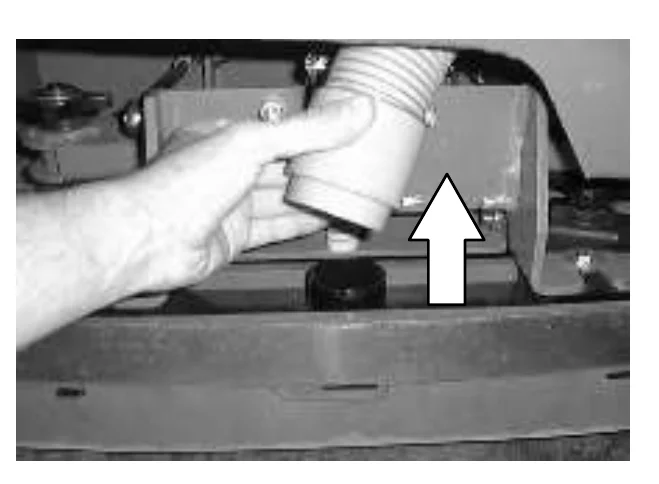
- Loosen both squeegee mounting knobs.
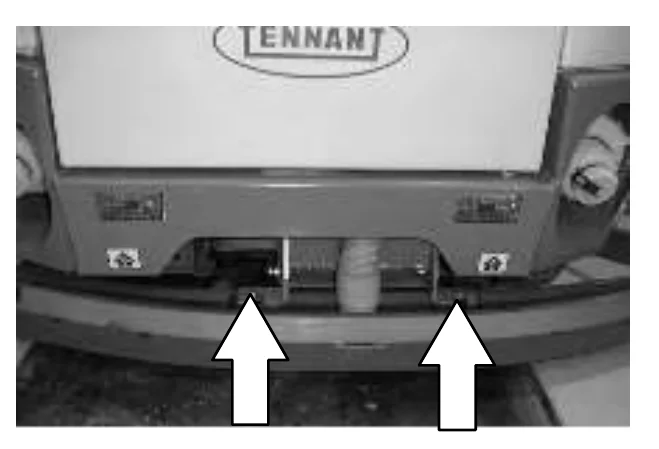
- Pull the squeegee off the machine.
SIDE SQUEEGEE
ADJUSTING THE SIDE SQUEEGEE
The side squeegee has one adjustment; height. To change the height adjustment, loosen the adjustment nuts. Raise or lower the squeegee with the adjustment screws. Tighten the adjustment nuts. The factory setting is toward the lower end of the adjustment screw.
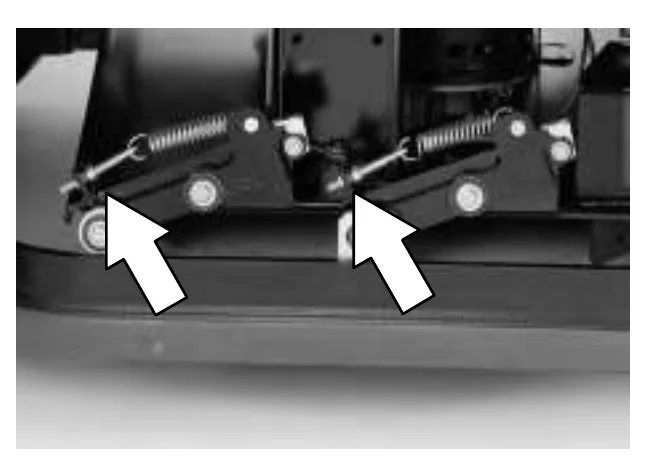
SQUEEGEE BLADES
The rear squeegee assembly channels water into the vacuum fan suction. The front blade channels the water, and the rear blade wipes the floor.
The side squeegees control water spray and channel water into the path of the rear squeegee.
Replace any worn or damaged squeegee blades.
REAR SQUEEGEE BLADES
Check the squeegee blades for damage and wear daily. Rotate or replace either of the squeegee blades if the leading edge is torn or worn half-way through the thickness of the blade.
The squeegee has two squeegee blades, the front and rear. Each blade has four wiping edges. To use them all, start with one wiping edge. To use the next wiping edge, rotate the blade end-for-end. To use the next wiping edge, rotate the top edges down, bottom edges up. To use the last edge, rotate the blade end-for-end.
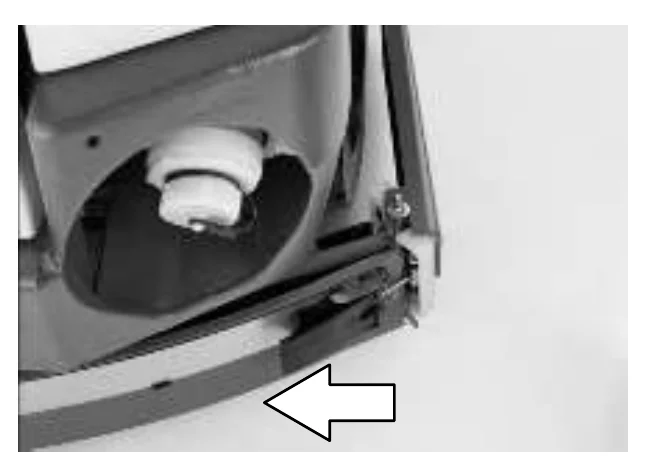
REPLACING OR ROTATING THE REAR SQUEEGEE BLADES
- Make sure the squeegee is raised off the floor.
- Turn the machine power off and set the parking brake.
- Release the squeegee retainer strip clamp on the right hand side of the squeegee.
- Remove the squeegee retainer strip.
- Pull the squeegee blades off the squeegee frame.
- Replace or rotate the squeegee blades to allow a new edge to face the front of the machine.
- Mount the squeegees back onto the squeegee frame.
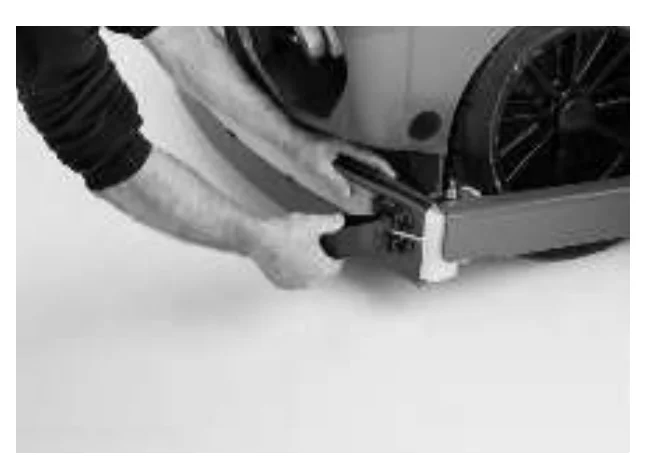
- Mount the retainer strip back over the squeegee blades. Secure the retainer strip with the retainer strip clamp.
- Adjust the rear squeegee as described in LEVELING THE REAR SQUEEGEE and ADJUSTING REAR SQUEEGEE BLADE DEFLECTION.
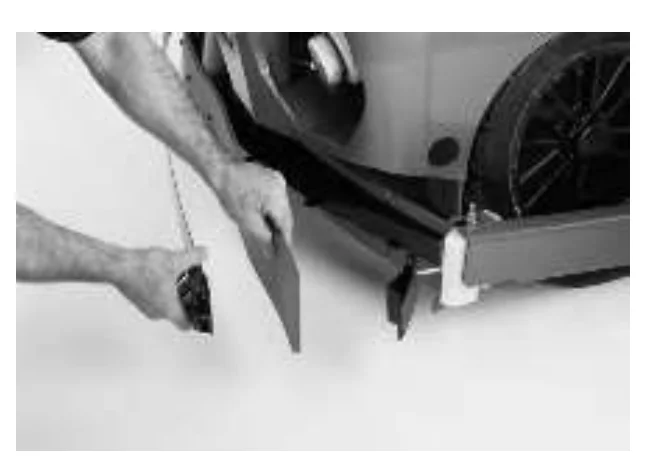
SIDE SQUEEGEES BLADES
The side squeegees control water spray and channel water into the path of the rear squeegee. Check the side squeegees for damage and wear daily.
REPLACING THE SIDE SQUEEGEE BLADES
Replace the side squeegee blades whenever they become damaged or lose their shape or resiliency. Reverse the squeegee point guides from one side squeegee to the opposite side whenever they become worn, or replace when they become worn on both sides.
- Raise the scrub head.
- Turn the machine power off and set the parking brake.
- Remove the cotter pin, clevis pin, point guide, and the retainer bracket from the front of the side squeegee.
- Pull the squeegee blade off the front of the squeegee frame.
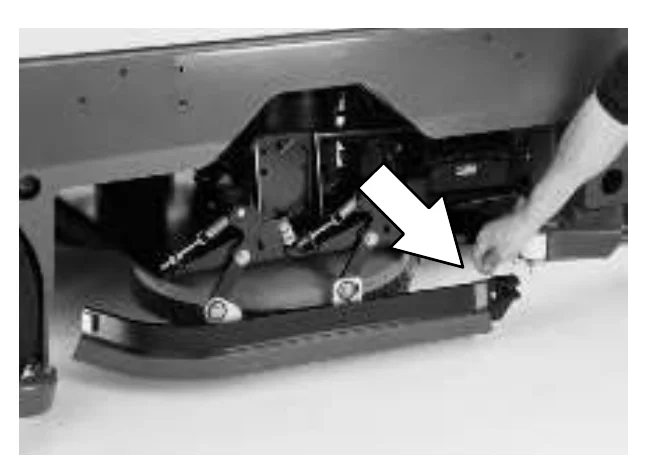
- Slide the new squeegee blade onto the frame.
- Replace the retainer bracket, deflector, clevis pin, and cotter pin.
- Repeat for the side squeegee on the other side of the scrub head.
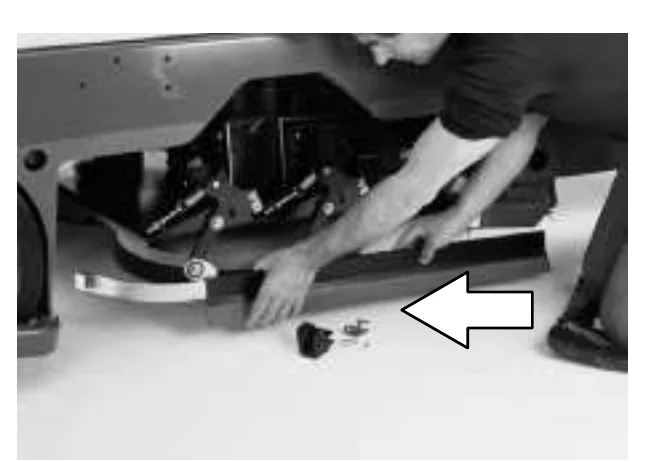
BELTS AND CHAINS
SCRUB BRUSH DRIVE BELTS
The two brush drive belts are located on the cylindrical brush scrub head. One belt is located on each side of the machine. The belts drive the cylindrical brushes. Proper belt tension should be a 4 mm (0.16 in) deflection from a force of 1.8 to 2.0 kg (4.2 to 4.6 lb) at the belt midpoint.
Check the belts for damage, wear and adjustment after every 100 hours of operation.
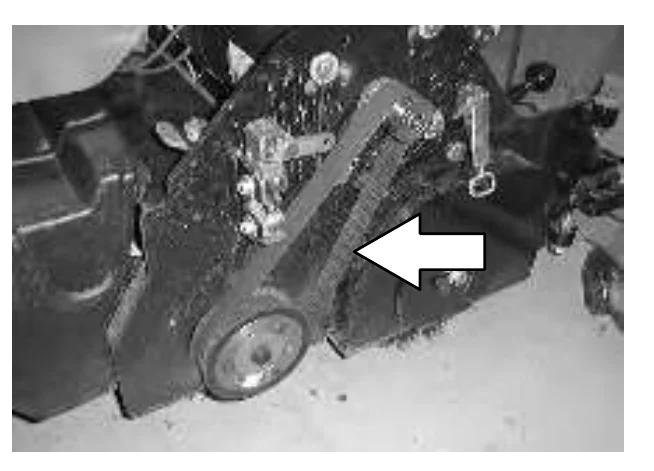
SWEEPING BRUSH DRIVE BELT
The sweeping brush drive belt is located on the left hand side of the sweeping assembly. The belts drives sheave that drives the main sweeping brush belt. Proper belt tension should be a 6 mm (0.25 in) deflection from a force of 0.9 kg (2 lb) at the belt midpoint.
Check the belts for damage, wear and adjustment after every 100 hours of operation.
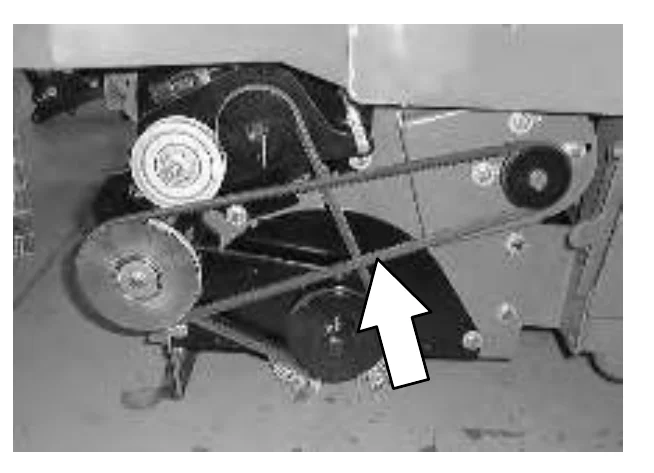
MAIN SWEEPING BRUSH BELT
The main sweeping brush belt is located on the left hand side of the sweeping assembly. The belt drives the main sweeping brush and the cylindrical conveyor. Proper belt tension is automatically kept by the idler pulley.
Check the belts for damage and wear after every 100 hours of operation.
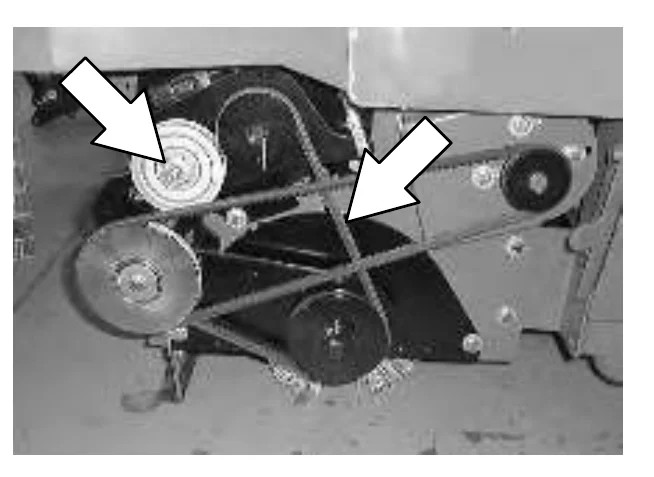
SWEEPING VACUUM FAN BELT
The sweeping vacuum fan belt is located under the top cover, behind the sweeping vacuum fan. The belt drives the sweeping vacuum fan. Proper belt tension should be a 3 to 7 mm (0.125 to .25 in) deflection from a force of 2.3 kg (5 lb) at the belt midpoint.
Check the belt for damage and wear after every 100 hours of operation.
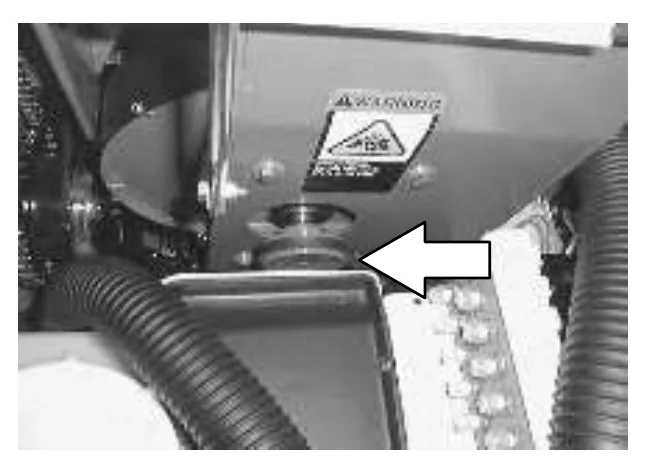
STEERING GEAR CHAIN
The steering gear chain tension should be checked after the first 50 hours of operation and every 500 hours there after. The deflection should be 3 to 6 mm (0.12 to 0.25 in) between the steering sprocket and the idler sprocket when the steering wheel is turned the tightest position either direction.
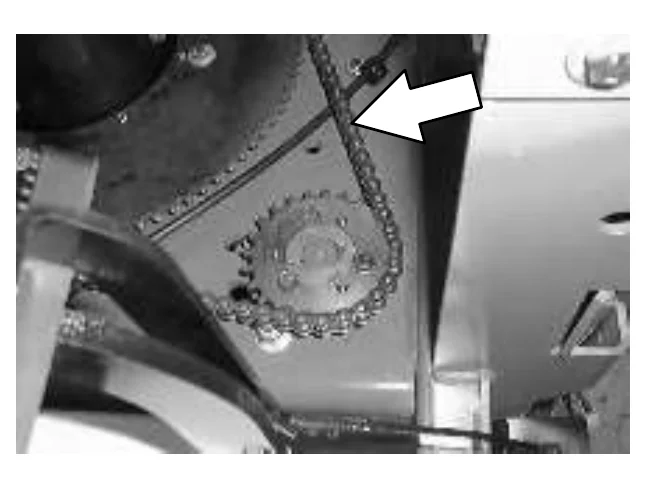
STATIC DRAG CHAIN
A static drag chain prevents the buildup of static electricity in the machine. The chain is attached to the transaxle.
Make sure the chain is always touching the floor.
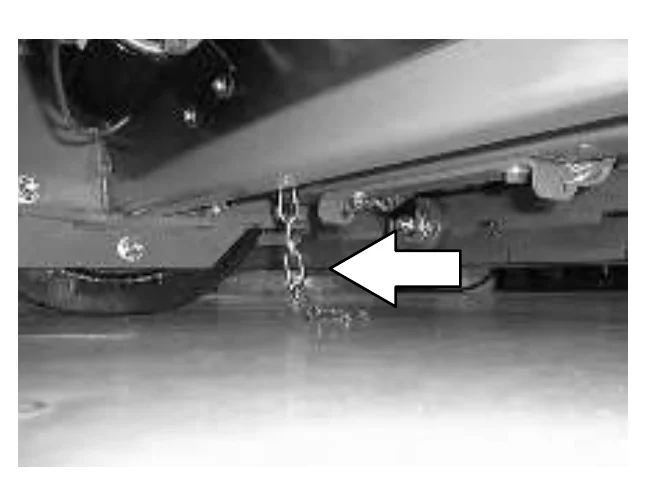
HOPPER LIFT DRIVE CHAIN
The hopper lift drive chain is located on the left hand side of the machine, close to the hopper. The chain tension should be checked after the first 50 hours of operation and every 500 hours there after.
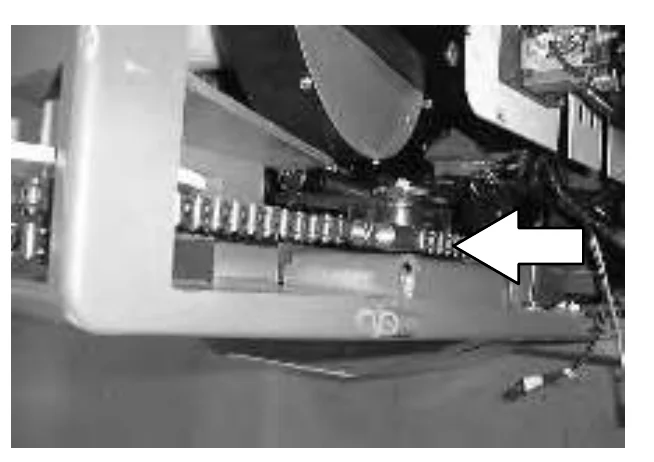
Check the chain tension with the hopper raised and in the dump position. There should be no more than 1/8 deflection on the back side of the chain. Adjust the tension with the chain tension adjustment.
HOPPER TILT DRIVE CHAIN
The hopper tilt drive chain is located on the left hand side of the machine, along side the hopper lift arm. The chain tension should be checked after the first 50 hours of operation and every 500 hours there after.
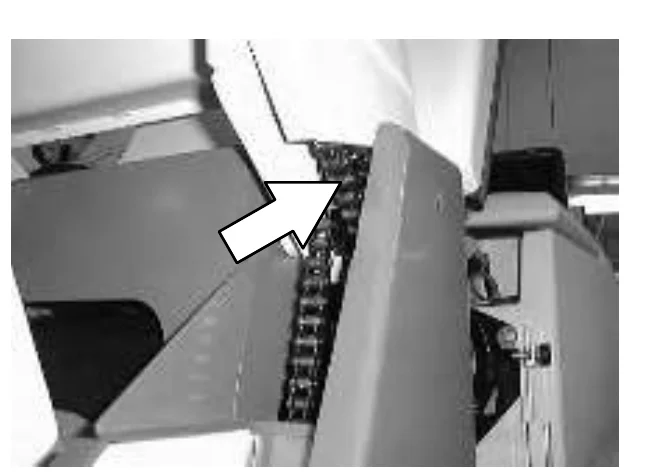
Check the chain tension with the hopper raised and in the dump position. There should be no more than 1/8 deflection on the back side of the chain. Adjust the tension with the chain tension adjustment.
SKIRTS AND SEALS
FRONT FLAP SKIRT
The front flap is located in front of the sweeping assembly. The flap can be raised and lowered by the front flap lever, allowing large debris to be trapped and swept up into the hopper. Check the front flap skirt after every 50 hours of operation for damage or wear. The front flap skirt should be just touching the floor, or 4 mm (0.188 in) off the floor in dusty sweeping conditions.
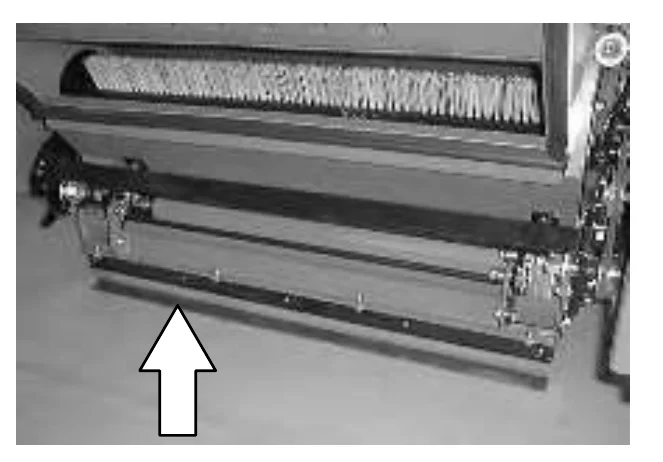
RECIRCULATION SKIRTS
The recirculation skirts are located behind the main sweeping brush. Inspect the recirculation skirts for damage and wear after every 50 hours of operation.
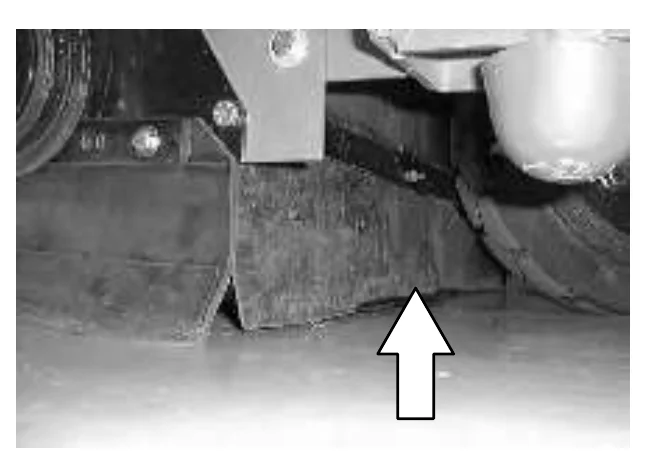
SIDE SKIRTS
The side skirts help direct debris into the debris hopper. The side skirts are located on both sides of the main sweeping brush. The side skirts should be just touching the floor. Check the skirts after every 50 hours of operation for damage or wear.
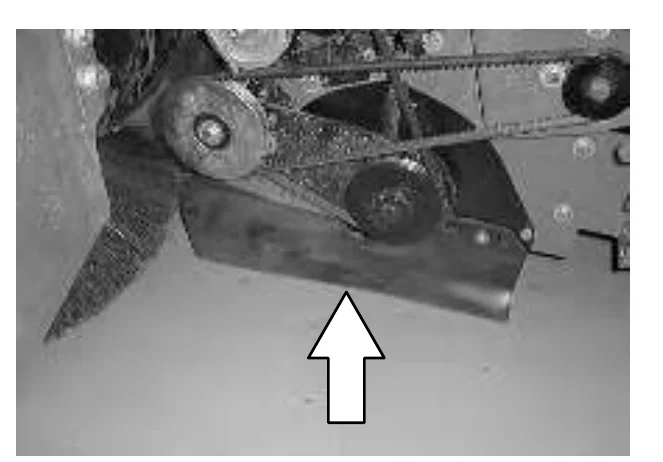
MAINTENANCE
SCRUB HEAD FLOOR SKIRTS
The skirts are located in front and rear of the disc brush scrub heads. Check the skirts for damage and wear every 50 hours of operation.
The skirts should clear the floor by 0 to 6 mm (0 to 0.25 in) when the scrub brushes are new, and the scrub head is down.
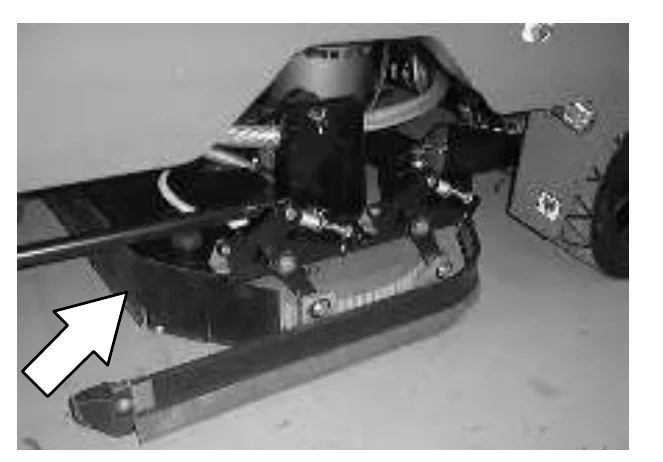
TOP COVER SEALS
The top cover seals are located around the edge of the top cover, between the front hopper, and the side door.
Check the seals for wear or damage every 100 hours of operation.
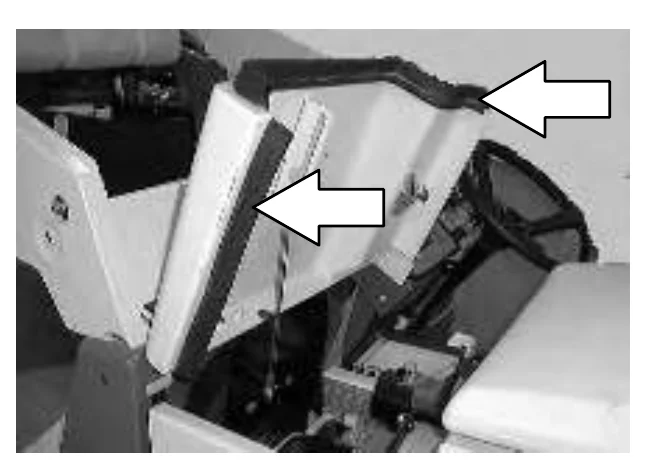
SIDE COVER SEAL
The side cover seal is located on the edge of the side cover door.
Check the seal for wear or damage every 100 hours of operation.
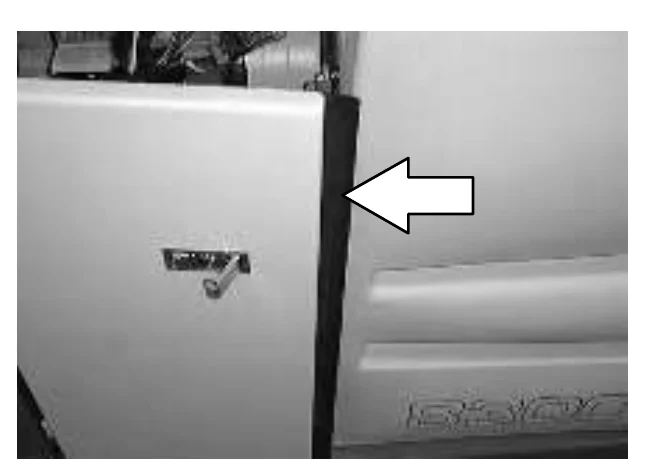
HOPPER FILTER SEALS
The hopper filter seals are located around the outer edge, on both sides of the hopper filter. The hopper filter seals seal the hopper filter in between the hopper baffle plate and the hopper filter cover when the hopper filter cover is latched down in the proper operating position.
Check the seals for damage and wear after every 100 hours of operation.
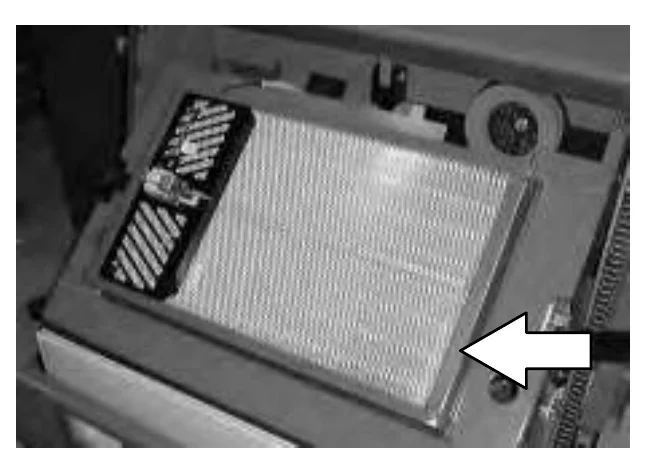
HOPPER VACUUM FAN SEAL
The vacuum fan seal is located between the hopper cover and vacuum fan inlet.
Check the seal for damage and wear after every 100 hours of operation.
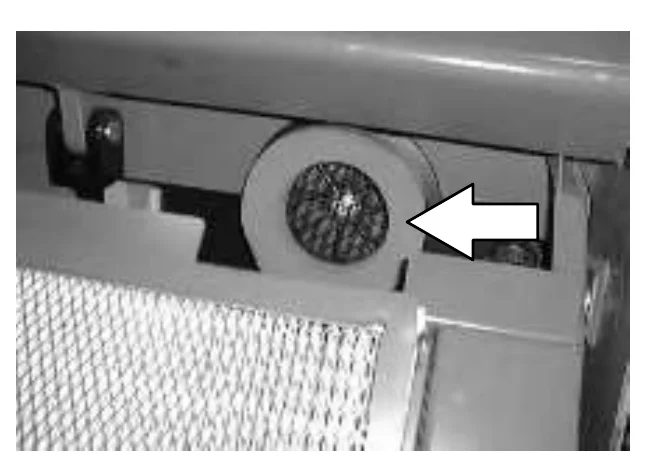
HOPPER SEALS
The hopper seals are located on the bottom side of the machine frame that contact the top edge of the hopper.
Check the seals for damage and wear after every 100 hours of operation.
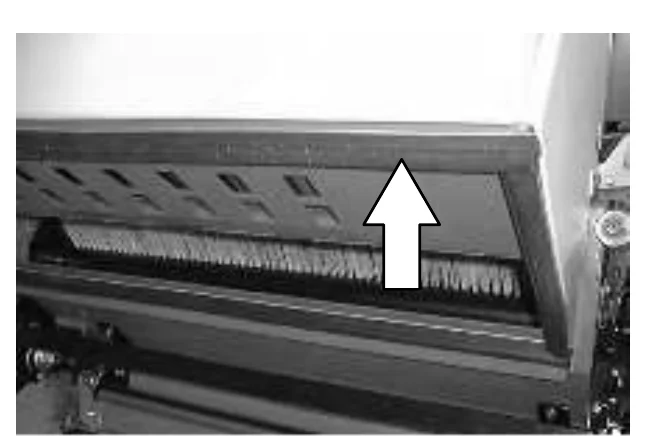
SOLUTION TANK COVER SEAL
The solution tank cover seal is located under the solution tank cover.
Check the seal for wear or damage every 100 hours of operation.
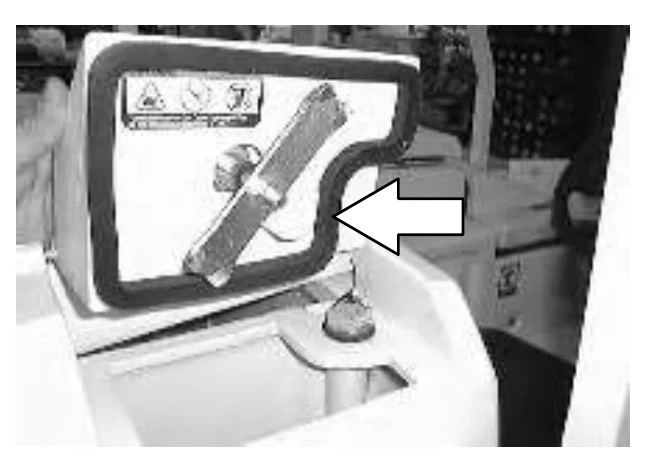
RECOVERY TANK COVER SEAL
The recovery tank cover seal is located under the recovery tank cover.
Check the seal for wear or damage every 100 hours of operation.
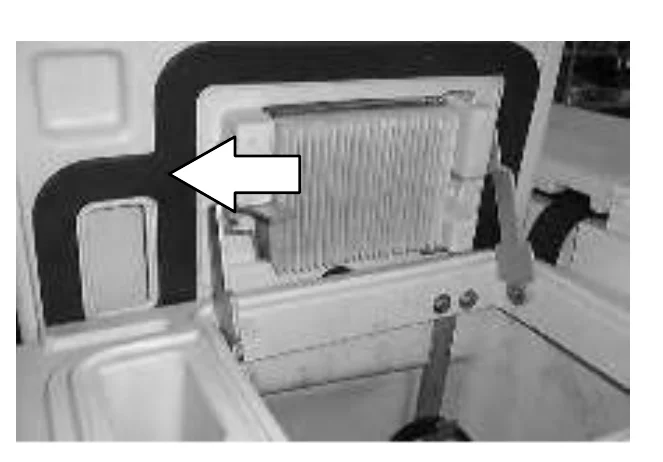
BRAKES AND TIRES
BRAKES
The foot brake and the parking brake operate the linkage that controls the brakes on the rear wheels.
The foot pedal should not travel more than 25 mm (1 in) to engage the brake. Check the brake adjustment after every 100 hours of operation.
Park the machine on a level surface. Turn the machine power off, and block the machine tires.
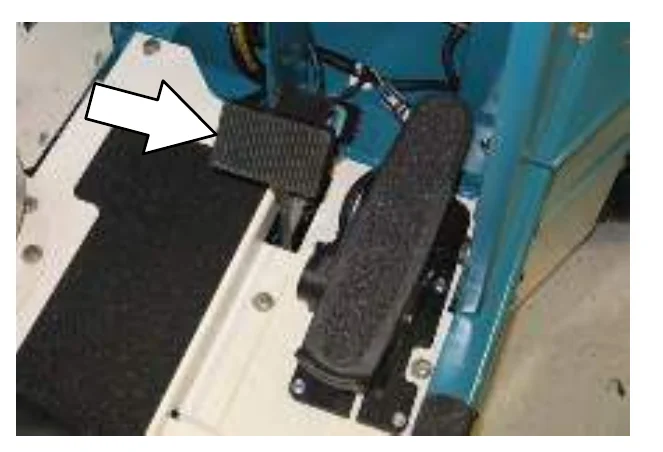
Loosen the adjustment nuts. Adjust the brake cable with one nut and lock in place with the other nut.
Adjust the brake cable so that the brake pedal travels no more than 25 mm (1 in) to fully engage the brakes. Readjust the brake cable if necessary.
Remove the blocks from the machine tires.
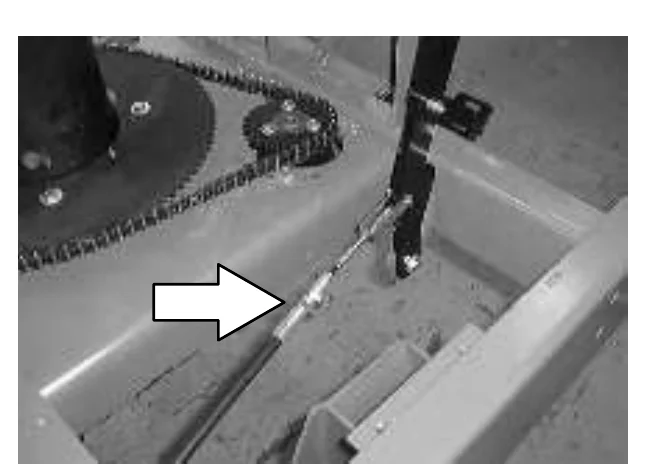
TIRES
All the machine tires are solid. Check the tires for damage and wear every 100 hours of operations.
FRONT WHEEL
Torque the front wheel nuts twice in the pattern shown to 122 to 155 Nm (87−111 ft. lbs) after the first 50 hours of operation, and every 500 hours of operation.
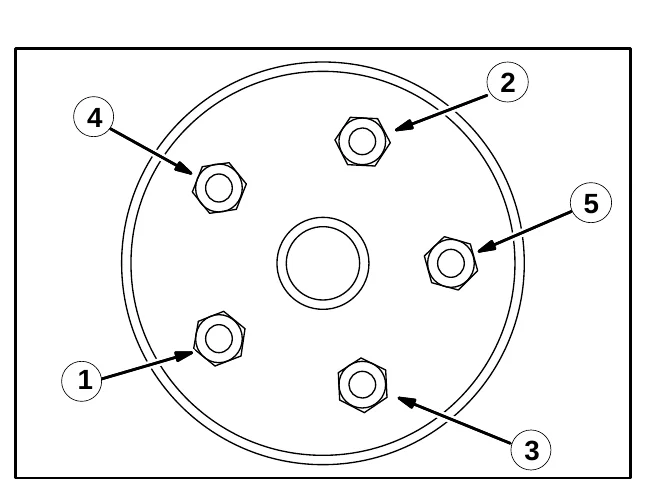
PUSHING, TOWING, AND TRANSPORTING THE MACHINE
PUSHING OR TOWING THE MACHINE
If the machine becomes disabled, it can be pushed from the front or rear, but only tow it from the front.
Only push or tow the machine for a very short distance and do not exceed 3.2 kp/h (2 mph). It is NOT intended to be pushed or towed for a long distance or at a high speed.
TRANSPORTING THE MACHINE
- Position the front of the machine at the loading edge of the truck or trailer.FOR SAFETY: Use a truck or trailer that will support the weight of the machine.
NOTE: Empty the recovery and solution tanks before transporting the machine.
- If the loading surface is not horizontal or is higher than 380 mm (15 in) from the ground, use a winch to load machine.
If the loading surface is horizontal AND is 380 mm (15 in) or less from the ground, the machine may be driven onto the truck or trailer.
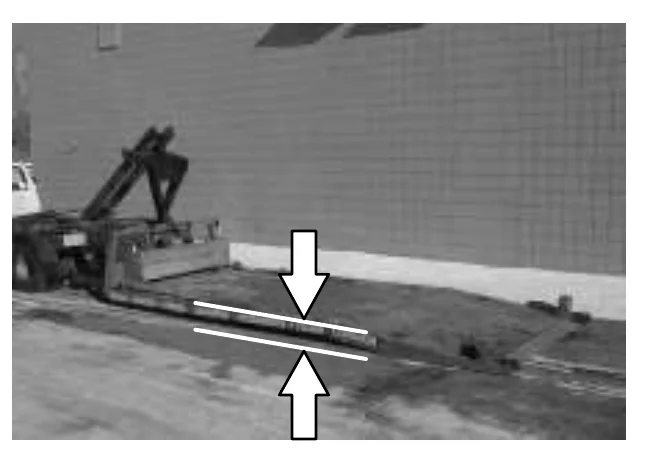
- To winch the machine onto the truck or trailer, attach the winching chains to the front tie down locations. The front tie-down locations are on the front sides of the machine. Make sure the machine is centered.FOR SAFETY: When loading machine onto truck or trailer, use winch. Do not drive the machine onto the truck or trailer unless the loading surface is horizontal AND is 380 mm (15 in) or less from the ground.
MAINTENANCE
- Position the machine onto the truck or trailer as far as possible. If the machine starts to veer off the centerline of the truck or trailer, stop and turn the steering wheel to center the machine.
- Set the parking brake, lower the scrub head and block the machine tires. Tie down the machine to the truck or trailer before transporting.
The front tie-down locations are on the front sides of the machine.
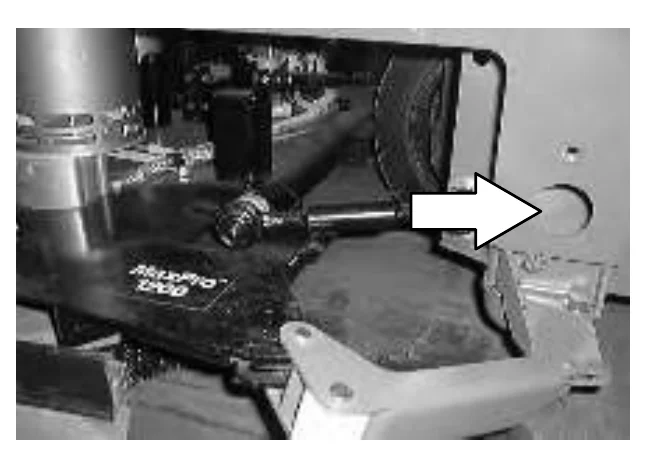
The rear tie-down locations are on the rear corners of the machine.
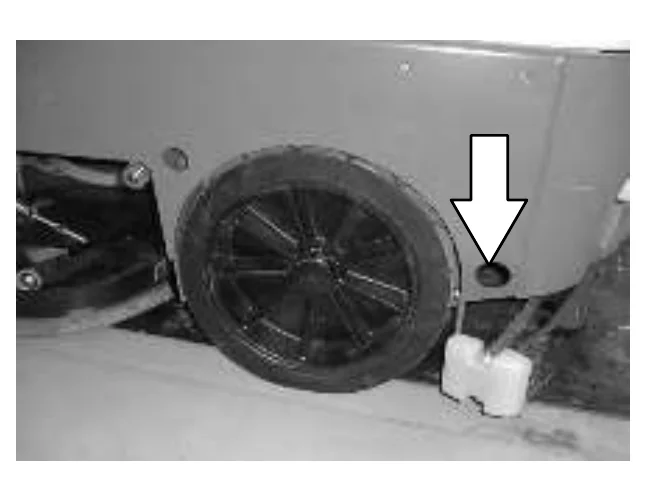
- If the loading surface is not horizontal or is higher than 380 mm (15 in) from the ground, use a winch to unload machine.
If the loading surface is horizontal AND is 380 mm (15 in) or less from the ground, the machine may be driven off the truck or trailer.
MACHINE JACKING
You can jack up the machine for service at the designated locations. Use a jack that will support the weight of the machine. Always stop the machine on a flat, level surface and block the tires before jacking up the machine.
The front jacking locations are located on both sides of the machine, behind the sweeping assembly.
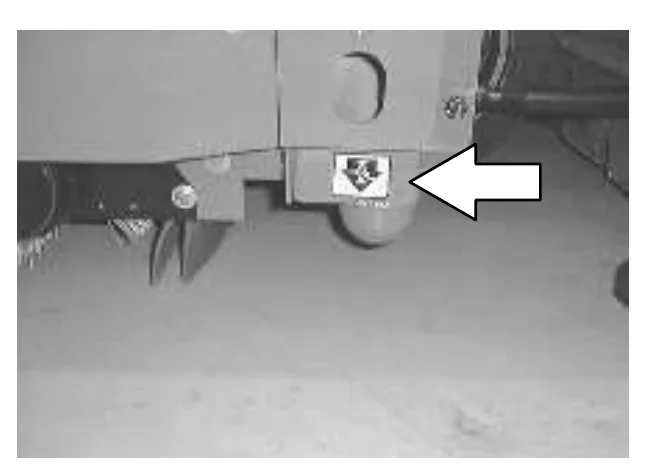
The rear jacking locations are located on the rear bumper, behind the rear tires.
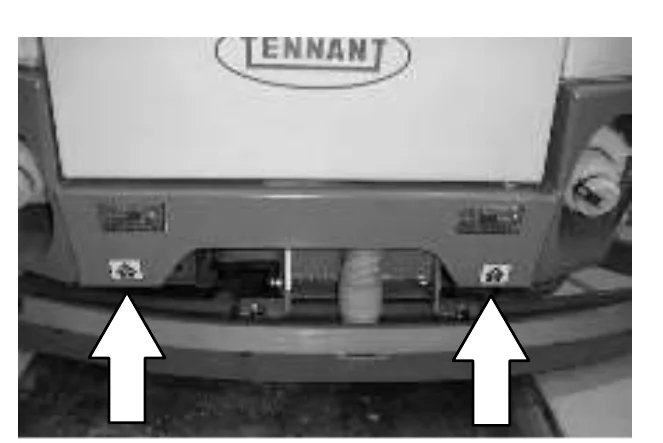
STORAGE INFORMATION
The following steps should be taken when storing the machine for extended periods of time.
- Drain and clean the solution and recovery tanks.
ES™ machines: Run clean water through the solution system and the ES™ solution pump. - Raise the rear squeegee and the scrub head.
- Park the machine in a cool, dry area.
- Remove the batteries, or charge them after every three months.
FREEZE PROTECTION (MACHINES WITHOUT OPTIONAL ec–H2O SYSTEM)
- Drain the solution tank and recovery tank of all water.
- Pour 6 gallons (3.8 liters) of Propylene Glycol Based / Recreational Vehicle (RV) Antifreeze into the solution tank at full strength. Do not dilute.
- Turn the machine power on and operate the solution flow system. Turn the machine off when the antifreeze appears at the scrub head.
If the machine is equipped power wand option, operate the the wand for a few seconds to protect the pump.
FREEZE PROTECTING THE ec−H2O SYSTEM
- Completely empty the solution tank and recovery tank.
- Start the machine and run all remaining solution from the solution system. Run the solution system until solution no longer appears at the scrub head.
- Remove the siphon hose from the retainer.
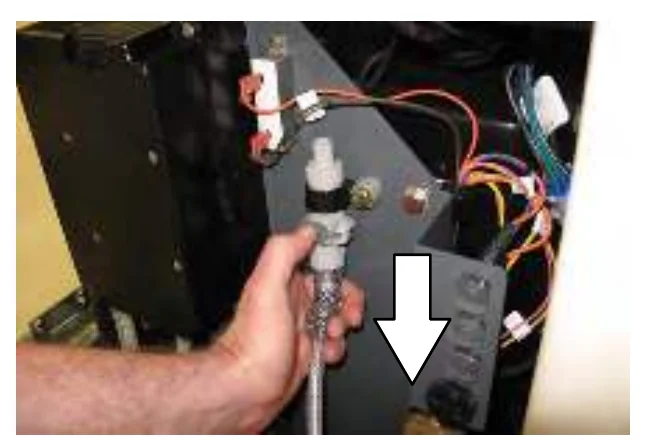
- Disconnect the ec−H2O system intake hose from the solution supply hose.
- Connect the siphon hose to the ec−H2O system intake hose and place the siphon hose into container containing 2 gallons (7.6 liters) of Propylene Glycol Based / Recreational Vehicle (RV) Antifreeze.
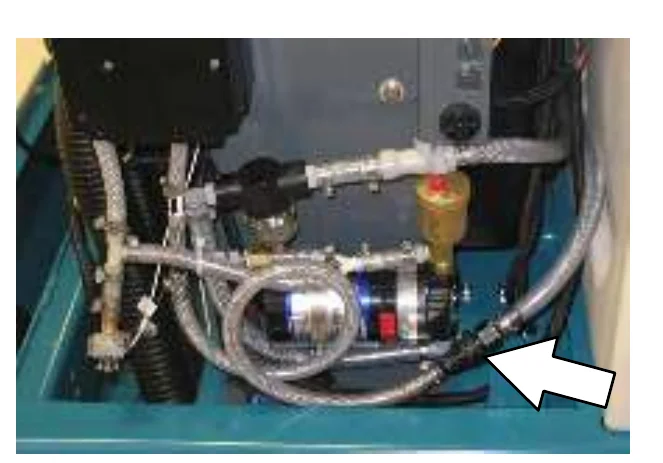
- Press and release the flush switch on the ec−H2O module to cycle the RV antifreeze through ec−H2O system. When the antifreeze appears at the scrub head, press the switch again to turn off the module.
- Disconnect the siphon hose from the ec−H2O system intake hose.
- Reconnect ec−H20 intake hose to the solution supply hose.
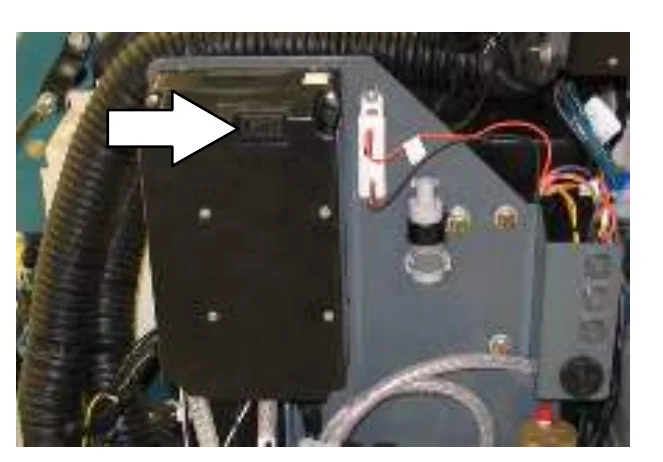
- Reconnect the siphon hose to the retainer and neatly coil the hose for storage.
- If machine is equipped power wand option, operate the the wand for a few seconds to protect the pump.
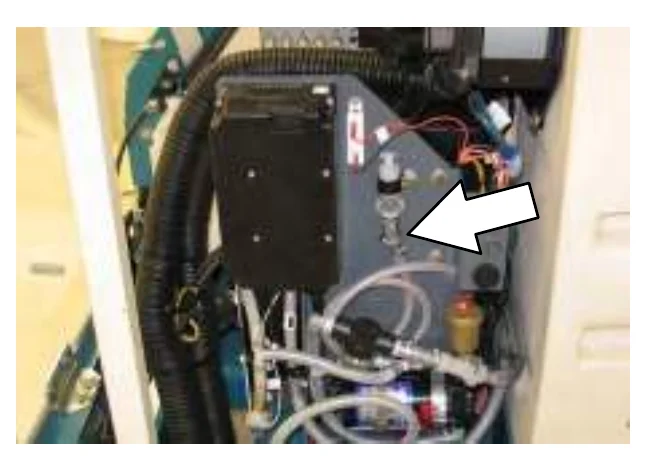
FLUSHING ANTIFREEZE FROM THE ec−H2O MODULE
- Remove the siphon hose from the retainer.
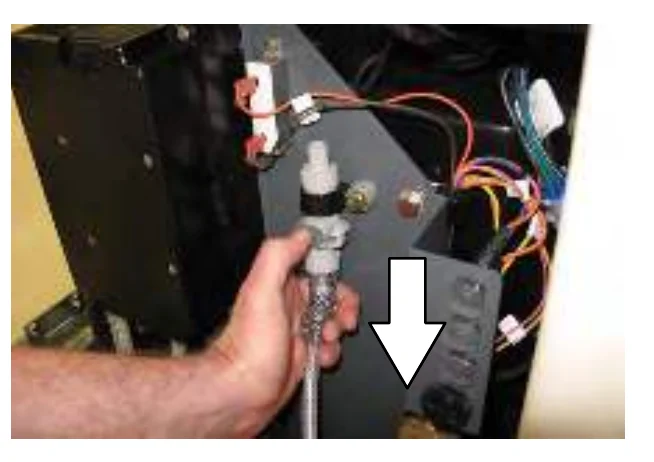
- Disconnect the ec−H2O system intake hose from the solution supply hose.
- Connect the siphon hose to the ec−H2O system intake hose and place the siphon hose into container containing 2 gallons (7.6 liters) of clean water.
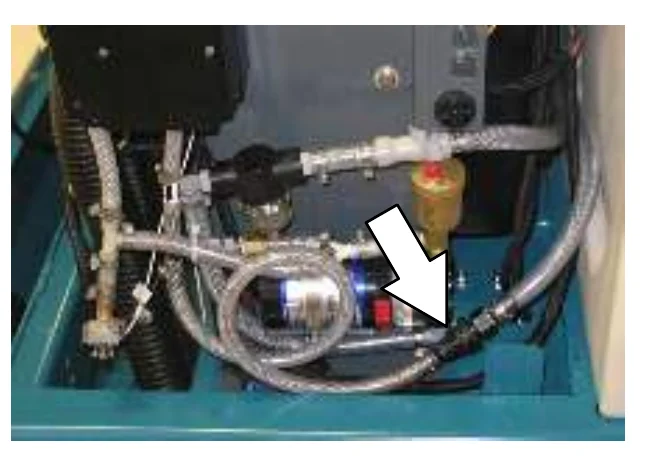
- Press and release the ec−H2O module switch to flush the antifreeze from the ec−H2O system.
When the water turns clear, press the module switch again to stop the flush cycle.
Dispose the antifreeze in an environmentally safe way according to local waste disposal regulations.
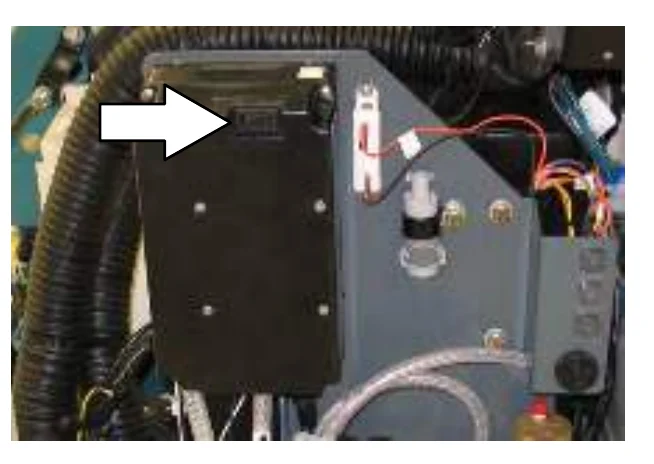
- The machine is now ready for scrubbing.
SPECIFICATIONS
GENERAL MACHINE DIMENSIONS/CAPACITIES
| Item | Dimension/capacity |
|---|---|
| Length | 2641 mm (104 in) |
| Width, frame (with dual side brushes) | 1220 mm (48.5 in) |
| Height, standard | 1450 mm (57 in) |
| Height with overhead guard option | 2070 mm (81.5 in) |
| Cylindrical brush diameter | 229 mm (9 in) |
| Sweeping path width, single side brush (RH) | 1270 mm (50 in) |
| Sweeping path width, dual side brushes | 1625 mm (64 in) |
| Hopper weight capacity | 135 kg (300 lbs) |
| Hopper volume capacity | 84.6 L (3 ft3) |
| Dust filter area | 4.8m2 (52.5 ft2) |
| Solution tank capacity | 216 L (57 gal) |
| Recovery tank capacity | 216 L (57 gal) |
| Tank capacity with ES option | 340 L (90 gal) |
| Propelling gear box 90 wt. gear lubricant capacity | 2.7 L (2.7 qt) |
| Ceiling height minimum dumping clearance | 1525 mm (60 in) |
| GVWR | 2060 kg (4580 lb) |
| Vibration level at steering wheel does not exceed | 2.5 m/s2 |
| Vibration level at operator seat does not exceed | 0.5 m/s2 |
| Item | Max Pro 1000 | Max Pro 1200 |
|---|---|---|
| Disc brush diameter | 510 mm (20 in) | 406 mm (16 in) |
| Cylindrical brush length | 978 mm (38.5 in) | 1180 mm (46.5 in) |
| Rear Squeegee width | 1300 mm (51 in) | 1510 mm (59.5 in) |
| Scrubbing path width | 1020 mm (40 in) | 1220 mm (48 in) |
FaST SYSTEM
| Item | Measure |
|---|---|
| Solution pump | 36 Volt DC, 5A, 5.7 LPM (1.5 GPM) open flow, 45 psi bypass setting |
| Low solution flow rate | 2.08 LPM (0.55 GPM) |
| High solution flow rate | 4.16 LPM (1.1 GPM) |
| Detergent pump | 36 Volt DC |
| Low concentrate flow rate | 2.14 CC/Minute (0.07 Liquid Ounces/Minute) |
| High concentrate flow rate | 4.28 CC/Minute (0.14 Liquid Ounces/Minute) |
| Air pump | 36 Volt DC, 0.6 Maximum Amp draw |
| Air pump flow rate | 8.7 LPM (0.3 CFM) open flow |
SPECIFICATIONS
GENERAL MACHINE PERFORMANCE
Batteries and chargers: make sure your charger is compatible with your batteries, and set its charging algorithm to your battery pack before you use it.
| Item | Measure |
|---|---|
| Maximum forward speed | 7.2 km/h (4.5 mph) |
| Maximum reverse speed | 4.8 km (3mph) |
| Minimum turning radius, left | 4547 mm (179 in) |
| Minimum turning radius, right | 4648 mm (183 in) |
| Minimum aisle turn | 2946 mm (116 in) |
| Maximum rated climb and descent angle with full tanks | 6° |
| Maximum rated climb and descent angle with empty tanks | 8° |
POWER TYPE
| Type | Quantity | Volts | Ah Rating | Weight |
|---|---|---|---|---|
| Batteries, Dry | 1 | 36 | 500 @ 6 hr rate | 617 kg (1370 lb) |
| 1 | 36 | 750 @ 6 hr rate | 893 kg (1984 lb) | |
| Batteries, Sealed | 1 | 36 | 600 @ 6 hr rate | 810 kg (1800 lb) |
| Batteries, Wet | 1 | 36 | 380 @ 6 hr rate | 436 kg (960 lb) |
| 1 | 36 | 500 @ 6 hr rate | 617 kg (1370 lb) | |
| 1 | 36 | 750 @ 6 hr rate | 893 kg (1984 lb) |
| Type | Use | VDC | Kw (hp) |
|---|---|---|---|
| Electric Motors | Sweep brush | 36 | 0.60 (.8) |
| Scrub brush | 36 | 0.75 (1) | |
| Heavy Duty scrub brush | 36 | 1.12 (1.5) | |
| Vacuum fan | 36 | 0.63 (0.85) | |
| Propelling | 36 | 3.4 (4.6) |
| Type | VDC | amp | Hz | Phase | VAC |
|---|---|---|---|---|---|
| Chargers | 36 | 75 | 60 | 1 | 208−240−480 |
| 36 | 75 | 60 | 3 | 208−240−480 | |
| 36 | 120 | 60 | 1 | 208−240−480 | |
| 36 | 120 | 60 | 3 | 208−240−480 | |
| 36 | 150 | 60 | 1 | 208−240−480 | |
| 36 | 150 | 60 | 3 | 208−240−480 | |
| 36 | 93 | 60 | 1 | 208−240−480 | |
| 36 | 93 | 60 | 3 | 208−240−480 |
STEERING
| Type | Power source | Emergency steering |
|---|---|---|
| Front wheel, hydraulic and rotary valve controlled | Hydraulic | Manual |
HYDRAULIC SYSTEMS
| System | Capacity | Fluid Type |
|---|---|---|
| Hydraulic reservoir | 1.9L (0.5 gal) | ISO Grade 32 − below 7° C (45° F) |
| Hydraulic total | 2.6L (0.65 gal) |
BRAKING SYSTEM
| Type | Operation |
|---|---|
| Service brakes | Mechanical drum brakes (2), one per rear wheel, cable actuated |
| Parking brake | Utilizes service brakes, cable actuated |
TIRES
| Location | Type | Size |
|---|---|---|
| Front (1) | Solid | 413 X 152 mm (16.25 x 6 in) |
| Rear (2) | Solid | 406 X 127 mm (16 x 5 in) |
ec−H20 SYSTEM
| Item | Measure |
|---|---|
| Solution pump | 36 Volt DC, 5A, 5.7 LPM (1.5 GPM) open flow, 45 psi bypass setting |
| Solution flow rate | 1.67 LPM (0.44 GPM) − Low (optional)* |
| 2.35 LPM (0.62 GPM) − Low (standard) | |
| 3.18 LPM (0.84 GPM) − Low (optional)* | |
| 3.80 LPM (1.00 GPM) − High (standard) |
*If the optional solution flow rates are required, contact an Authorized Service Center.
SPECIFICATIONS
MACHINE DIMENSIONS
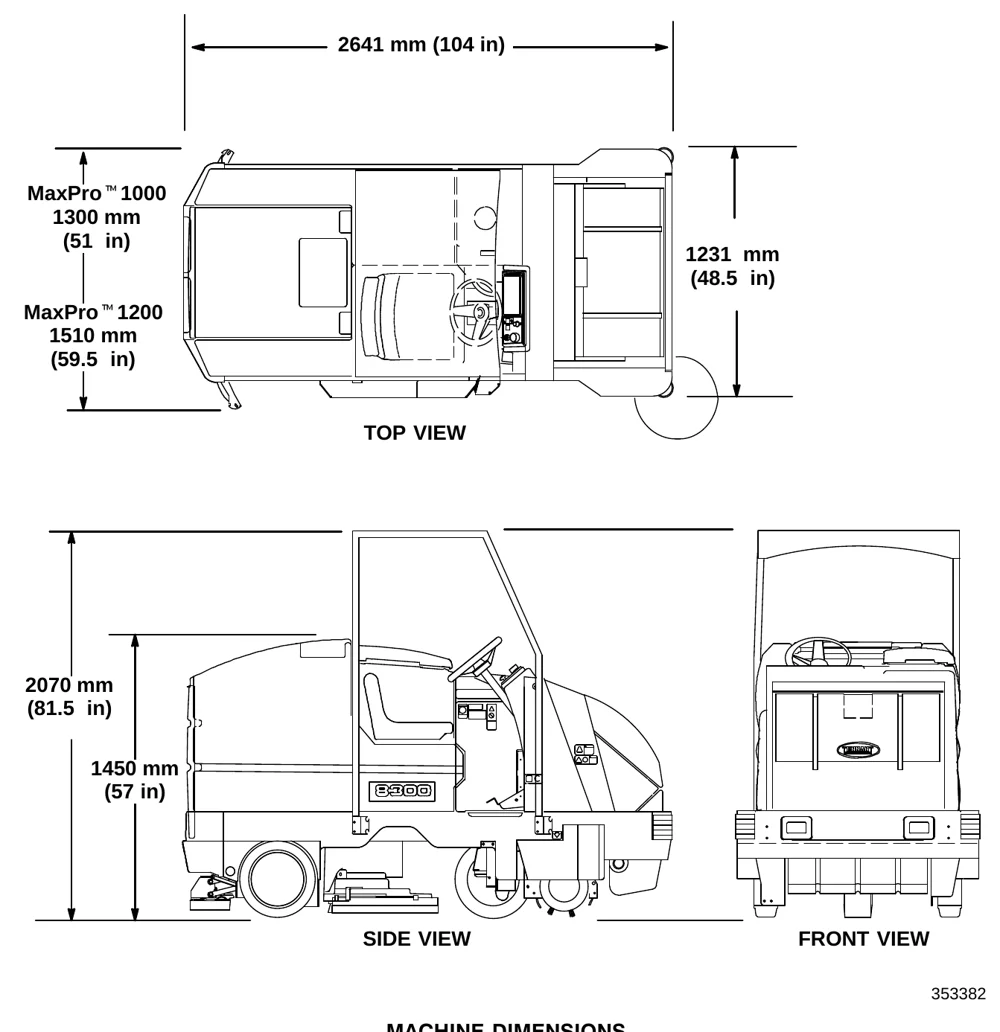
| View | Dimension |
|---|---|
| Top view, length | 2641 mm (104 in) |
| Top view, MaxPro™ 1000 | 1300 mm (51 in) |
| Top view, MaxPro™ 1200 | 1510 mm (59.5 in) |
| Top view, width | 1231 mm (48.5 in) |
| Side view, overall height | 2070 mm (81.5 in) |
| Side view, height | 1450 mm (57 in) |
INDEX
A
Adjusting rear squeegee blade deflection, 123
Adjusting the side squeegee, 125
Adjustments, Service brakes, 135
Aisle turn, 145
Ajustments, Steering gear chain, 129
B
Batteries, 91 - 94
- Charger specifications, 145
- Charging, 92 − 94
- Discharge indicator, 19
- Maintenance, 91
- Specifications, 145
Battery, Fluid level, 42, 68
Battery discharge indicator, 19
Bearings
- Front wheel support, 85
- Rear wheel, 87
Belts, Brush drive, 128
Belts and chains, 128
- Main sweeping brush belt, 128
- Sweeping brush drive belt, 128
- Sweeping vacuum fan belt, 129
Brake pedal, 12
Brakes, 42, 68, 135
Brakes and Tires, 135
Braking system, Specifications, 146
Brush, 68
Brush drive belts, 128
Brush pressure adjustment, scrubbing, 21
Brushes
- information, recommendations, 49
- main brush information, 102
- main sweeping brush replacement, 102
- Maintenance, 42, 68
- Scrubbing, 50
- Drive belts, 128
- side sweeping brush replacement, 107
Button, Horn, 14
C
Capacities, 144
Chain
- Drive, 88, 130
- Steering gear, 88
Chains
- Static drag, 129
- Steering gear, 129
Changing message display language, 18
Checking and adjusting the main sweeping brush pattern, 103
Circuit breakers, 32
Control panel, 21
- Battery discharge indicator, 19
- Changing message display language, 18
- detergent pump switch (option), 28
- Display clock, 20
- display clock setting & adjusting, 20
- Edge scrub switch, 23
- ES switch, 22
- Filter shaker switch, 25
- functions, 17
- Hopper dump switch, 27
- Hopper lower switch, 26
- Hopper raise switch, 26
- Hopper retract switch, 27
- Hopper Temperature Indicator, 26
- Hourmeter, 19
- maintenance mode, 29, 31
- Rear squeegee switch, 23
- Recovery tank full indicator, 22, 26
- Self , 94
- Side brush switch, 24
- Sweep switch, 24
- Vacuum fan switch, 25
Controls, 11
- Battery discharge indicator, 19
- Brake pedal, 12
- Circuit breakers, 32
- Directional pedal, 12
- ec−H20 switch (option), 17
- Edge scrub, 23
- ES switch, 22
- FaST switch (option), 16
- Filter shaker switch, 25
- Horn button, 14
- Hourmeter, 19
- On , 14
- Operating lights switch, 15
- Parking brake pedal, 12
- Power kill switch, 15
- Power wand switch, 15
- Rear squeegee switch, 23
- Recovery tank full indicator, 22, 26
- Scrub switch, 21
- Side brush, 24
- Side brush adjustment knob, 36
- Solution flow lever, 16
- Steering wheel, 13
- Steering wheel column tilt lever, 16
- Sweep switch, 24
- Vacuum fan, 25
INDEX
Conveyor, Cylindrical, 105
Cylindrical brushes
- Checking and adjusting brush pattern, 111 − 113
- Replacing brushes, 114
Cylindrical conveyor, 105
- Replacement, 105
D
Debris tray, Clean, 42, 68
Detergent pump switch (option), 28
Dimensions, 144
Directional pedal, 12
Display clock, 20
- setting & adjusting, 20
Double scrubbing, 61
Draining and cleaning the tanks, 62 − 64
Drive chain, 88, 130
Dust filter cleaning, 97
Dust filter removal, 98
E
ec−H20 module flush procedure, 120
- System, 120
ec−H20 Scrubbing System, Indicator Light Codes, 58
ec−H20 Scrubbing System Indicator Light Codes , 58
ec−H20 switch, 17
ec−H20 System, 41
Edge scrub switch, 23
Electric motors, 96, 145
Electrical
- Batteries, 91 − 94
- Charging batteries, 92 − 94
- Circuit breakers, 32
Electrical system, fuses, 34
Electronics, Propelling circuit, 96
ES
- Auto, 48
- Clean tanks, 42, 68
- Detergent level, 42, 68
ES switch, 22
ES system (option), filling the tanks, 46 − 48
F
FaST, System, 118
FaST pak agent, Installing, 43 − 45
FaST pak agent installation, 43 − 45
FaST Supply Hose Connector, 118
FaST switch, 16
FaST System, 40, 118
- FaST supply hose connector, 118
FaST System Air Pump Filter, 118, 119
FaST System Filter Screen, 118
Filling the tanks, 46 − 48
Filter
- FaST System Air Pump Filter, 118, 119
- FaST System Filter Screen, 118
- Vacuum fan inlet, 42, 68
Filter shaker switch, 25
Filter, dust, cleaning, 97
Filter, dust, removal, 98
Flush antifreeze from ec−H20 module, 142
Freeze protection, 139
Freeze protection, ec−H20 system, 140
Front flap lever, 36
Front wheel
- Support bearing, 85
- Torque, 135
Front wheel support bearing, 85
Fuses, 34
H
Hopper
- dust filter cleaning, 97
- dust filter removal, 98
- filter seal, 133
- seals, 133
- Thermo, 101
- vacuum fan seal, 133
Hopper dump switch, 27
Hopper lift arms, 87, 88, 130
Hopper lower switch, 26
Hopper raise switch, 26
Hopper retract switch, 27
Hopper support bar, 36
Hopper Temperature Indicator − Thermo Sentry, 26
Horn button, 14
INDEX
Hoses
- Hydraulic hoses, 90
- Recovery tank drain, 35
- Solution tank drain, 35
Hourmeter, 19
How the machine works, 39
Hydraulics
- Fluid level, 42, 68
- Hydraulic fluid, 90
- Hydraulic fluid reservoir, 89
- Hydraulic hoses, 90
- Specifications, 146
Hydraulics , 89
I
Indicator Light Codes, ec-H20 Scrubbing System, 58
Indicators
- Hopper Temperature, 26
- Recovery tank full, 22, 26
- Scrub brush pressure, 21
J
Jack points, 138
Jacking, 138
K
Knobs, Side brush adjustment, 36
L
Leveling the rear squeegee, 122
Levers
- Front flap, 36
- Solution flow, 16
- Steering wheel column tilt, 16
Lubrication, 85
- Drive chain, 88, 130
- Front wheel support bearing, 85
- hopper lift arms, 87, 88, 130
- Propelling gearbox, 85
- Rear wheel bearings, 87
- Scrub head drag link arms, 86
- Steering gear chain, 88
M
Machine, Jacking, 138
Machine components, 8
Machine dimensions, 147
Machine tie down location, 137
Main brush
- information, 102
- sweeping brush replacement, 102
Main sweeping brush, Adjusting brush pattern, 103
Maintenance, 82 - 106
- Checking and adjusting brush pattern, 111 − 113
- Cylindrical brushes, 111
- Disk brushes, 109 − 114
- Intervals, 82
- Recommended, 7
- Replacing cylindrical brushes, 114
- Replacing disk brushes, 109
- Scrub brushes, 109 − 114
Maintenance chart, 82
Maintenance mode
- definition, 29
- disabling, 31
- resetting timers, 29
Motors, Electric, 96, 145
O
OnĆ, 14
Operating lights switch, 15
Operation, 7 - 56
- disengaging hopper support bar, 55
- emptying the hopper, 52
- engaging hopper support bar, 54
- stop sweeping, 51
- sweeping, 51
Operation on inclines, 69
Operations
- control panel functions, 17
- stop scrubbing, 61 − 63
Operator Responsibility, 7
Operator seat, 37
- suspension (option), 37
Options, 69 - 77
- ES switch, 22
- Positive solution control drain, 35
- Power wand, 73 − 80
- Power wand switch, 15
- Vacuum wand, 69 − 73
INDEX
P
Parking brake pedal, 12
Pedal, Directional, 12
Pedals
- Brake, 12
- Parking brake, 12
Positive solution control drain, 35
PostĆ, 68
Power kill switch, 15
Power wand, 73 - 80
Power wand switch, 15
PreĆ, 42
Propelling circuit, 96
Propelling gearbox, 85
Pushing machine, 136
Pushing or towing the machine, 136
Pushing, towing, and transporting machine, 136
R
Rated incline and descent, 145
Rear squeegee, 122
- Adjusting deflection, 123
- Leveling, 122
Rear squeegee assembly, Removal, 124
Rear squeegee blades, 125
Rear squeegee switch, 23
Rear wheel bearings, 87
Recirculation skirts, 131
Recoevery tank, Drain and clean, 42, 68
Recovery tank, 116
- Drain hose, 35
- Draining and cleaning, 62 − 64
- Positive solution control drain, 35
- Tank full indicator, 22, 26
Recovery tank cover seal, 134
Recovery tank drain hose, 35
Replacing disk brushes, 109
Replacing rear squeegee blades, 125
Replacing side squeegee blades, 127
Rotating rear squeegee blades, 125
S
Safety
- Labels, 5
- Precautions, 3
Screen, FaST System Filter Screen, 118
Scrub brush pressure adjustment, 21
Scrub brushes, 109 - 114
- Adjusting cylindrical brush pattern, 111 − 113
- Brush pressure, 21
- Checking cylindrical brush pattern, 111 − 113
- Cylindrical brushes, 111
- Disk brushes, 109
- Replacing cylindrical brushes, 114
- Replacing disk brushes, 109
Scrub functions, stop scrubbing, 61 - 63
Scrub head, 108 - 114
- Adjustments, 108
- Drag link arms, 86
- Floor skirts, 132
- Gas spring, 108
Scrub head adjustments, 108
Scrub head drag link arms, 86
Scrub head floor skirts, 132
Scrub head gas spring, 108
Scrub heads, 39
- Max Pro 1000, Cylindrical, 39
- Max Pro 1000 , disk, Heavy duty, 39
- Max Pro 1200, Cylindrical, 39
- MaxPro 1000 , disk, 39
- MaxPro 1200, disk, 39
Scrub switch, 21
Scrubbing, 57
- Double, 61
Scrubbing brushes, 50
Scrubbing information, 49
Scrubbing pads, 50
Seals
- hopper, 133
- hopper filter, 133
- Tank Cover, 42, 68
- vacuum fan, 133
Seat, suspension, (option), 37
SelfĆ, 94
Service records, 42, 68
Side, Skirts, 131
Side brush adjustment knob, 36
Side brush switch, 24
Side brush(es), replacement & adjustment, 107
Side cover seal, 132
INDEX
- Side squeegee, Adjusting, 125
- Side squeegee blades, 127
- Side squeegees, 125
- Side sweeping brush(es), information, 107
- Skirts
- Recirculation , 131
- Scrub head floor, 132
- Side, 131
- sweeping brush, side, 131
- Skirts and seals, 131 - 137
- Recovery tank cover seal, 134
- Side cover, 132
- Solution tank cover seal, 134
- Top cover seals, 132
- Solution
- Flow lever, 16
- System, 116
- Tank drain hose, 35
- Solution flow lever, 16
- Solution system, 116
- Solution valve, 116
- Solution Tank, 117
- Drain hose, 35
- Draining and cleaning, 62 - 64
- filling, 46 - 48
- Positive solution control drain, 35
- Solution tank cover seal, 134
- Solution tank drain hose, 35
- Solution valve, 116
- Specifications, 144 - 146
- Braking system, 146
- Chargers, 145
- ec-H20 system, 146
- Electric motors, 145
- FaST System, 144
- Hydraulic systems, 146
- Machine capacities, 144
- Machine dimensions, 144
- Machine performance, 145
- Power type, 145
- Steering, 146
- Tires, 146
- Squeegee, 122 - 125
- Adjustment, 42, 68
- Blades, 125
- Squeegee blades, 125
- Rear, 125
- Replacing or rotating rear, 125
- Replacing side, 127
- Side, 127
- Squeegees, Side, 125
- Staring the machine, 45
- Static drag chain, 129
- Steering, 42, 68
- Specifications, 146
- Steering gear chain, 88, 129
- Steering wheel, 13
- Steering wheel column tilt lever, 16
- Stop Scrubbing, 61
- Stop the machine, 67
- Storage information, 139
- Super Scrub switch, 21
- Sweep switch, 24
- Sweeping assembly, 97
- Cylindrical conveyor, 105
- Main sweeping brush, 102
- Sweeping brush drive belt, 128
- Sweeping brush side skirts, 131
- Sweeping brushes
- main brush replacement, 102
- side brush information, 107
- side brush(es) replacement & adjustment, 107
- Sweeping information, 49
- Sweeping vacuum fan belt, 129
- Switch, detergent pump (option), 28
- Switches
- ec-H20, 17
- Edge scrub, 23
- ES, 22
- FaST, 16
- Filter shaker, 25
- Hopper dump, 27
- Hopper lower, 26
- Hopper raise, 26
- Hopper retract, 27
- On, 14
- Operating lights, 15
- Power kill, 15
- Power wand, 15
- Rear squeegee, 23
- Scrub, 21
- Side brush, 24
- Sweep, 24
- Vacuum fan, 25
- Symbol definitions, 9, 10
INDEX
T
Tanks
Recovery, 116
Solution, 117
Thermo Sentry, Hopper Temperature Indicator, 26
ThermoĆ, 101
Tie down location, 137
Tires, 135 - 136
Specifications, 146
Top cover seals, 132
Towing machine, 136
Transporting machine, 136
Transporting the machine, 136
Troubleshooting, 79
V
Vacuum fan switch, 25
Vacuum wand, 69 - 73
W
Wheel nuts, Torque, 135
Tennant and Nobles are trademarks of Tennant Company. Southeastern Equipment & Supply is an independent dealer.